
Render your projects in seconds
From design to render in seconds—create professional visuals without the hassle.
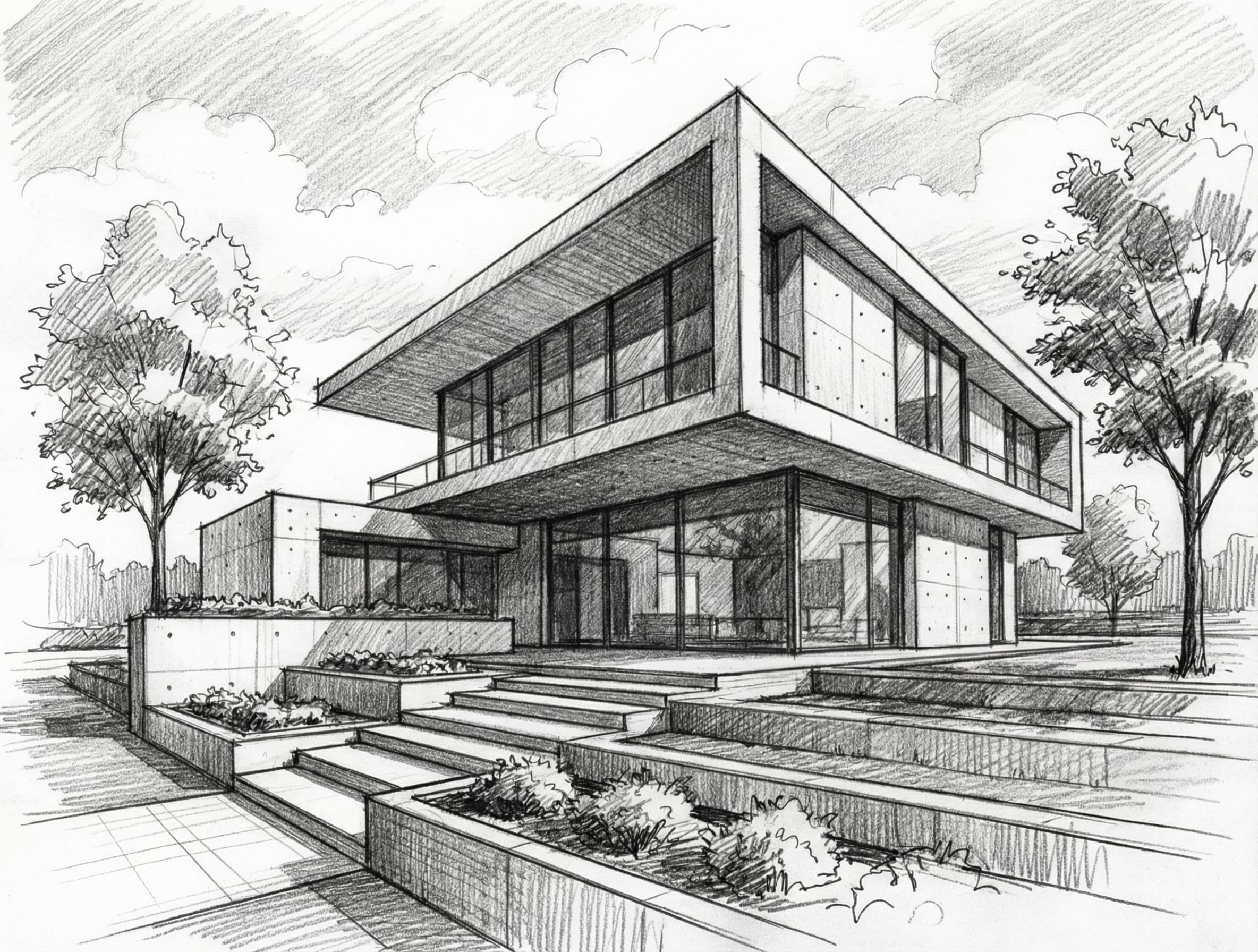
1. Upload your design
Start by uploading your CAD design, sketch, or elevation. Our AI handles any format and resolution.
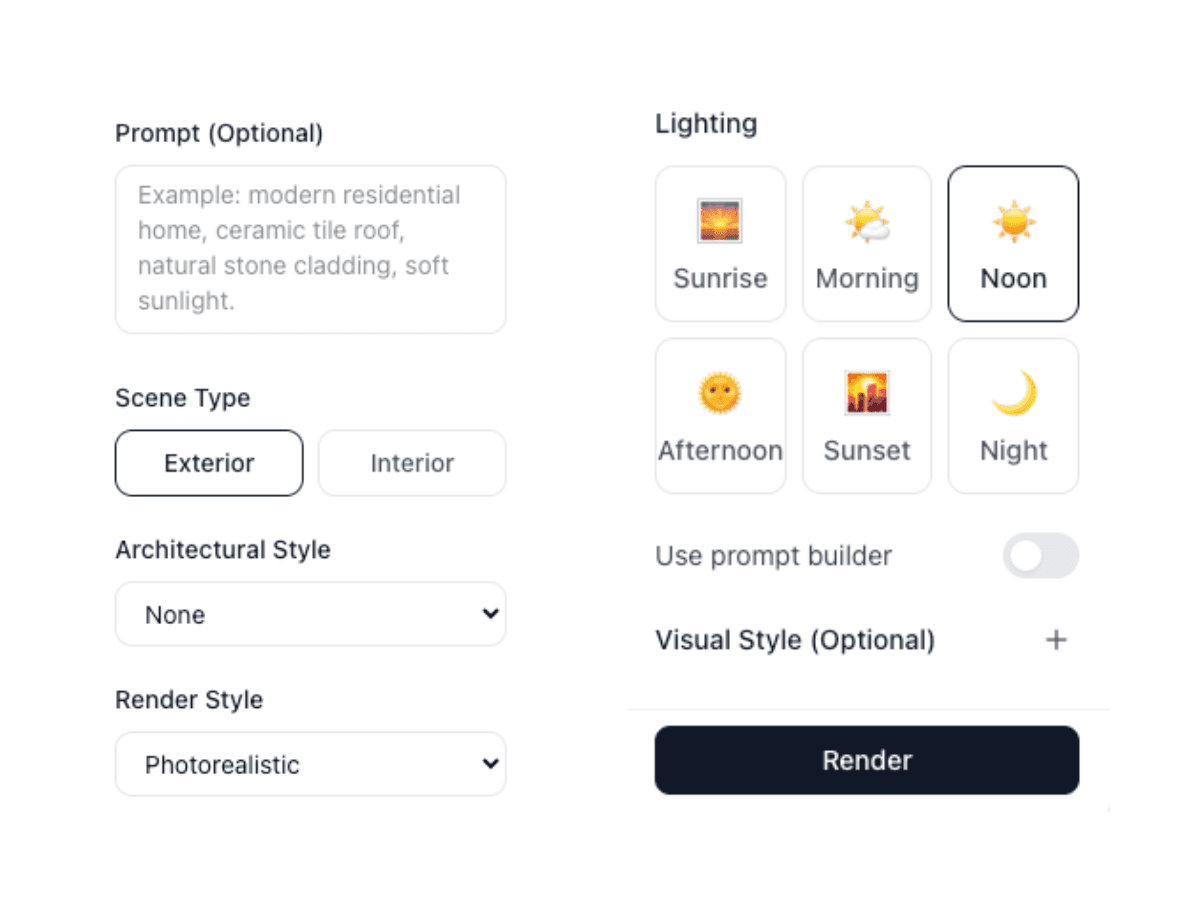
2. Select features and render
Choose from a variety of styles, lighting conditions, and materials. Customize every detail to match your vision.
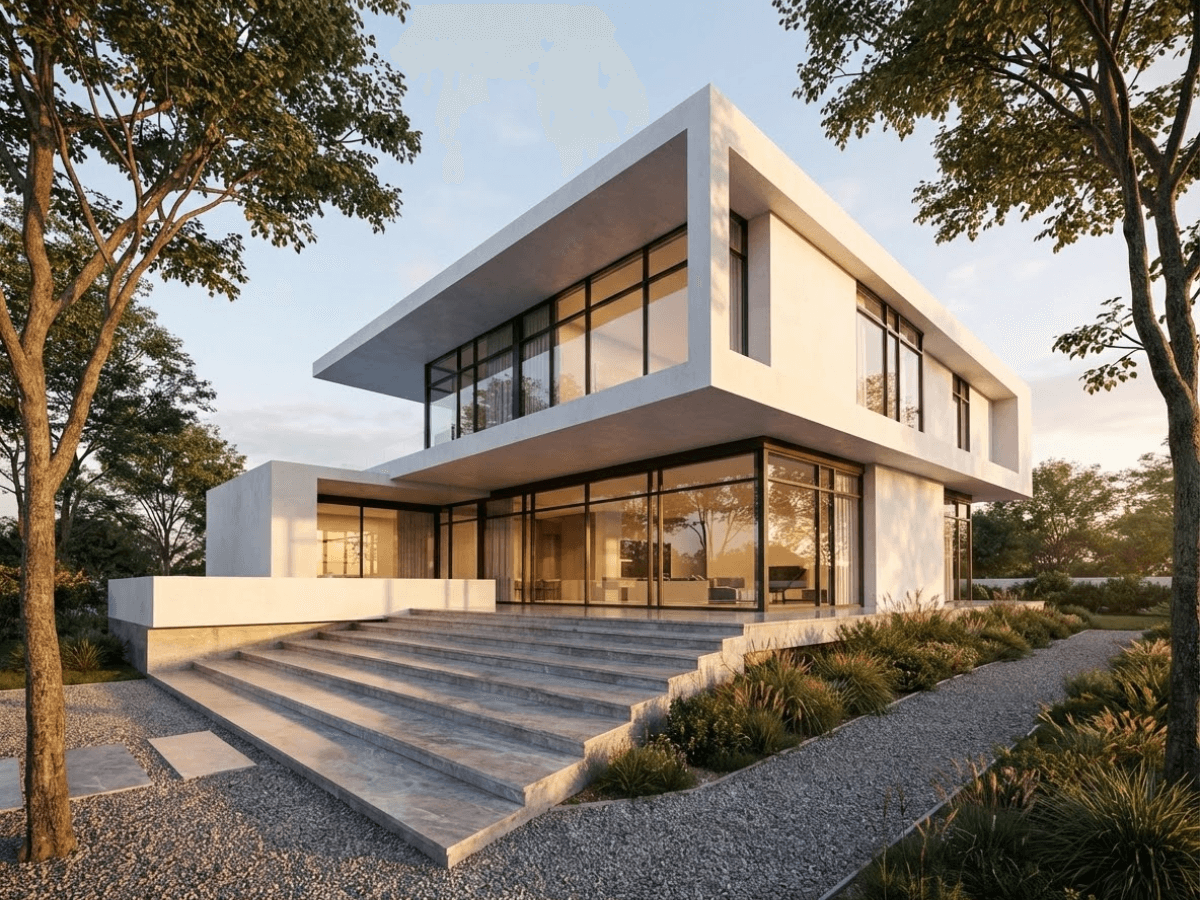
3. Download your render
Get your stunning, photorealistic render in seconds. Export in high resolution ready for presentations.
Precise edits with markup points
Click, describe, and transform specific elements in your renders.
Target specific areas
Click to add markup points on elements you want to change.
Describe your changes
Simply type what you want each element to become.
Preserve the rest
Only marked areas change—the rest stays exactly the same.
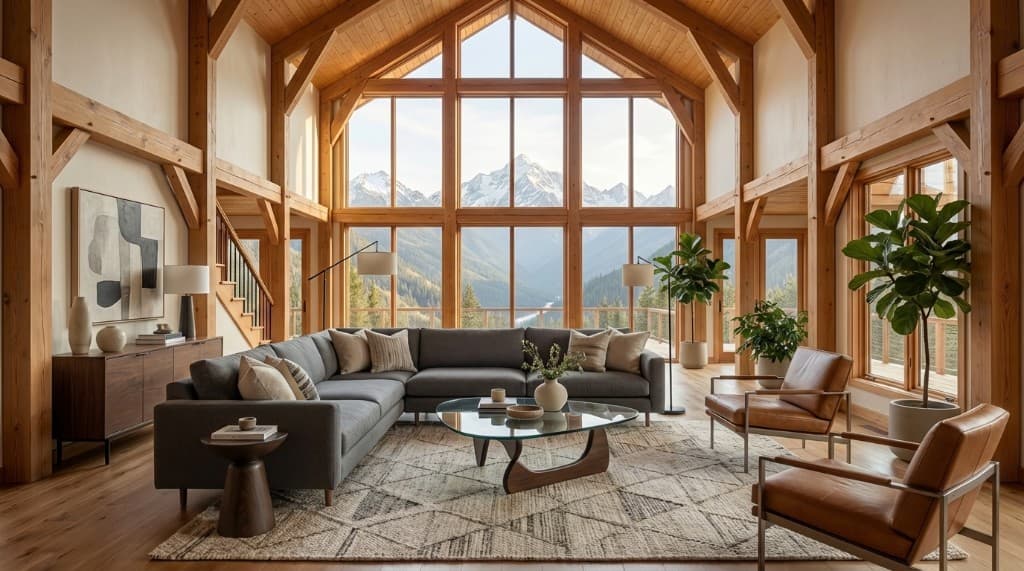
Before Staging
Empty living room
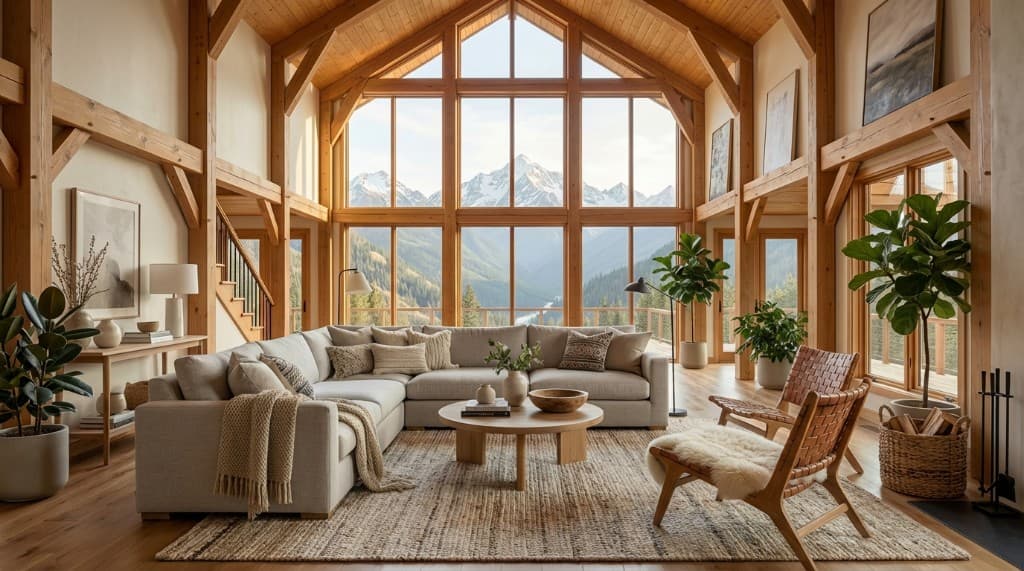
Staged Image
Virtually furnished and decorated
Transform Real Photos with Virtual Staging
Stage construction photos
Upload actual construction or empty space photos and instantly furnish them to show clients the finished potential.
Real estate marketing
Perfect for listing vacant properties. Show buyers what empty spaces could look like fully furnished.
Client presentations
Help clients visualize the design potential of raw spaces with realistic furniture and decor.
Multiple style options
Try different furniture styles and arrangements to find the perfect look for any space or client preference.
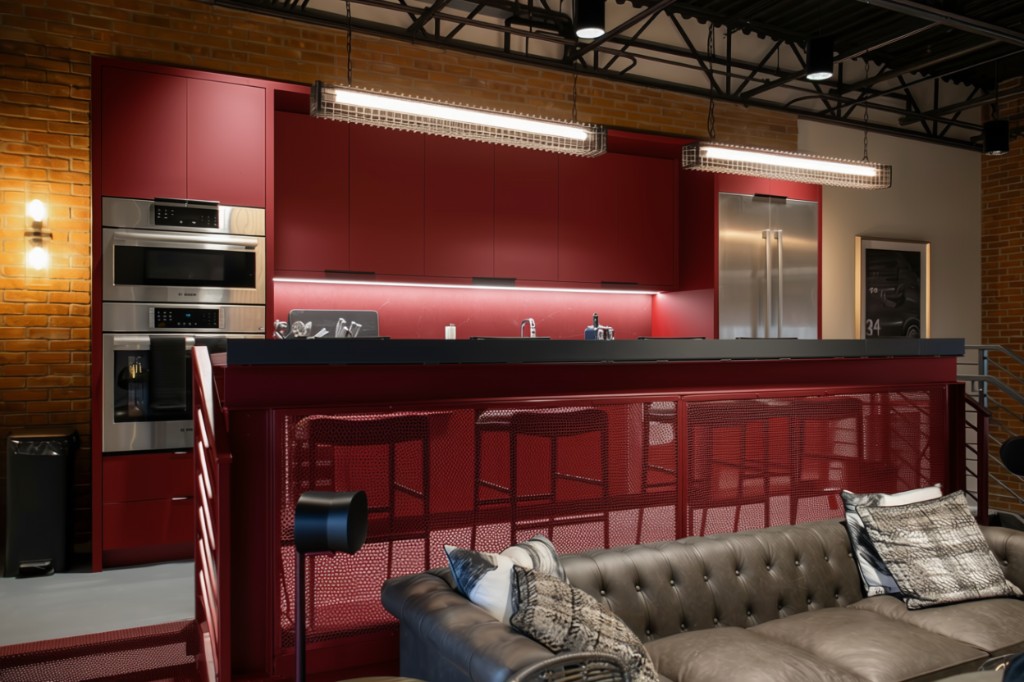
Edit real photos with precision
Mark up any photo to swap materials, change colors, or adjust lighting — and see the result in seconds.
Swap materials instantly
Change cabinetry from dark steel to bold red, swap tile for stone, or test any finish on a real photo.
Pinpoint color changes
Mark up exactly which surfaces to recolor — walls, countertops, fixtures — while keeping everything else untouched.
Refine lighting & atmosphere
Adjust brightness, warmth, and mood to see how different lighting transforms the space.
Enhance your renders
Enhance the details of low-resolution renders.
Improve textures & colors
Bring out richer materials and more vibrant, accurate colors.
Upscale fine details
Sharpen edges and reveal intricate architectural details.
Reduce noise
Remove grain and artifacts for cleaner, professional results.
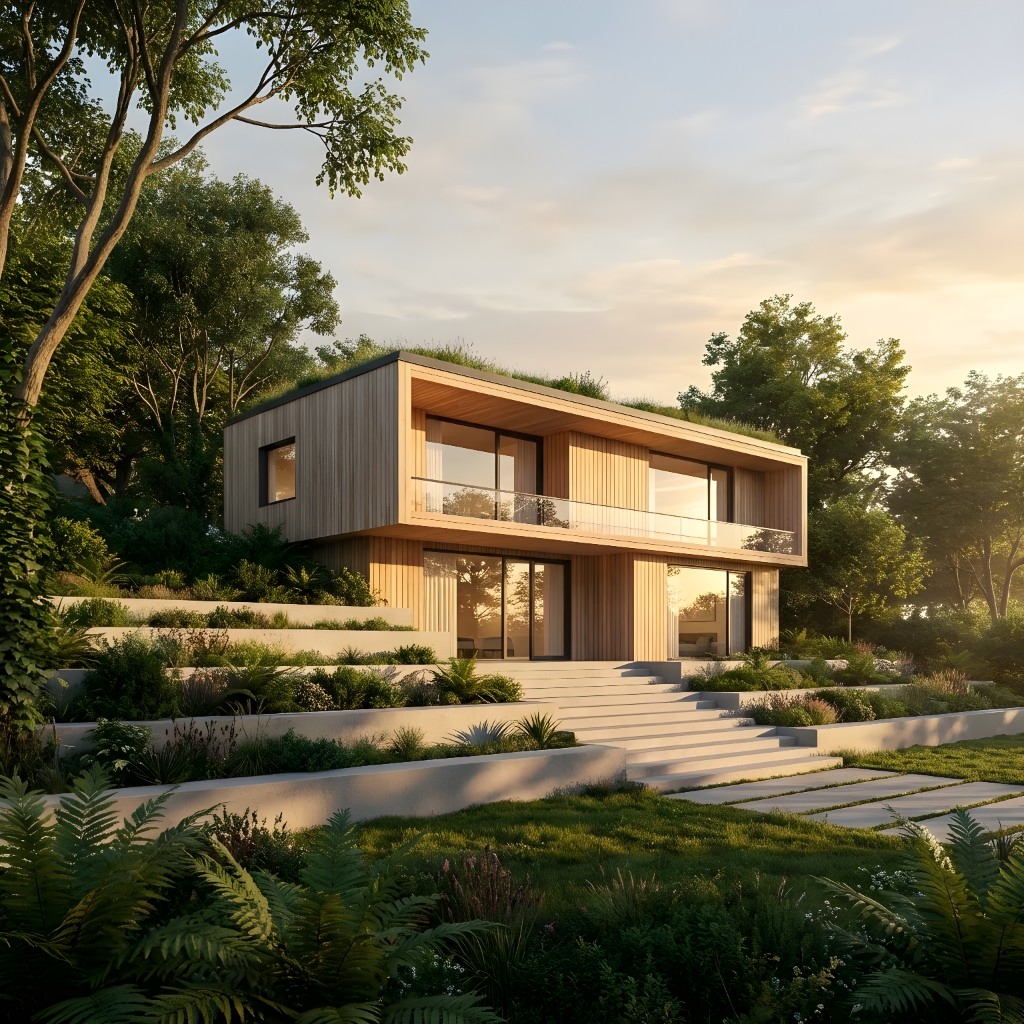
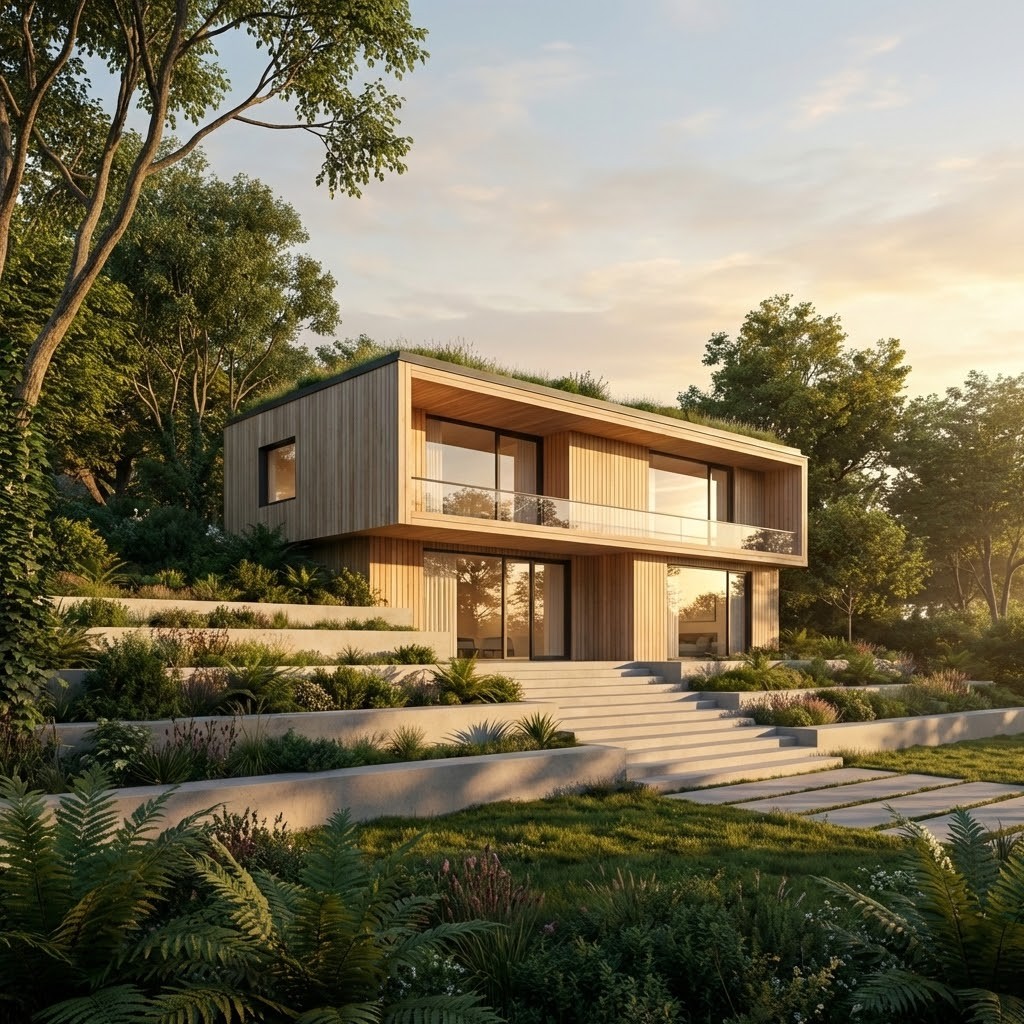
Professional AI Rendering Tools for Architecture & Design Workflows
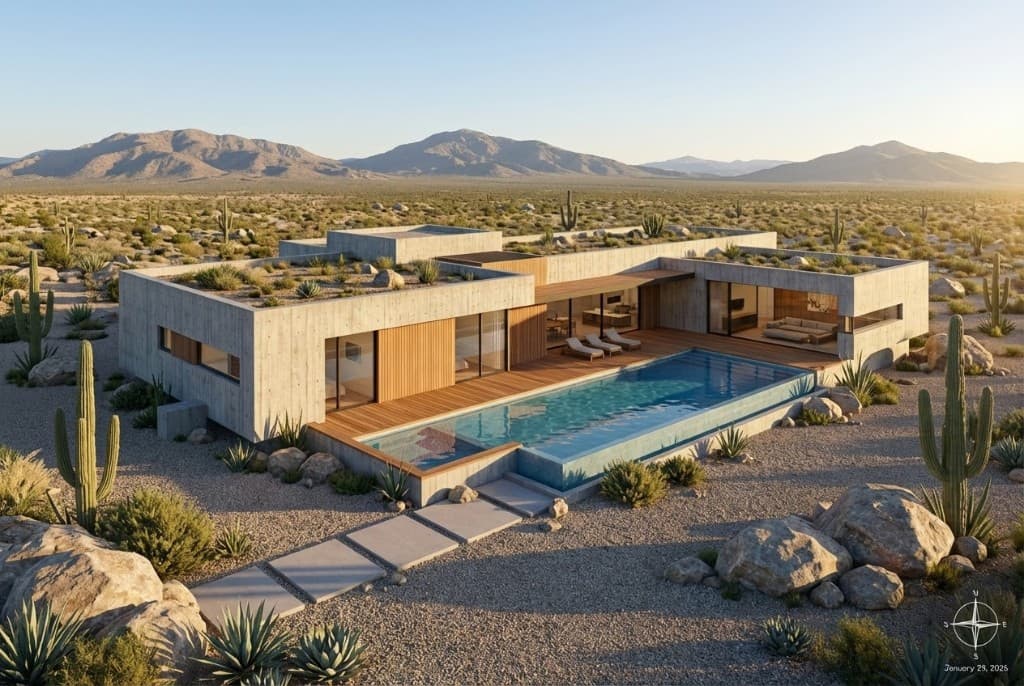
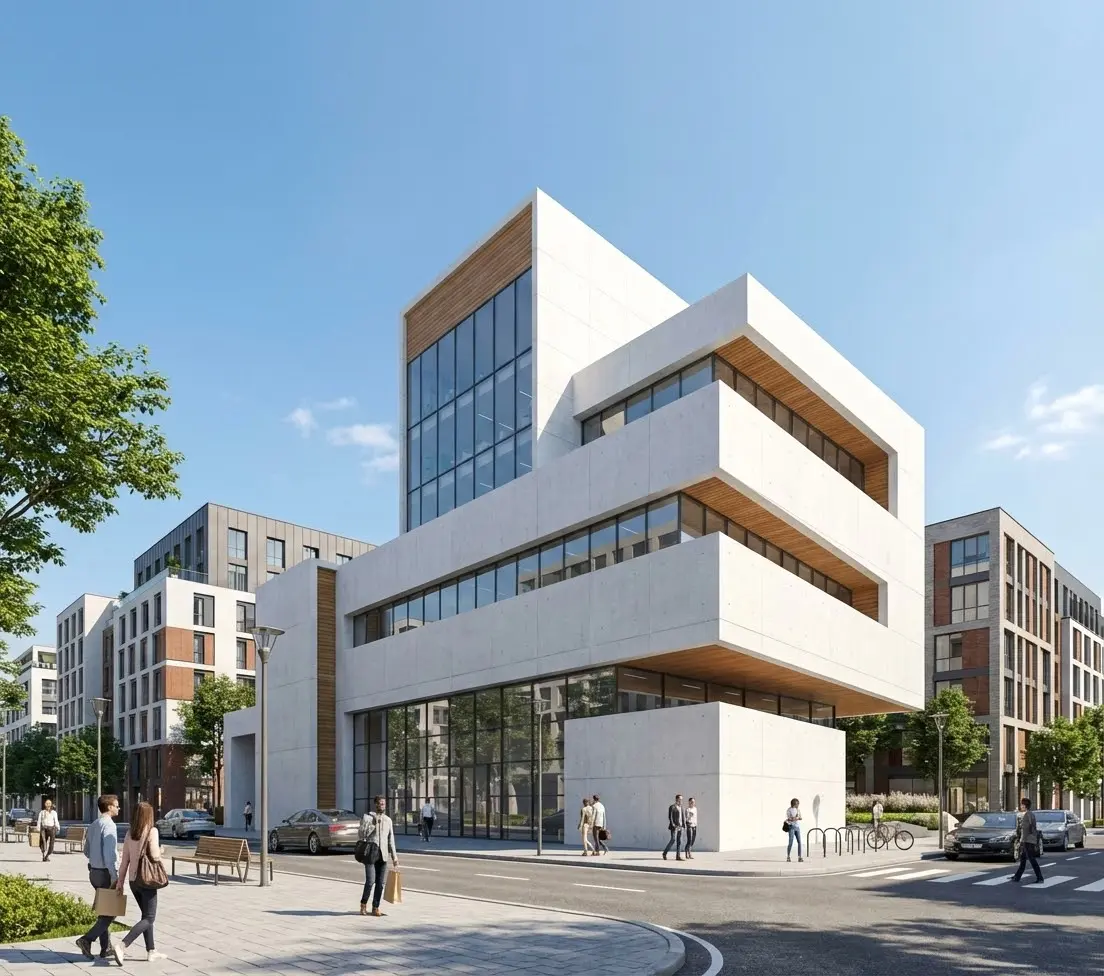
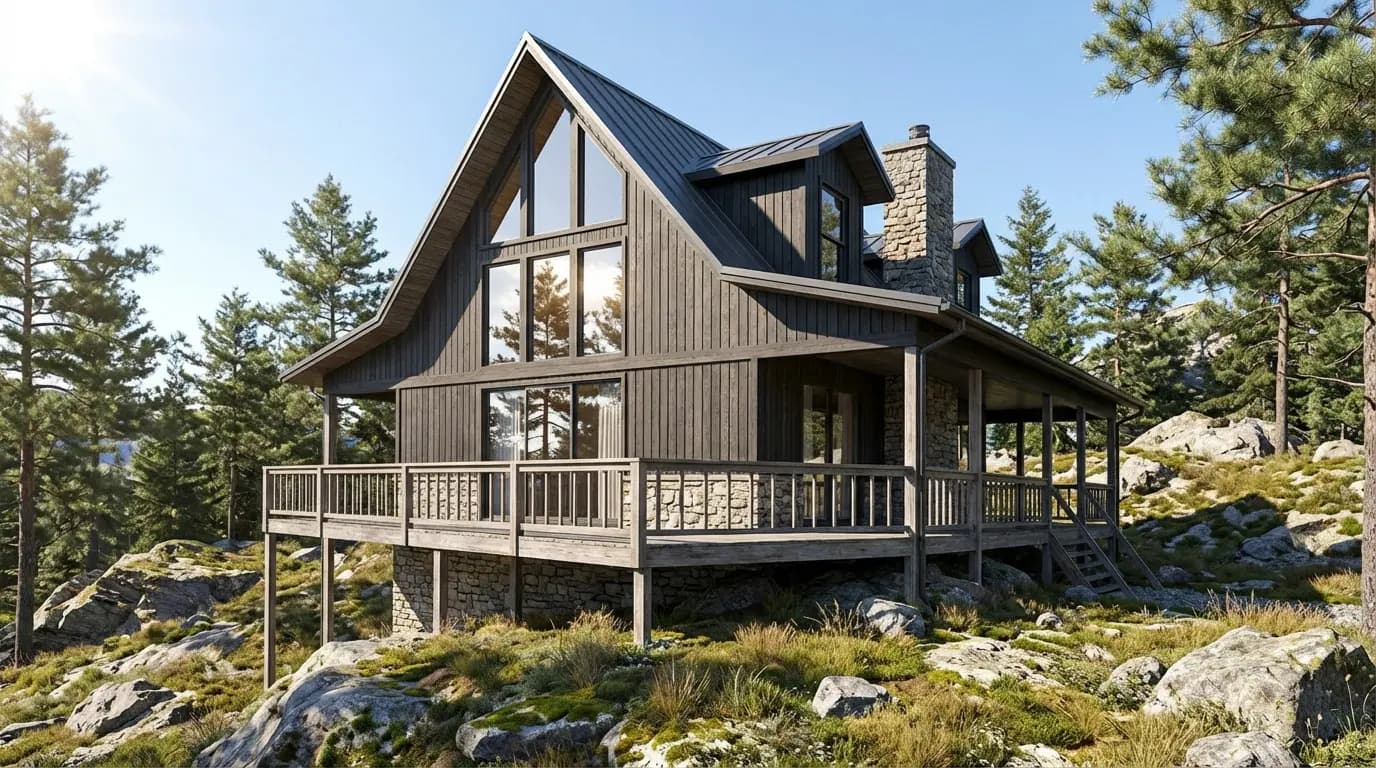
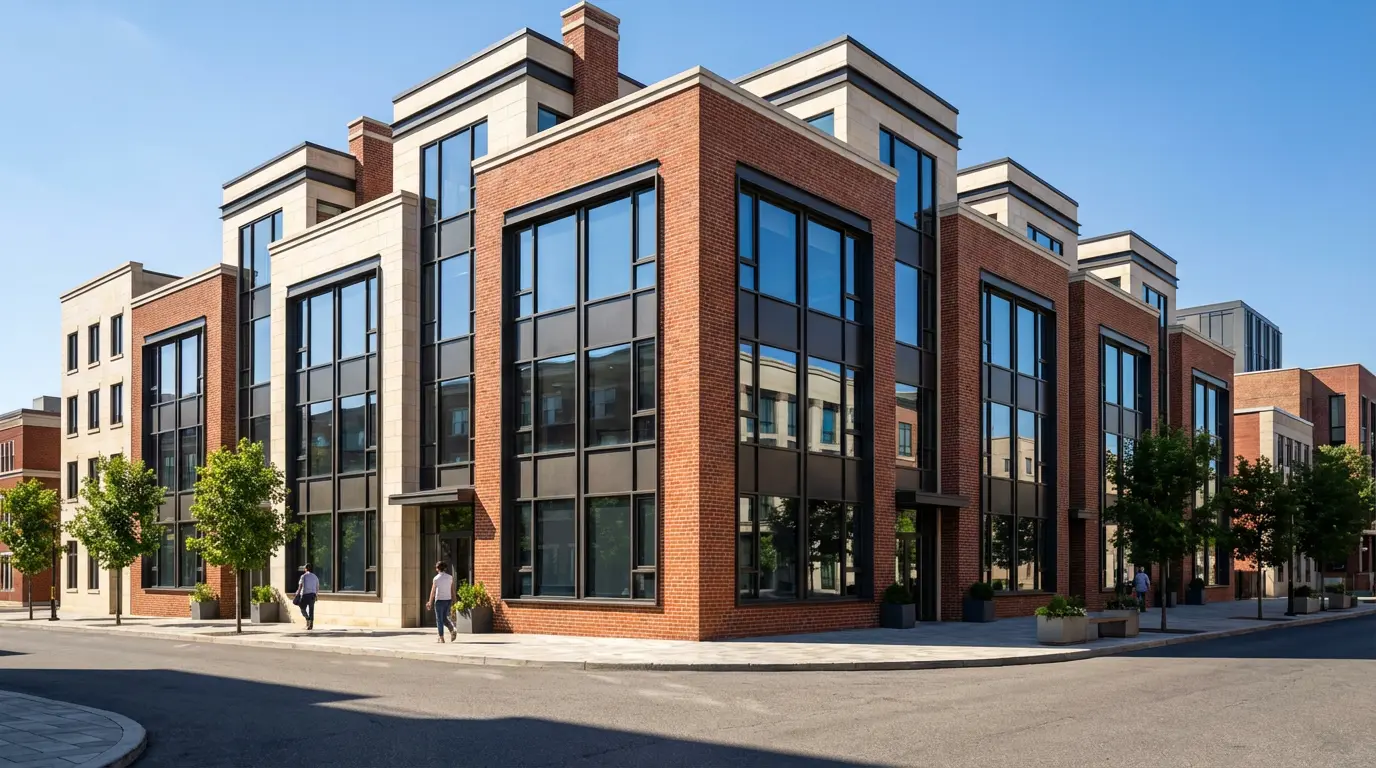
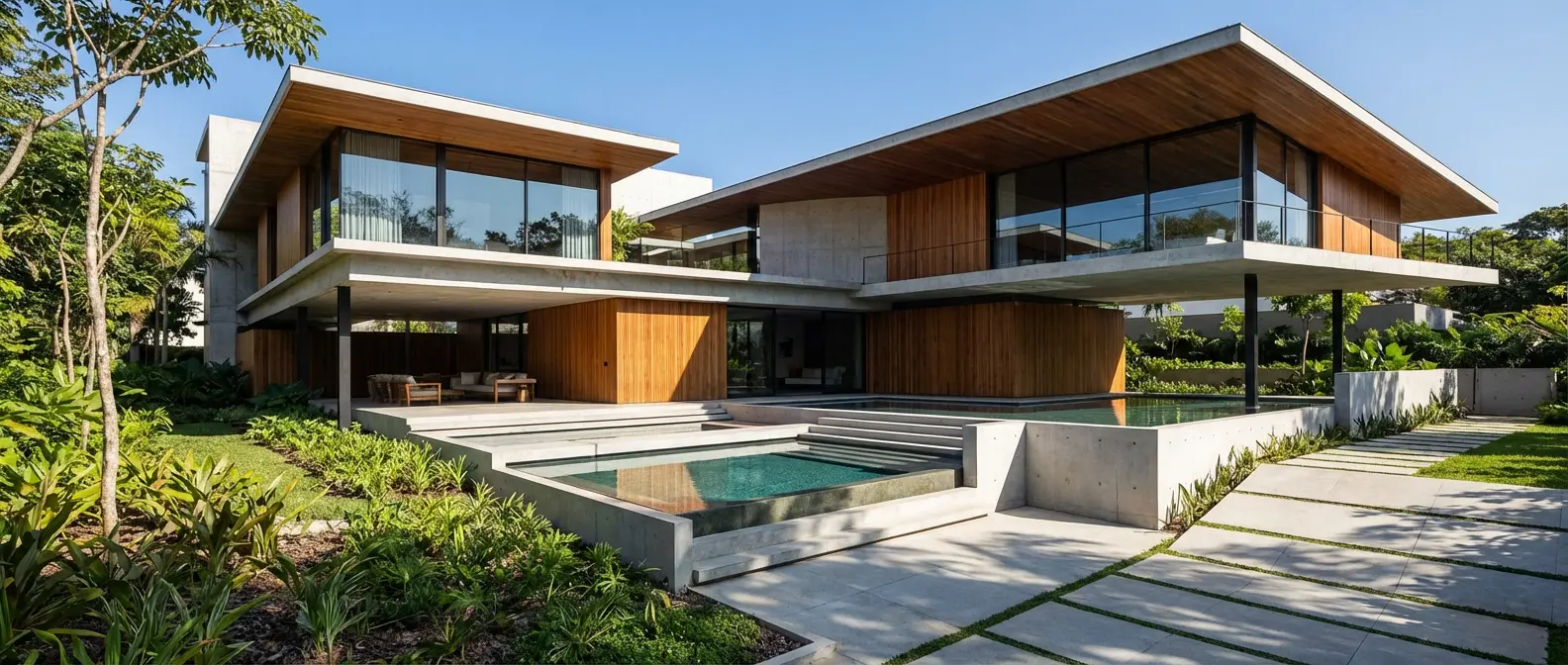
Examples created with Rendershop
Frequently Asked Questions
Everything you need to know about Rendershop
AI-driven rendering for modern architecture teams
Create a free account—No credit card required.