
Edit and Refine Your Renders With AI
Make precise changes to your renders with intelligent editing tools. Retexture surfaces, add or remove objects, and selectively enhance specific areas—all with simple text prompts.
✓ 50 free credits • No credit card required
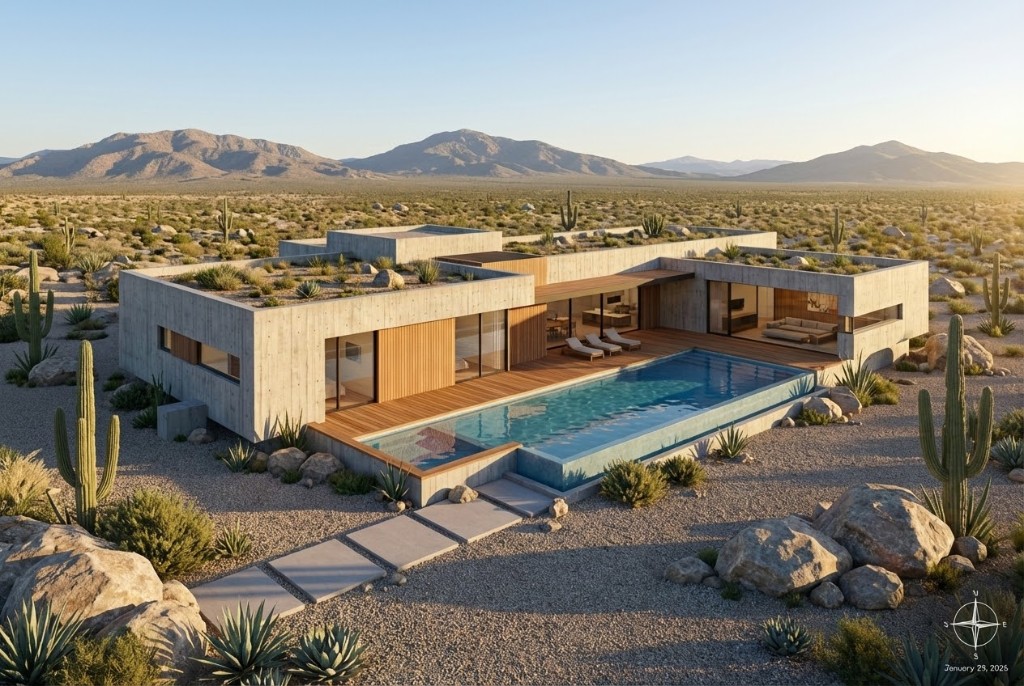
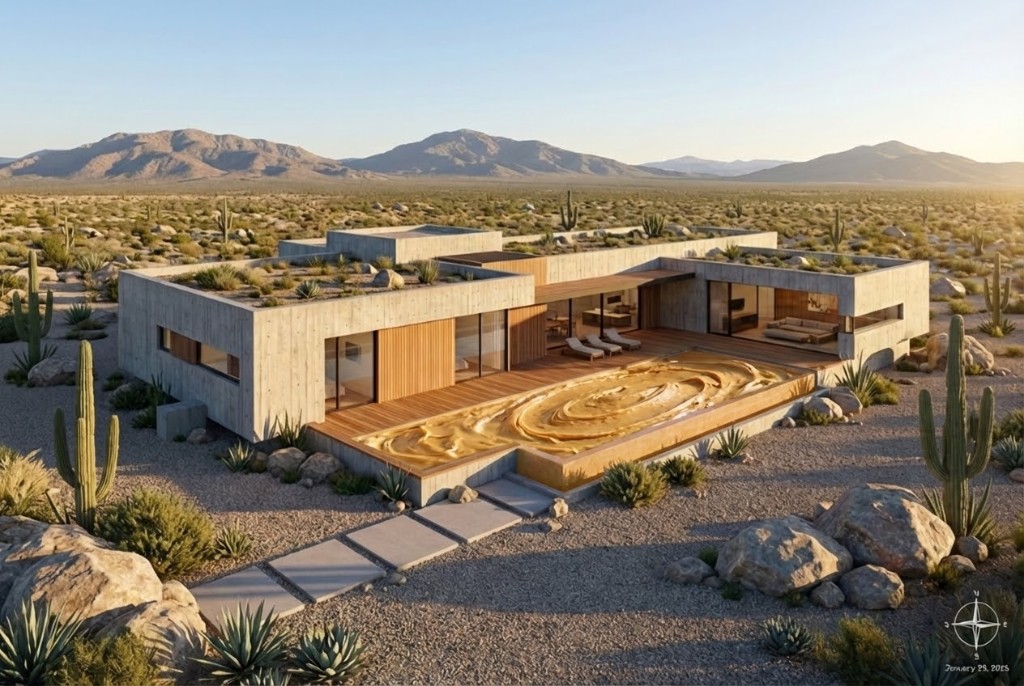
Prompt: make the water peanut butter
Edit your renders in seconds
From simple tweaks to major changes—modify any aspect of your renders with AI.
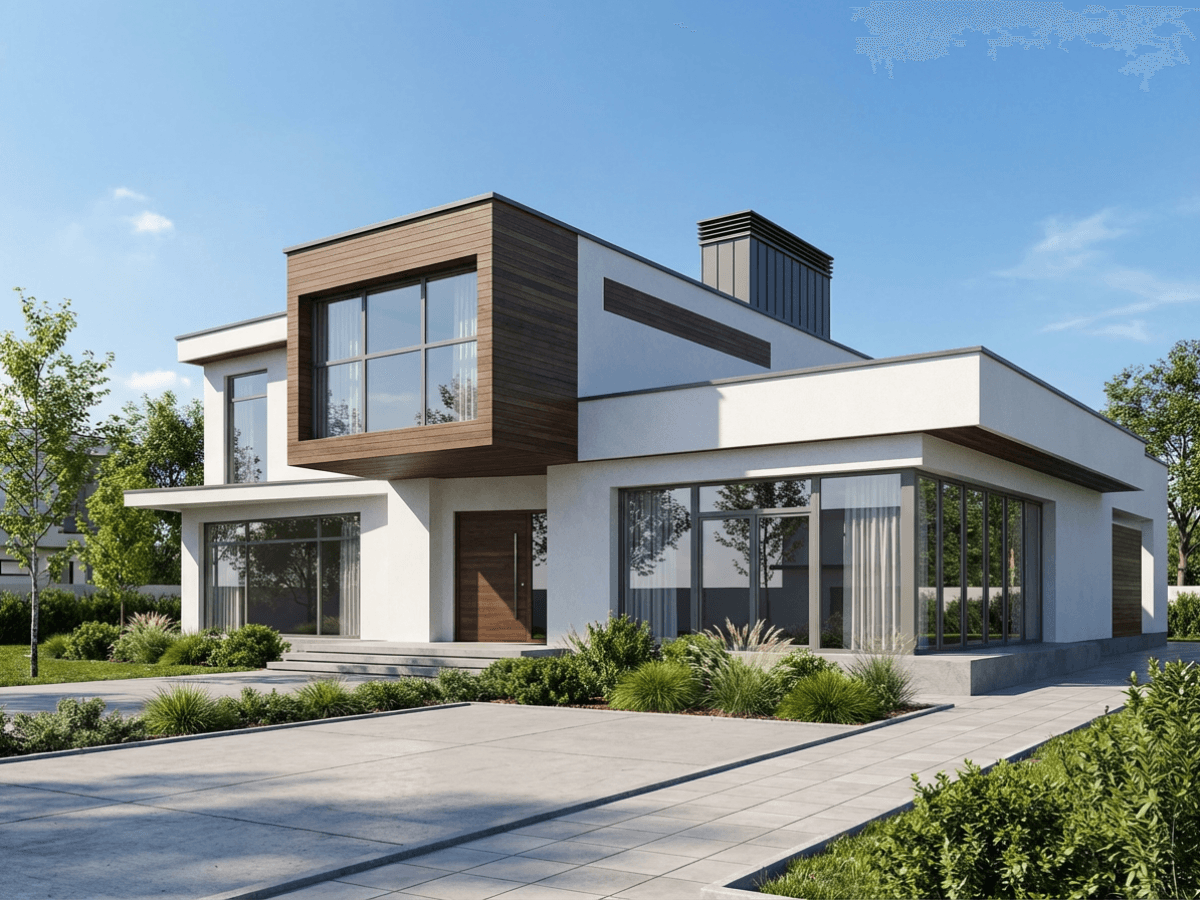
1. Upload your render
Start with any existing render or architectural visualization you want to modify or improve.
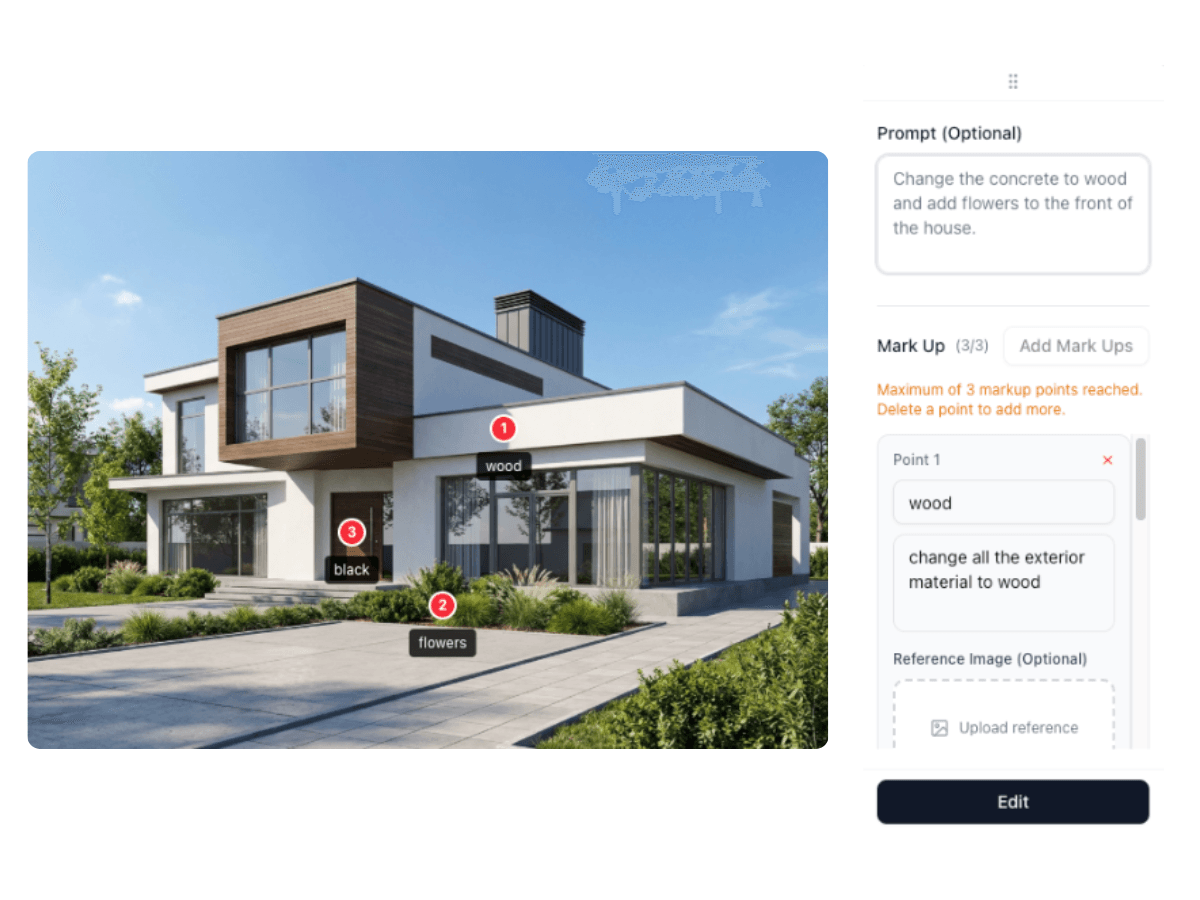
2. Describe your changes
Use simple text prompts to describe what you want to change—materials, colors, objects, lighting, and more.
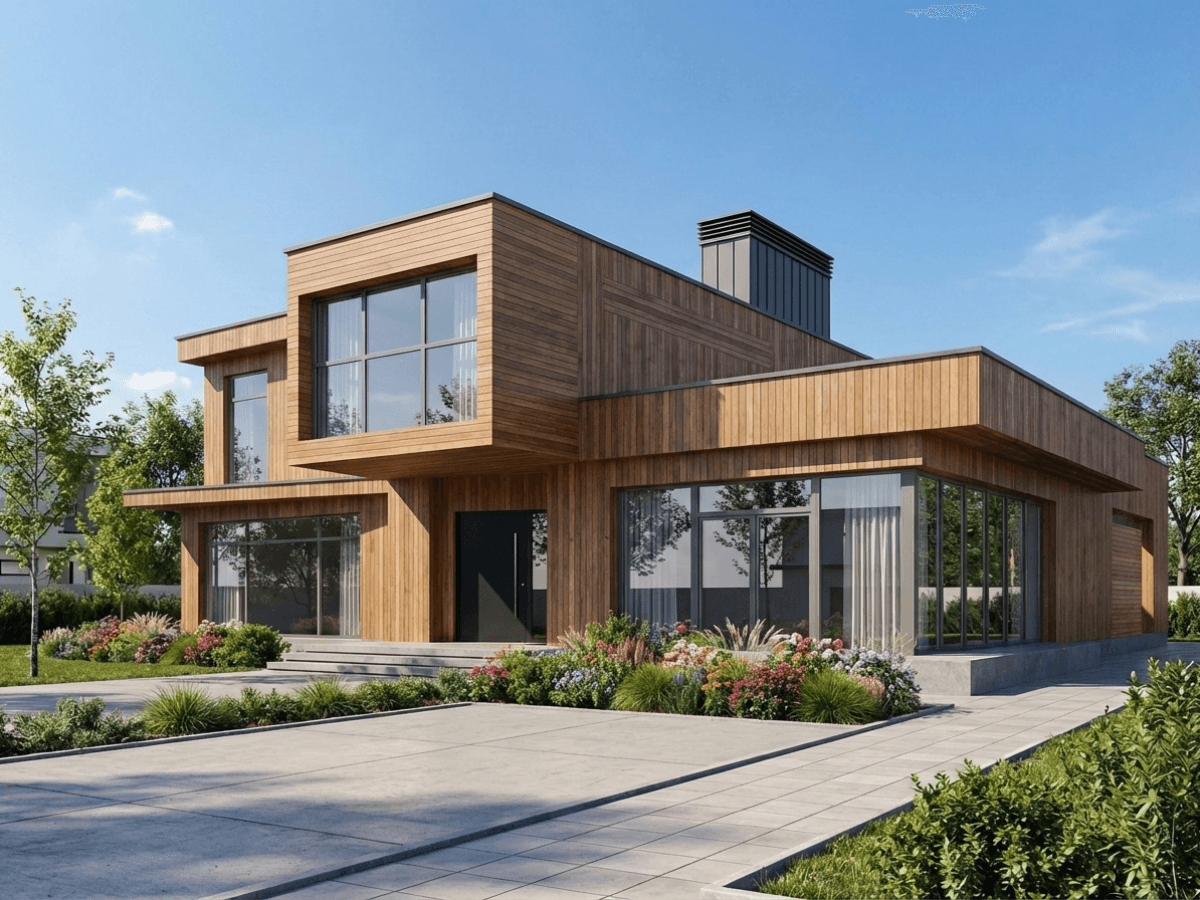
3. Get edited results
Receive your edited render instantly. Iterate quickly without going back to 3D software.
Iterate Faster Than Ever
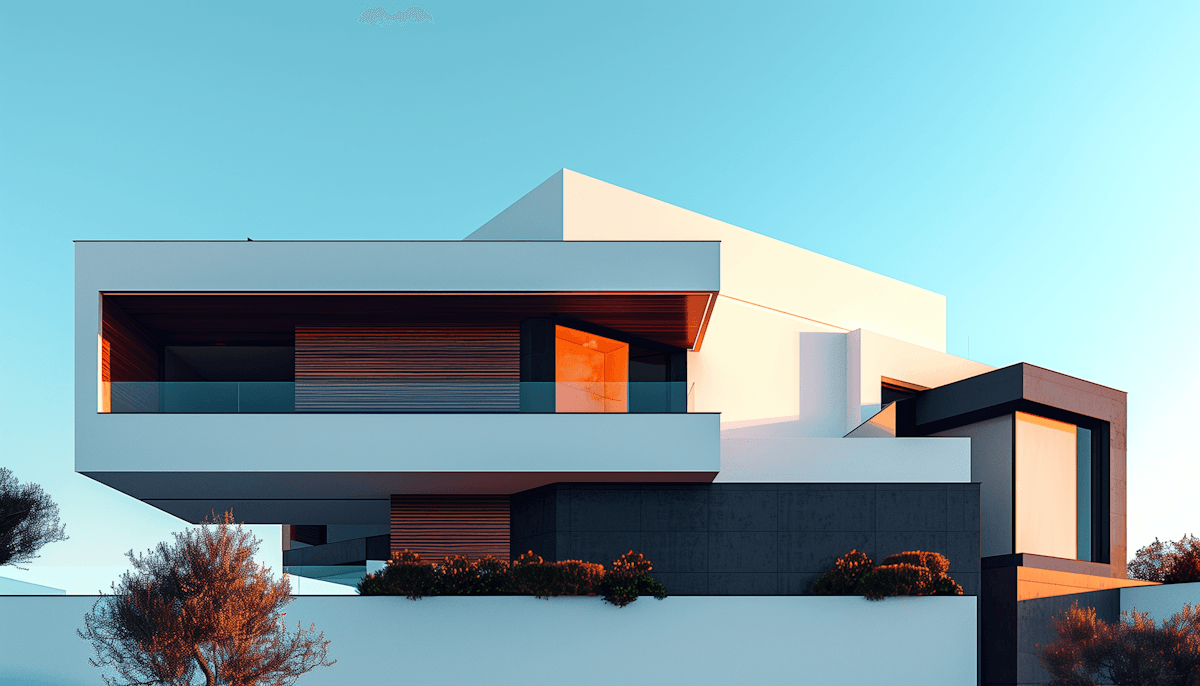
Want to change the façade material from brick to glass? Add landscaping? Modify window designs? Our AI understands your intent and makes targeted edits while preserving the overall composition.
Perfect for design iteration and client revisions. No need to go back to your 3D software—make changes directly to your renders and see results in seconds.
One Render, Endless Materials
Swap facade materials in seconds with a single prompt. Explore corten steel, natural wood, brass, concrete, and more—without touching your 3D model.
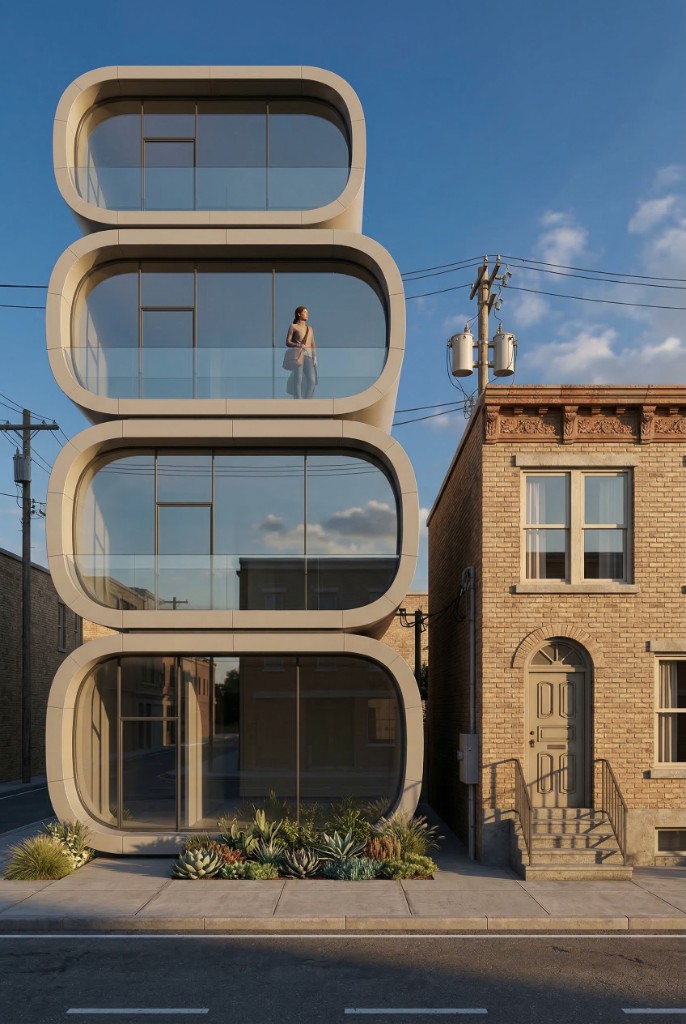
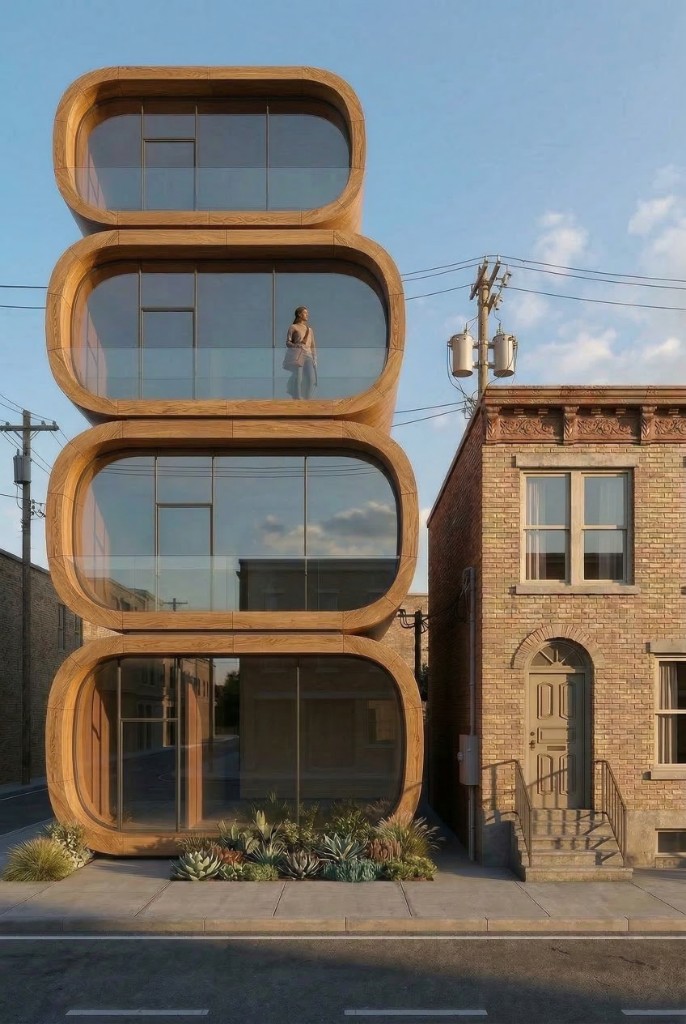
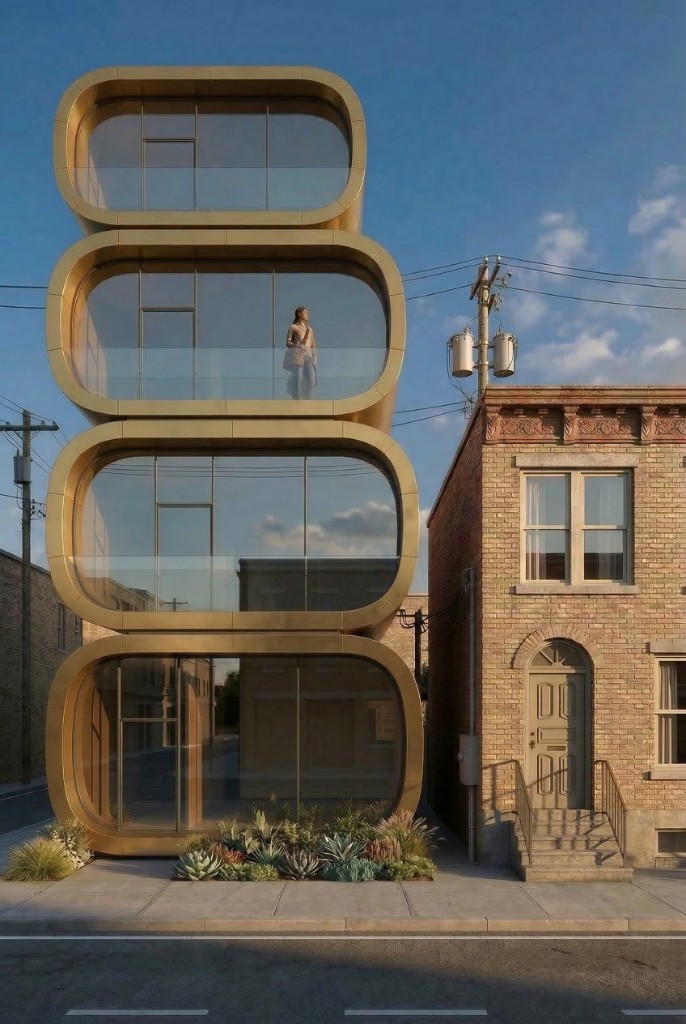
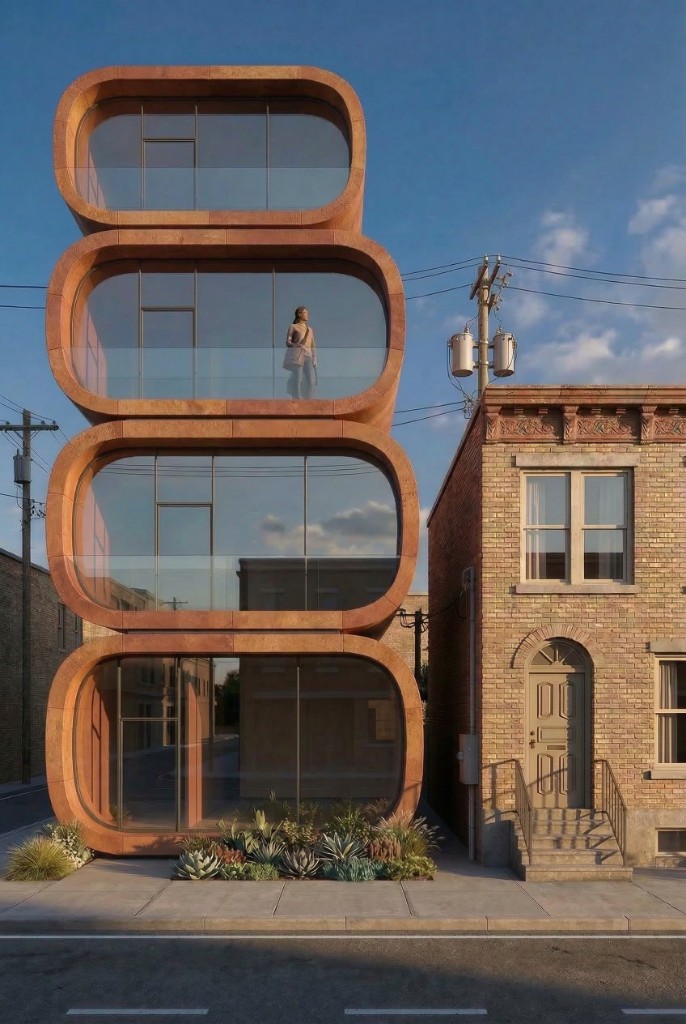
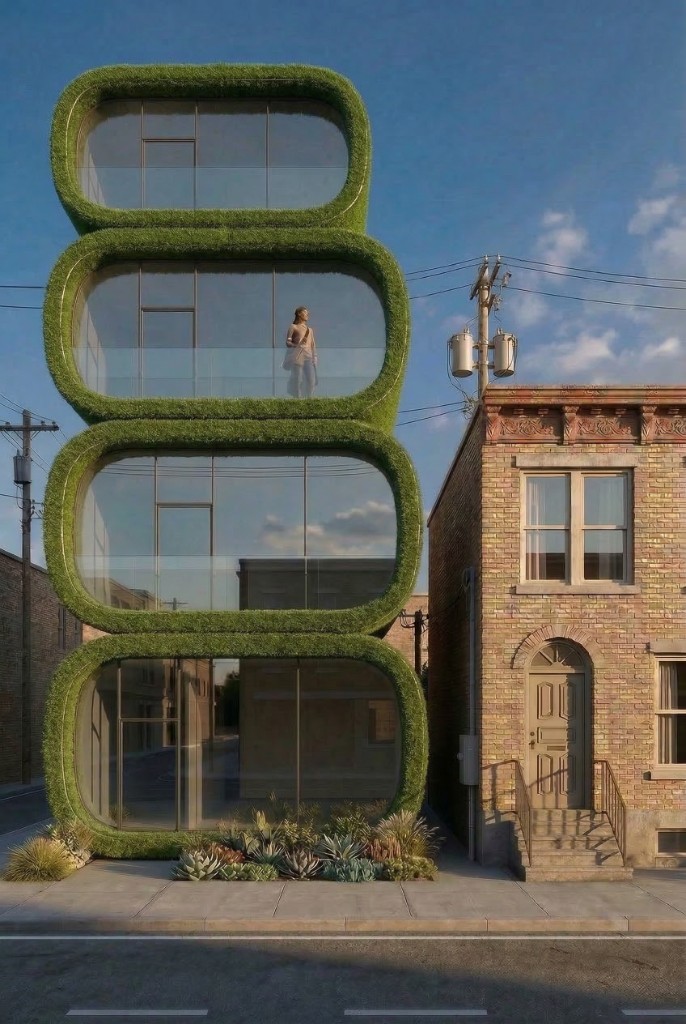
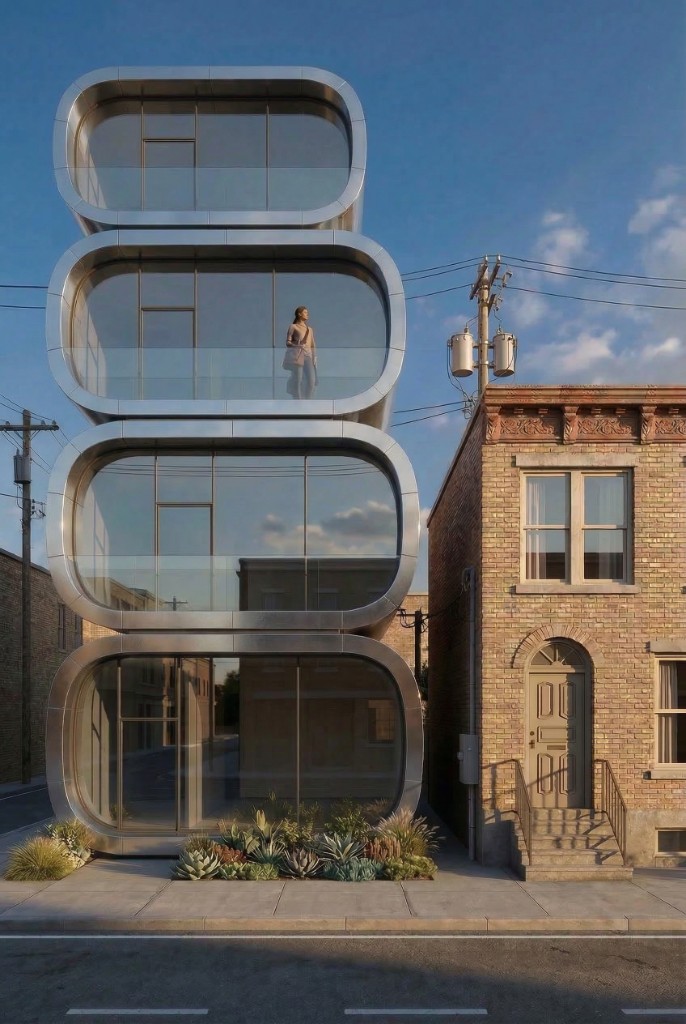
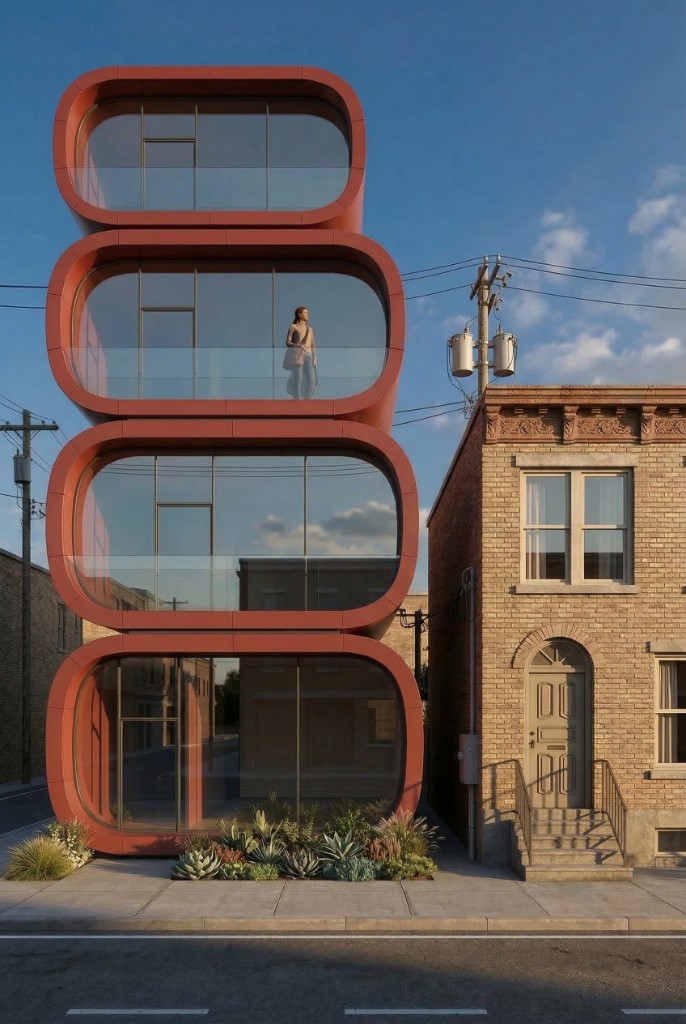
Concrete
All 7 variations generated from the same base render using the Edit tool
Any Color, One Prompt
Recolor any material in your render just by naming the color. Mark the surface, type the color you want, and the Edit tool repaints it while keeping the lighting, reflections, and detail exactly as they were.
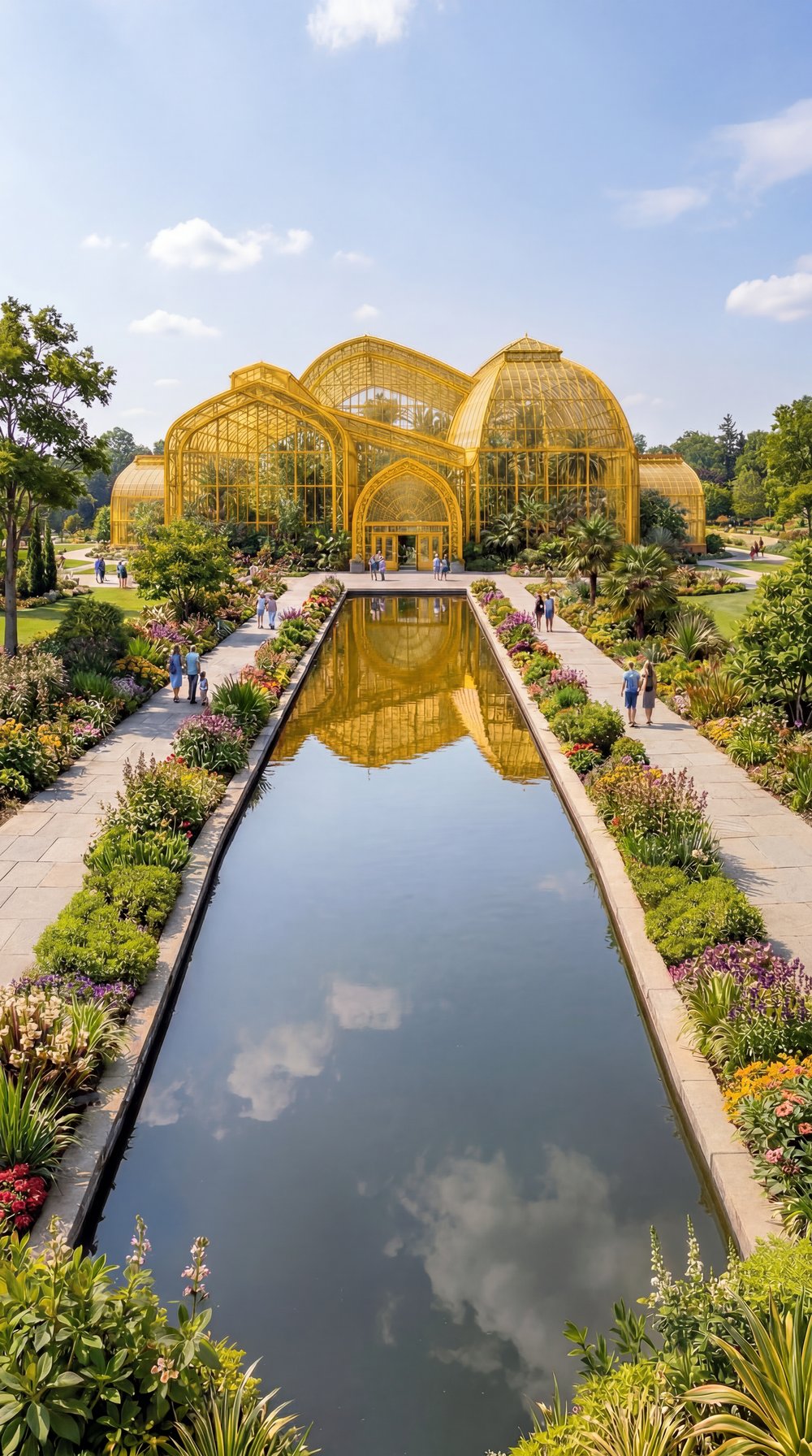
Yellow
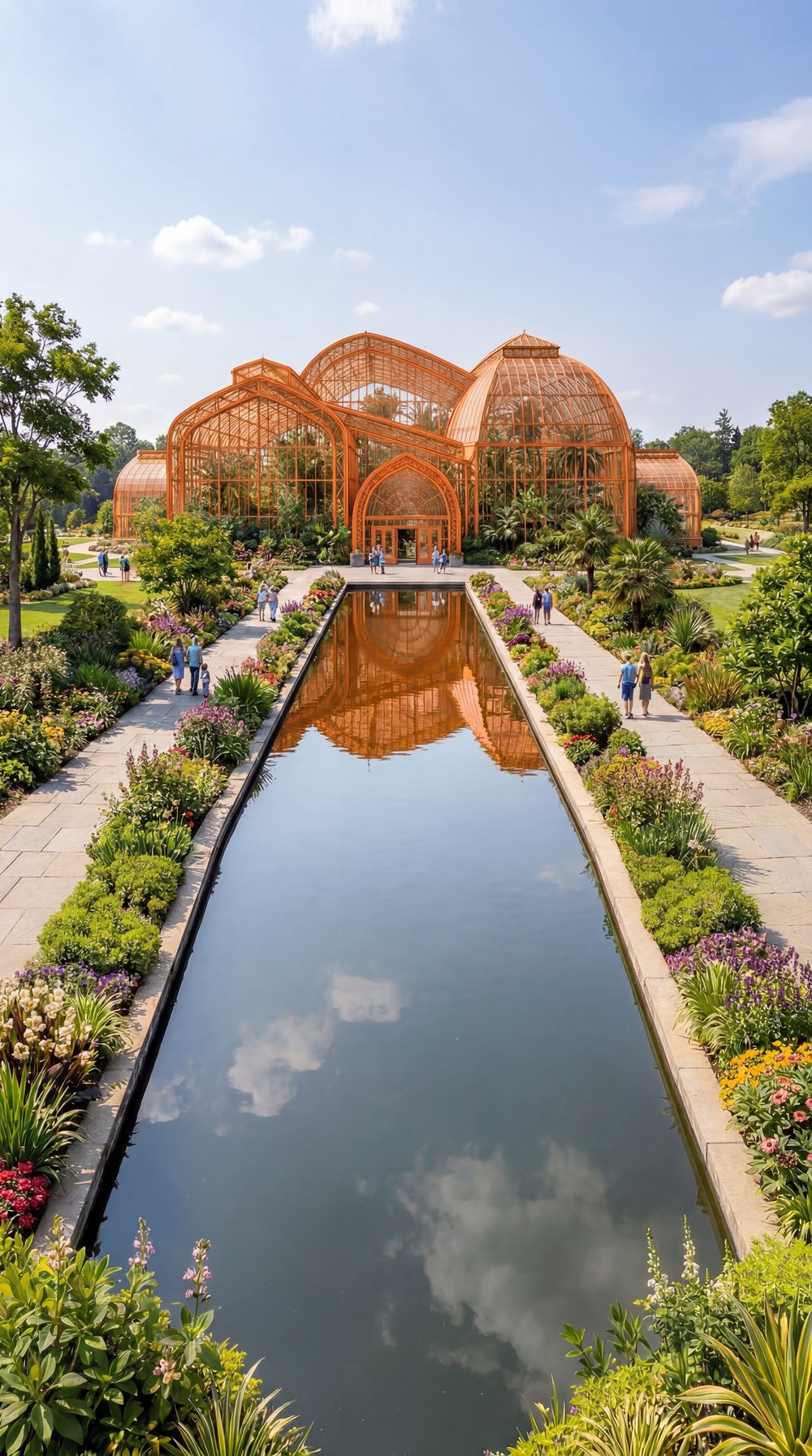
Orange
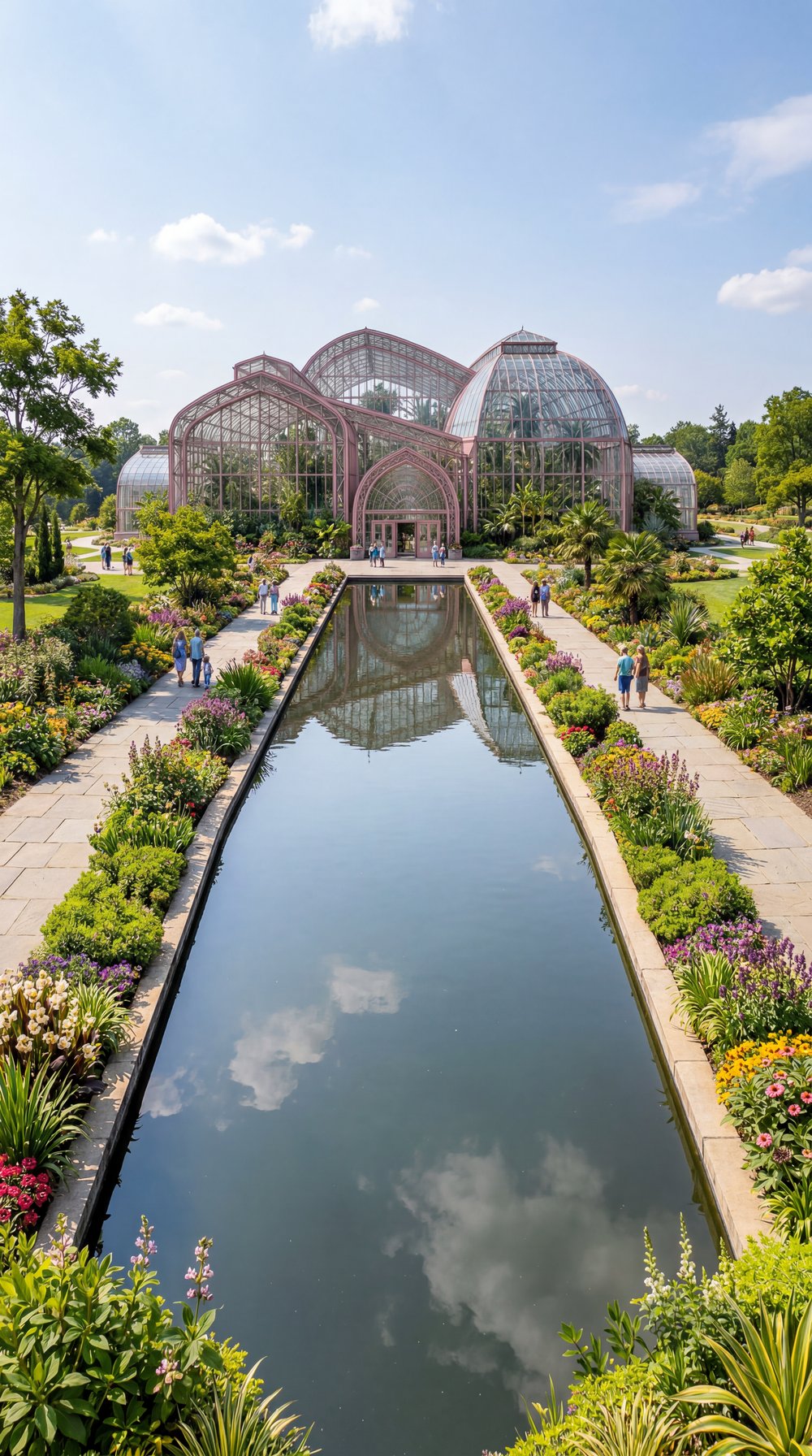
Purple
Same render, three prompts — only the frame color changed.
Copy Any Style to Your Renders
Upload a photo with a look you love—film grain, light leaks, color grading—and apply it directly to your architectural renders.
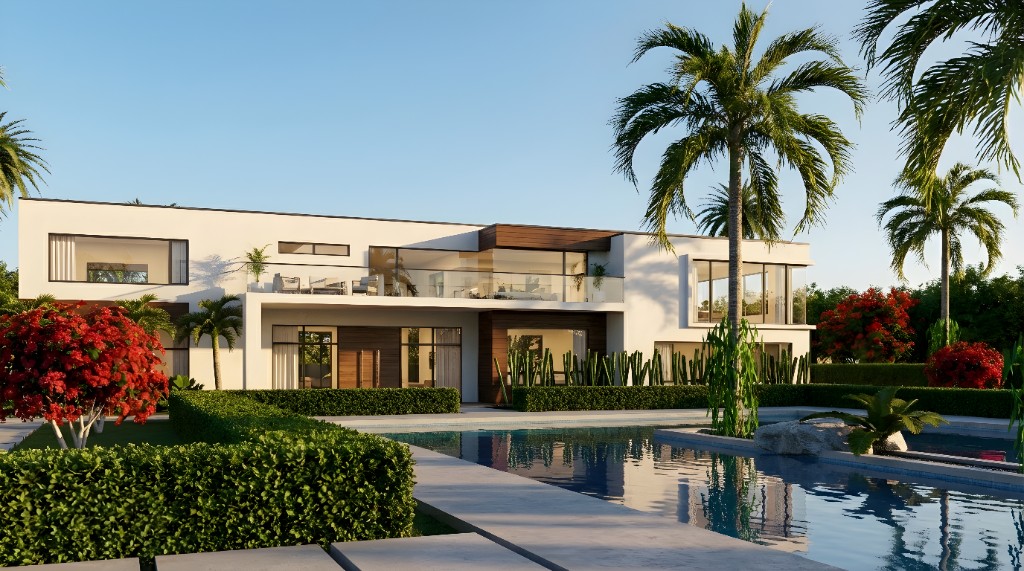
Your Render
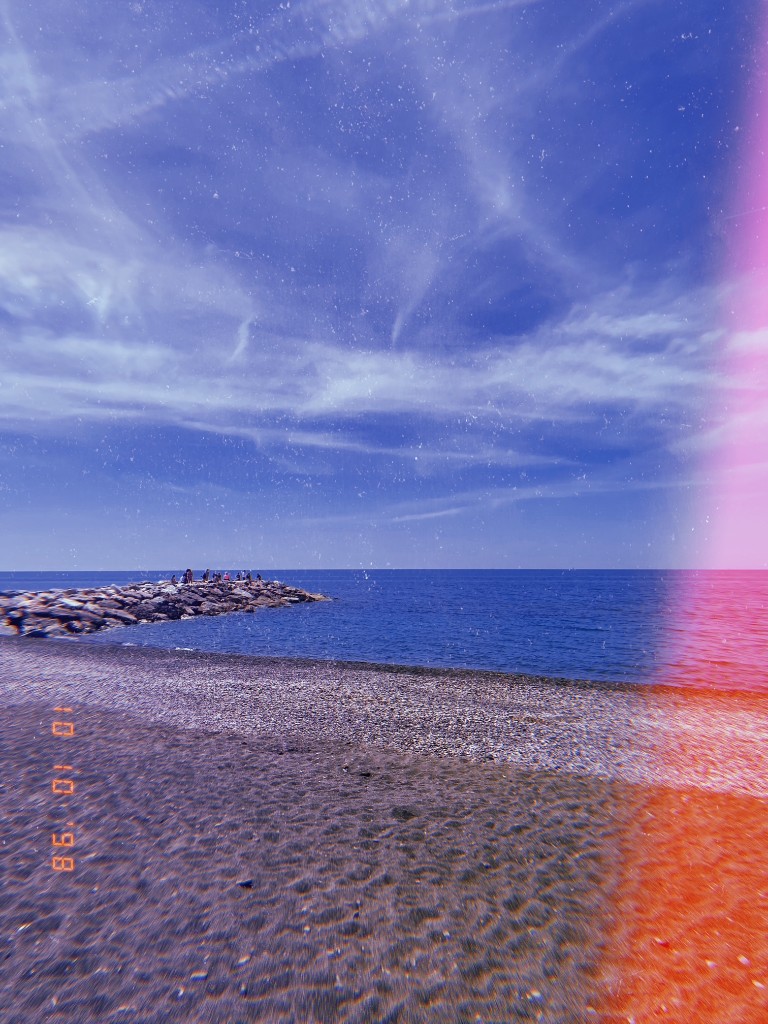
Reference Photo
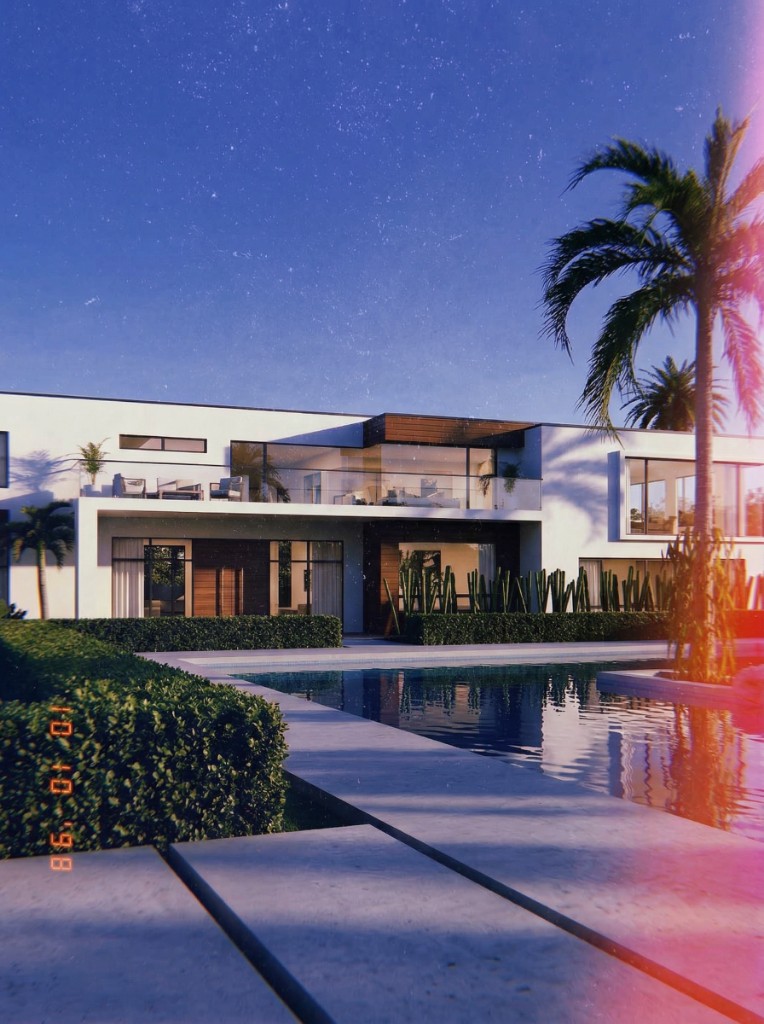
Result
Beyond Photorealism
Upload reference textures and style images to transform your renders into expressive, illustrative visualizations with a unique creative identity.
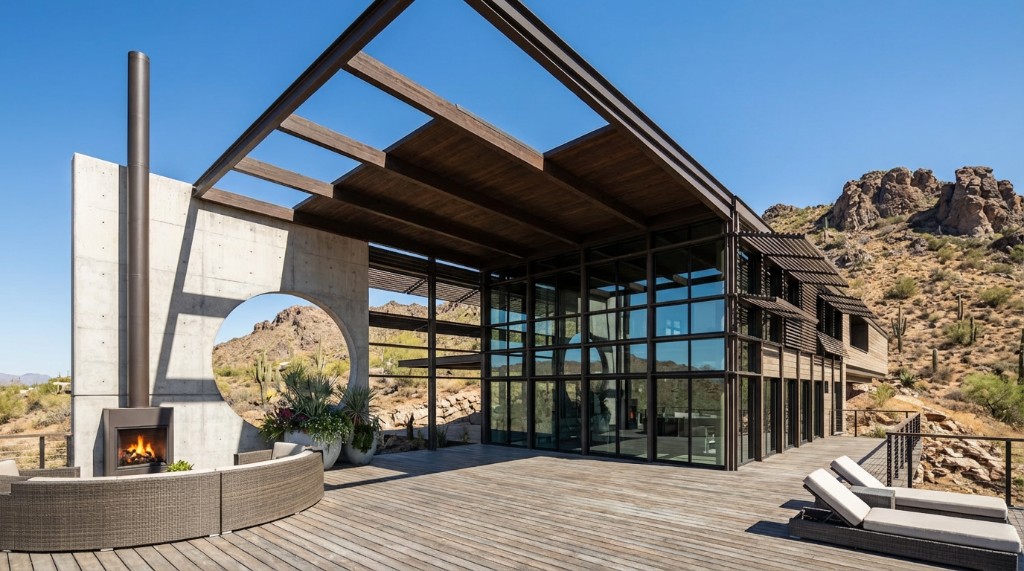
Photorealistic Render
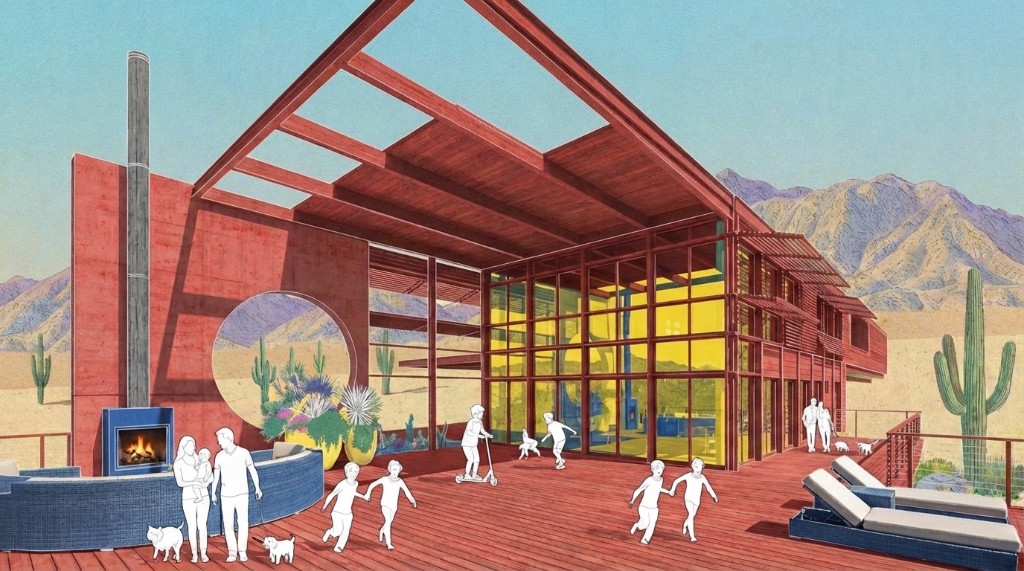
Artistic Visualization
Add texture and style references to create unique artistic renders
Reference-Driven Editing
Upload reference images for color, texture, and style—each one maps directly onto the elements of your render.
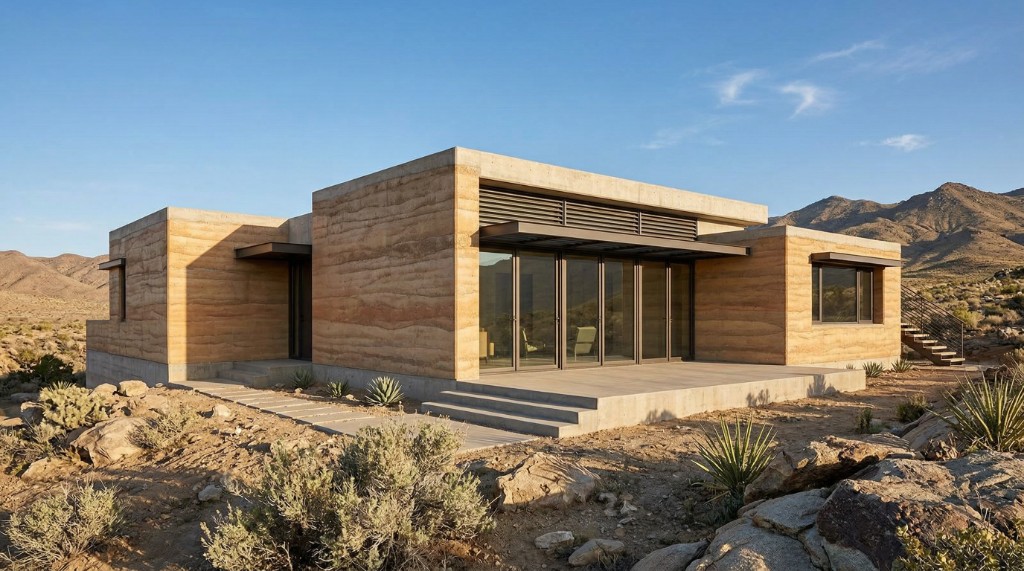
Original Render
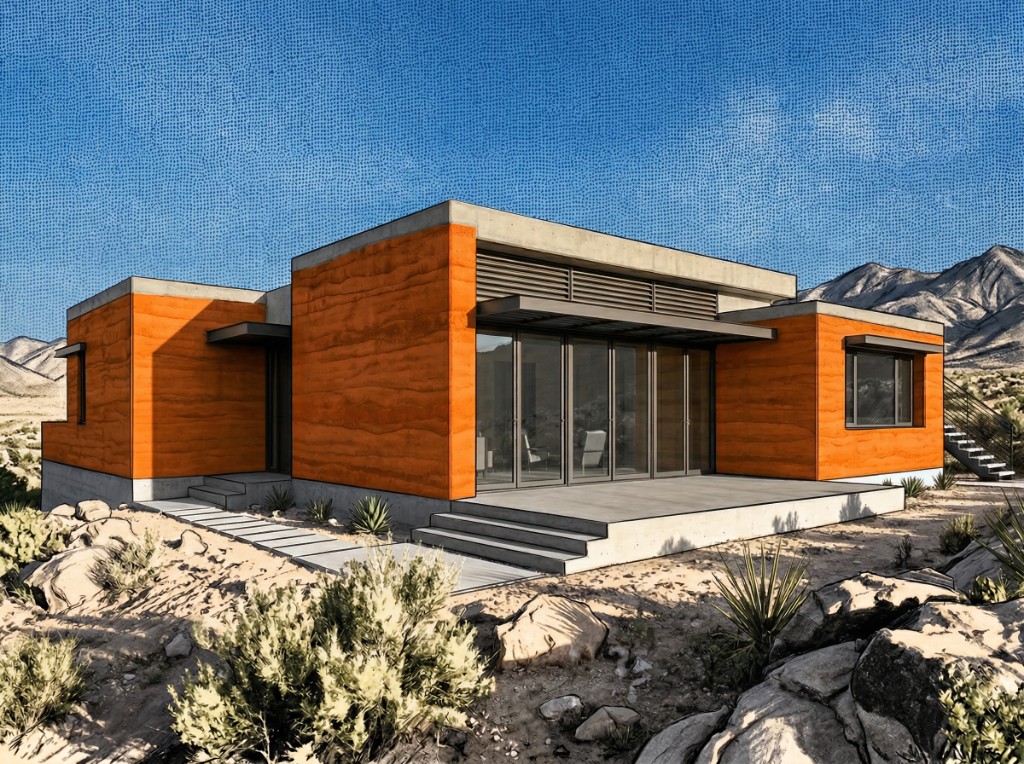
Styled Result
Facade walls

Wall Color
Sky pattern
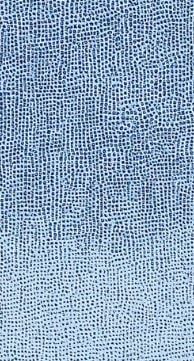
Sky Texture
Terrain & foliage
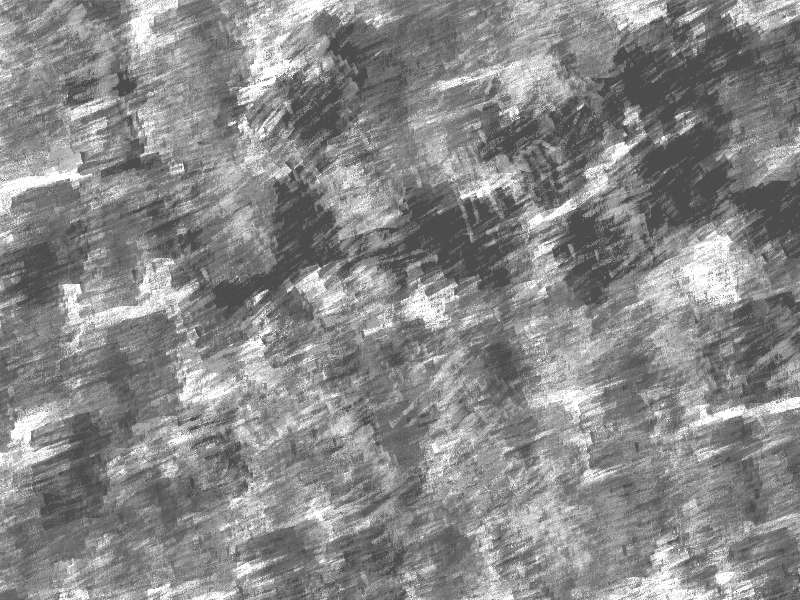
Landscape Style
Each reference image directly influences a specific element of the final render
Edit Tool FAQ
Common questions about AI editing
AI-driven rendering for modern architecture teams
Create a free account—No credit card required.