
Transform Renders Into Cinematic Walkthrough Videos
Bring your static renders to life with AI-powered video generation. Create stunning animated presentations with smooth camera movements in seconds.
✓ 50 free credits • No credit card required
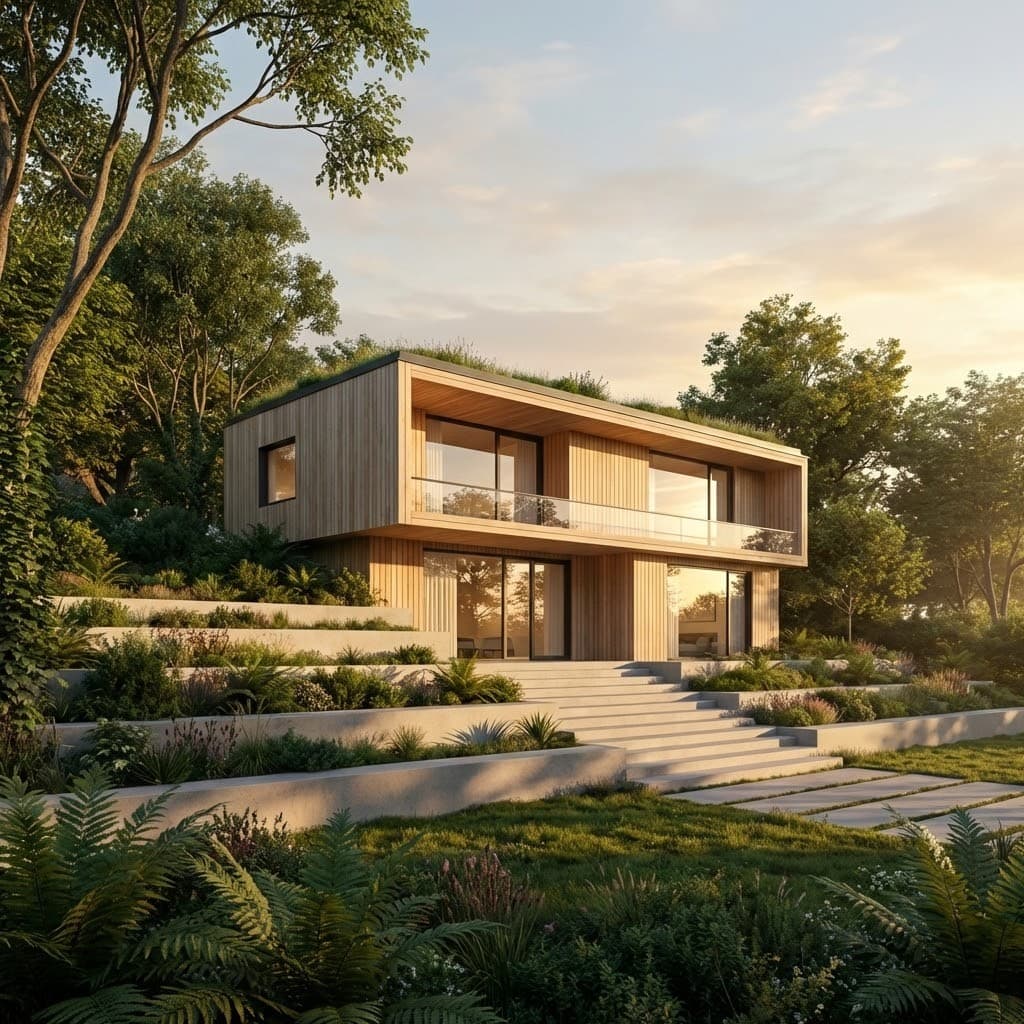
What you can do with Video
Pick what you are working on.
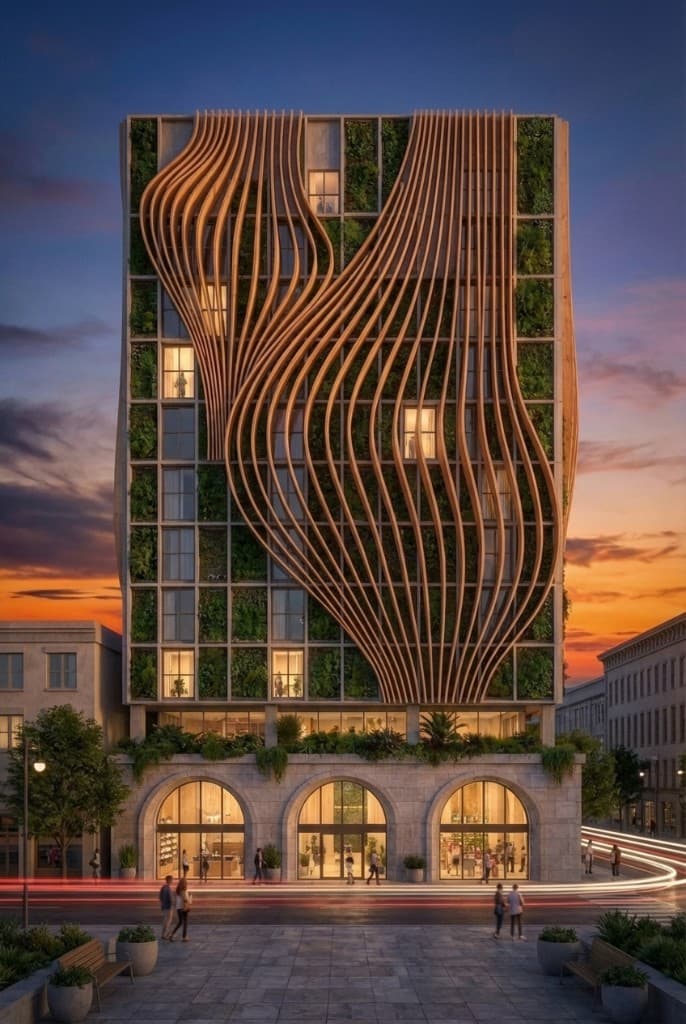
Create videos in seconds
From static renders to cinematic walkthroughs—bring your designs to life with AI.
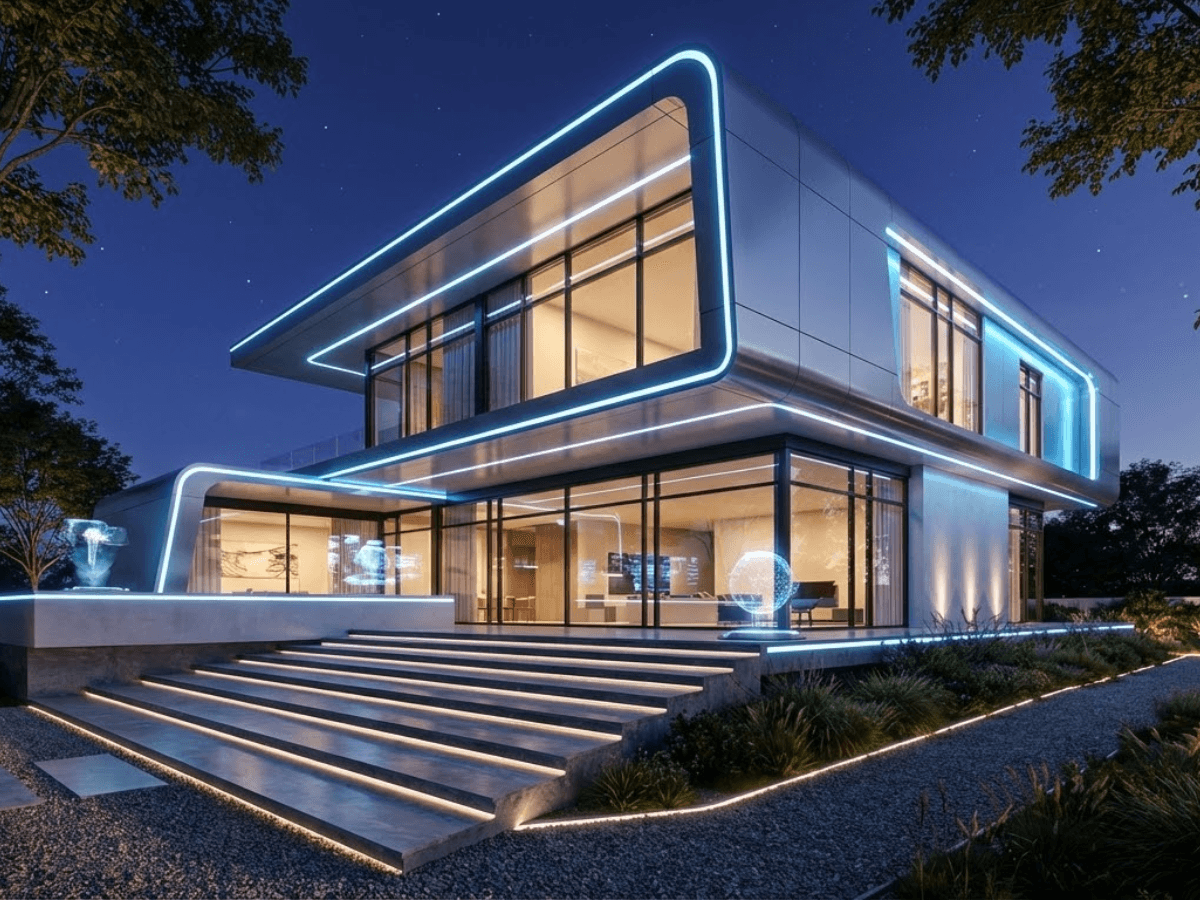
1. Upload your render
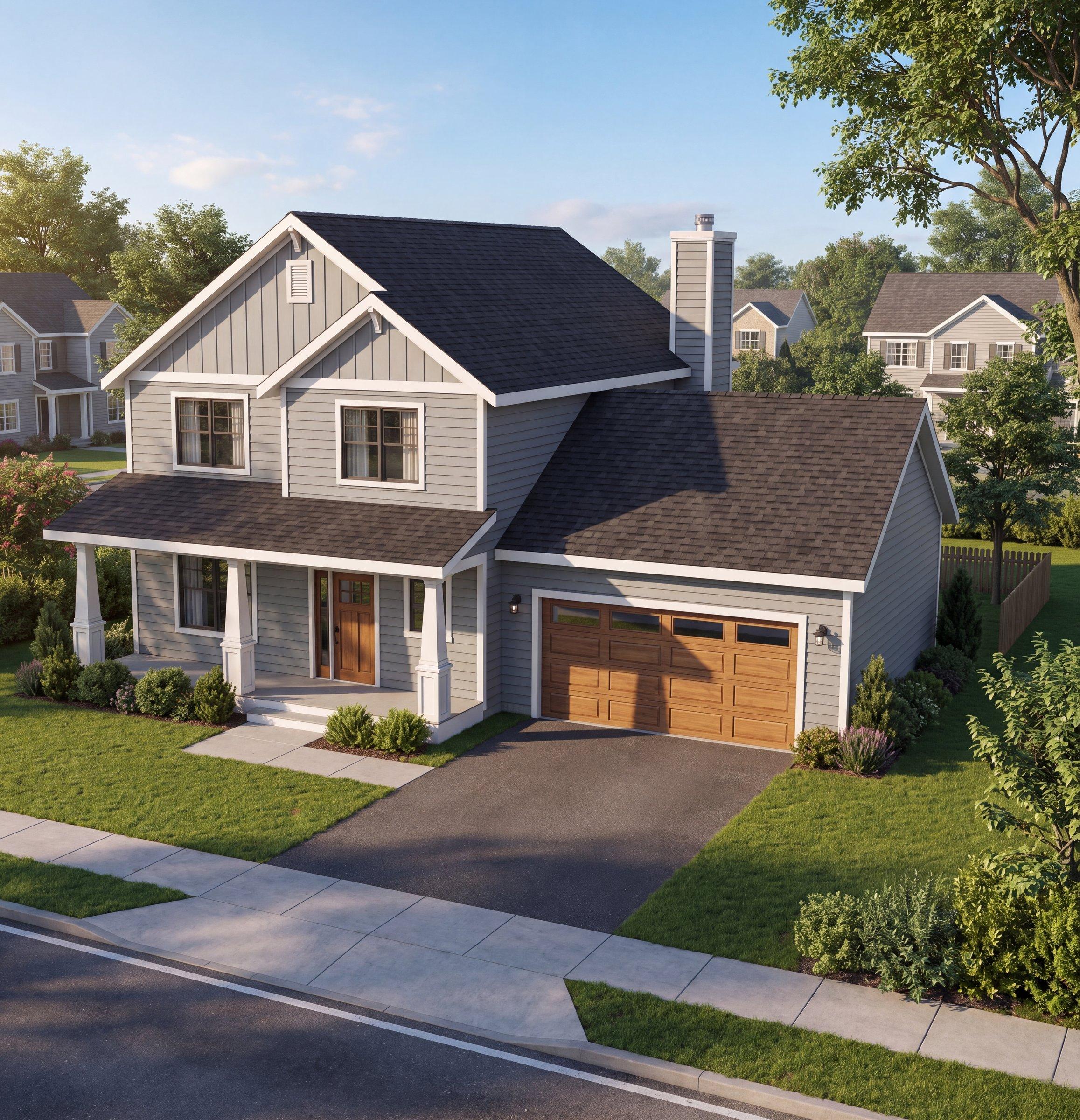
Start with any architectural render or visualization. Our AI works with exteriors, interiors, and any design style.
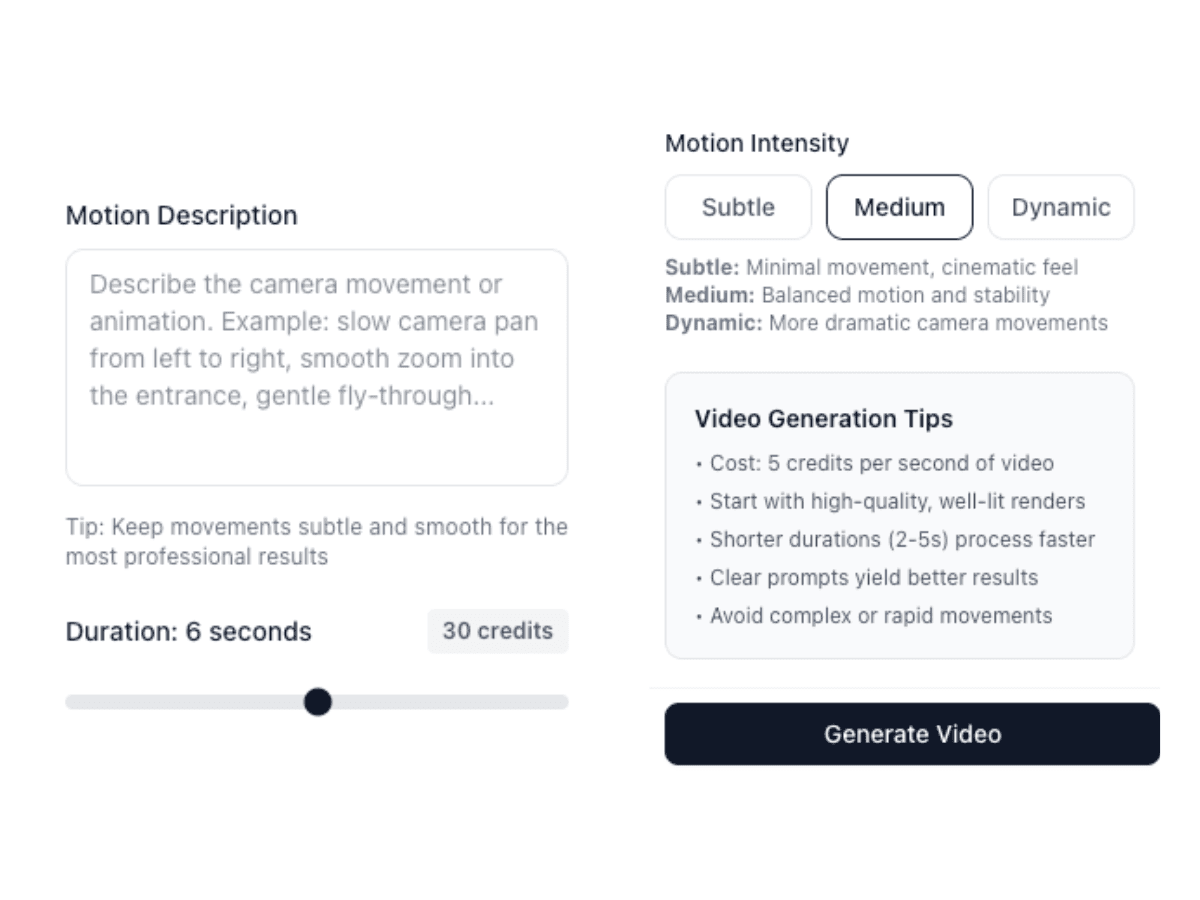
2. Customize motion
Describe the camera movement you want. Our AI generates smooth, cinematic motion that showcases your design.
3. Download video
Get your professional walkthrough video instantly. Perfect for presentations, social media, and client pitches.
Create Cinematic Videos From Any Render
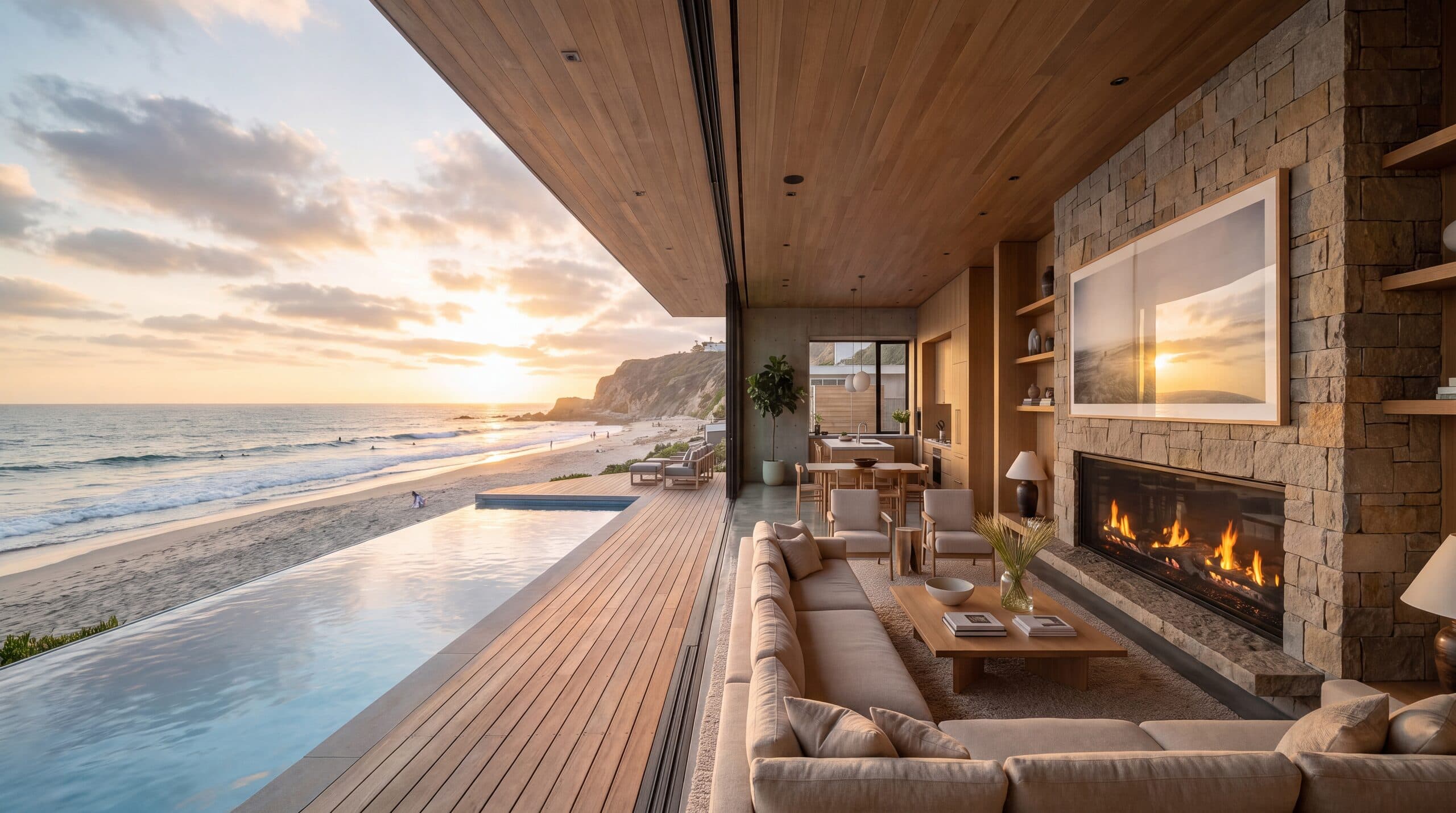
Bring your static renders to life with cinematic walkthrough videos. Create stunning animated presentations that showcase your designs from multiple angles and perspectives, perfect for client presentations and marketing materials.
Simply upload your render and our AI generates smooth, professional camera movements that highlight the best features of your design. Choose from subtle pans to dynamic fly-throughs to create engaging architectural videos.
Perfect for social media, client presentations, and project portfolios. No video editing experience required—just upload your image and get a polished, presentation-ready video in seconds.
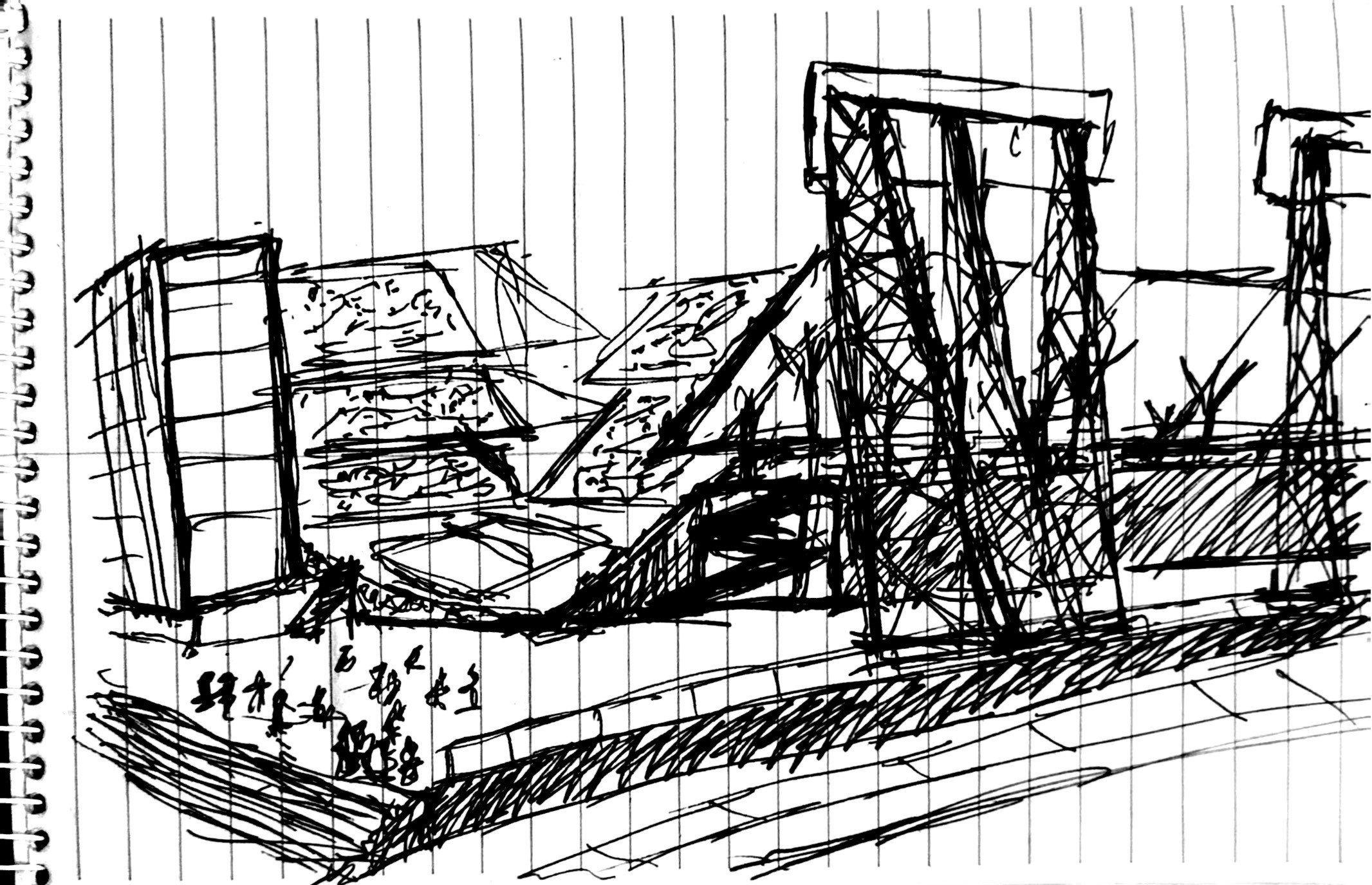
From Sketch to Cinematic Video
Start with a hand-drawn sketch, render it with AI, then bring it to life as a cinematic walkthrough—all in minutes.
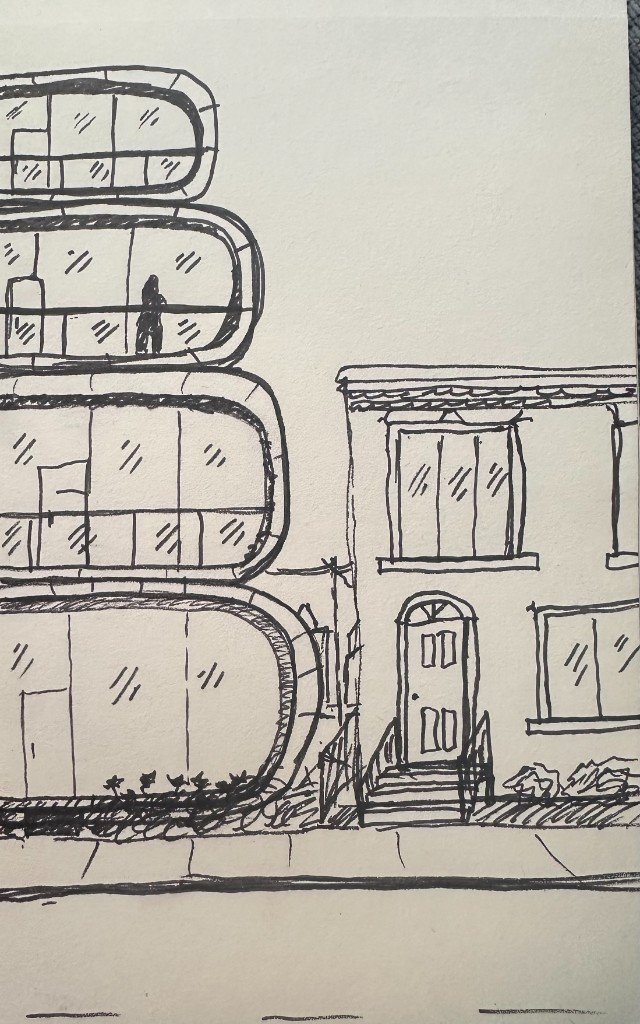
Original Sketch
Edit Materials, Then Animate
Change textures, colors, and finishes on your renders using the Edit tool, then generate a cinematic video to showcase the updated design.


Use video inside Claude or ChatGPT
Connect Rendershop to your AI assistant and ask for it in plain words, like “Make a slow 5-second drone shot of this render.” The result comes back in the conversation and is saved to your project, using the same credits as the app.
Video Tool FAQ
Common questions about video generation
AI-driven rendering for modern architecture teams
Create a free account—No credit card required.