
Edit Real Photos With Precision
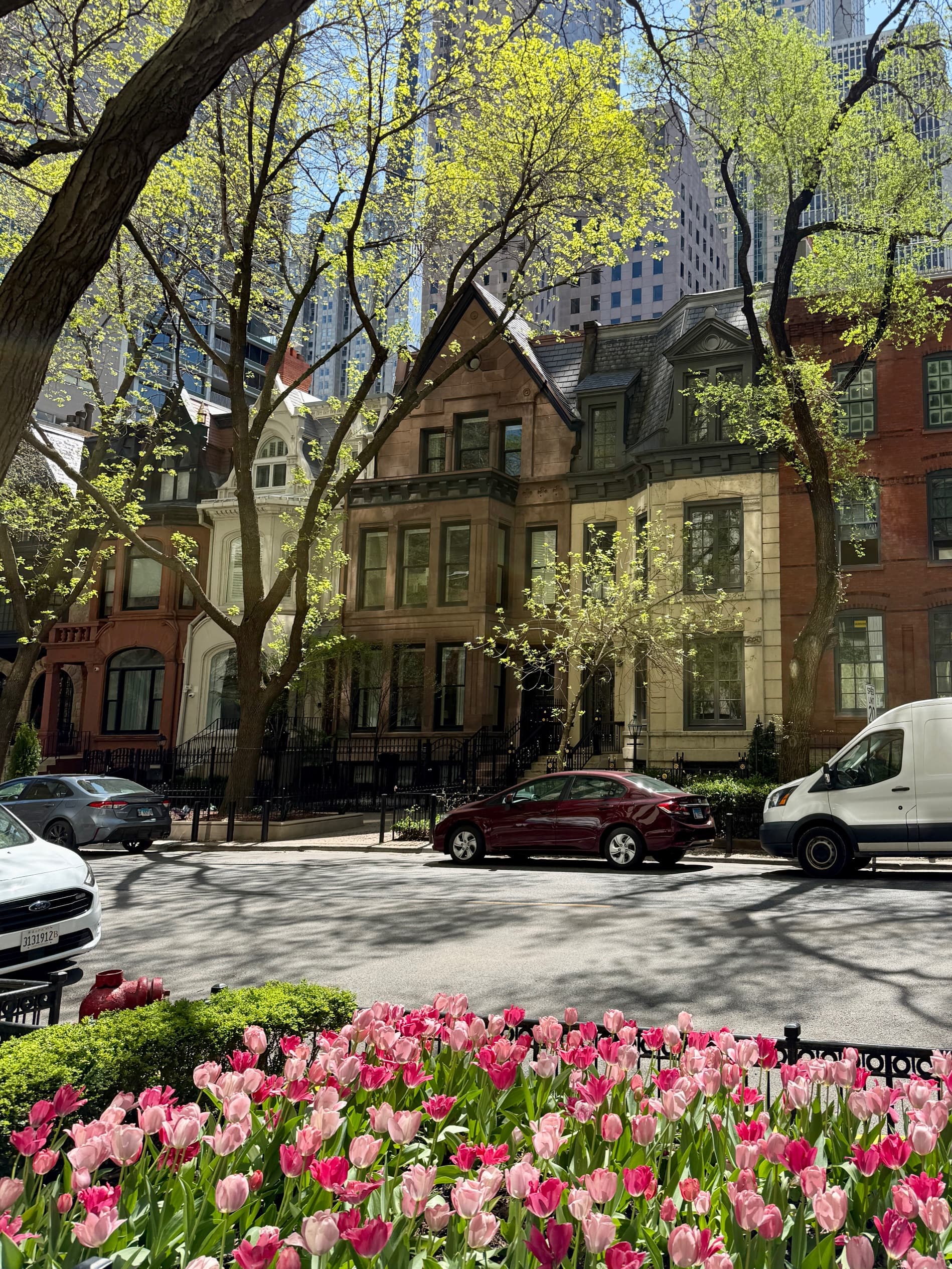
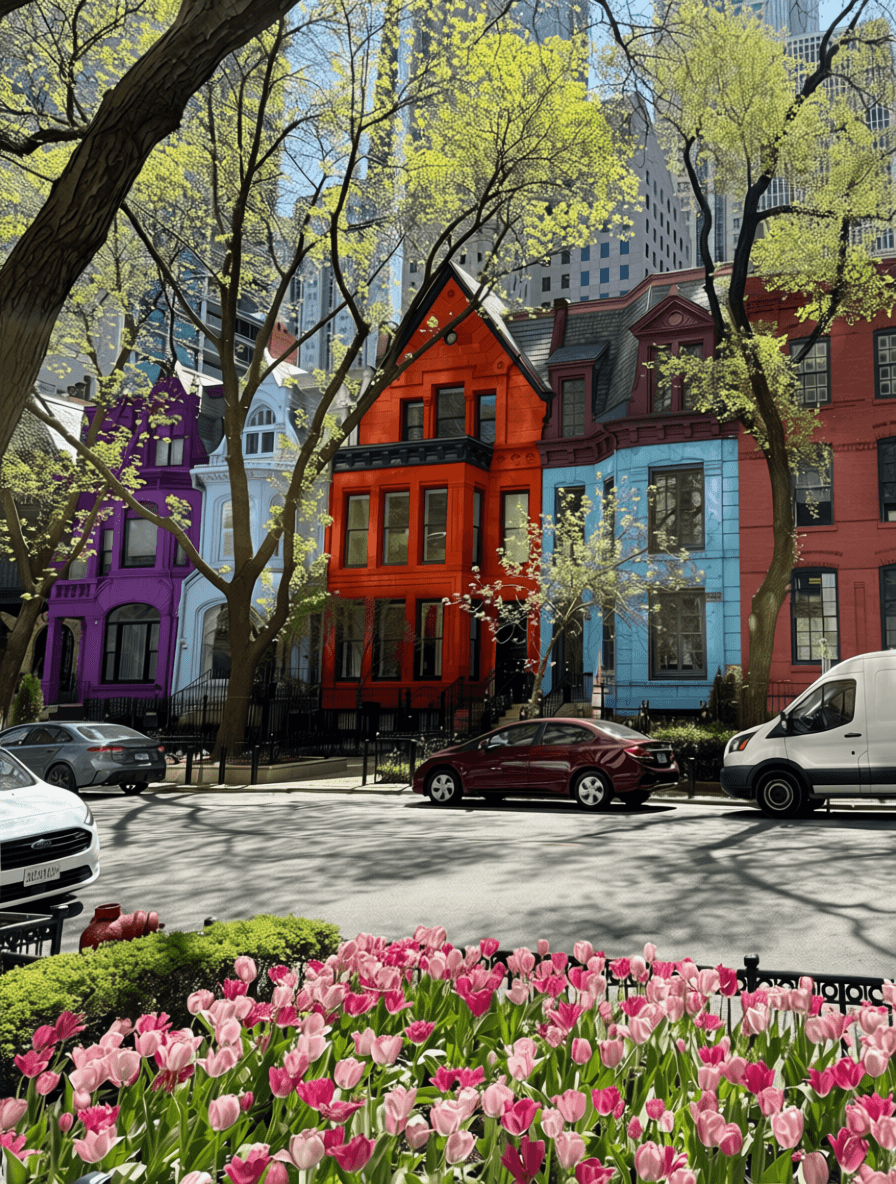
Upload any real photo and selectively edit specific elements. Change wall colors, swap furniture, adjust brightness, and apply filters—all with AI precision.
✓ 50 free credits • No credit card required
Prompt:
Powerful Photo Editing Features
Selective Editing
Mark up specific elements in your photo and change only what you want. Change wall colors, swap furniture, or modify individual objects with precision.
Brightness Control
Adjust the overall brightness of your photos. Make images darker for a moodier atmosphere or brighter for a vibrant, airy feel.
Professional Filters
Apply cinema-quality filters including black & white, golden hour, vintage, cool tones, warm tones, high contrast, and soft glow.
Try Different Options Instantly
Upload one photo and explore multiple design possibilities
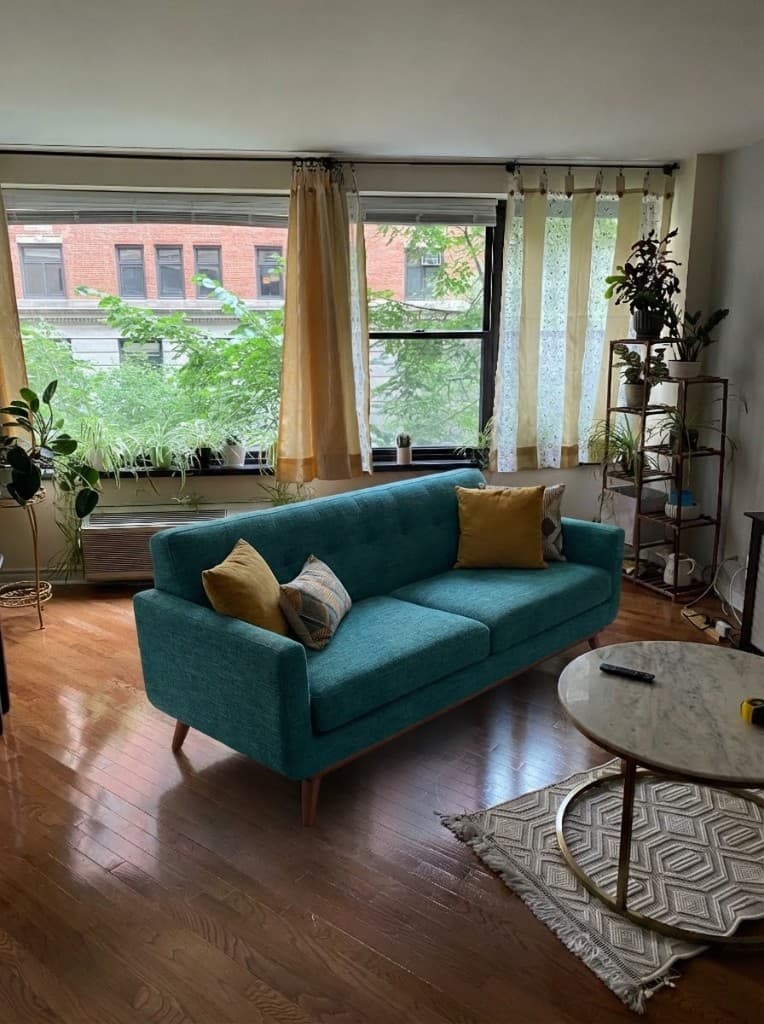
Teal Fabric Couch
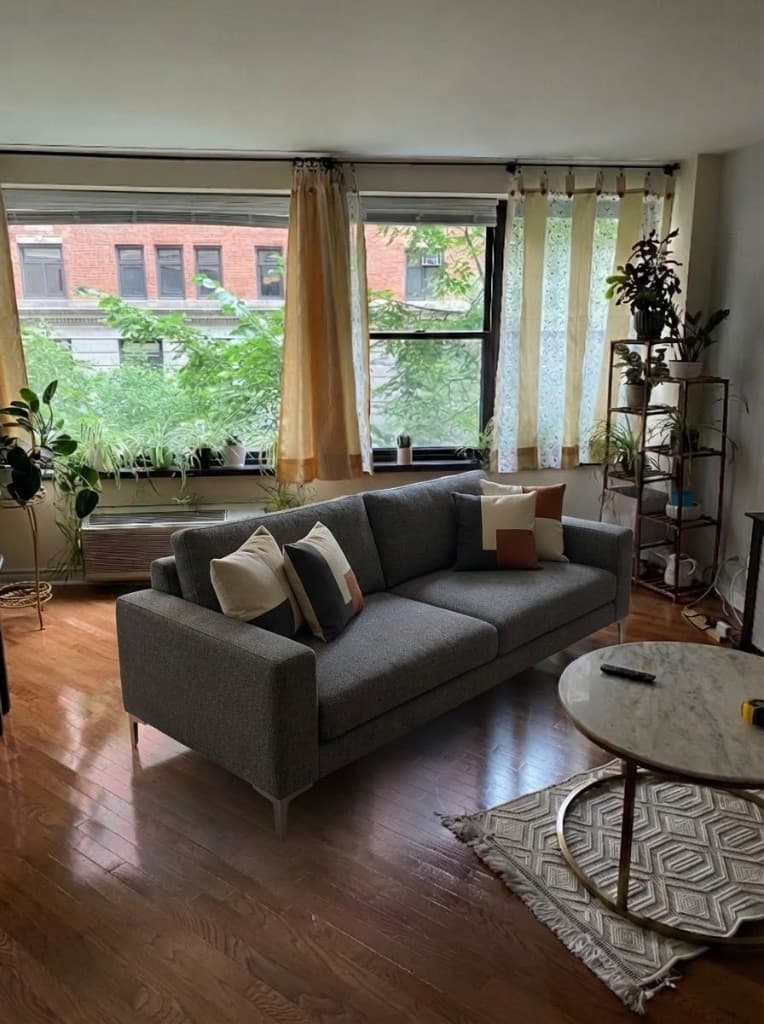
Gray Modern Couch
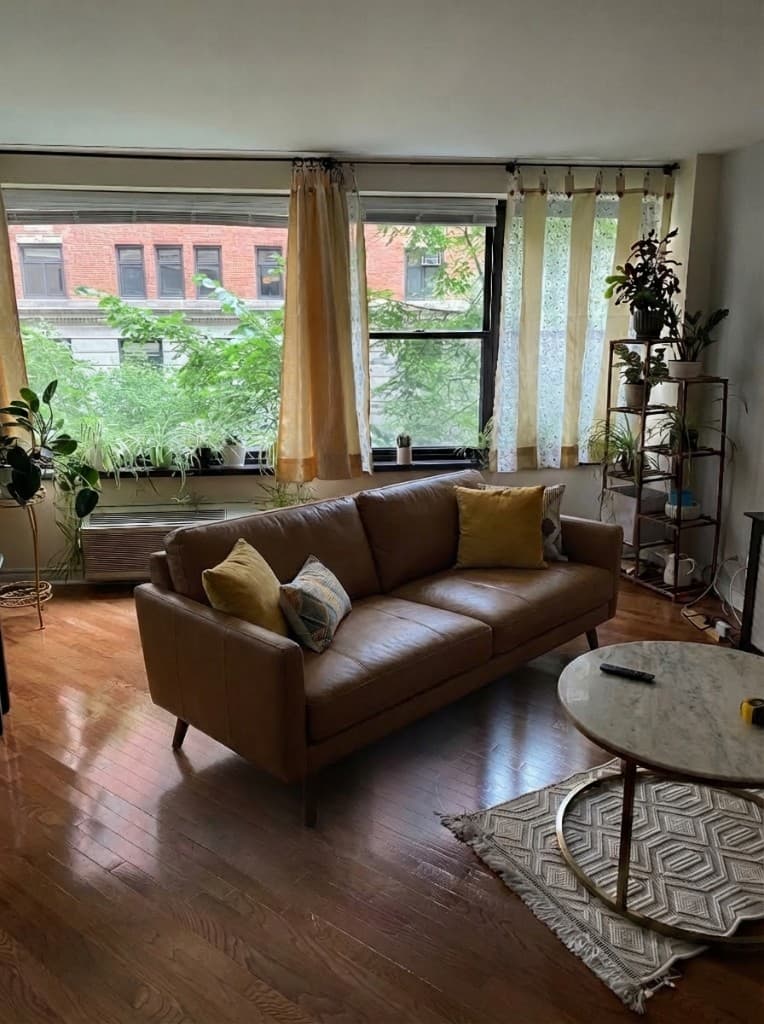
Brown Leather Couch
Simple Three-Step Process
Upload, mark up, and transform your photos in seconds
Upload Your Photo
Start with any real photo—interior shots, landscapes, product photos, or architectural images work perfectly.
Mark & Describe Changes
Click on elements you want to change, describe the edits, add reference images, and adjust brightness or filters.
Get Edited Photo
AI processes your edits and delivers a photorealistic result in seconds. Download and use immediately.
Photo Edit Tool FAQ
Common questions about photo editing
Transform your photos with AI precision
Create a free account—No credit card required.