
ArchiVinci Review: Features, Pricing & A Better Alternative
We tested ArchiVinci for AI-powered architecture rendering, floor plan generation, and design visualization. Here's our honest take — and why Rendershop is the stronger choice for design professionals.
Quick Verdict
ArchiVinci is an AI design tool that generates floor plans, exterior concepts, and interior ideas from text prompts. It's decent for early brainstorming but struggles with photorealism, output consistency, and professional-grade rendering. There's no virtual staging, no video generation, and limited editing capabilities. For a complete AI rendering solution, Rendershop delivers higher-quality photorealistic renders plus virtual staging, AI photo editing, inpainting, and video walkthroughs — all starting with 50 free credits.
What is ArchiVinci?
ArchiVinci is an AI-powered design platform that generates architectural concepts from text descriptions. Type in what you want — a modern three-bedroom house, a minimalist office space, a Mediterranean villa — and ArchiVinci produces images, floor plans, and design ideas.
The platform targets architects, interior designers, and homeowners who want quick concept generation. ArchiVinci offers text-to-image generation, floor plan creation, and basic interior and exterior visualization across various architectural styles.
Where ArchiVinci falls short is output quality and professional depth. Generated images often look more illustrative than photorealistic, floor plans can be impractical, and there's no way to refine or edit outputs with precision. For professionals who need photorealistic rendering, virtual staging, or advanced editing, ArchiVinci lacks the tools that platforms like Rendershop provide.
ArchiVinci Features Breakdown
Text-to-Design Generation
ArchiVinci's primary feature is generating architecture designs from text prompts. Describe a building or space, and the AI creates visual concepts. This is useful for brainstorming but output quality varies significantly — some prompts produce impressive concepts while others generate unrealistic or structurally impractical designs.
AI Floor Plan Generation
ArchiVinci can generate floor plans from text descriptions, which is a unique capability. However, the generated floor plans often have practical issues — awkward room proportions, unrealistic circulation paths, and missing functional elements. They work for initial concept exploration but need significant refinement for real projects.
Interior Design Concepts
The platform generates interior design concepts across various styles. Results tend to look more like concept art than photorealistic renders — which works for mood boards and early ideation but falls short when you need client-ready presentation imagery. Furniture proportions and spatial relationships are often inaccurate.
Exterior Visualization
ArchiVinci generates exterior building concepts from text prompts. The AI handles common architectural styles reasonably well but struggles with unique or complex designs. Output images lack the photorealistic quality that professional architects need for client presentations and marketing materials.
Style Variety
ArchiVinci supports a wide range of architectural styles — Modern, Contemporary, Art Deco, Brutalist, Mediterranean, Japanese, and more. The variety is impressive, but the quality within each style varies. Some styles produce better results than others, and there's limited control over specific design details.
Where ArchiVinci Falls Short
The biggest limitations of ArchiVinci are non-photorealistic output (images look illustrative, not real), no photo-to-render capability (can't transform existing photos), no virtual staging, no AI video walkthroughs, no inpainting or selective editing, and impractical floor plans that need heavy refinement. For professionals who need photorealistic, client-ready imagery, Rendershop is the more capable option.
ArchiVinci Pros and Cons
Pros
Text-to-design generation for quick concepts
AI floor plan generation from descriptions
Wide variety of architectural styles
Good for early brainstorming and ideation
Interior and exterior concept generation
Simple text-prompt workflow
Affordable pricing for concept generation
No design skills required to get started
Cons
Output looks illustrative, not photorealistic
No photo-to-render transformation
No virtual staging capabilities
No AI video walkthroughs
No inpainting or selective editing
Floor plans often impractical for real use
Limited control over specific design details
Not suitable for client-ready presentations
ArchiVinci Pricing
ArchiVinci uses a subscription-based pricing model. Here's how their plans break down:
ArchiVinci's free tier includes watermarks and limited generations. The Basic plan at $19/month gives you 100 generations, but without photorealistic output, staging, video, or editing tools, you're paying for concept-level imagery only. Rendershop offers a complete AI design suite — photorealistic rendering, staging, editing, and video — with 50 free credits and no watermarks.
Rendershop vs ArchiVinci: Feature Comparison
Considering ArchiVinci? Here's how Rendershop compares across the features architecture and design teams care about most.
Why We Recommend Rendershop Over ArchiVinci
ArchiVinci is fun for brainstorming, but it's a concept generation tool — not a professional rendering platform. Here's why Rendershop is the better choice for professionals who need client-ready output:
Photorealistic output
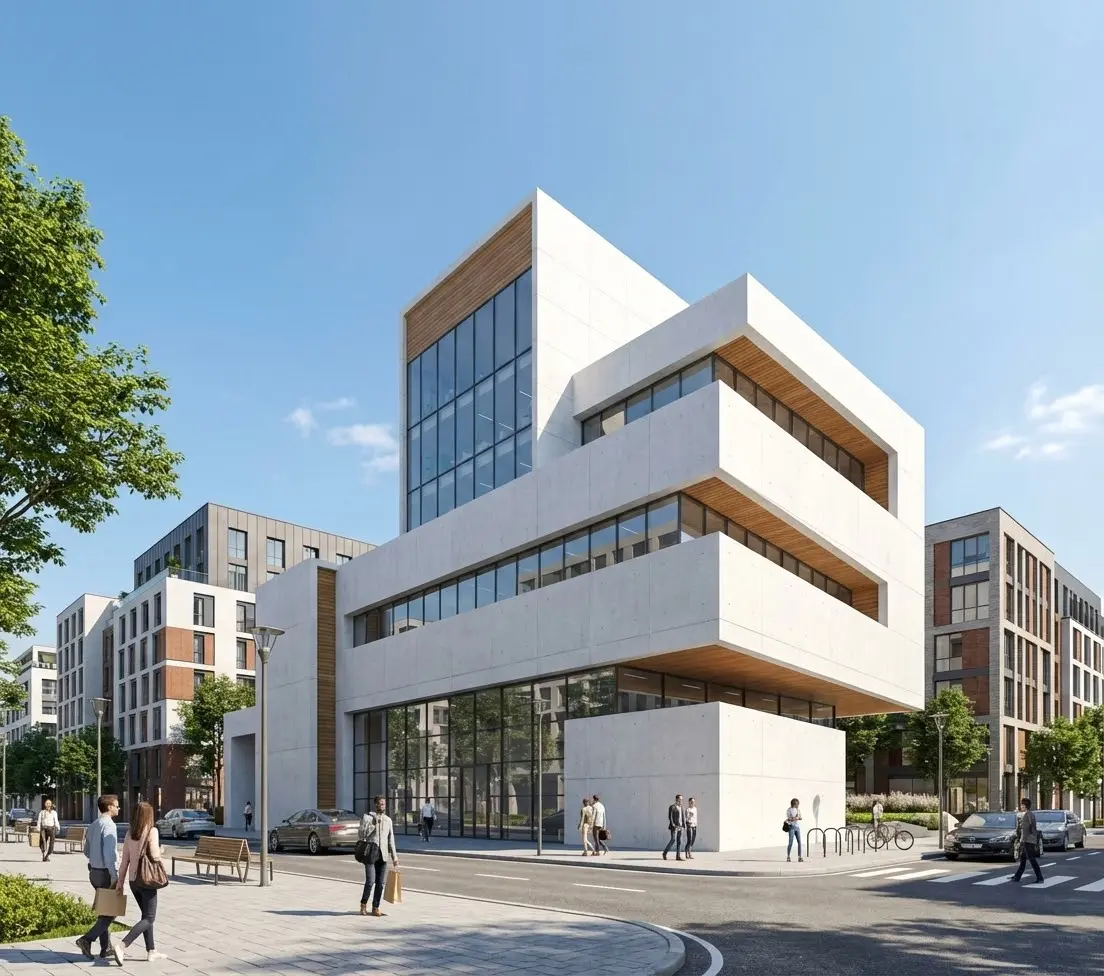
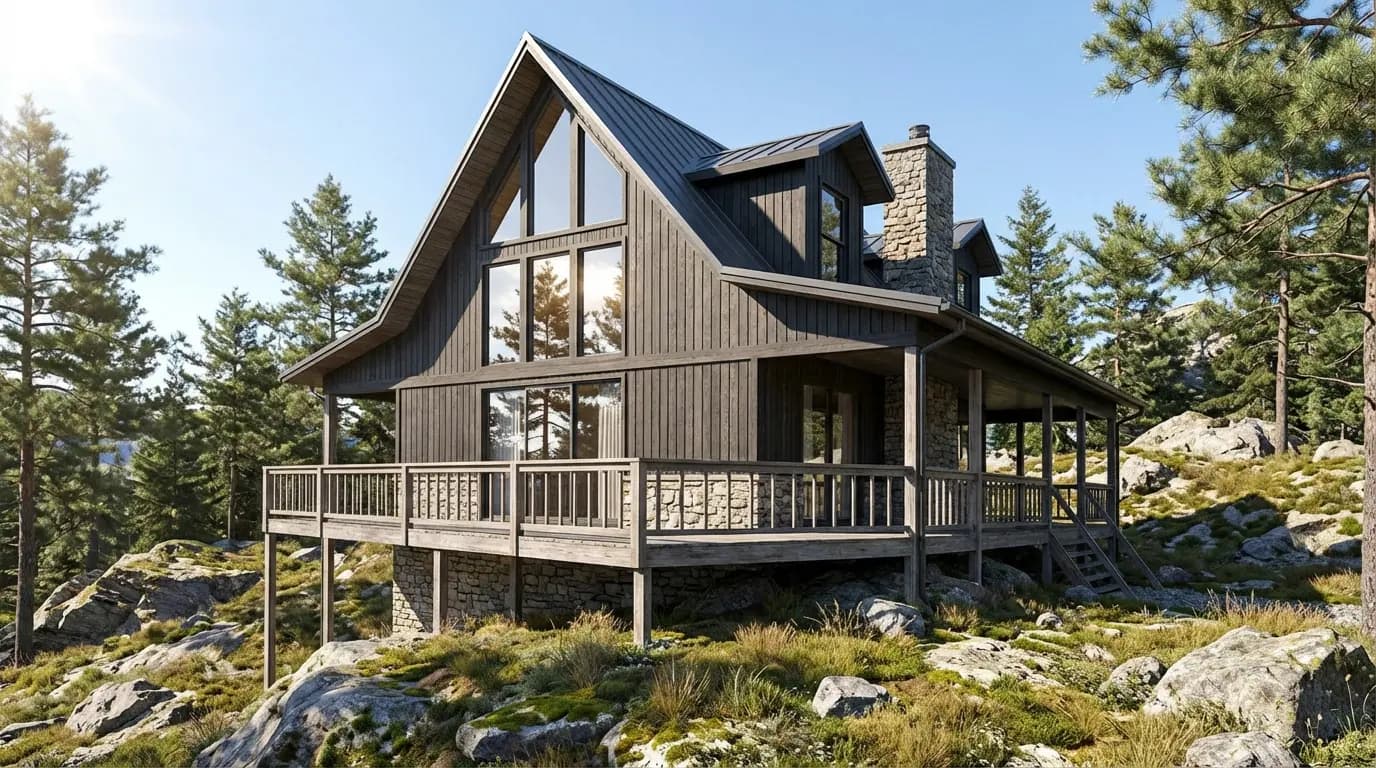
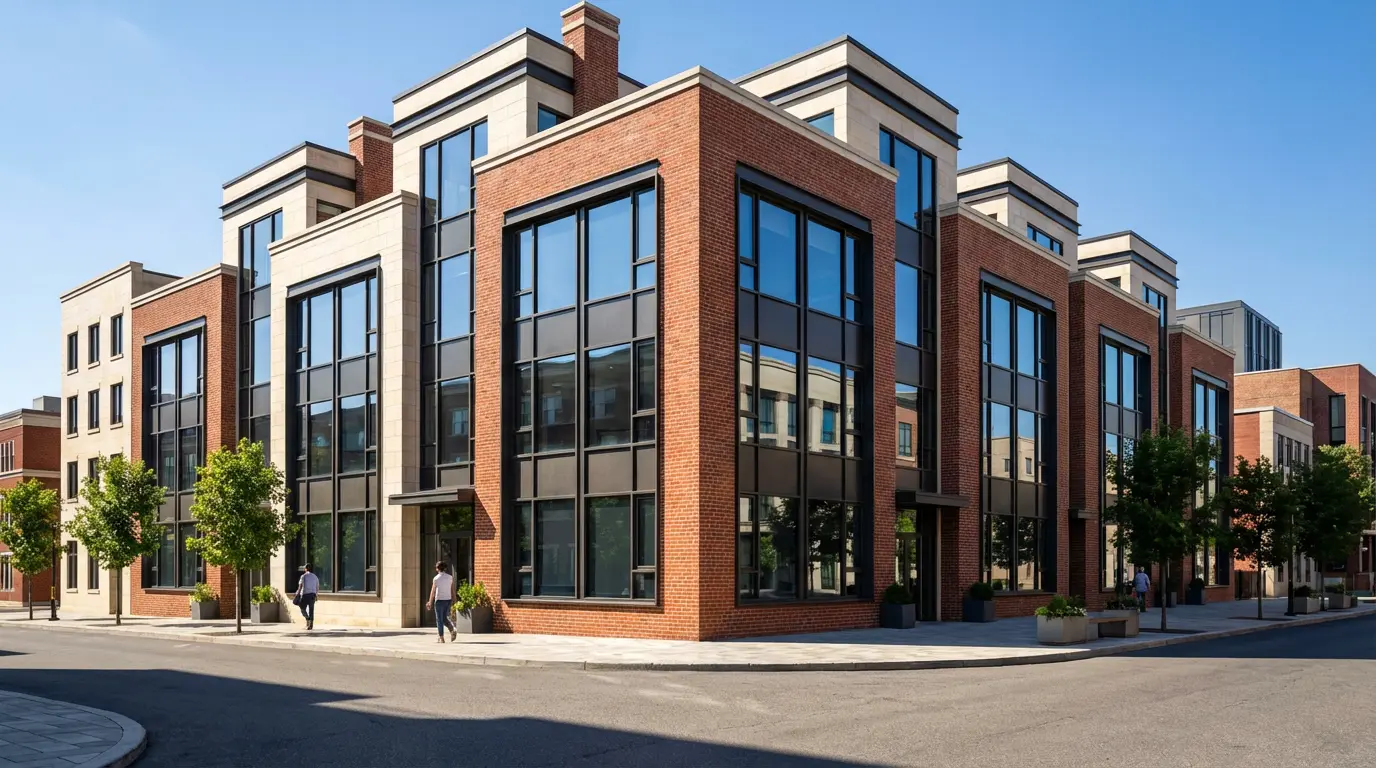
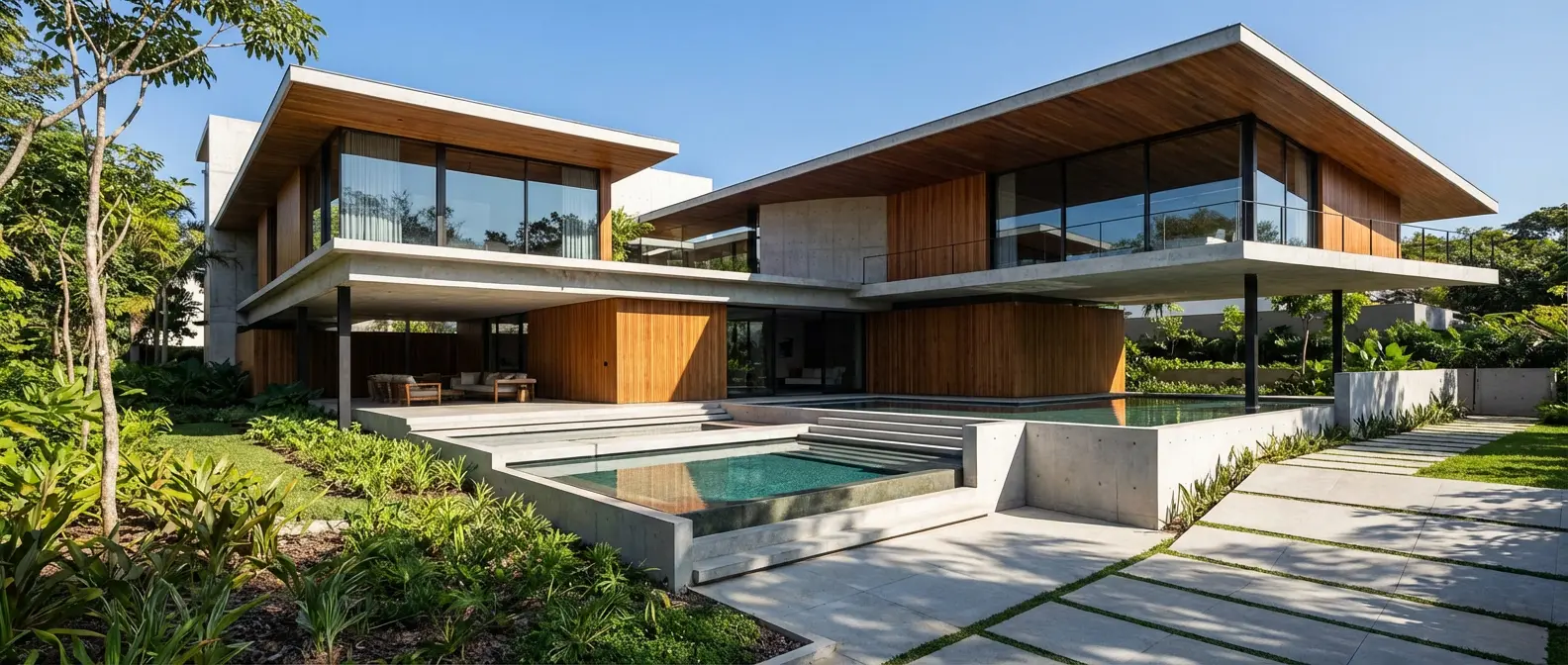
ArchiVinci generates illustrative concepts. Rendershop produces photorealistic renders that are indistinguishable from professional 3D visualizations — ready for client presentations, marketing, and project proposals.
Photo-to-render transformation
ArchiVinci only generates from text prompts. Rendershop lets you upload existing photos, sketches, CAD screenshots, and floor plans — and transform them into stunning renders. This is essential for renovation projects and real-world design work.
Complete editing toolkit
ArchiVinci has no editing tools. Rendershop's inpainting lets you selectively modify specific regions of a render — change materials, add or remove objects, adjust landscaping — giving you precision control over the final result.
Virtual staging for real estate
ArchiVinci doesn't offer virtual staging. Rendershop's dedicated staging tool lets you furnish empty rooms with photorealistic furniture — essential for real estate listings and property marketing.
No watermarks, more free credits
ArchiVinci watermarks free-tier images. Rendershop gives you 50 free credits with no watermarks and full commercial use rights from day one.
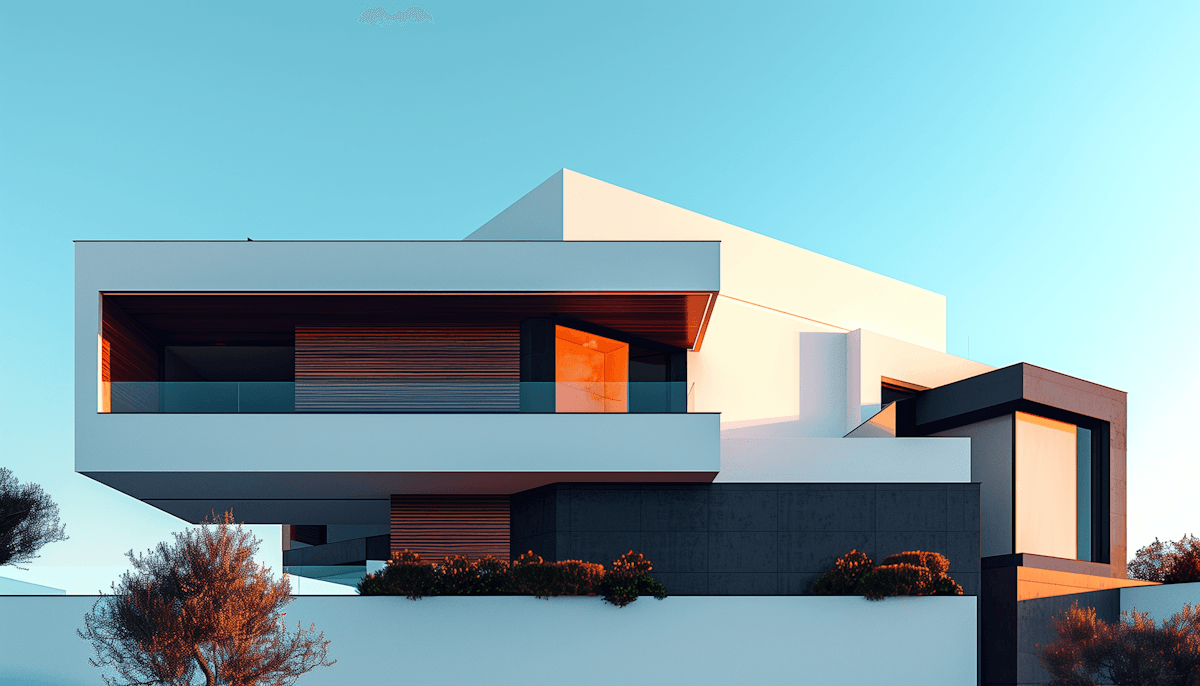
Renders Created with Rendershop
Is ArchiVinci Right for You?
ArchiVinci might work if you...
Need quick concept generation from text prompts
Want AI-generated floor plans for brainstorming
Are exploring design ideas in early stages
Don't need photorealistic output quality
Choose Rendershop if you...
Need photorealistic, client-ready renders
Want to transform photos and sketches into renders
Require virtual staging for real estate
Need AI photo editing with precise inpainting
Want AI video walkthroughs for presentations
Prefer watermark-free output with 50 free credits
ArchiVinci Review FAQ
Common questions about ArchiVinci and alternatives
Ready to try a better ArchiVinci alternative?
50 free credits — No credit card required.