
ArchiVision AI Review: Features, Pricing & A Better Alternative
We tested ArchiVision AI for architectural visualization, interior rendering, and design concept generation. Here's our honest take — and why Rendershop is the stronger choice for design professionals.
Quick Verdict
ArchiVision AI is an AI-powered visualization tool that converts sketches and photos into architectural renders. It handles basic style transfers and concept visualization but lacks depth for professional workflows — output quality is inconsistent, there's no virtual staging, no video generation, and editing capabilities are minimal. For a complete AI rendering solution, Rendershop delivers higher-quality photorealistic renders plus virtual staging, AI photo editing, inpainting, and video walkthroughs — all starting with 50 free credits.
What is ArchiVision AI?
ArchiVision AI is an AI-powered architectural visualization platform that transforms sketches, photos, and basic inputs into rendered architectural concepts. The tool targets architects, students, and design enthusiasts who want to quickly visualize design ideas without traditional 3D modeling software.
The platform supports sketch-to-render conversion, photo-based style transfer, and text-prompted design generation across various architectural styles. ArchiVision AI positions itself as an accessible alternative to complex rendering pipelines like V-Ray, Enscape, or Lumion.
Where ArchiVision AI falls short is in professional-grade output and advanced features. Renders often lack the photorealism needed for client presentations, there's no virtual staging for real estate, no AI video walkthroughs, and editing tools are basic — you can't selectively modify regions of a render. For professionals who need a full-featured AI design platform, ArchiVision AI falls short compared to comprehensive solutions like Rendershop.
ArchiVision AI Features Breakdown
Sketch-to-Render
ArchiVision AI's standout feature converts hand-drawn sketches and line drawings into rendered visualizations. Upload a sketch, select a style, and the AI generates a rendered version. Results vary — clean, well-defined sketches produce decent output, but rough or abstract sketches often yield inconsistent or architecturally inaccurate results.
Photo Style Transfer
The platform can transform photos of buildings and interiors into different architectural styles. Upload a photo, choose a target style (Modern, Mediterranean, Industrial, etc.), and ArchiVision AI generates a restyled version. The feature works reasonably for simple buildings but struggles with complex facades, detailed interiors, and maintaining structural accuracy.
Interior Visualization
ArchiVision AI generates interior design concepts from photos and text prompts. Interior results tend to look conceptual rather than photorealistic — useful for mood boards and early ideation but not polished enough for client presentations. Furniture proportions, material textures, and lighting can look artificial in more complex scenes.
Text-to-Design
ArchiVision AI supports text-prompted design generation — describe a building or space and the AI creates a visualization. This is useful for brainstorming, but output quality depends heavily on prompt specificity. Vague prompts produce generic results, and the AI has limited understanding of complex architectural terminology and spatial relationships.
Style Library
The platform includes a library of architectural styles — Modern, Brutalist, Art Deco, Minimalist, Japanese, Scandinavian, and more. The variety is reasonable, but some styles produce significantly better results than others. There's limited ability to blend styles or fine-tune specific design elements beyond selecting a preset.
Where ArchiVision AI Falls Short
The biggest limitations of ArchiVision AI are inconsistent output quality (especially on complex scenes), no virtual staging, no AI video walkthroughs, no inpainting or selective editing, limited photorealism for client-ready presentations, and basic prompt control that often misinterprets design intent. For professionals who need reliable, high-quality output and a comprehensive AI design toolkit, Rendershop is the more capable option.
ArchiVision AI Pros and Cons
Pros
Sketch-to-render conversion available
Photo-based style transfer for exteriors
Text-to-design concept generation
Wide variety of architectural styles
Good for early brainstorming and ideation
Accessible for students and beginners
Fast processing for quick iterations
Lower barrier to entry than 3D software
Cons
Output quality inconsistent on complex scenes
Renders lack photorealism for client work
No virtual staging capabilities
No AI video walkthroughs
No inpainting or selective region editing
Interior visualization looks artificial
Limited prompt understanding for complex designs
Style blending and fine-tuning not supported
ArchiVision AI Pricing
ArchiVision AI uses a credit-based pricing model. Here's how their plans break down:
ArchiVision AI's free tier includes watermarks, limiting its use for client work. The Starter plan at $15/month gives you 80 renders, but with inconsistent quality, no staging, no video, and no editing tools, you're paying for concept-level imagery. Rendershop offers a complete AI design suite — photorealistic rendering, staging, editing, and video — with 50 free credits and no watermarks.
Rendershop vs ArchiVision AI: Feature Comparison
Considering ArchiVision AI? Here's how Rendershop compares across the features architecture and design teams care about most.
Why We Recommend Rendershop Over ArchiVision AI
ArchiVision AI is useful for early-stage concept exploration, but it's not a professional rendering platform. Here's why Rendershop is the better choice for professionals who need client-ready output:
Photorealistic, client-ready output
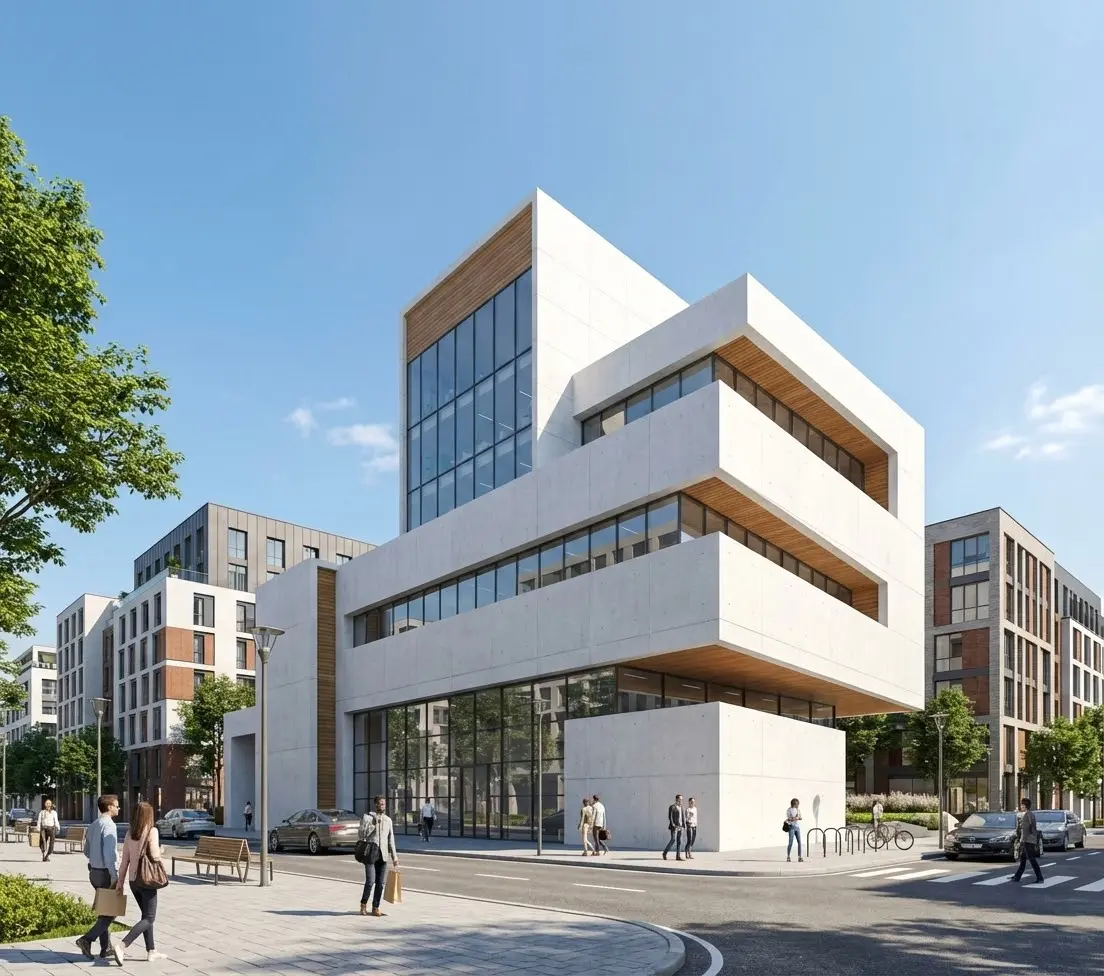
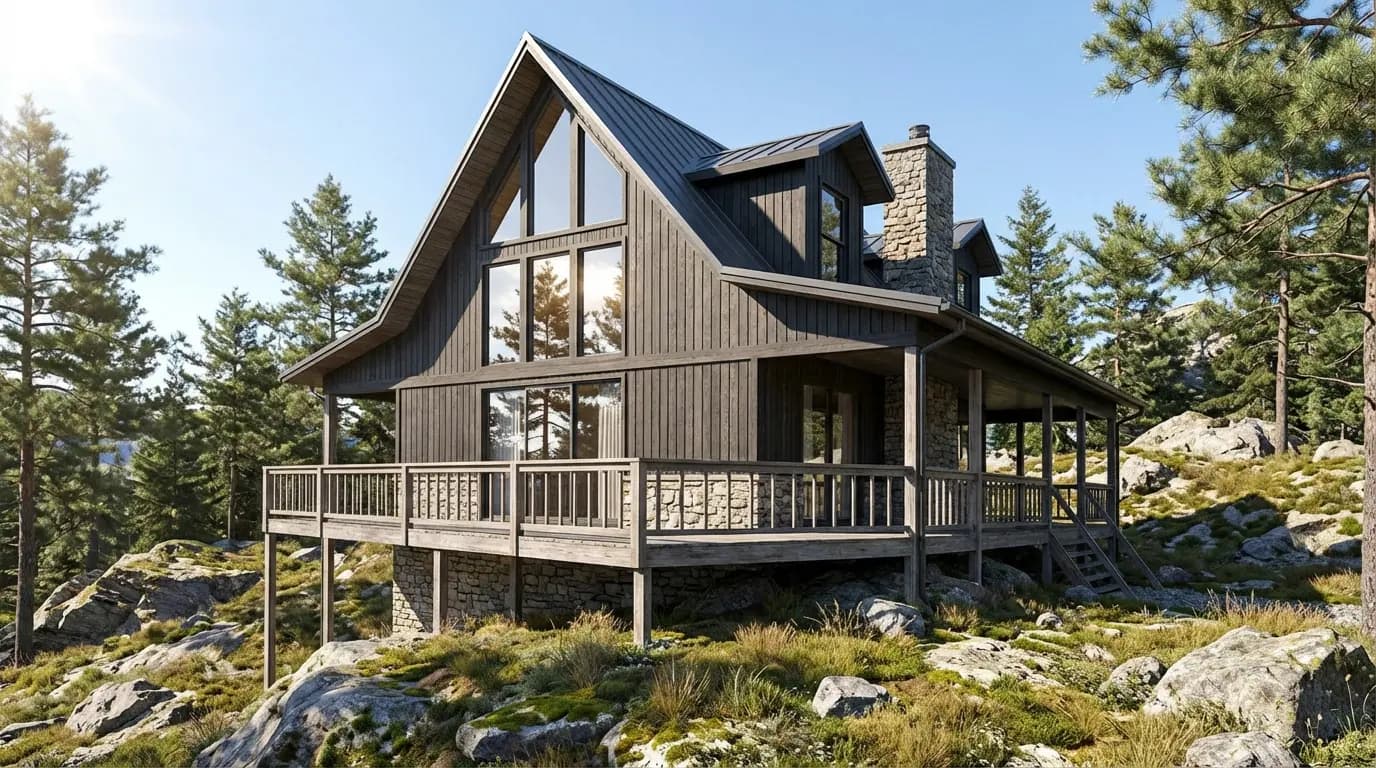
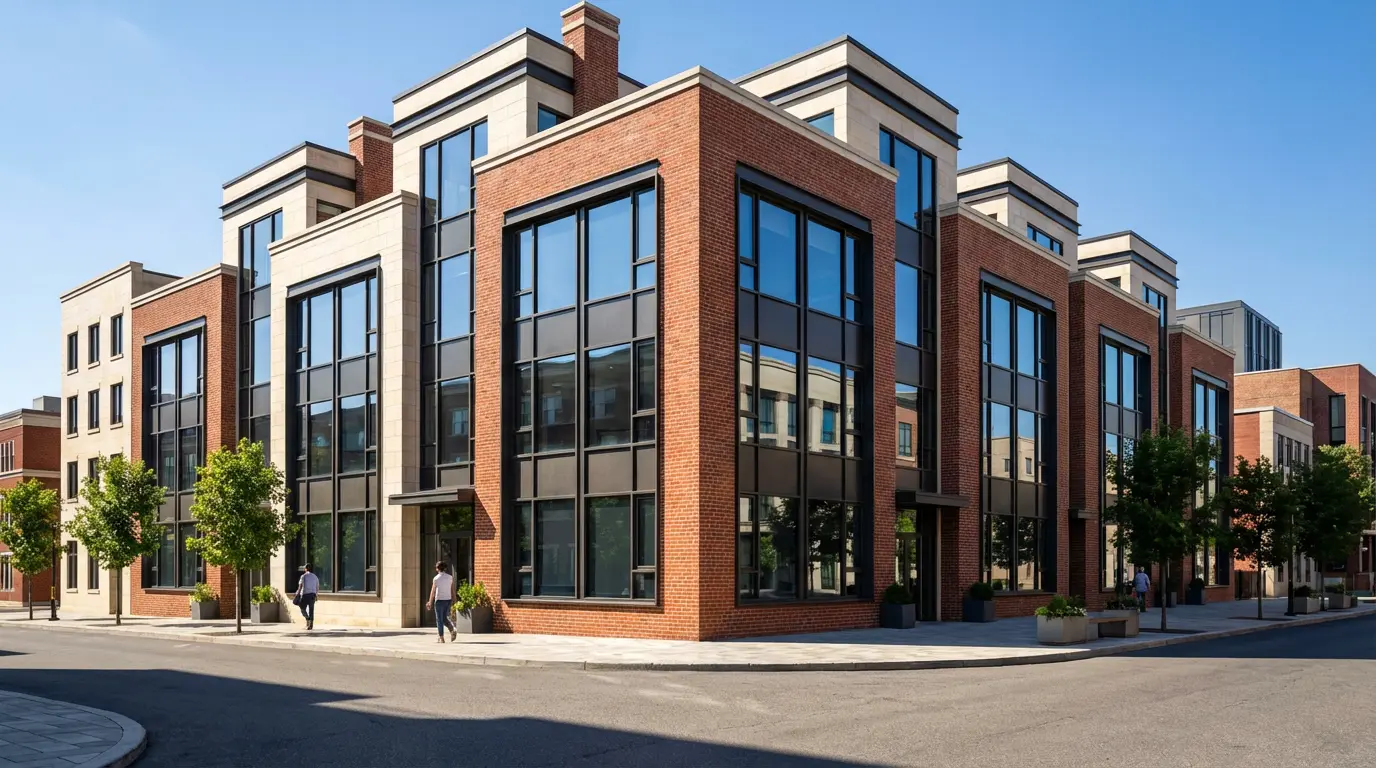
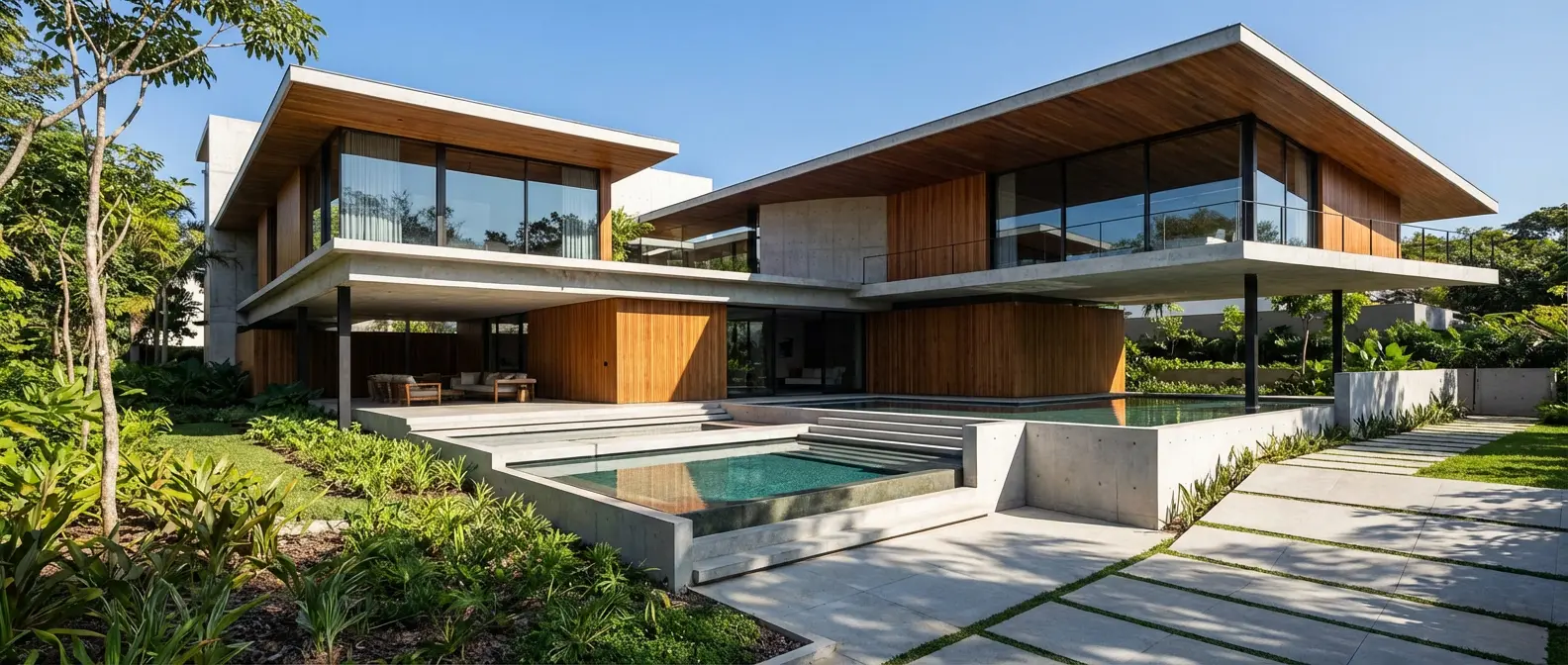
ArchiVision AI produces conceptual visualizations. Rendershop generates photorealistic renders indistinguishable from professional 3D visualizations — ready for client presentations, marketing materials, and project proposals.
Precise editing with inpainting
ArchiVision AI has no selective editing. Rendershop's inpainting lets you modify specific regions of a render — change materials, swap furniture, adjust landscaping — without regenerating the entire image.
Virtual staging for real estate
ArchiVision AI doesn't offer virtual staging. Rendershop's dedicated staging tool lets you furnish empty rooms with photorealistic furniture — essential for real estate listings and property marketing.
AI video walkthroughs
Turn any render into a cinematic walkthrough video. Rendershop is one of the few AI rendering platforms with built-in video generation — something ArchiVision AI doesn't offer.
No watermarks, more free credits
ArchiVision AI watermarks free-tier images. Rendershop gives you 50 free credits with no watermarks and full commercial use rights from day one.
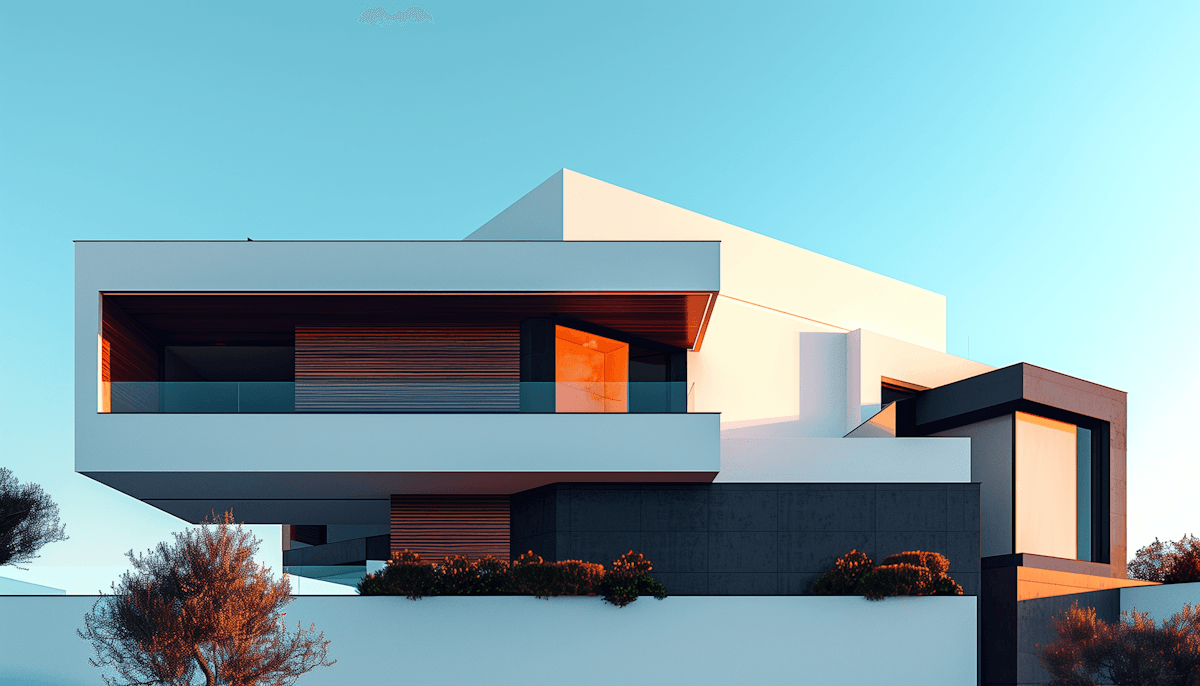
Renders Created with Rendershop
Is ArchiVision AI Right for You?
ArchiVision AI might work if you...
Need quick sketch-to-render concept visualization
Are a student exploring design ideas
Want basic style transfer for brainstorming
Don't need photorealistic, client-ready output
Choose Rendershop if you...
Need photorealistic, client-ready renders
Want a complete rendering, staging, and editing toolkit
Require virtual staging for real estate
Need AI photo editing with precise inpainting
Want AI video walkthroughs for presentations
Prefer watermark-free output with 50 free credits
ArchiVision AI Review FAQ
Common questions about ArchiVision AI and alternatives
Ready to try a better ArchiVision AI alternative?
50 free credits — No credit card required.