Real estate development is a capital-intensive business with long timelines. Lenders want proof of demand before they commit construction financing. Buyers hesitate to put deposits on something they can only see on a floor plan. Sales teams struggle to hit presale thresholds when their only marketing material is a PDF of architectural drawings.
Pre-construction marketing renders solve all three problems simultaneously. A suite of photorealistic exterior and interior images — showing the finished building in context, with realistic lighting, landscaping, and interior finishes — gives every stakeholder something concrete to react to. Presale rates go up. Lender conversations get shorter. Sales centers open with compelling material instead of empty boards.
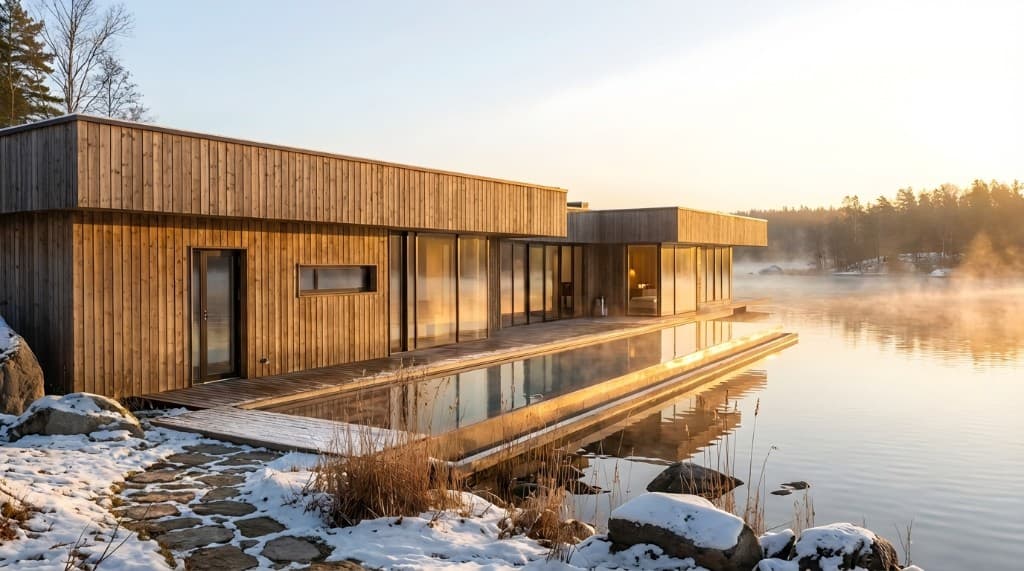
What's changed in 2026 is who can afford a full render suite and how quickly it can be produced. Traditional architectural rendering from a 3D studio takes weeks and costs thousands of dollars per image. AI rendering from Rendershop compresses that to hours at a fraction of the cost — making high-quality pre-construction imagery accessible not just to institutional developers but to boutique builders, custom home builders, and small-scale multifamily developers who previously couldn't justify the budget.
Why Pre-Construction Renders Are a Development Necessity, Not a Luxury
Ask any experienced developer what's most often cited by sales agents as the reason a buyer hesitated and you'll get the same answer: they couldn't picture it. Floor plans show dimensions. Elevation drawings show massing. Neither shows the buyer standing outside the finished building on a Tuesday evening, or sitting in the kitchen of Unit 4B with morning light coming through the east-facing windows.
Photorealistic renders close that gap. When a buyer can see the finished product — not a line drawing, but a convincing photographic representation of the building that will exist — the purchase decision moves from abstract to concrete. That cognitive shift is the difference between a "maybe when it's finished" and a signed purchase agreement with a deposit.
The financial stakes are significant. For a typical 50-unit condominium development, presale deposits fund a meaningful portion of construction costs and serve as proof-of-demand for the construction lender. Missing the presale threshold — often 60–70% of units — can delay or kill a project that's otherwise financially sound. Marketing renders are not a line item to economize on; they are risk mitigation for the capital stack.
What a Strong Pre-Construction Render Package Includes
Not all render packages are equal. The developers who hit presale targets fastest consistently invest in a specific set of views. Here's what a complete marketing render suite looks like for a residential or mixed-use development:
Exterior Views (3–5 Images)
The exterior suite anchors the entire marketing campaign. Every billboard, website header, sales center banner, and social ad will use one of these images. They need to be outstanding.
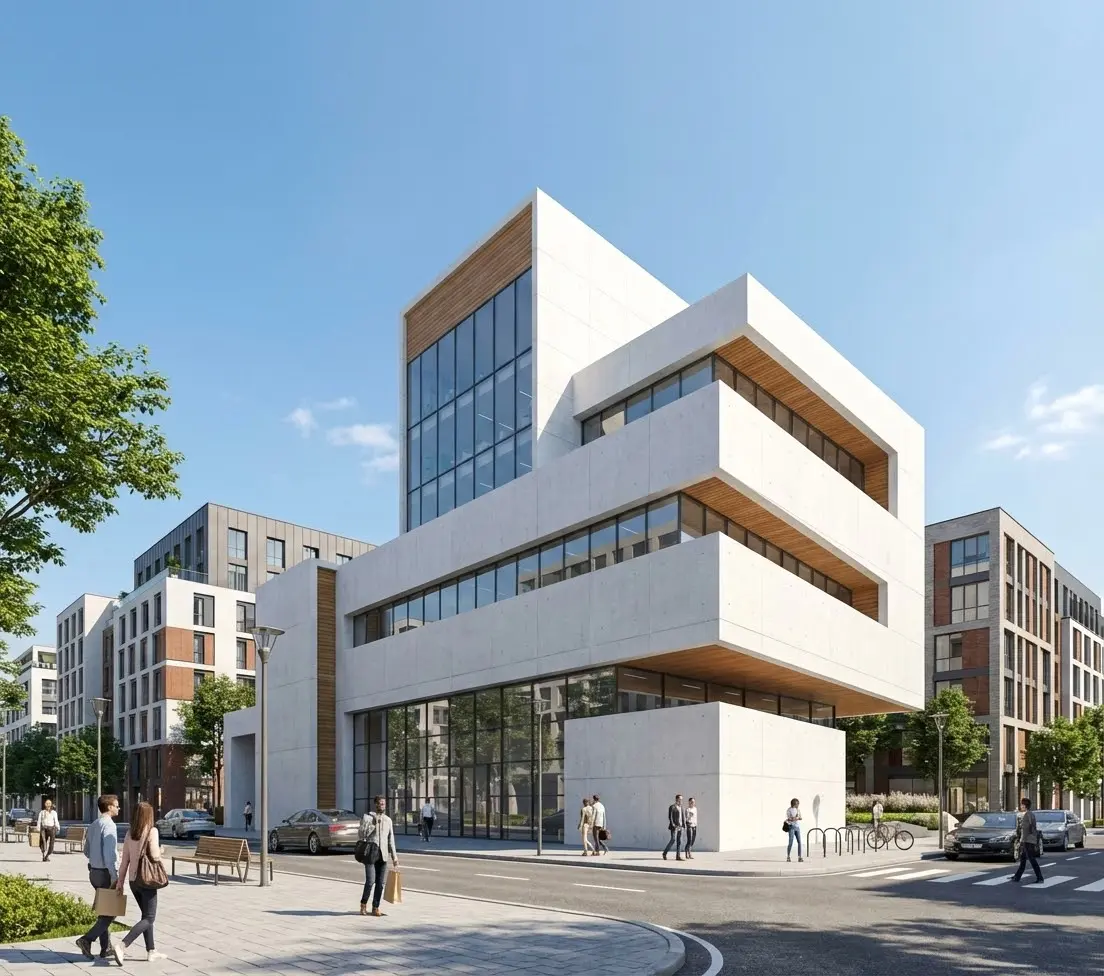
- Hero view: The primary street-facing facade at golden hour or late afternoon, with natural shadows that communicate the building's depth and texture. This is the image that goes on everything.
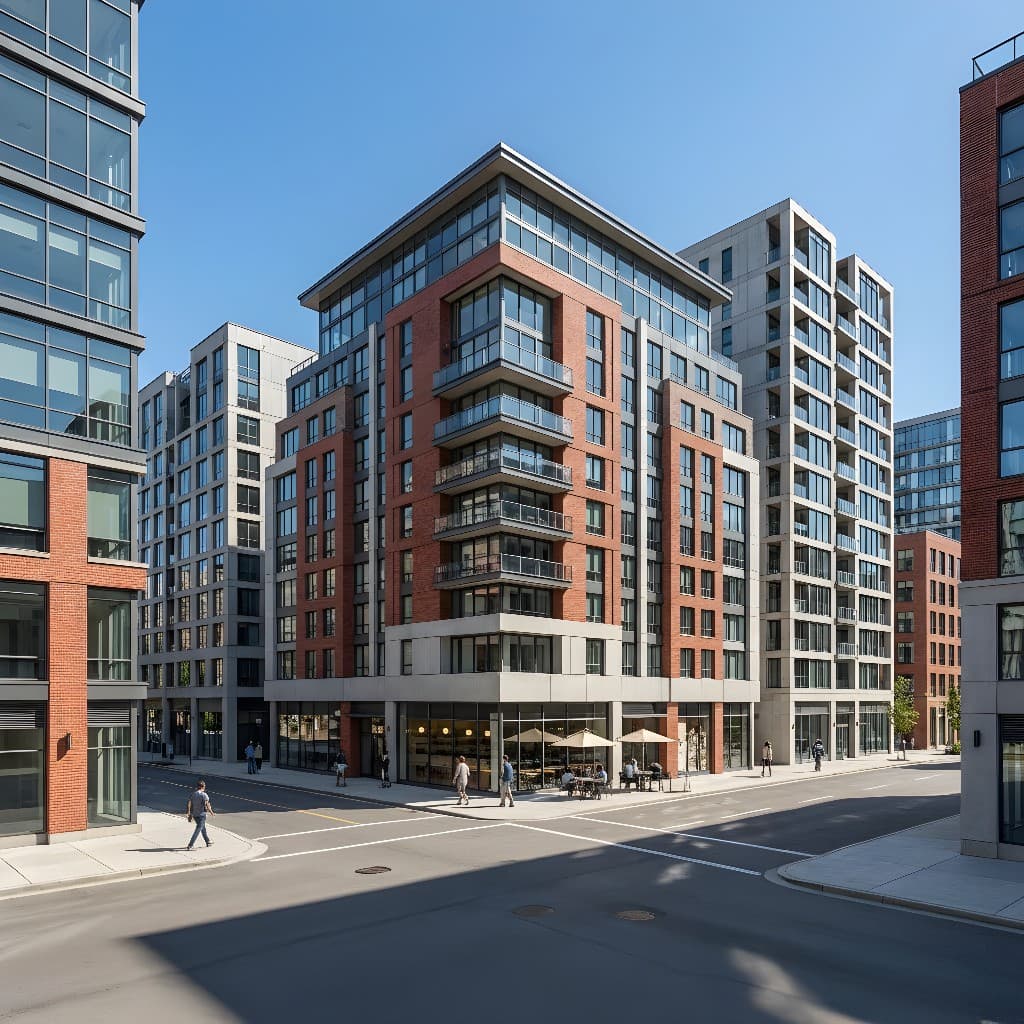
- Aerial/contextual view: The building in its neighborhood context, showing proximity to key amenities, transit, parks, or the skyline. Buyers buy neighborhoods as much as buildings.
- Entry and amenity approach: The main entrance, lobby facade, or courtyard — the point of arrival that buyers and residents will experience daily.
- Twilight/evening view: One dusk or night render with interior lighting visible and exterior illumination active. These tend to outperform daytime renders in digital advertising.
- Poolside or outdoor amenity: If the development includes a rooftop deck, pool, courtyard, or outdoor kitchen — a lifestyle render of that space in use.
Interior Unit Views (4–8 Images)
Interior renders are where buyers make their final decision. Show the unit types that represent the highest volume of sales — typically the most common floor plan — in their best-performing finish package. If you offer multiple finish tiers (standard, premium, upgrade), render the mid-tier: it represents realistic expectations while still showing the building at its best.
The essential interior views for a residential development:
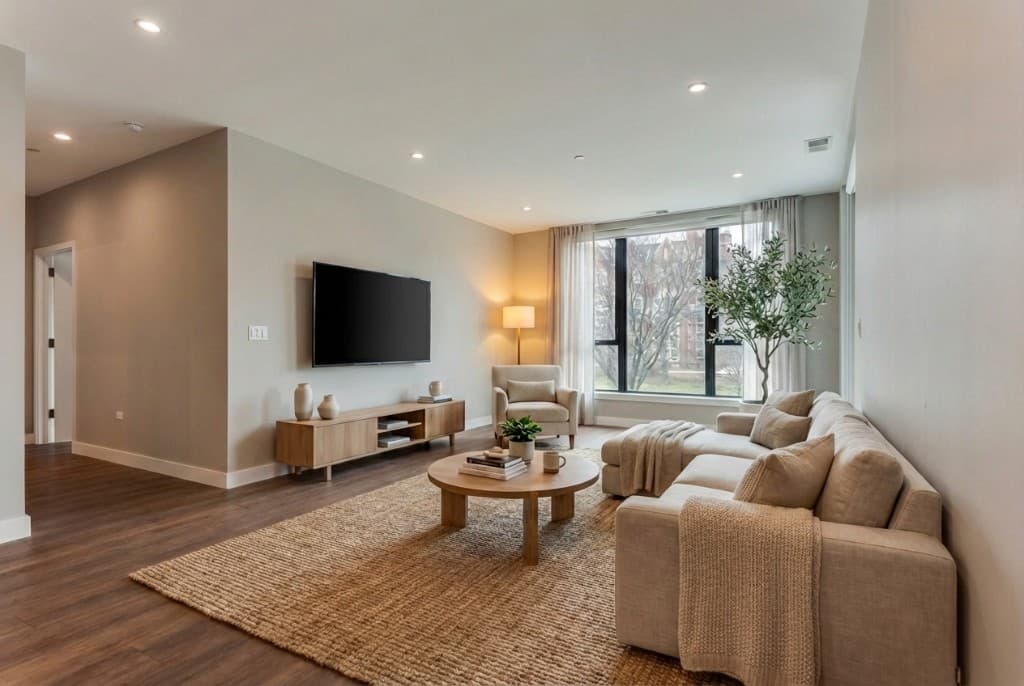
- Living and kitchen in one frame — the open-plan living/dining/kitchen view is the single most clicked image in residential real estate marketing. Shoot the angle that captures ceiling height and window area simultaneously.
- Primary bedroom — with natural light, a styled bed, and the primary bathroom door or en-suite visible. Buyers always look for this.
- Kitchen close-up — showing cabinet detail, countertops, and appliances. For buyers choosing between buildings, finishes are often the deciding factor.
- Primary bathroom — tile, vanity, fixtures, and any featured element (freestanding tub, rain shower, heated floors).
- View unit or penthouse kitchen/living — if your building has views, one render showing the interior with the city or landscape visible through the window is worth producing even if it only applies to a few units.
Lobby and Common Area Views (2–3 Images)
Lobby, fitness center, co-working lounge, mail room — common areas signal building quality and are increasingly used in condo marketing to justify price-per-square-foot premiums. One polished lobby render often does more for the "this is a quality building" perception than multiple unit renders.
How AI Rendering Changes the Economics of Developer Marketing
The traditional path to a pre-construction render suite required hiring an architectural visualization studio, providing complete 3D CAD models or Revit files, waiting 2–4 weeks for drafts, going through multiple revision rounds, and paying $800–$3,000 per final image — meaning a 10-image suite ran $8,000–$30,000 before any revisions.
That model made sense for large institutional developers building 200-unit towers. It was economically unrealistic for boutique developers, custom home builders with 5–15 units per project, or infill developers building 6-unit multifamily.
AI rendering changes the math. Instead of requiring complete 3D models, Rendershop generates photorealistic renders from:
- Architectural elevation drawings or site renderings
- Reference photos of similar buildings or comparable finishes
- Sketches or conceptual massing diagrams for early-stage projects
- Photos of existing spaces being repurposed or renovated
The output is a photorealistic image suitable for digital advertising, website headers, sales center displays, and investor decks — in hours rather than weeks, and at a fraction of traditional studio pricing. Iteration is cheap enough to run multiple finish options or seasonal lighting variations without budget anxiety.
For developers who are actively marketing while the architectural drawings are still being refined, this is especially valuable: you can generate a compelling exterior render from the preliminary massing scheme, get it into market immediately, and update it when final design details are locked without starting over.
AI Rendering vs. Traditional Studio: Pre-Construction Render Comparison
| Factor | Traditional Studio | AI Rendering (Rendershop) |
|---|---|---|
| Turnaround time | 2–4 weeks per draft | Same day to 48 hours |
| Cost per image | $800–$3,000 | Cents to low dollars |
| Input required | Full 3D model or detailed CAD | Elevation drawing, sketch, or reference photo |
| Revision speed | Days per round | Minutes per iteration |
| Early-stage viability | Requires complete model | Works from conceptual sketches |
| Finish option variations | Expensive to run multiple | Affordable to show 3–5 options |
| Output photorealism | Very high (full 3D model) | High (photo-based; no bespoke model) |
| Best for | 100+ unit institutional projects with full design documentation | Any project from 1 unit to 200+ units; conceptual through final design |
For large institutional developments, traditional 3D studios remain an option worth budgeting — the bespoke model guarantees exact spatial accuracy for every unit type. But for the majority of development projects, AI rendering delivers the marketing imagery needed to drive presales without the timeline or cost overhead that previously made comprehensive render suites inaccessible. See Rendershop's full feature set to understand what render modes are available for different input types.
How to Deploy Pre-Construction Renders Across the Sales Funnel
A render suite is only as valuable as the distribution strategy behind it. Here's how leading developers use pre-construction imagery at each stage:
Investor and Lender Decks
Construction lenders and equity investors review dozens of deals. The ones that stand out are the ones where they can immediately visualize the finished asset. Lead your investor presentation with the hero exterior render on slide one — before the pro forma, before the site plan, before the comparables. Set the visual context first, then support it with numbers. Projects that do this consistently report shorter investor diligence cycles.
Sales Center and Model Unit
Large-format prints of exterior and interior renders — 3 feet wide or larger — belong on every wall of the sales center. Buyers who walk into a physical or virtual sales experience want to see the building they're considering buying into. Renders on screens and walls do more selling than any verbal pitch. If you're operating a virtual sales center or video walkthrough, use animated render sequences (available through Rendershop's video feature) to show the building from multiple angles in motion.
Digital Advertising and Social Media
Exterior renders — particularly twilight and golden-hour views — consistently outperform floor plan images in digital advertising click-through rates. Use your hero render as the primary creative for paid social, Google Display, and local real estate portals. Interior renders work well in carousel formats that show buyers the full lifestyle: living room, bedroom, kitchen, outdoor space in sequence.
AI rendering's speed advantage is especially valuable here: you can A/B test different renders (daytime vs. twilight exterior, modern vs. warm-tone interior palette) without paying for separate full-production versions of each.
Press and Editorial Coverage
Local real estate journalists and architecture publications consistently cover new developments when supplied with compelling imagery. An architectural rendering press kit — hero exterior, one interior, site context — dramatically increases the likelihood of editorial pickup. Press coverage drives organic interest that paid advertising can't fully replace. Plan to have renders ready before your project is publicly announced.
Zoning and Planning Board Presentations
Pre-construction renders are often required for planning and zoning submissions, and contextual renders showing the building in relation to neighboring structures can make the difference in contested applications. See our upcoming post on rendering for HOA and zoning board presentations for a detailed guide on this specific use case.
When to Produce Renders During the Development Timeline
Different stages of the development process call for different types of renders. Here's a practical timeline:
Feasibility / Land Contract Stage
Produce 1–2 massing renders from the conceptual design. These are for internal use and investor conversations only — rough enough to communicate the vision, not polished enough for public marketing. Use architectural sketches or reference building photos as input.
Pre-Zoning / Entitlement Stage
Produce a contextual exterior render for planning board presentations and a hero exterior for investor materials. These go into the equity raise deck and lender introduction package.
Pre-Sales Launch (6–12 months before groundbreaking)
Produce the full exterior suite (3–5 images) and the primary interior suite (4–6 images). These are the images that will drive the presale campaign, appear in digital advertising, and populate the sales center. This is the most important render investment in the development cycle.
Construction Period
Produce updated renders as design details are finalized — finish upgrade options, lobby redesigns, amenity programming changes. Buyers who sign late in the presale campaign want to see current design intent, not the version from 18 months ago.
Close-Out and Future Phases
Save your final renders for testimonial marketing, case studies, and future phase pre-marketing. Strong renders from Phase 1 seed the buyer demand for Phase 2.
Getting the Best Results from AI Rendering for Pre-Construction
AI rendering for pre-construction projects is somewhat different from rendering an existing space — you're working from drawings and reference imagery rather than a photo of the actual building. These practices improve output quality:
- Provide the exterior elevation drawing as the base image. Even a preliminary elevation gives the AI the massing, window placement, and facade rhythm to work from. The more accurate the elevation, the more accurate the render.
- Supply material and finish references. Describe your cladding material (brick, fiber cement panel, stucco, metal cladding) with specific color descriptions, and reference comparable buildings where possible. "Dark bronze aluminum composite panels with vertical reveals" produces a better result than "modern facade."
- Specify the neighborhood context. "Urban infill street with 3–4 story mixed-use neighbors, mature street trees, on-street parking" gives the AI the environmental context to generate a realistic streetscape.
- Set the lighting and time of day explicitly. "Golden hour, late afternoon sun from the southwest, clear sky with some high clouds" produces a more compelling exterior than default midday lighting.
- For interiors, use comparable finished units as input. If you have access to photos of similar buildings at the same finish level, use those as reference images and describe the changes specific to your project (different cabinet color, different countertop material, your specific floor plan dimensions).
For a deeper dive on prompting technique, see our guide to writing effective AI rendering prompts, which covers the specificity framework that produces the most accurate results.
Frequently Asked Questions
Can I use AI renders in purchase agreements and public marketing material legally?
Yes, with the standard caveats that apply to all pre-construction marketing imagery. Include the disclosure language your jurisdiction requires — typically something like "Renderings are artist's impressions and may differ from completed construction. Finishes, features, and specifications are subject to change." This is identical language to what's used with traditional studio renders. Consult your real estate attorney for jurisdiction-specific requirements, but the use of AI-generated renders versus traditionally-produced renders does not change the legal framework.
How early in the design process can AI rendering be used?
Very early. AI rendering can generate useful marketing imagery from conceptual sketches, hand-drawn elevations, or even reference photos of comparable buildings. The output at this stage is best described as "design direction imagery" rather than "accurate representations" — and should be labeled accordingly in marketing materials. As design development progresses and the elevation drawings become more complete, updated renders become increasingly accurate representations of the finished building.
How many renders do I need for a presale campaign?
The minimum viable package for a residential presale is: 1 hero exterior, 1 living/kitchen interior, 1 primary bedroom interior, and 1 bathroom interior — four images. This is enough to populate a landing page, run digital advertising, and open a sales center. A complete suite for a 20+ unit development is typically 8–12 images covering the full range of exterior angles, unit types, and amenities. With AI rendering, the per-image cost is low enough that most developers find it worthwhile to produce more images than the minimum rather than economize.
Can AI renders show the building in its actual neighborhood context?
Yes. The most effective technique is to photograph the site or the street from the angle you want the render to show, then use that photo as the base image with a description of the building overlaid on the site. This produces a contextual render showing the proposed building in its actual surroundings — neighboring buildings, street trees, sidewalks, and all. This is significantly more persuasive for buyers and planning boards than a render showing the building in a generic environment.
Do investors and lenders accept AI-generated renders?
Yes. What investors and lenders care about is whether the imagery clearly communicates the design intent and target market positioning of the development. A photorealistic render produced by AI is indistinguishable from one produced by a traditional visualization studio in an investor deck or lender presentation. The method of production is irrelevant; the output quality is what matters. Rendershop produces render-quality output that is appropriate for institutional investor and lender presentations.
Build Your Presale Campaign Before You Break Ground
The developers who consistently hit or exceed presale targets share one practice: they invest in high-quality marketing imagery early, deploy it broadly, and use it to drive buyer confidence before a single wall goes up. Pre-construction marketing renders are the tool that makes that strategy executable.
What's changed with AI rendering is the accessibility of that strategy. A boutique developer with a 12-unit infill project can now produce a render suite that looks indistinguishable from what a large institutional developer would have commissioned from a major visualization studio — at a fraction of the cost and in a fraction of the time. That levels the playing field considerably.
Whether you're bringing a first development to market or are deep into a multi-phase portfolio, the render package you produce before groundbreaking is one of the highest-ROI investments in the entire development pro forma. See Rendershop's pricing for current credit costs, and explore the features page for the full range of rendering modes available for development marketing.
Start Building Your Pre-Construction Render Suite Today
Turn elevation drawings, sketches, or reference photos into photorealistic marketing renders for your development. Try Rendershop free with 50 credits — no credit card required.
— The Rendershop Team