
Gendo AI Review: Features, Pricing & How It Compares
We took a close look at Gendo AI — the collaborative AI canvas for architectural visualization — across sketch-to-render, photorealistic output, material editing, and team workflows. Here's our honest take, plus an accurate comparison with Rendershop so you can pick the right tool.
Quick Verdict
Gendo AI is a capable, browser-based AI canvas built for architects and designers. It turns sketches, models, and SketchUp exports into photorealistic renders, and supports material and style editing, image upscaling, AI video, and real-time team collaboration. It's a genuinely strong visualization tool. The main difference comes down to fit: Rendershop is a credit-based platform whose free tier includes 50 credits with no watermark and full commercial use, alongside dedicated tools for virtual staging, photo editing, and video. Both are solid — below is a fair, accurate comparison so you can choose the one that matches your workflow.
What is Gendo AI?
Gendo AI is a web-based collaborative AI canvas for architectural and spatial-design visualization. You work in the browser at app.gendo.ai: upload a sketch, rough plan, massing model, or a SketchUp export, choose a style, add an optional prompt, and Gendo generates a photorealistic render. It targets architects and designers who want fast, high-quality visualization and a shared canvas for iterating with their team.
Gendo accepts a range of inputs — hand-drawn sketches, digital line drawings, and rough massing models (PNG, JPG, or PDF) — so it isn't tied to a single piece of software. Beyond rendering, it lets you swap materials and finishes with a prompt, apply style transfer while keeping design fidelity, generate variations, and upscale results at 2x and 4x. AI video is now available to Gendo customers, and the canvas supports real-time collaboration with commenting and approval workflows.
Where it comes down to fit: Gendo is a subscription product oriented around the collaborative design canvas, and its free tier adds a watermark and caps export resolution. If you want a credit-based platform with a watermark-free, commercial-use free tier and dedicated tools for virtual staging, photo editing, and video, Rendershop is worth comparing — which we do, accurately, below.
Gendo AI Features Breakdown
Browser-Based Collaborative Canvas
Gendo runs in the browser as a shared canvas where teams generate, iterate, and align on designs together. It supports real-time collaboration with commenting and approval workflows, so it's well suited to studios that review work as a group. There's no plugin installation required to use the web app, though Gendo also integrates with SketchUp via exports.
Sketch & Model to Photorealistic Render
Gendo converts sketches, rough plans, massing models, and SketchUp exports into photorealistic architectural renders, applying materials, lighting, and atmosphere based on your selected style and prompt. Output is geared toward photorealistic results suitable for client presentations and planning approvals, and the tool emphasizes preserving the geometry of your input.
Material Swapping & Style Transfer
Beyond the initial render, Gendo lets you refine the design with prompts — swap materials and finishes, switch between styles while keeping design fidelity, and generate alternative options. This makes it easy to explore variations of a concept without starting over each time.
Upscaling & Image Enhancement
On paid plans, Gendo offers 2x and 4x upscaling to push renders to higher resolution for presentation and print. Combined with material and lighting control, this gives the output a meaningful enhancement step beyond the first generation.
AI Video & Team Collaboration
AI video is now live for Gendo customers, adding motion to static renders. Paired with the real-time, multi-seat canvas (plans include several seats), Gendo is built for teams that want to generate, review, and sign off on visualizations in one shared space.
Things to Weigh Before Choosing
Gendo's free tier adds a watermark and caps export at 1k resolution, and its paid Studio plan is a subscription starting at £79/month (£66/month billed annually). It's focused on the architectural design canvas — sketch-, model-, and SketchUp-based inputs. If your work centers on transforming existing photos, dedicated real-estate virtual staging, or you want watermark-free, commercial-use output on the free tier, it's worth comparing Gendo against Rendershop before deciding.
Gendo AI Pros and Cons
Pros
Browser-based collaborative canvas — no plugin required
Photorealistic render output
Renders from sketches, models, and SketchUp exports
Material swapping and style transfer via prompt
2x & 4x upscaling on paid plans
AI video now available to customers
Real-time team collaboration with comments and approvals
Free plan includes unlimited generations
Cons
Free tier adds a watermark and caps export at 1k resolution
Commercial license and no-watermark output require a paid plan
Paid Studio plan starts at £79/mo (subscription-based)
Oriented to sketch/model inputs rather than photo redesign
No dedicated real-estate virtual staging tool
Gendo AI Pricing
Gendo AI uses a seat-based subscription model (prices in GBP). Here's how their current plans break down:
Gendo's Studio plan is £79/month (£66/month billed annually) and includes four seats, unlimited generations, a commercial license, no watermark, and 2x/4x upscaling — strong value for a team. The free plan is generous on generation count but adds a watermark and caps export at 1k resolution. Rendershop takes a different approach: credit-based pricing with 50 free credits, no watermark, and full commercial use from day one — so you can ship client-ready work without upgrading first.
Rendershop vs Gendo AI: Feature Comparison
Both tools are capable AI visualization platforms. Here's an accurate, side-by-side look at where they overlap and where they differ.
Comparison based on publicly available information from gendo.ai as of June 2026. Features and pricing change — check each provider's site for the latest details.
Where Rendershop Stands Out
Gendo AI is a strong collaborative design canvas. Rendershop overlaps on the core rendering features and differs in a few areas that matter depending on your work:
Watermark-free free tier with commercial use
Gendo's free plan adds a watermark and caps export at 1k resolution, with a commercial license on paid plans. Rendershop gives you 50 free credits with no watermark and full commercial use rights from day one.
Commercial-ready output on the free tier
Gendo's free plan adds a watermark and reserves the commercial license for paid plans. Rendershop's 50 free credits produce full-HD, watermark-free output you can use commercially right away — useful for trialing the platform on real client work.
Photo-to-render of existing spaces
Rendershop is built to transform real photos of buildings and interiors into photorealistic renders — useful for renovation and redesign work where you're starting from a photograph rather than a sketch or model.
Dedicated virtual staging for real estate
Rendershop includes a dedicated staging tool that furnishes empty rooms with photorealistic furniture — purpose-built for real estate listings and property marketing.
All-in-one toolkit for renders, edits, staging, and video
Rendershop bundles rendering, photo editing with inpainting, image enhancement, virtual staging, and video into one credit-based platform — handy when a single project spans several of those tasks.
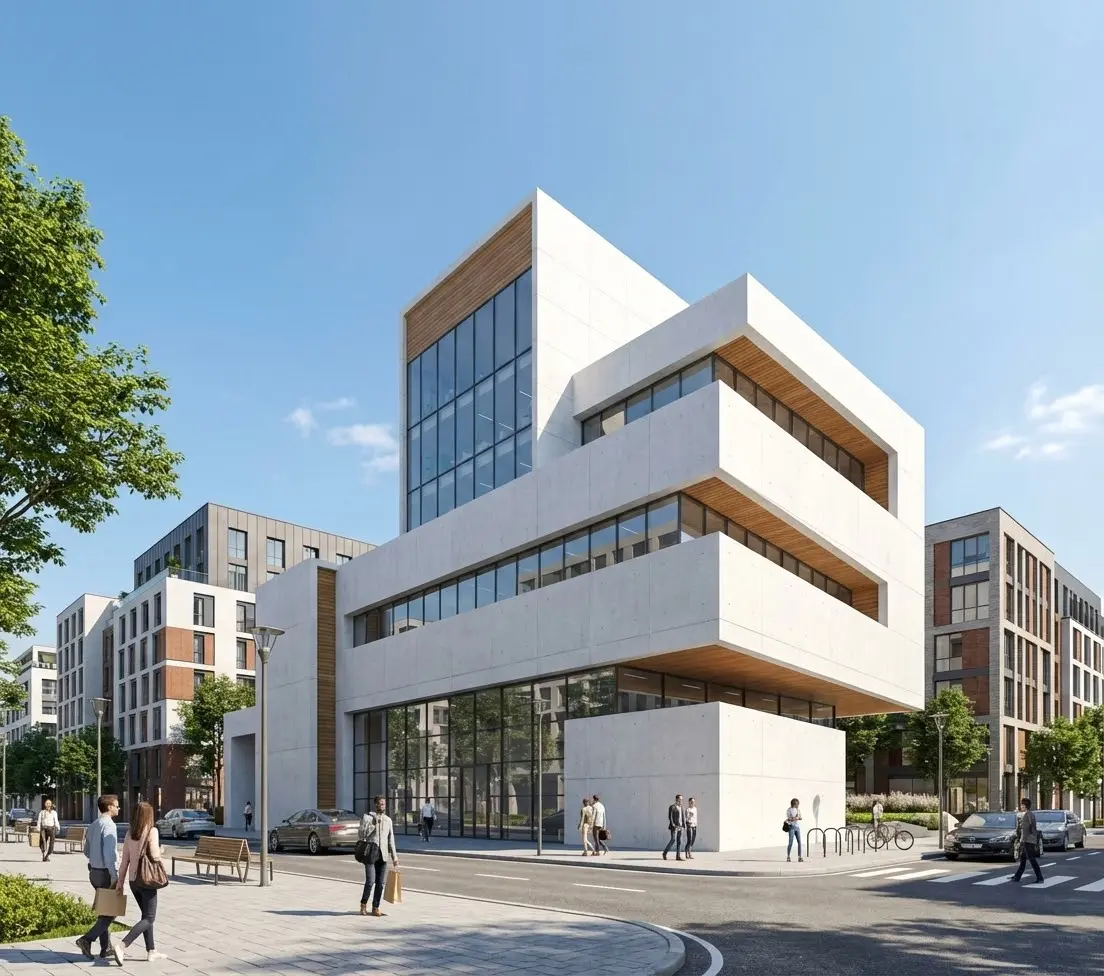
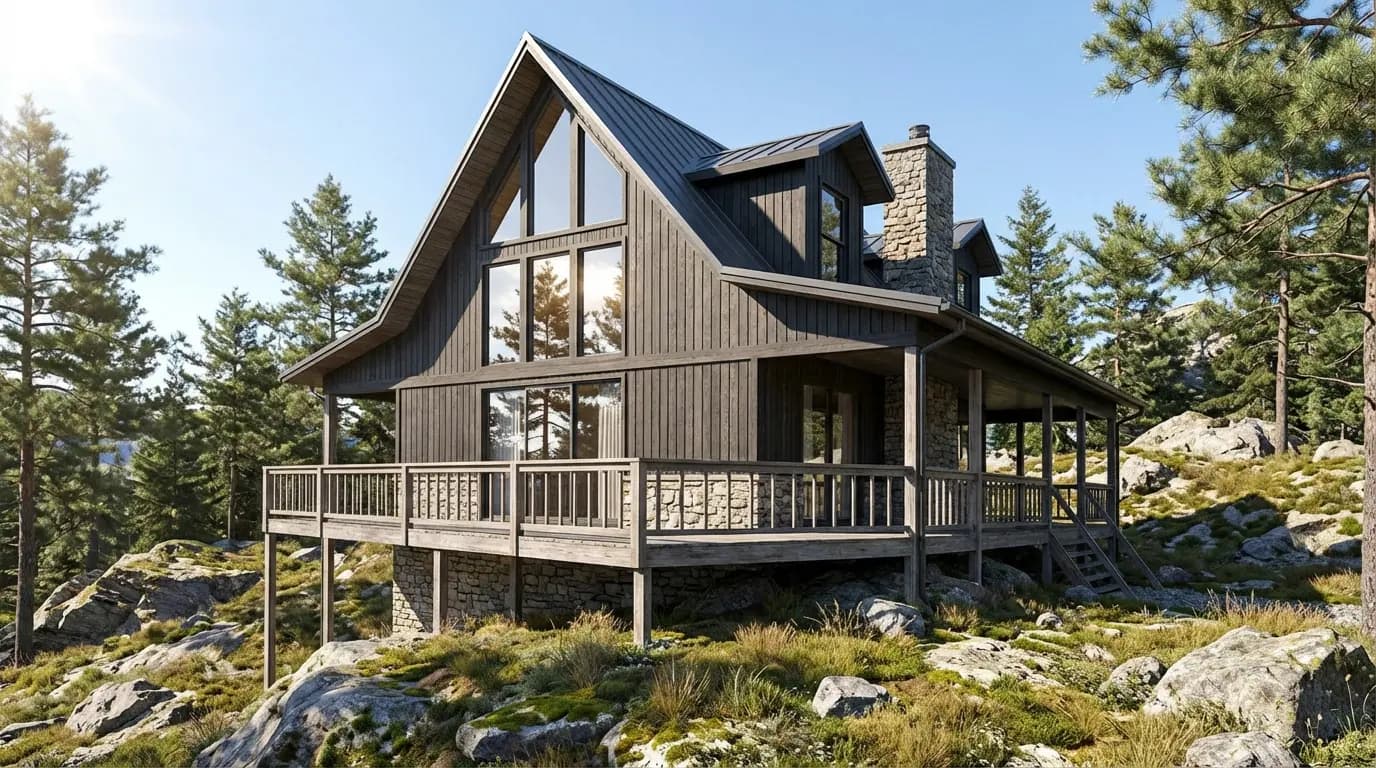
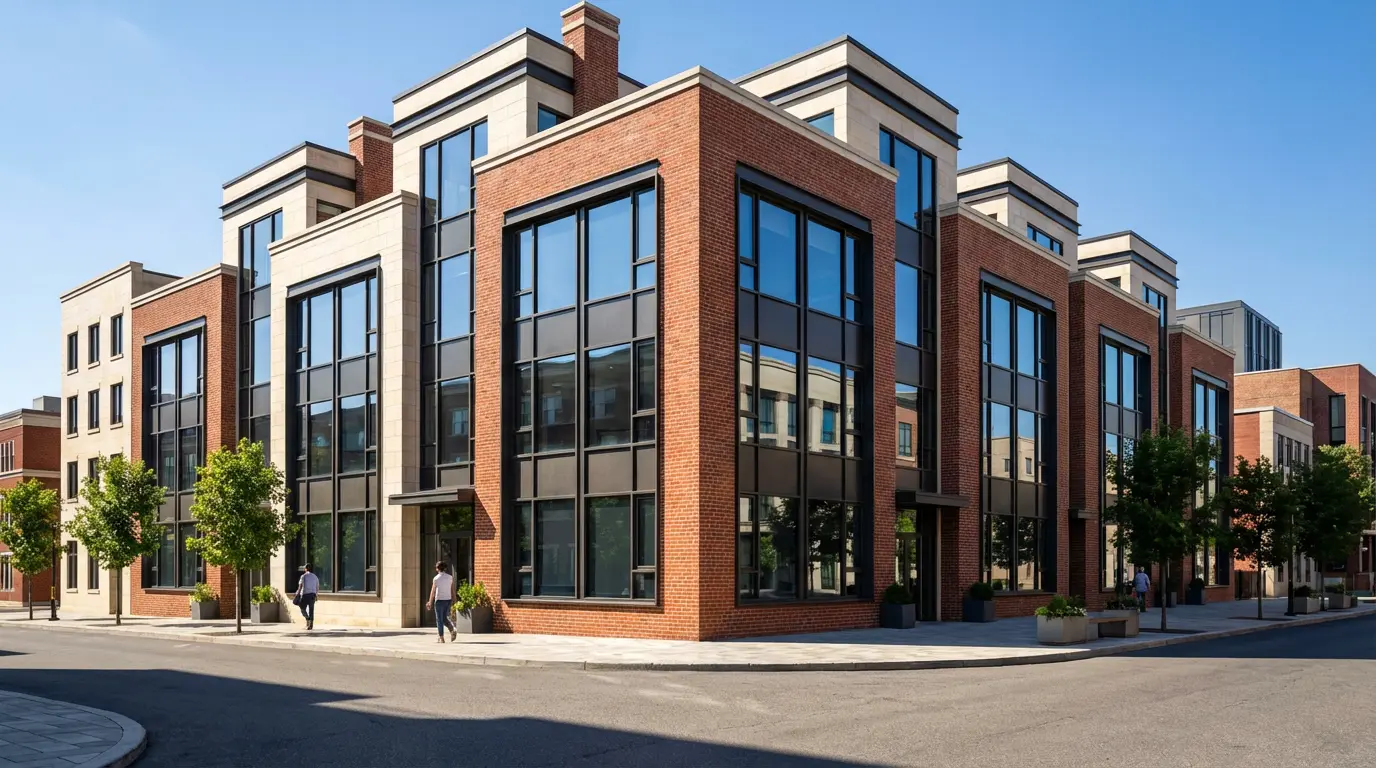
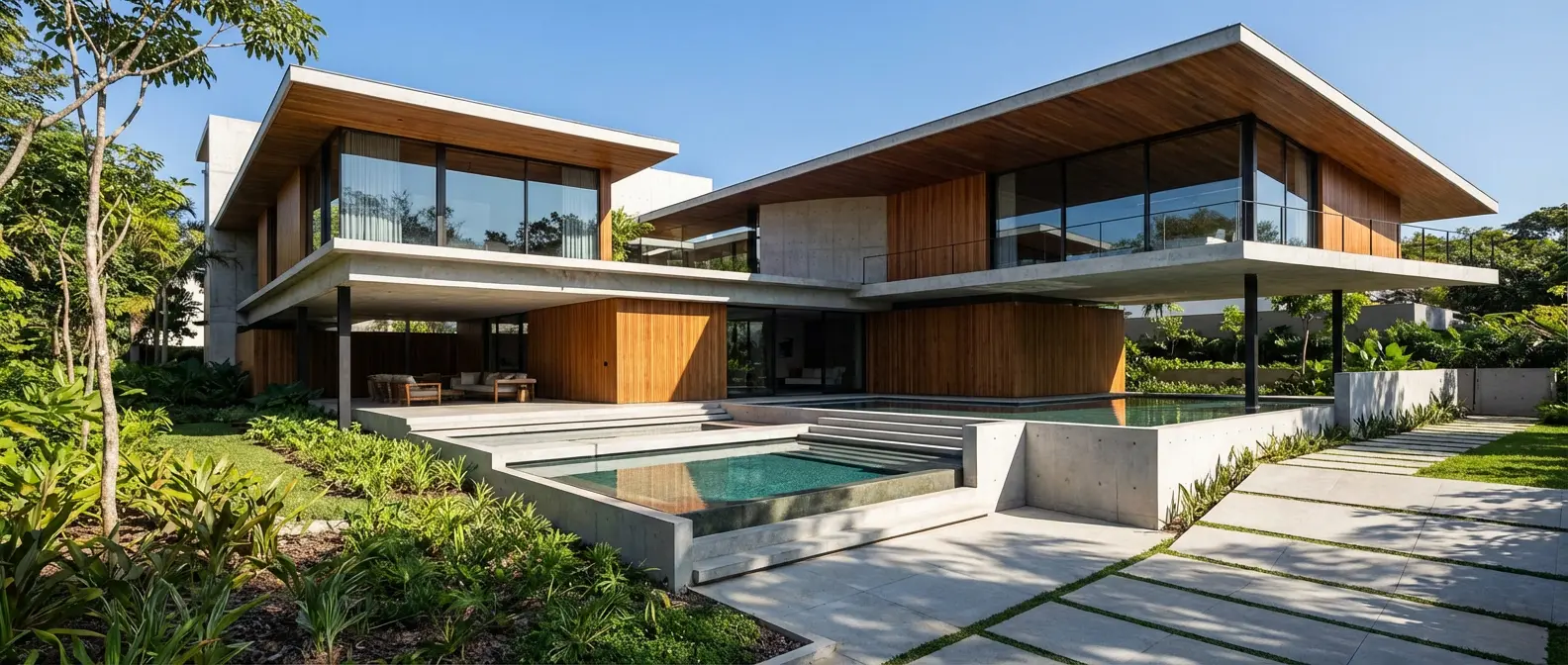
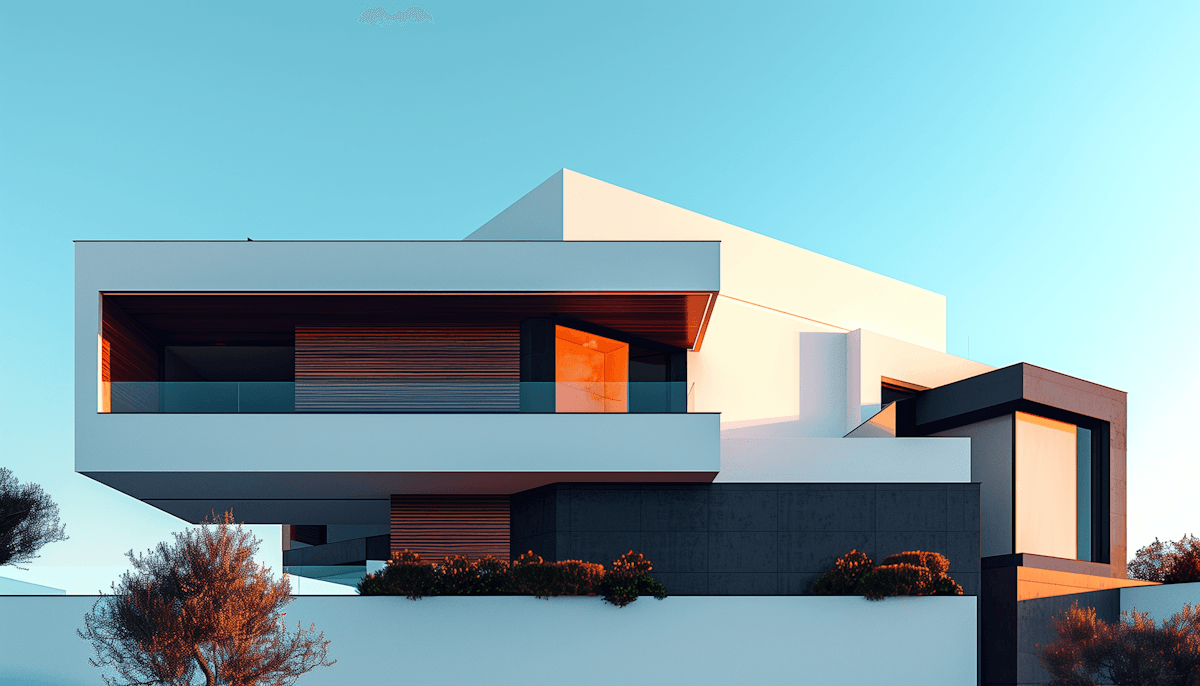
Renders Created with Rendershop
Is Gendo AI Right for You?
Gendo AI is a great fit if you...
Want a collaborative AI canvas for your team
Work mainly from sketches, models, or SketchUp exports
Need photorealistic renders with material and style control
Value real-time collaboration, comments, and approvals
Are comfortable with a seat-based subscription
Rendershop may suit you better if you...
Want watermark-free, commercial-use output on the free tier
Need to render from photos of existing spaces
Want dedicated virtual staging for real estate
Want renders, editing, staging, and video in one platform
Gendo AI Review FAQ
Common questions about Gendo AI and alternatives
Try Rendershop and compare for yourself
50 free credits — No credit card required.