
Interior AI Review: Features, Pricing & A Better Alternative
We tested Interior AI for interior redesign, virtual staging, and style transfer. Here's our honest take — and why Rendershop is the stronger choice for architecture and design professionals.
Quick Verdict
Interior AI is a polished, popular tool for interior redesign and virtual staging, with 50+ styles and fast ~25-second renders. It handles room restyling and staging well, but it's interior-focused — no architectural rendering from CAD or elevations, no floor plans, and no free tier (plans start at $49/month). For a complete AI rendering solution that also covers architecture, Rendershop delivers rendering, virtual staging, AI photo editing, inpainting, enhancement, and video walkthroughs — all starting with 50 free credits.
What is Interior AI?
Interior AI is an AI-powered interior design and virtual staging app built by indie developer Pieter Levels (@levelsio). Upload a photo of any room, pick a style and room type, and the platform generates photorealistic redesigns in roughly 25 seconds. It's one of the most widely used AI interior tools, with 50+ design styles and 30+ room types.
Beyond redesign, Interior AI offers several modes — interior redesign, style transfer, virtual staging for empty rooms, Sketch2Image (hand-drawn sketch to render), a SketchUp screenshot mode, and outdoor design. Higher tiers add 3D flythrough video generation, upscaling, and editing tools like painting walls and adding furniture.
Where Interior AI is narrower is scope. It's squarely an interior and staging tool — it isn't built to render architecture from CAD, elevations, or building sketches, there's no floor plan generation, and there's no free tier to test before you pay. Output can also occasionally warp or misplace furniture on complex rooms, so results need a review pass. For professionals who need a full-featured AI platform spanning architecture and interiors, a broader solution like Rendershop fits better.
Interior AI Features Breakdown
Interior Redesign
Interior AI's core feature restyles existing rooms. Upload a photo, choose from 50+ styles like Modern, Scandinavian, Minimalist, Industrial, or Art Deco across 30+ room types, and the AI returns a redesigned version in about 25 seconds. Results are strong for straightforward rooms but can misplace or warp furniture in more complex or cluttered spaces.
Virtual Staging
Interior AI can furnish empty rooms for real estate listings, preserving the original walls and structure while adding furniture and decor. Virtual staging is a genuine strength — but note it's locked to the Premium tier ($99/month) and above, so it isn't available on the entry Pro plan.
Style Transfer & Modes
The platform offers a style-transfer mode that keeps a room's layout while changing its aesthetic, plus outdoor design and a "freestyle" generation mode. These work well for interiors and gardens, though the preset-driven workflow gives less granular creative control than fully prompt-based platforms.
Sketch-to-Render & SketchUp
Interior AI's Sketch2Image mode converts hand-drawn sketches into photorealistic interior renders, and a dedicated SketchUp screenshot mode turns rough 3D viewport captures into finished visuals. Useful for early exploration, though quality depends heavily on the clarity of the input.
3D Video & Upscaling
Higher tiers can generate short 3D flythrough videos from a design and upscale renders to higher resolution, plus light editing like painting walls and adding people or furniture. These add-ons round out the interior workflow, though the flythrough clips are brief compared to dedicated cinematic walkthrough tools.
Where Interior AI Falls Short
The main limitations of Interior AI are that it's interior-focused (no architectural rendering from CAD, elevations, or building sketches), it has no floor plan generation, there's no free tier (plans start at $49/month, and staging needs the $99/month Premium plan), it's web-only, and output consistency can vary on complex rooms. For teams that need one platform covering both architecture and interiors, Rendershop is the more complete option.
Interior AI Pros and Cons
Pros
Fast renders — results in about 25 seconds
50+ interior styles across 30+ room types
Genuine virtual staging for empty rooms
Sketch-to-render and SketchUp screenshot modes
3D flythrough video generation on higher tiers
Image upscaling and light editing tools
Commercial license included on paid plans
Simple, popular, well-established platform
Cons
No free tier — plans start at $49/month
Virtual staging locked to Premium ($99/mo) and up
Interior-focused — no CAD/elevation architecture rendering
No floor plan generation
Web-only, no mobile apps
Output can warp furniture on complex rooms
Preset-driven — less granular prompt control
Premium pricing scales up to $199/month
Interior AI Pricing
Interior AI uses tiered subscription pricing with monthly design limits — and no free tier. Here's how their plans break down (yearly billing lowers the effective monthly rate):
Interior AI has no free tier, so there's no way to test it before paying — the entry Pro plan is $49/month ($29/month billed yearly), and virtual staging requires the $99/month Premium plan. Rendershop offers a complete AI design suite — rendering, staging, editing, enhancement, and video — with 50 free credits and no watermarks, so you can try everything before committing.
Rendershop vs Interior AI: Feature Comparison
Considering Interior AI? Here's how Rendershop compares across the features architecture and design teams care about most.
Why We Recommend Rendershop Over Interior AI
Interior AI is a strong interior redesign and staging tool, but it's built for rooms — not full architecture workflows. Here's why Rendershop is the better choice for professionals who need more:
Architecture, not just interiors
Interior AI is focused on interior rooms and staging. Rendershop renders full architecture — visualizing CAD designs, sketches, and elevations for exteriors and buildings, plus floor plan support, not only room restyling.
Complete all-in-one design toolkit
Rendershop combines rendering, virtual staging, AI photo editing, inpainting, image enhancement, and video walkthroughs in one platform — spanning both architecture and interiors instead of a single interior-only workflow.
Advanced editing with inpainting
Rendershop's inpainting lets you selectively modify specific regions of a render — change materials, add or remove objects, adjust landscaping — without re-rendering the entire image, giving you precise control over every visual.
Try before you pay
Interior AI has no free tier — plans start at $49/month. Rendershop gives you 50 free credits with no credit card required, so you can test rendering, staging, editing, and video before committing.
No watermarks, commercial use from day one
Rendershop gives you 50 free credits with no watermarks and full commercial use rights from the start — ideal for client work, listings, and marketing right away.
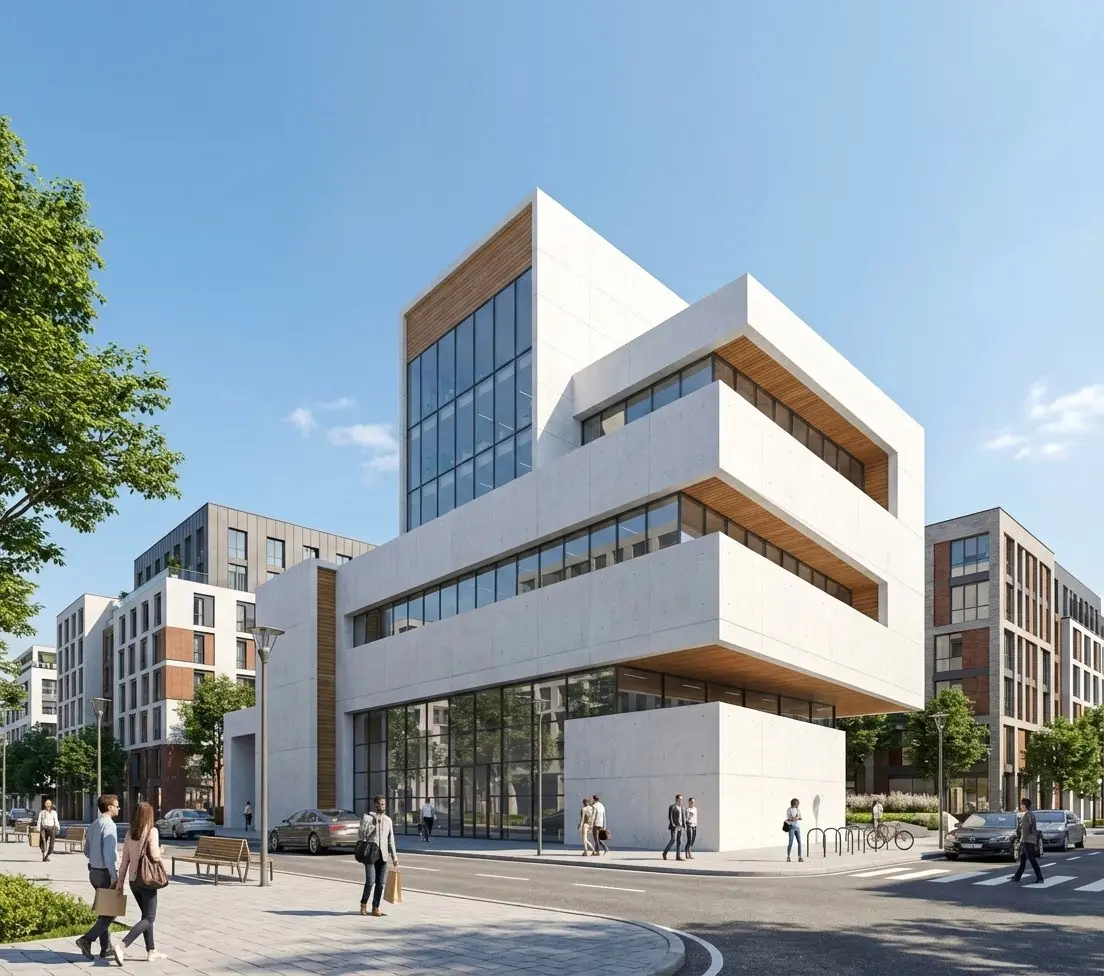
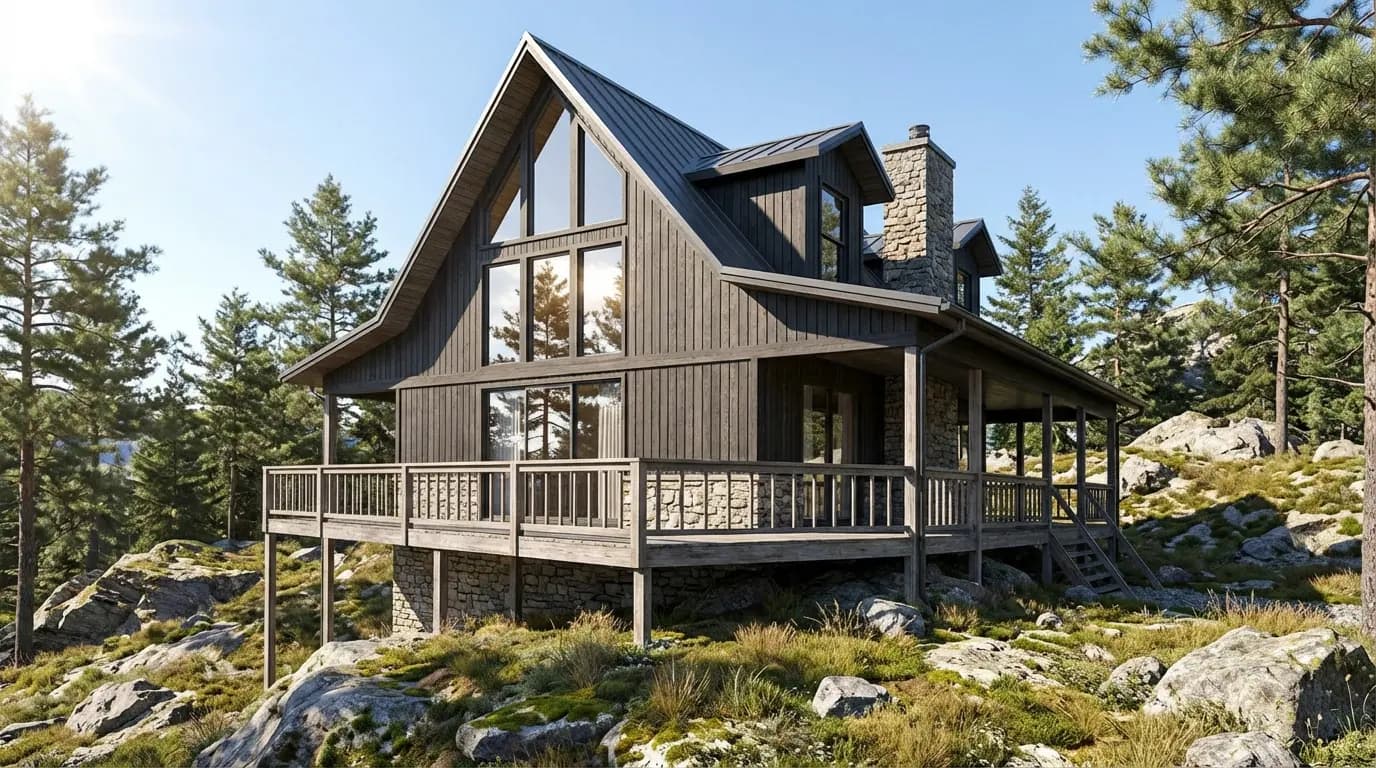
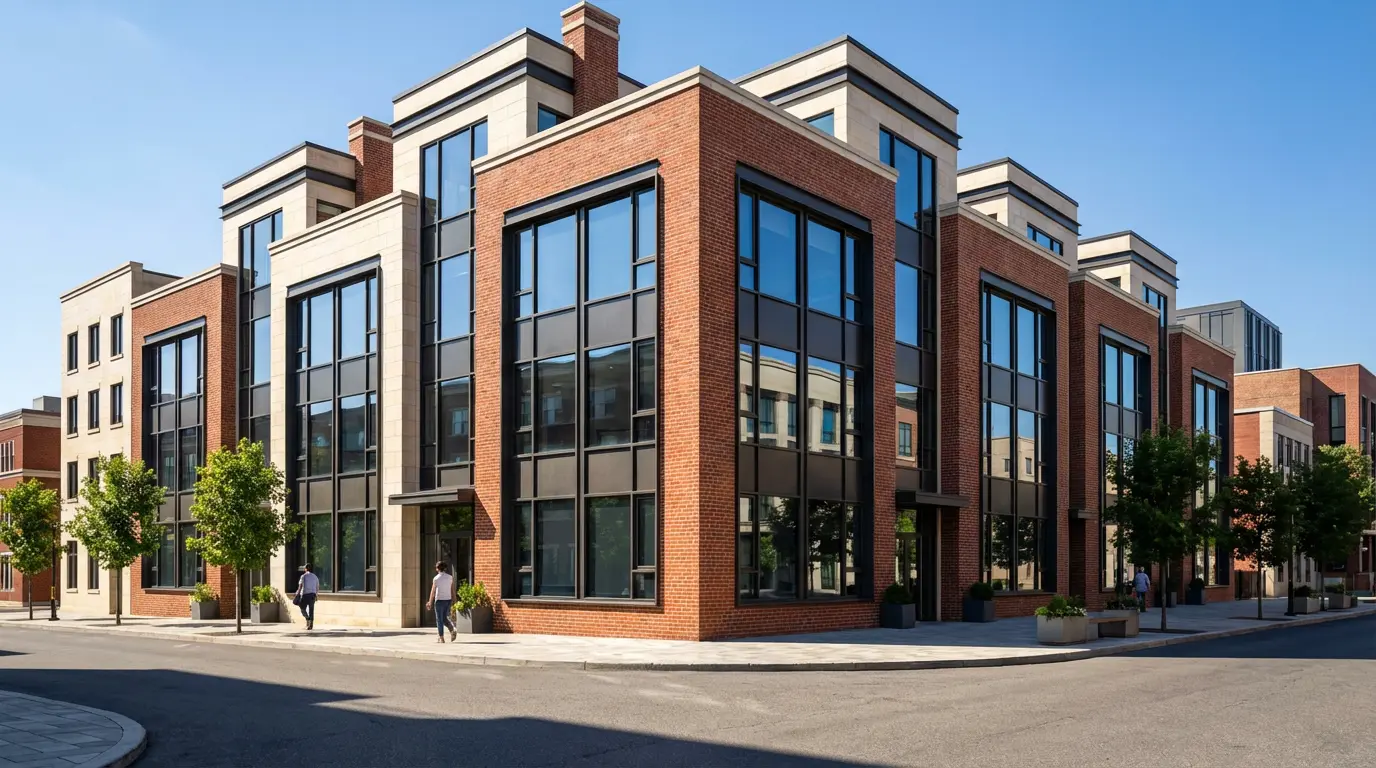
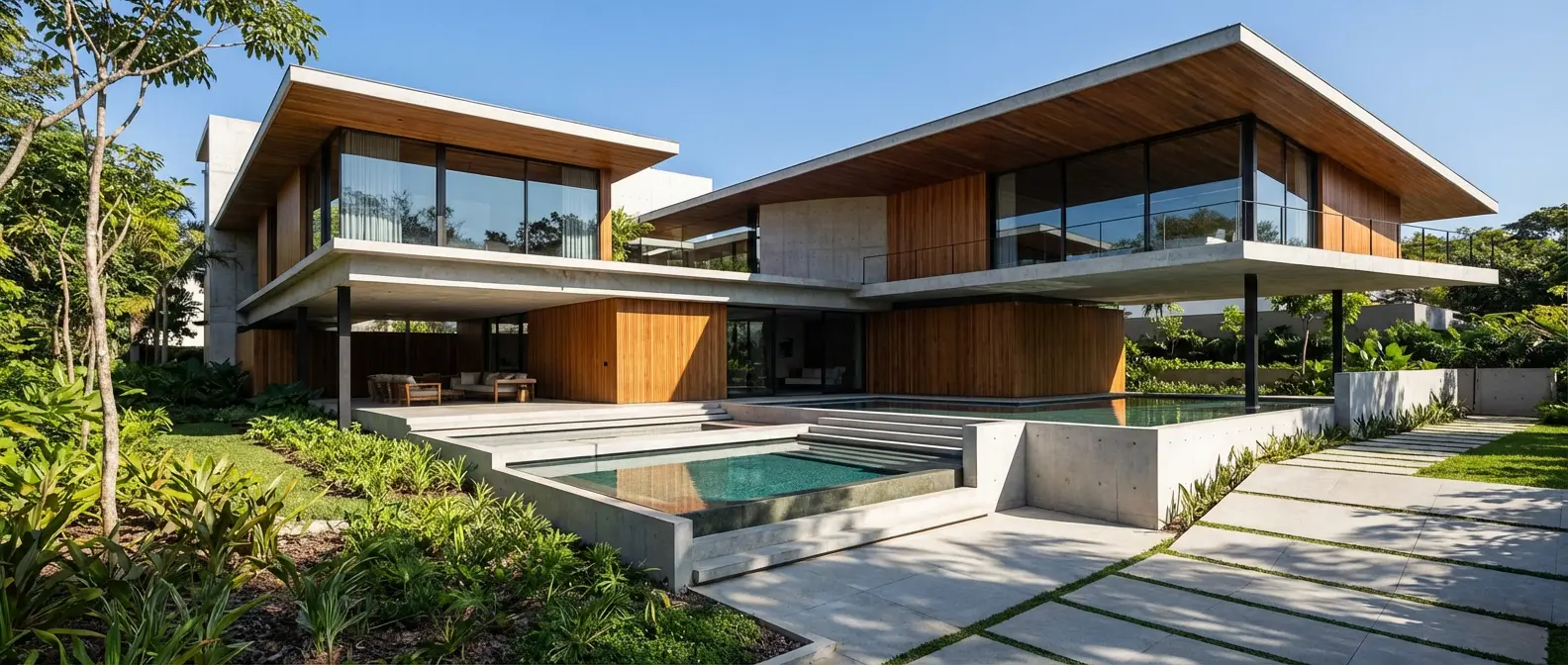
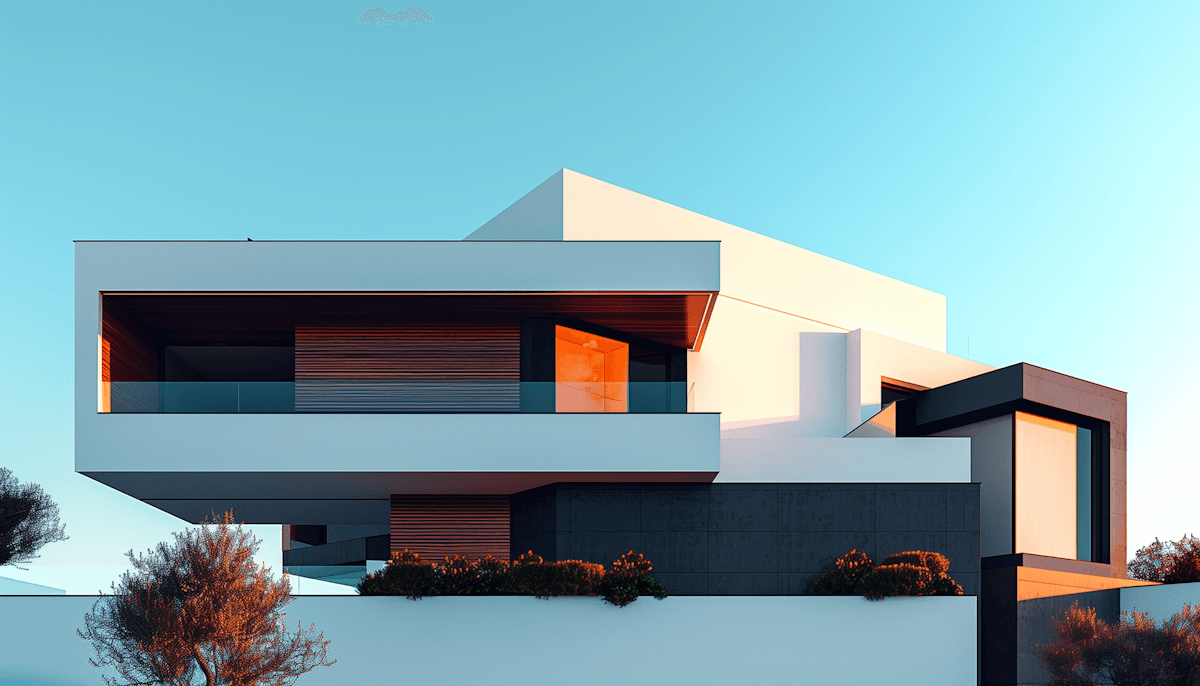
Renders Created with Rendershop
Is Interior AI Right for You?
Interior AI might work if you...
Focus only on interior redesign and staging
Want fast room restyling across many styles
Need virtual staging for real estate listings
Are comfortable with a paid-only, web-based tool
Choose Rendershop if you...
Need architecture rendering plus interiors and staging
Want a complete rendering, staging, and editing toolkit
Require AI photo editing with precise inpainting
Need floor plan and CAD/elevation rendering support
Want AI video walkthroughs for client presentations
Prefer watermark-free output with 50 free credits
Interior AI Review FAQ
Common questions about Interior AI and alternatives
Ready to try a better Interior AI alternative?
50 free credits — No credit card required.