
Make Any Render Look Like a Photograph
Upload a render from Enscape, Lumion, Twinmotion or any engine and get sharper detail, richer materials and more natural light, up to 4x larger, while the design stays exactly as it was.
✓ 50 free credits • No credit card required
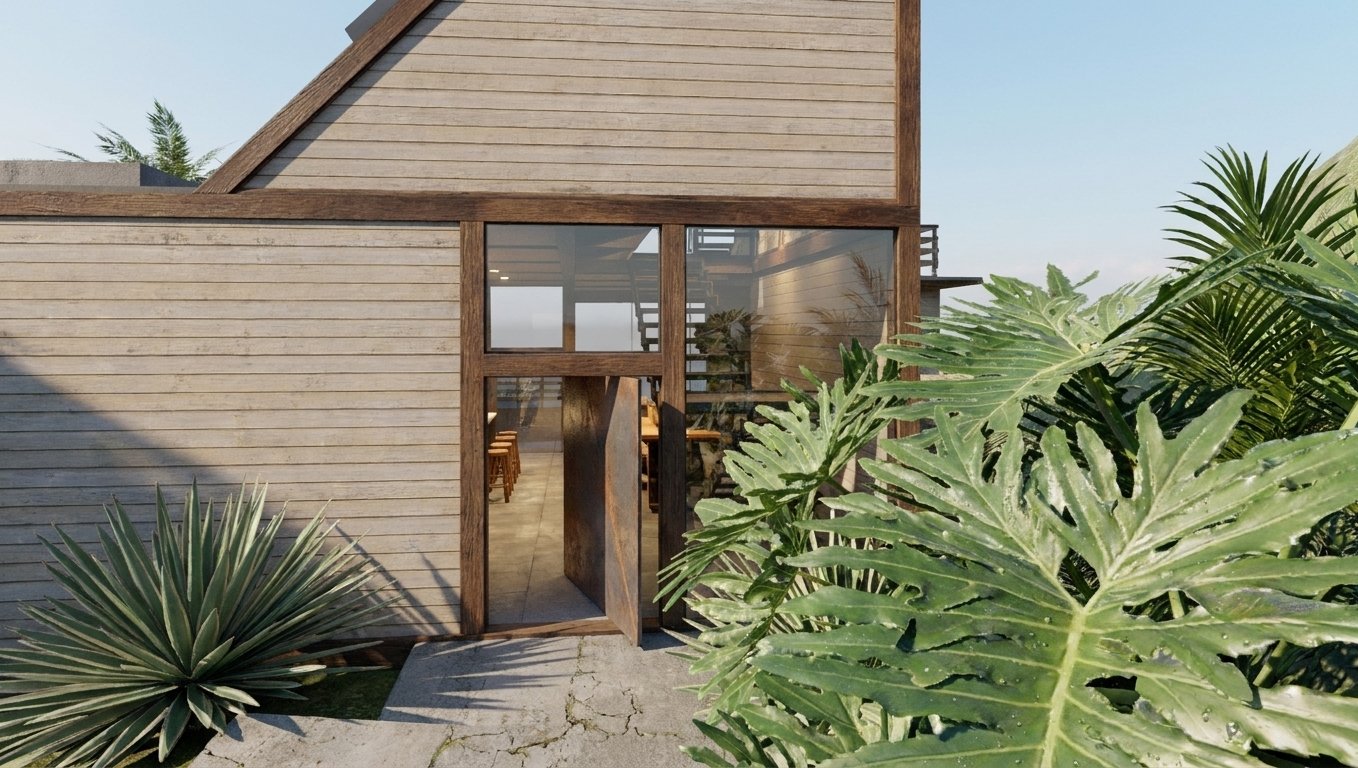
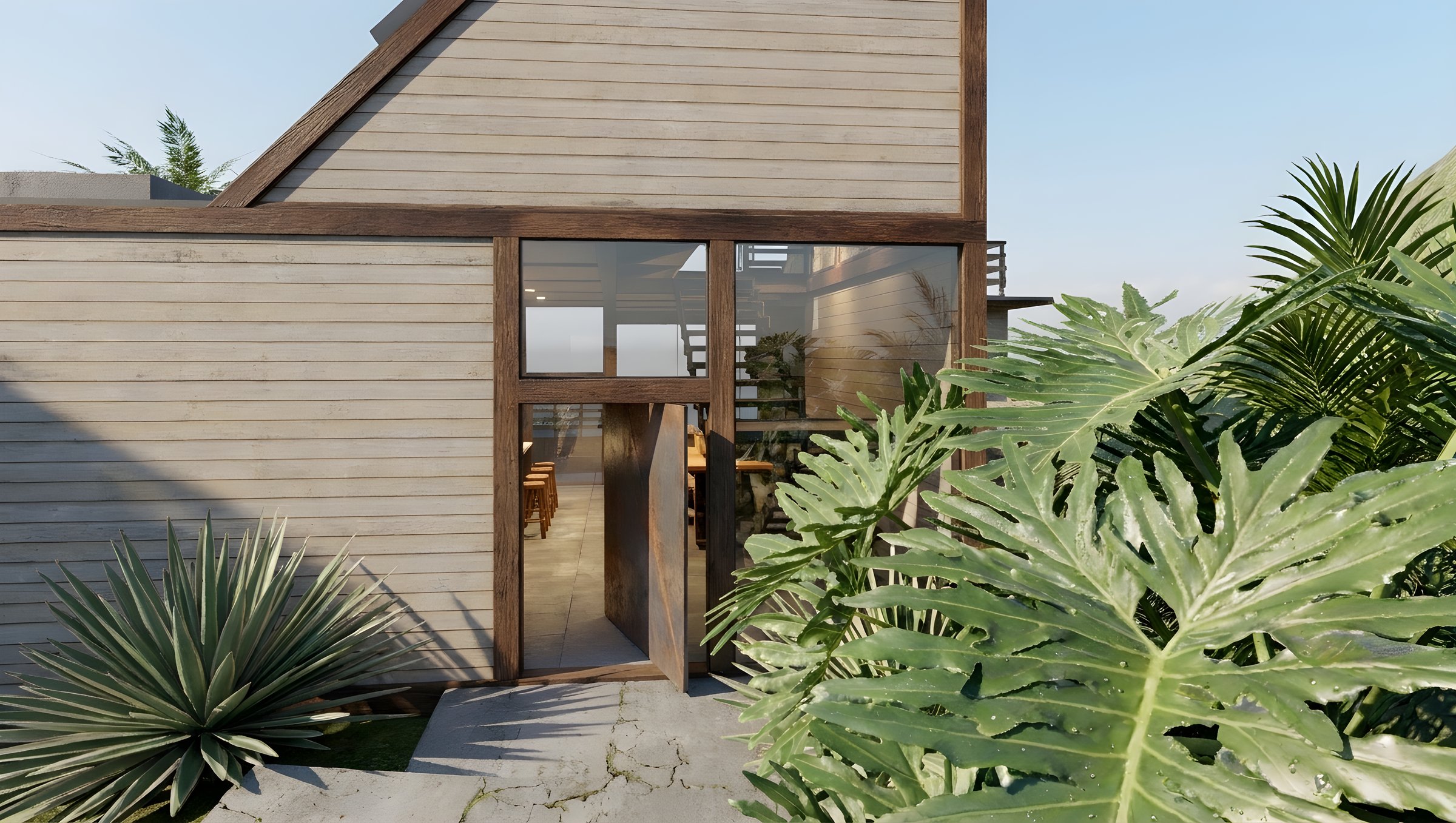
Before and After Enhance
Same render, same camera. Just more detail and more realism.
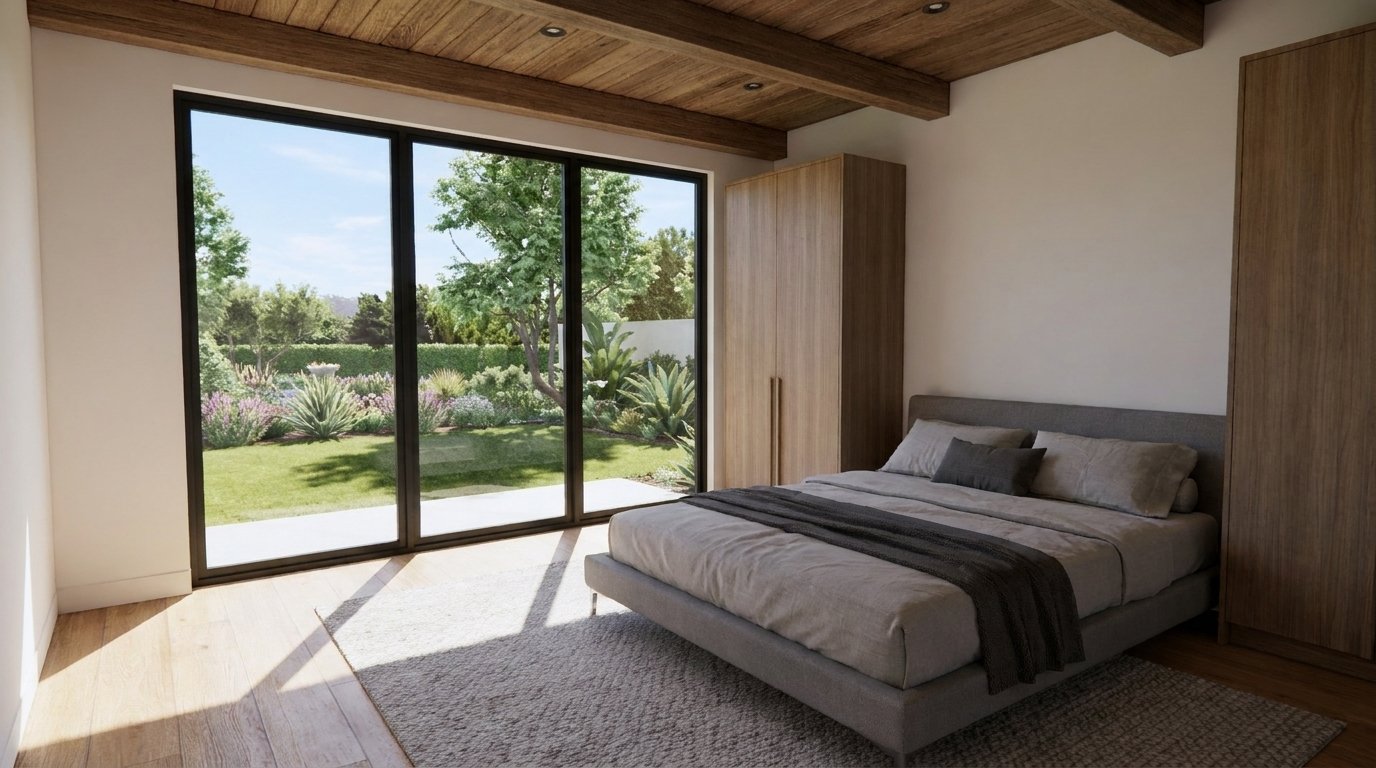
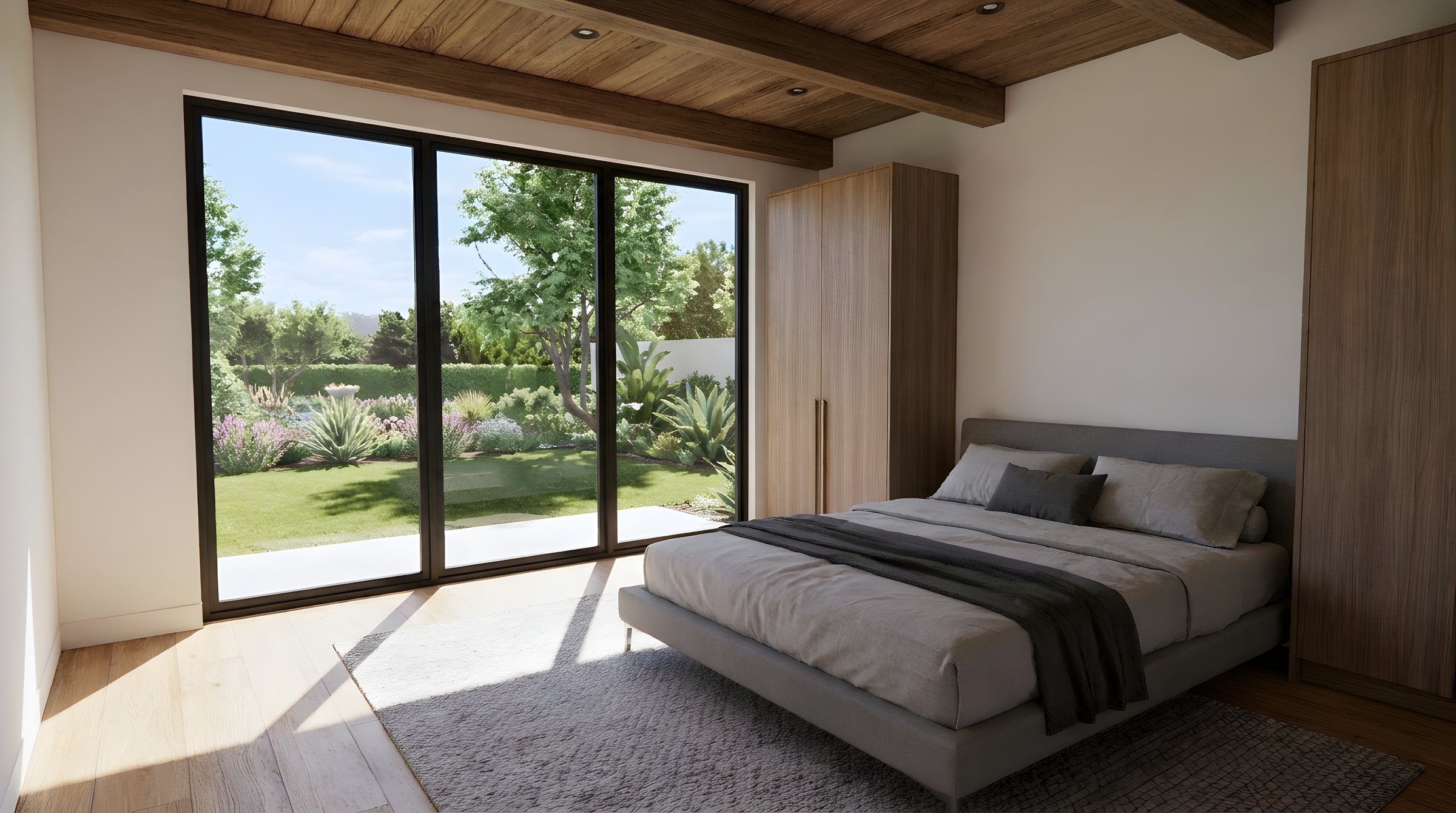
Tap a label, or press and hold to see the original
Small Render In, Print-Size Out
A 1,368-pixel render enhanced to 5,472 pixels wide. Pick a spot to compare the detail.
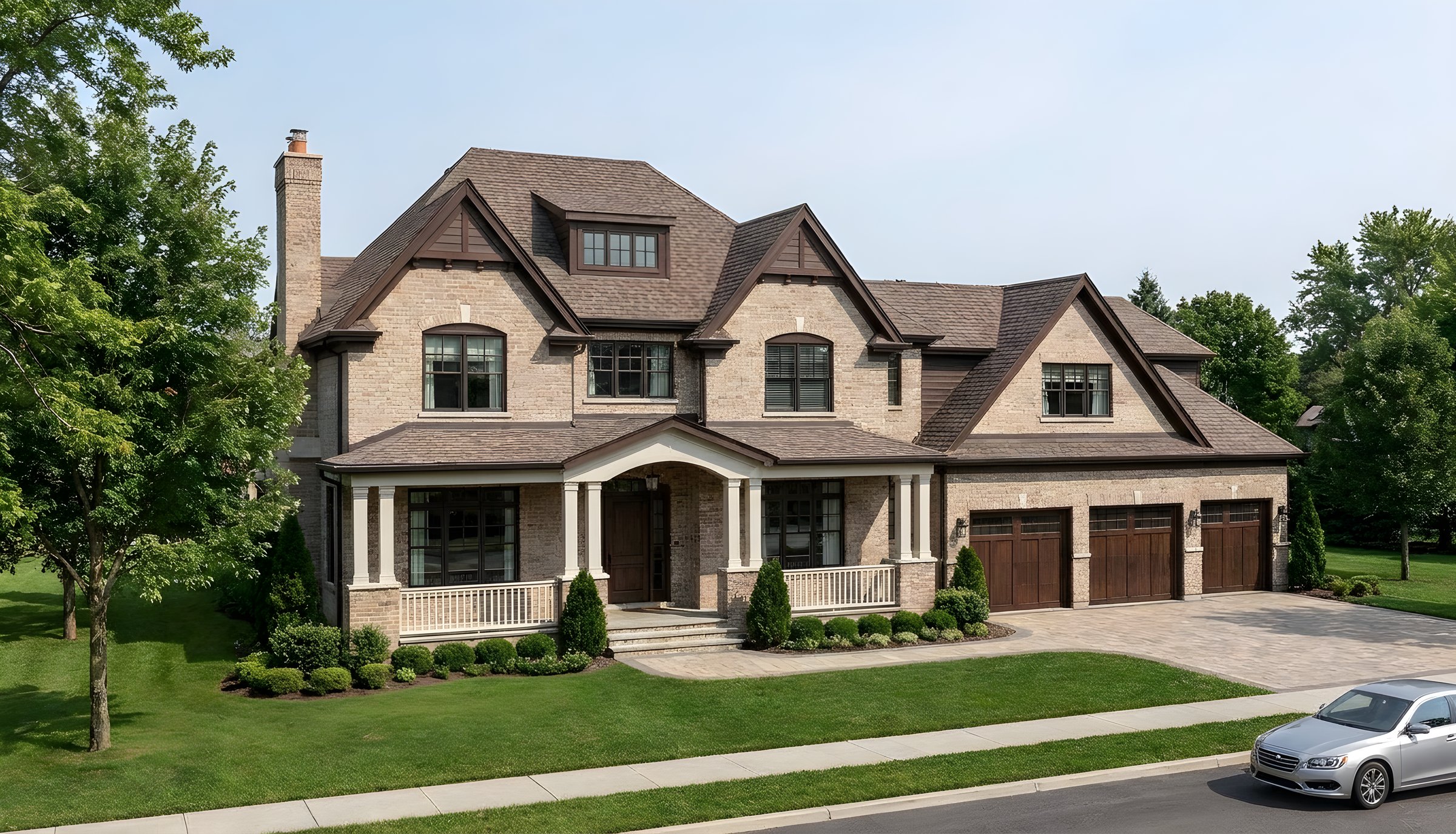
Original
Enhanced 4x
Shown at 4x, from the same spot in both images
What Enhance Fixes
The last 10% of realism, without moving a single thing in your design.
Plastic materials
Adds real texture to wood, stone, concrete and fabric.
Flat lighting
Brings out light falloff, soft shadows and depth.
Soft edges
Sharpens lines, mullions and fine detail.
Low resolution
Upscales up to 4x for print and big screens.
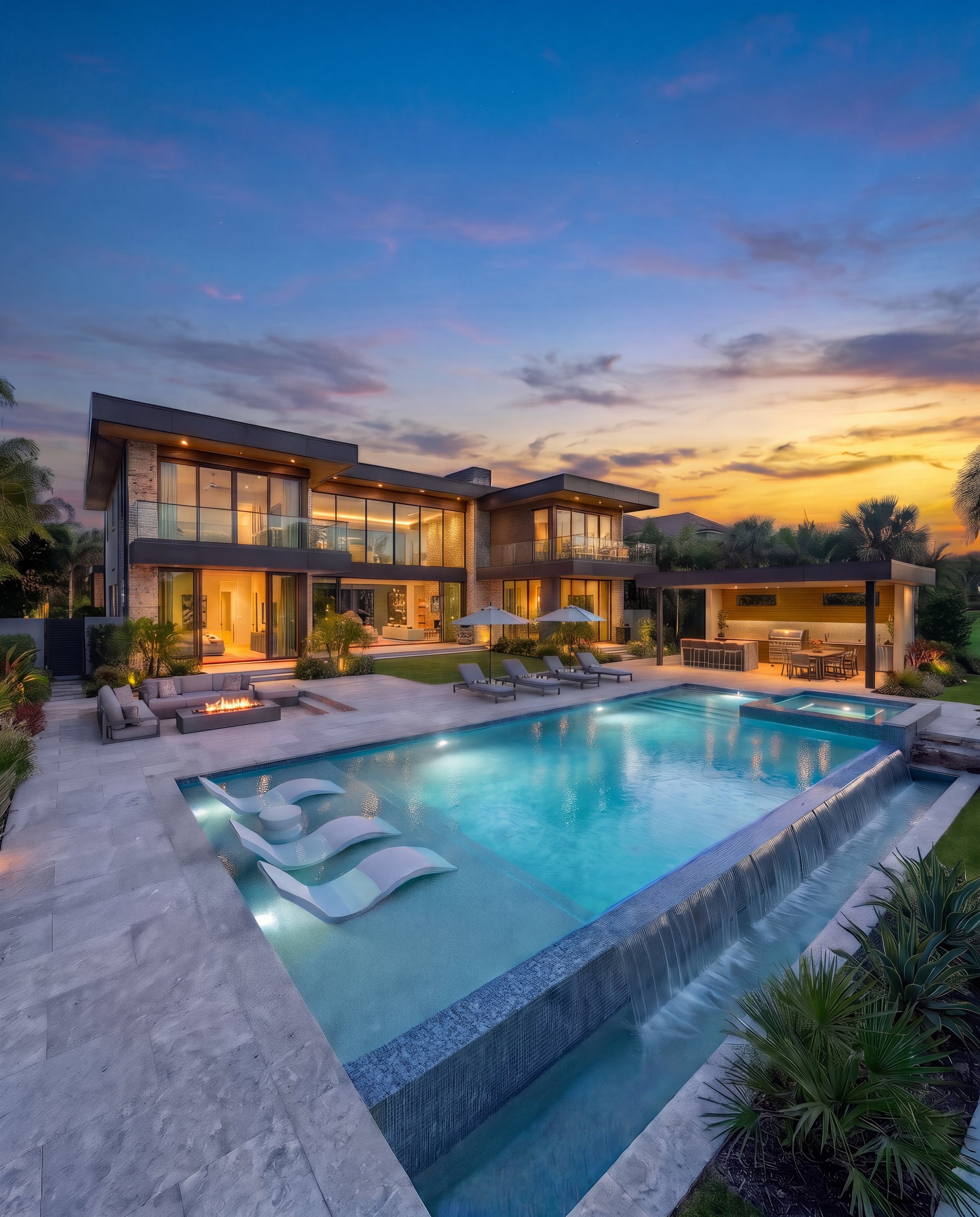
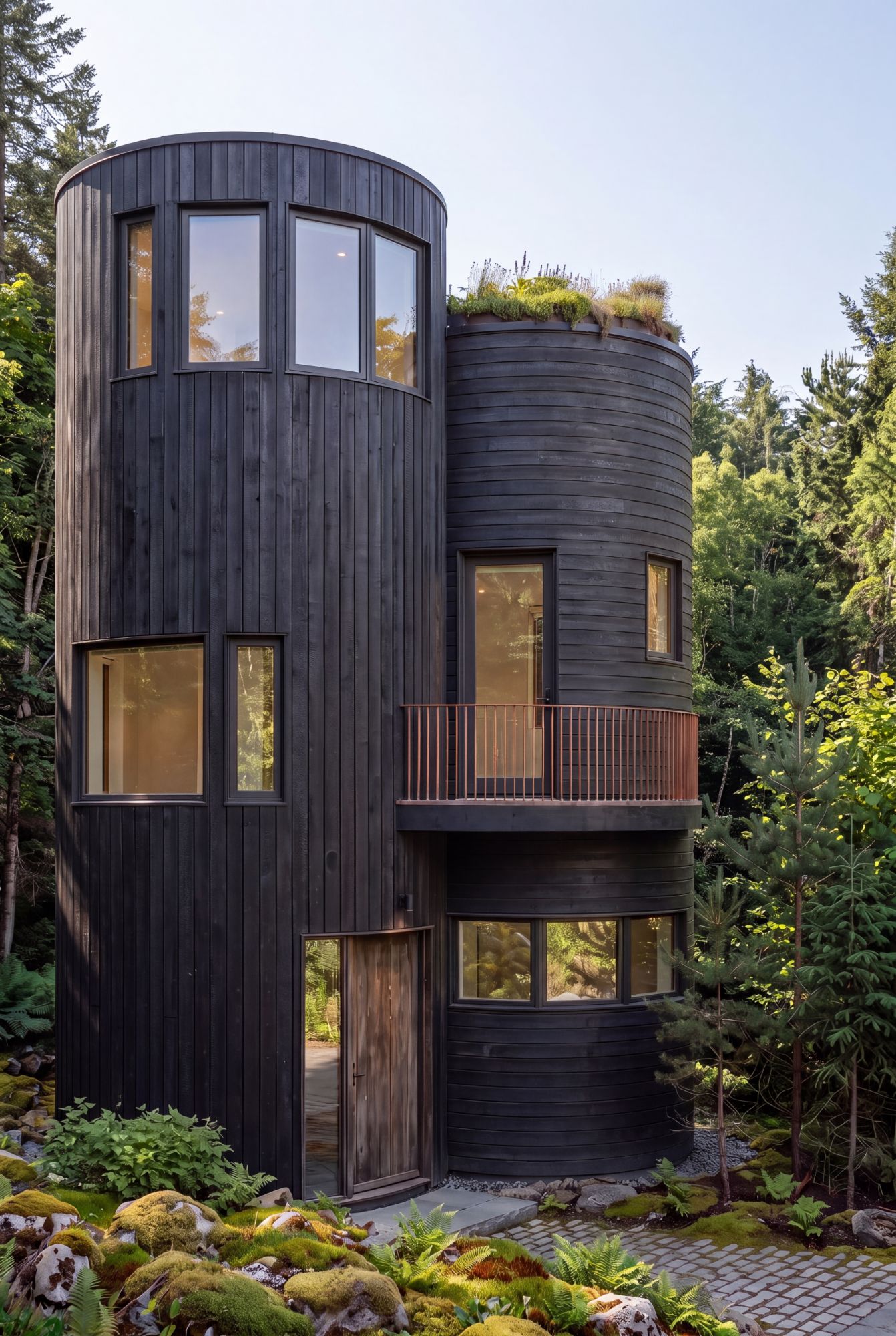
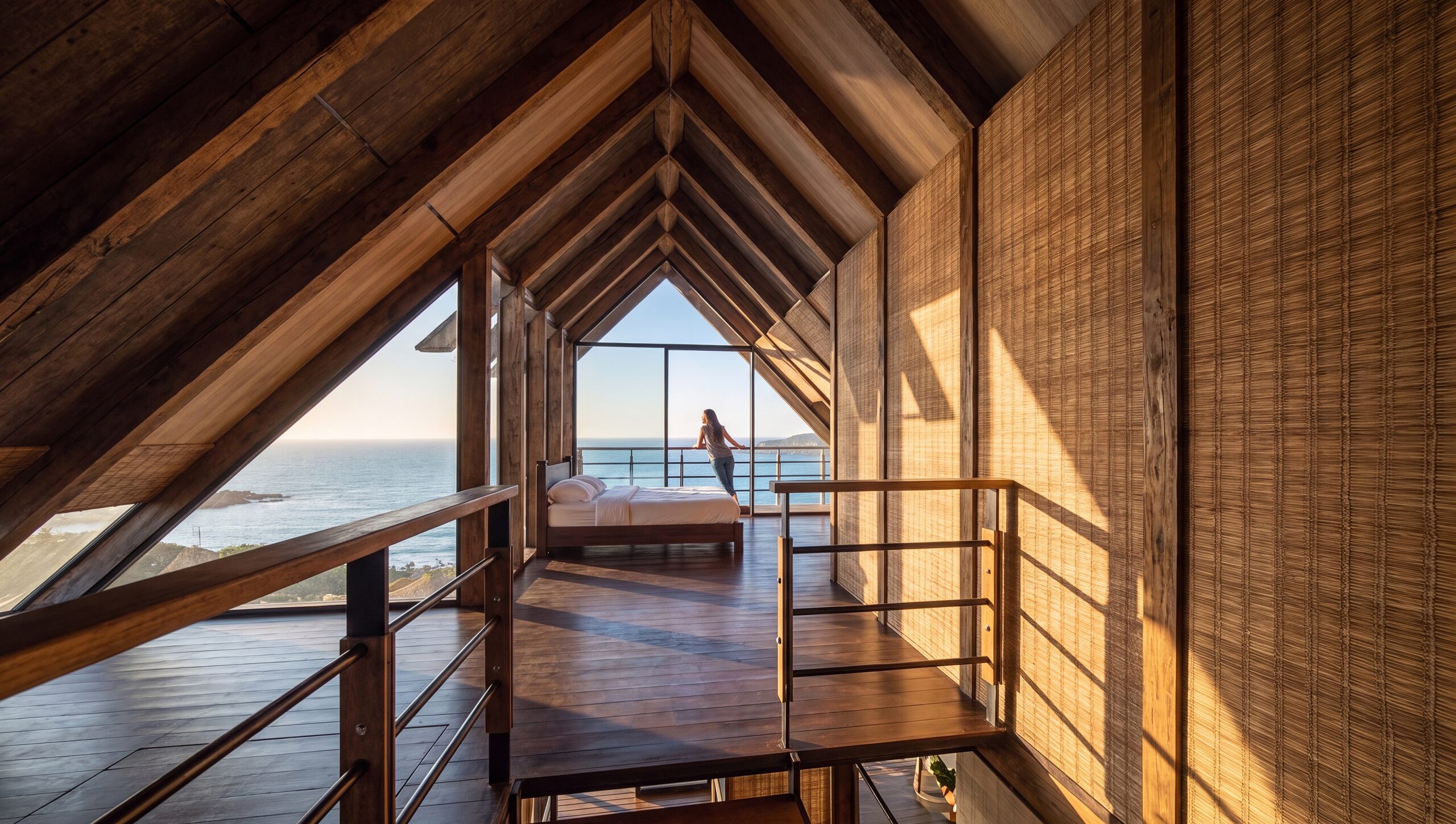
Enhanced Renders
Crisp enough to print large.
✓ 50 free credits • No credit card required
More ways to use Enhance
Enhance overview


Use enhancing inside Claude or ChatGPT
Connect Rendershop to your AI assistant and ask for it in plain words, like “Enhance this Enscape render and upscale it 4x.” The result comes back in the conversation and is saved to your project, using the same credits as the app.
Enhance Renders FAQ
Common questions about enhance renders
Enhance your next render
Create a free account—No credit card required.