
Video Tool
Drone-Style Flyovers Without a Drone
Turn an exterior render into a sweeping aerial shot that orbits, rises or flies toward the building. The hero clip for any project page.
✓ 50 free credits • No credit card required
Orbit
The Hero Shot, in Minutes
Aerial shots used to mean a full 3D animation or a drone on site. Now it's one render and a camera move.
OrbitRiseRevealFly toward
Describe the Camera Move
Works on products too. One studio render of a chair, one sentence.
Uploaded image
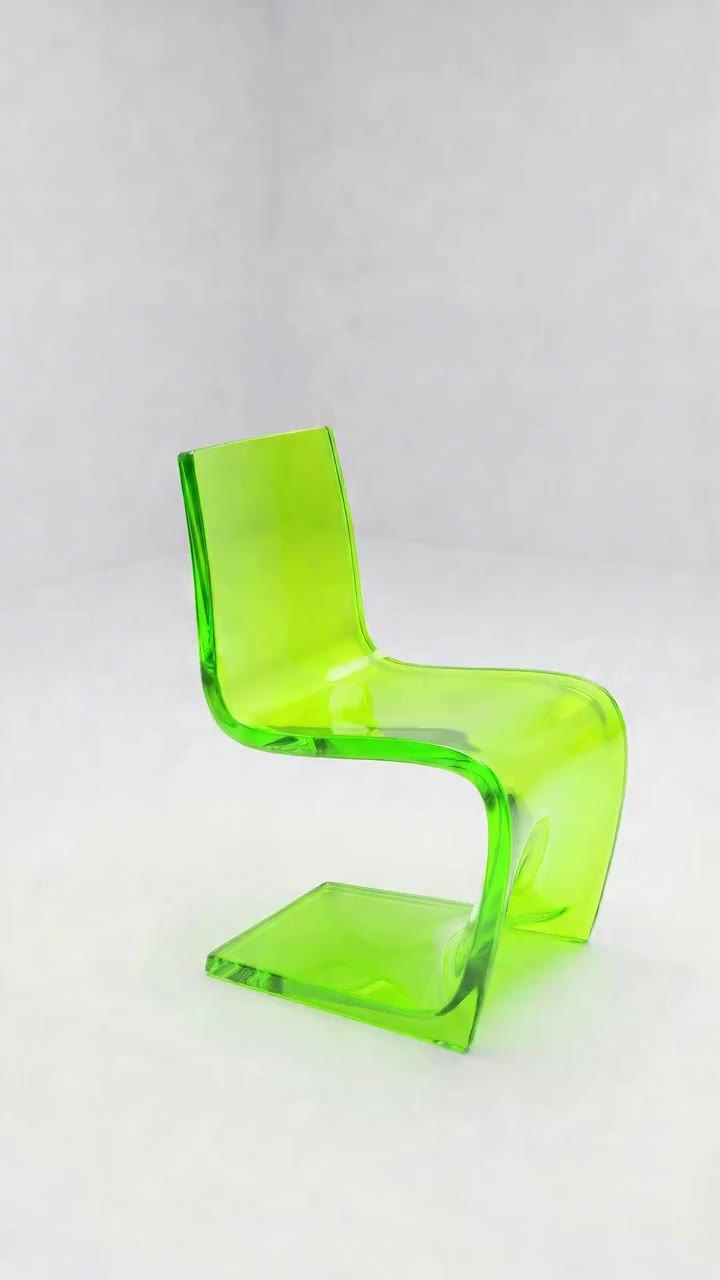
Prompt
Slow orbit around the chair on a white studio floor, ending on its side profile
CameraOrbit
Length4 seconds
Format9:16
Generate video
Generated orbit
✓ 50 free credits • No credit card required


Use video inside Claude or ChatGPT
Connect Rendershop to your AI assistant and ask for it in plain words, like “Make a drone orbit video around this house render.” The result comes back in the conversation and is saved to your project, using the same credits as the app.
Exterior Flyover FAQ
Common questions about exterior flyover
No, though a high viewpoint gives the best flyovers.
Yes. Describe an orbit in the prompt.
Up to 1080p at 24fps.
5 credits per second, on paid plans.

Make your project's hero shot
Create a free account—No credit card required.