
Rendair AI Review: Features, Pricing & A Better Alternative
We put Rendair AI through its paces for architecture rendering, interior design, and real-world project workflows. Here's what we found — and why Rendershop delivers more for design professionals.
Quick Verdict
Rendair AI is a capable AI visualization platform with decent sketch-to-render and inpainting features. However, outputs frequently require manual post-processing, AI textures can look unrealistic, and the free trial is limited to just 20 credits. For a more polished, all-in-one experience, Rendershop delivers higher-quality renders out of the box plus virtual staging, AI photo editing, and video walkthroughs — all starting with 50 free credits.
What is Rendair AI?
Rendair AI (rendair.ai) is a cloud-based AI visualization platform designed for architects, interior designers, builders, and creative teams. It lets you generate renders, edit scenes, modify styles, and explore design concepts using prompts or uploaded references.
The platform includes sketch-to-image capabilities, inpainting and editing tools, AI upscaling, and more recently, image-to-video features. Rendair AI positions itself as an all-in-one solution — but in practice, the output quality often requires additional post-processing to meet professional standards.
Where Rendair AI struggles is consistency. While the platform offers a broad feature set, the AI-generated textures can appear unrealistic, and the learning curve for getting reliable results is steeper than competitors like Rendershop.
Rendair AI Features Breakdown
Sketch to Render
Rendair AI can turn hand-drawn or iPad sketches into photorealistic renders while preserving geometry. The feature works well for quick concept exploration, though the fidelity of output varies depending on sketch quality and the style selected.
Inpainting & Scene Editing
Rendair AI includes inpainting tools that let you swap furniture, change materials, or edit specific areas of a rendered image. The concept is strong, but the results can be hit-or-miss — AI-generated textures sometimes look artificial, especially on close inspection.
AI Upscaling
The platform offers resolution enhancement for larger format presentations. Upscaling quality is adequate for digital use, though print-quality results can require additional refinement in external editing tools.
Image-to-Video
A newer addition to Rendair AI, the image-to-video tool converts static renders into short animations. It's a useful feature for social media and quick presentations, though the motion quality is basic compared to dedicated video tools.
Virtual Staging
Rendair AI has added virtual staging capabilities, allowing users to furnish empty rooms. However, the staging results often need manual post-processing to look convincing. Rendershop's dedicated staging tool produces more photorealistic results with better furniture placement and lighting consistency.
Where Rendair AI Falls Short
The biggest issues with Rendair AI are output consistency (renders frequently need manual touch-ups), texture realism (AI-generated materials can look artificial), and a limited free trial (only 20 credits vs. Rendershop's 75). For teams that need reliable, presentation-ready output without post-processing, Rendershop is the stronger option.
Rendair AI Pros and Cons
Pros
Fast sketch-to-render workflow
Broad feature set including inpainting
Cloud-based — runs on any device
Image-to-video generation available
Virtual staging tool included
Commercial use rights on paid plans
Student plan available at lower price point
Chat-based rendering assistant
Cons
Outputs frequently require manual post-processing
AI-generated textures can look unrealistic
Free trial limited to just 20 credits
Inconsistent quality across different styles
Student plan images are publicly displayed
Steeper learning curve for reliable results
Virtual staging less polished than competitors
Enterprise pricing starts at $200/month
Rendair AI Pricing
Rendair AI offers tiered subscription plans with credit-based usage. Here's how their pricing breaks down:
A notable drawback: Rendair AI's Student plan publicly displays all your generated images, which isn't ideal for client work. And at $49/month, the Pro plan is needed for basic features like private images and commercial rights. Rendershop includes commercial use rights and private images from the start, with 50 free credits to get going.
Rendershop vs Rendair AI: Feature Comparison
Considering Rendair AI? Here's how Rendershop compares across the features architecture and design teams care about most.
Why We Recommend Rendershop Over Rendair AI
Rendair AI covers a lot of ground, but the quality and consistency of output is where it falls behind. Here's why Rendershop is the better choice for professionals:
Presentation-ready output
Rendershop produces renders that are ready for client presentations without manual post-processing — a common pain point with Rendair AI where outputs frequently need touch-ups.
Superior virtual staging
While both platforms offer staging, Rendershop's staging tool produces more photorealistic furniture placement with better lighting consistency and scale matching.
More generous free tier
Rendershop gives you 50 free credits with commercial use rights. Rendair AI only offers 20 free credits, and the cheapest plan that includes private images and commercial rights is $49/month.
Privacy by default
All Rendershop images are private. Rendair AI's Student plan publicly displays your generated images — a dealbreaker for anyone working on confidential client projects.
Consistent, realistic textures
Rendair AI's textures can appear artificial on close inspection. Rendershop's rendering engine produces more natural materials, lighting, and shadows across all styles.
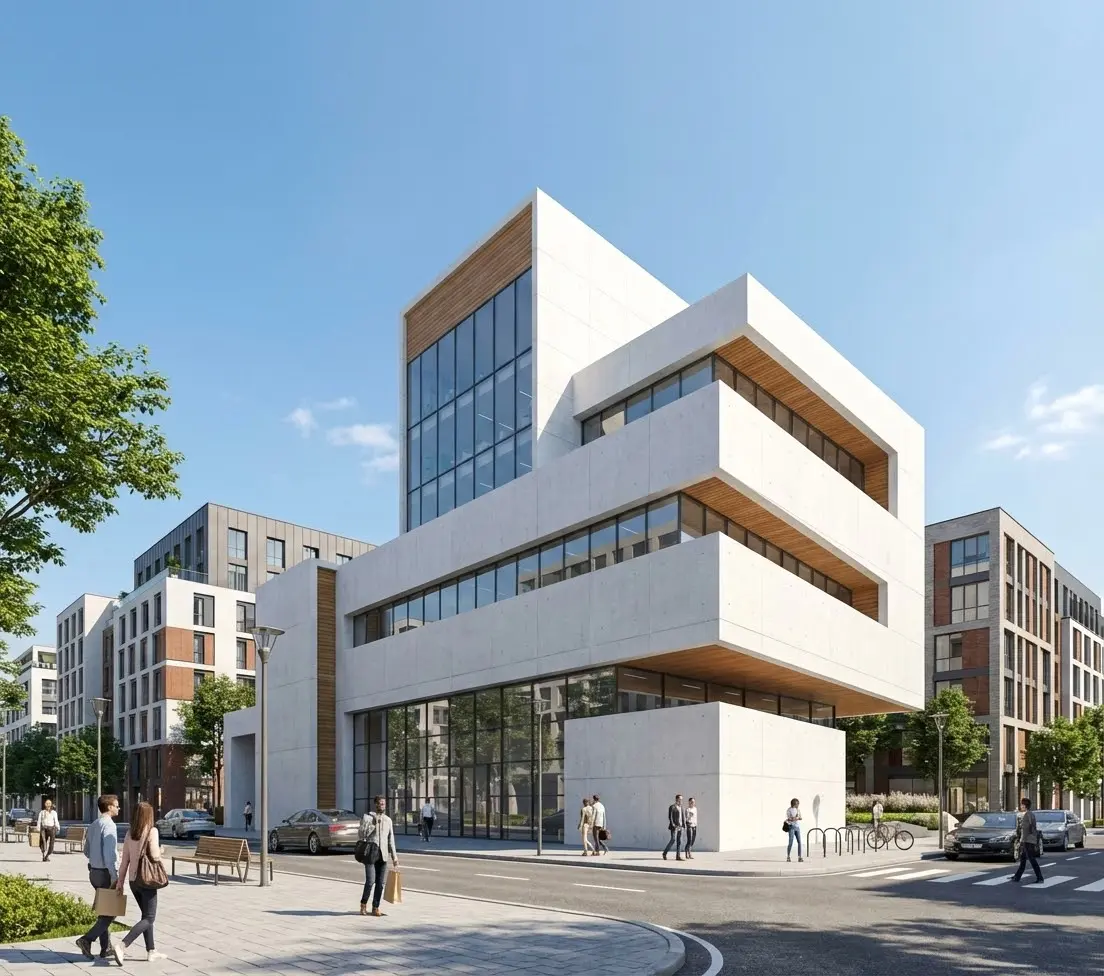
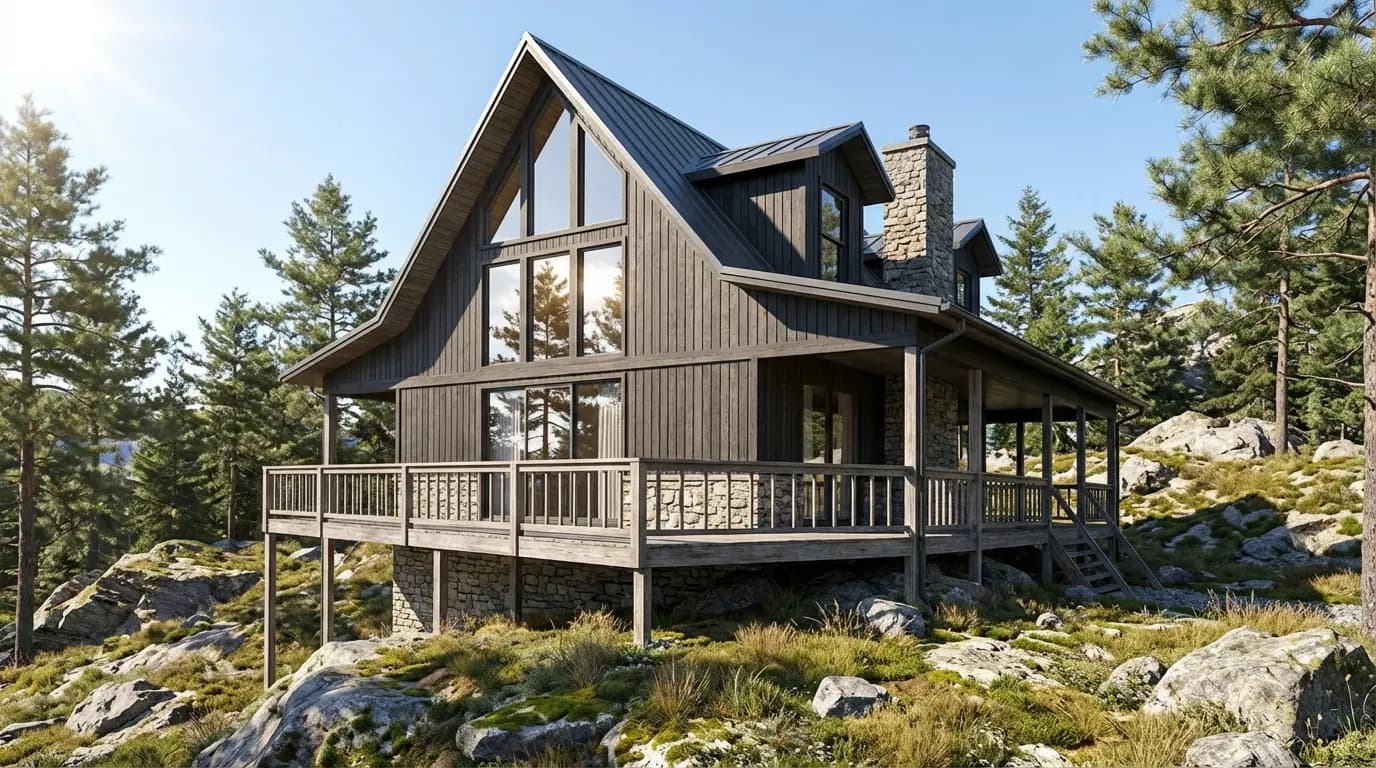
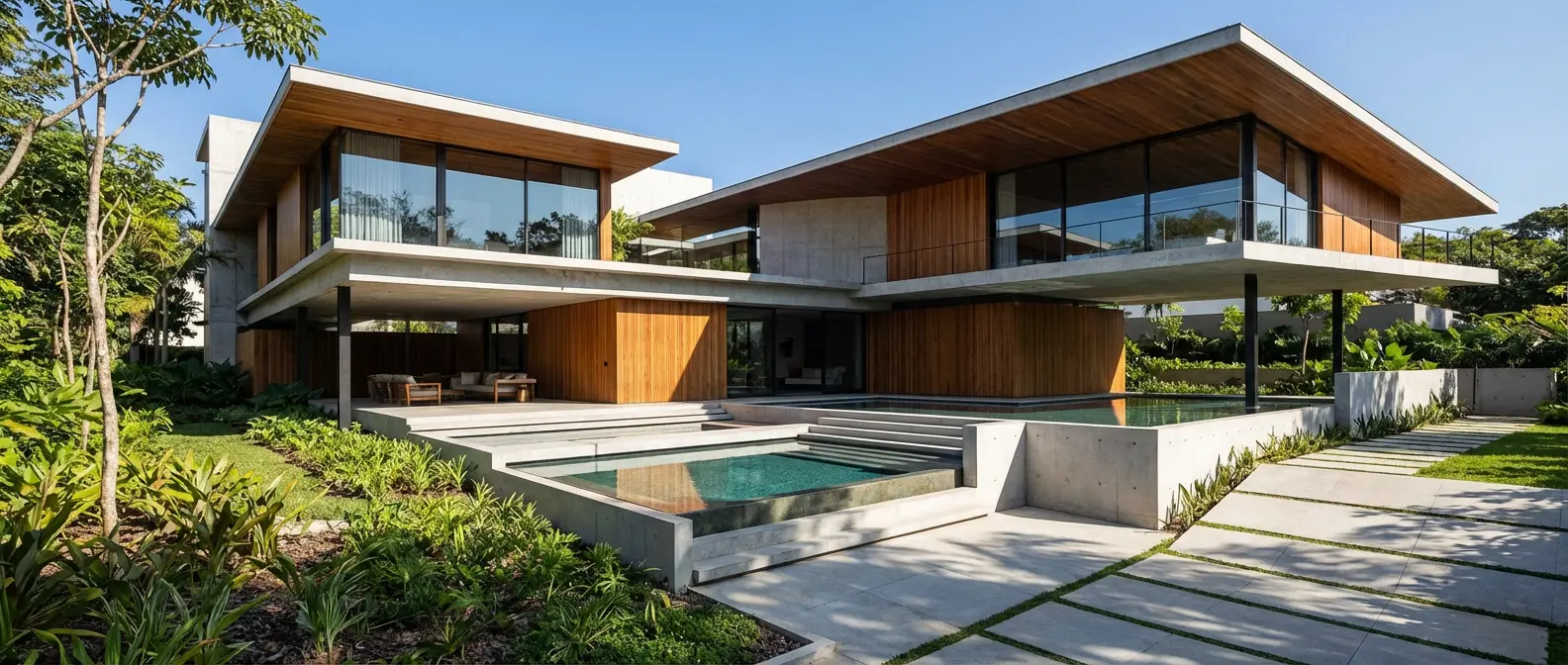
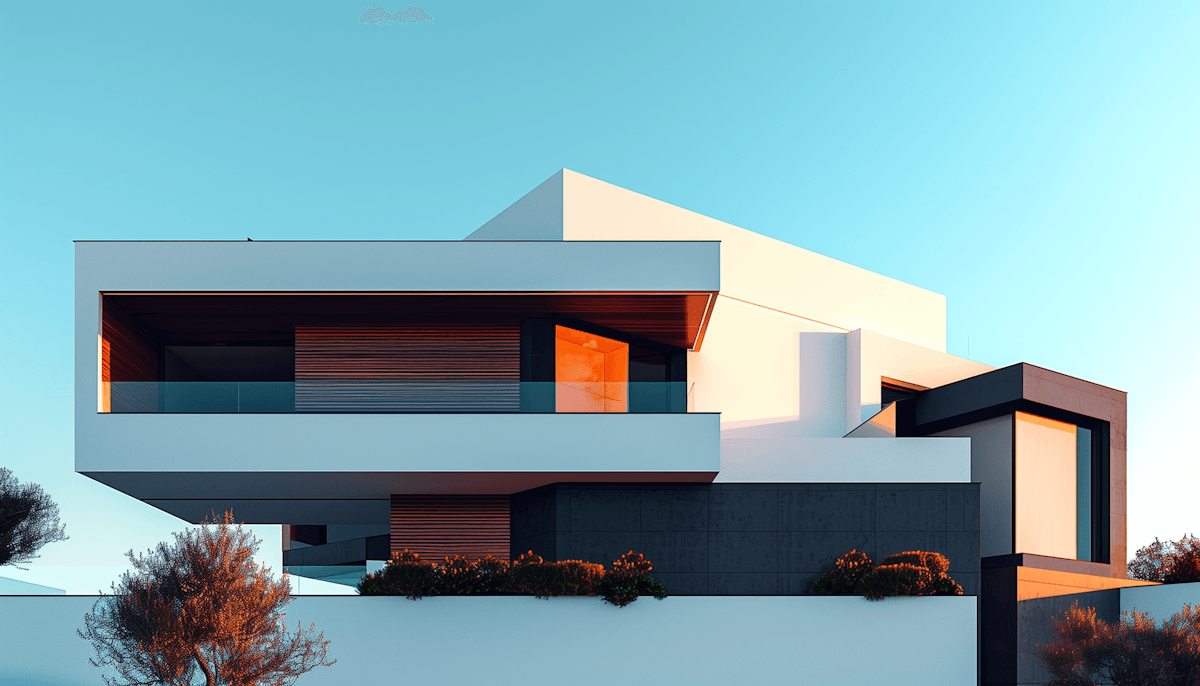
Renders Created with Rendershop

Is Rendair AI Right for You?
Rendair AI might work if you...
Don't mind post-processing your renders
Are a student and can accept public image display
Want a chat-based rendering assistant
Need a budget option at $9.50/month
Choose Rendershop if you...
Need presentation-ready renders without post-processing
Want photorealistic virtual staging
Require private images and commercial use from day one
Need AI photo editing with precise inpainting
Want AI video walkthroughs for client presentations
Prefer a generous free tier with 50 credits
Rendair AI Review FAQ
Common questions about Rendair AI and alternatives
Ready to try a better Rendair AI alternative?
50 free credits — No credit card required.