
Renderahouse Review: Features, Pricing & A Better Alternative
We tested Renderahouse for AI architecture rendering, interior design, and real-world project workflows. Here's our honest review — and why Rendershop delivers more for design professionals.
Quick Verdict
Renderahouse is a straightforward AI rendering tool for architecture with decent exterior and interior visualization capabilities. However, it lacks virtual staging, video generation, advanced photo editing, and custom prompt control. Output quality is acceptable for quick concepts but often needs refinement for client-facing work. For a more complete, professional solution, Rendershop delivers higher-quality renders plus virtual staging, AI photo editing, and video walkthroughs — all starting with 50 free credits.
What is Renderahouse?
Renderahouse is an AI-powered architecture visualization platform that generates renders from photos, sketches, and floor plans. The tool targets architects, designers, and real estate professionals who need quick visual concepts without traditional 3D rendering software.
The platform offers interior and exterior rendering, sketch-to-render conversion, style transfer, and basic image enhancement. Renderahouse positions itself as a fast, affordable alternative to manual rendering — upload an image, pick a style, and get results in seconds.
Where Renderahouse falls short is depth. The platform covers the basics of AI rendering but lacks the advanced tools professionals need — there's no virtual staging, no AI video generation, no inpainting or selective editing, and limited creative control compared to prompt-based platforms like Rendershop.
Renderahouse Features Breakdown
AI Rendering
Renderahouse's core feature is AI-powered rendering from uploaded photos or sketches. You can generate both interior and exterior visualizations across multiple architectural styles. The quality is decent for quick concepts and early-stage exploration, but outputs often lack the polish needed for client presentations without additional post-processing.
Sketch to Render
Renderahouse can convert hand-drawn sketches and line drawings into rendered visualizations. The feature preserves basic geometry and applies architectural styling. Results vary depending on sketch complexity — simple facades work well, but detailed or multi-story sketches can produce inconsistent outputs.
Style Transfer
The platform includes style presets for transforming images into different architectural aesthetics — Modern, Mediterranean, Scandinavian, Industrial, and more. While the presets cover popular styles, there's limited ability to fine-tune specific elements like materials, colors, or fixtures compared to prompt-driven tools.
Image Enhancement
Renderahouse offers basic image enhancement and upscaling for improving render resolution. The feature is functional for digital presentations, though the quality improvement is moderate compared to dedicated AI enhancement tools like those built into Rendershop.
Floor Plan Rendering
Renderahouse can generate visualizations from 2D floor plans, transforming them into 3D-style perspectives. This is useful for architects working from plan drawings, though the accuracy of spatial interpretation varies and complex layouts can produce distorted results.
Where Renderahouse Falls Short
The biggest gaps in Renderahouse are no virtual staging (can't furnish empty rooms), no AI video generation (no walkthrough videos), no inpainting or selective editing (can't modify specific areas of a render), no custom prompt control (preset-only styling), and no free credits on signup. For professionals who need a complete AI design platform, Rendershop covers all these bases.
Renderahouse Pros and Cons
Pros
Fast AI rendering from photos and sketches
Both interior and exterior support
Multiple architectural style presets
Floor plan to render conversion
Basic image enhancement included
Simple, straightforward interface
Quick processing times
Commercial use on paid plans
Cons
No virtual staging capabilities
No AI video walkthrough generation
No inpainting or selective area editing
No custom prompt control — presets only
Output quality often needs post-processing
No free credits on signup
Limited creative control over materials and details
Inconsistent results with complex structures
Renderahouse Pricing
Renderahouse uses a subscription-based pricing model with credit allocations. Here's how their plans break down:
Renderahouse's free tier is extremely limited and includes watermarks, making it impractical for professional use. Even on paid plans, you're getting a single-purpose rendering tool without staging, video, or editing capabilities. Rendershop offers a complete AI design suite — rendering, staging, editing, enhancement, and video — with 50 free credits and no watermarks.
Rendershop vs Renderahouse: Feature Comparison
Considering Renderahouse? Here's how Rendershop compares across the features architecture and design teams care about most.
Why We Recommend Rendershop Over Renderahouse
Renderahouse covers the basics of AI rendering, but it's missing the tools professionals need for complete design workflows. Here's why Rendershop is the better choice:
Complete design toolkit in one platform
Renderahouse only handles rendering and basic enhancement. Rendershop gives you rendering, virtual staging, AI photo editing with inpainting, image enhancement, and video walkthroughs — no need to juggle multiple tools or subscriptions.
Full creative control with custom prompts
Renderahouse limits you to preset styles. Rendershop lets you write custom prompts and upload reference images to control every detail — materials, colors, lighting, camera angles, and architectural elements.
Virtual staging for real estate
Renderahouse can't furnish empty rooms. Rendershop's dedicated staging tool transforms vacant spaces into photorealistic furnished interiors — essential for real estate listings and property marketing.
AI video walkthroughs
Renderahouse doesn't offer video at all. Rendershop lets you turn any render into a cinematic walkthrough video — perfect for client presentations, social media, and marketing materials.
Generous free tier with no watermarks
Renderahouse's free tier adds watermarks to your output. Rendershop gives you 50 free credits with no watermarks and full commercial use rights — so you can test the platform on real projects from day one.
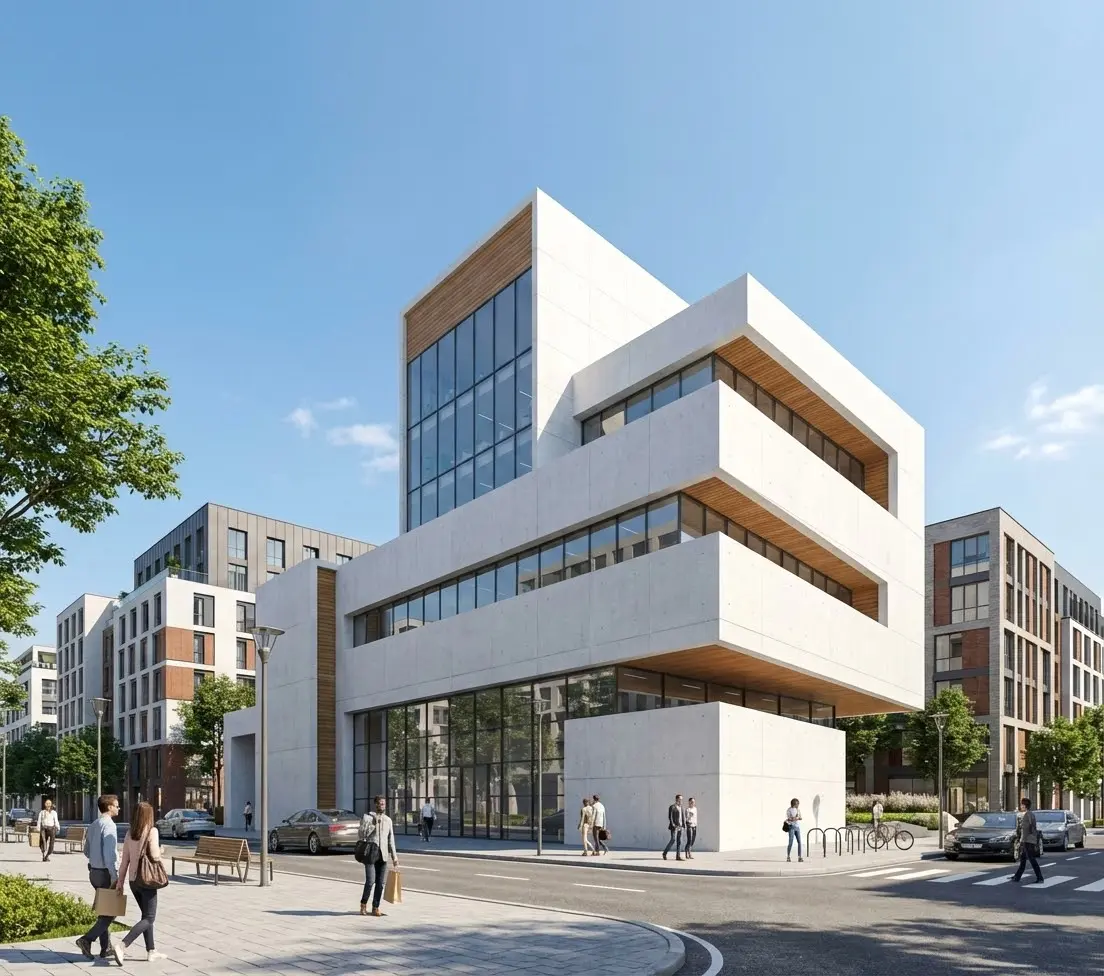
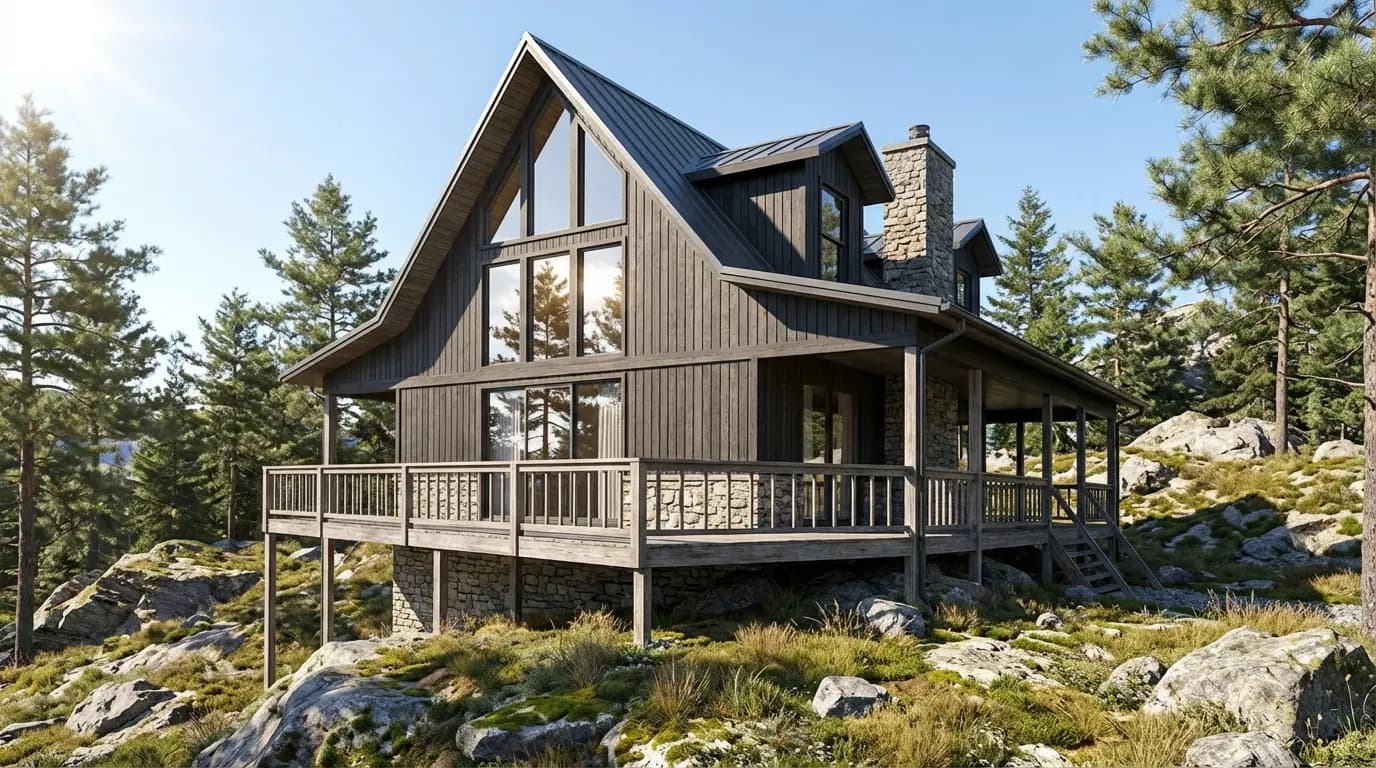
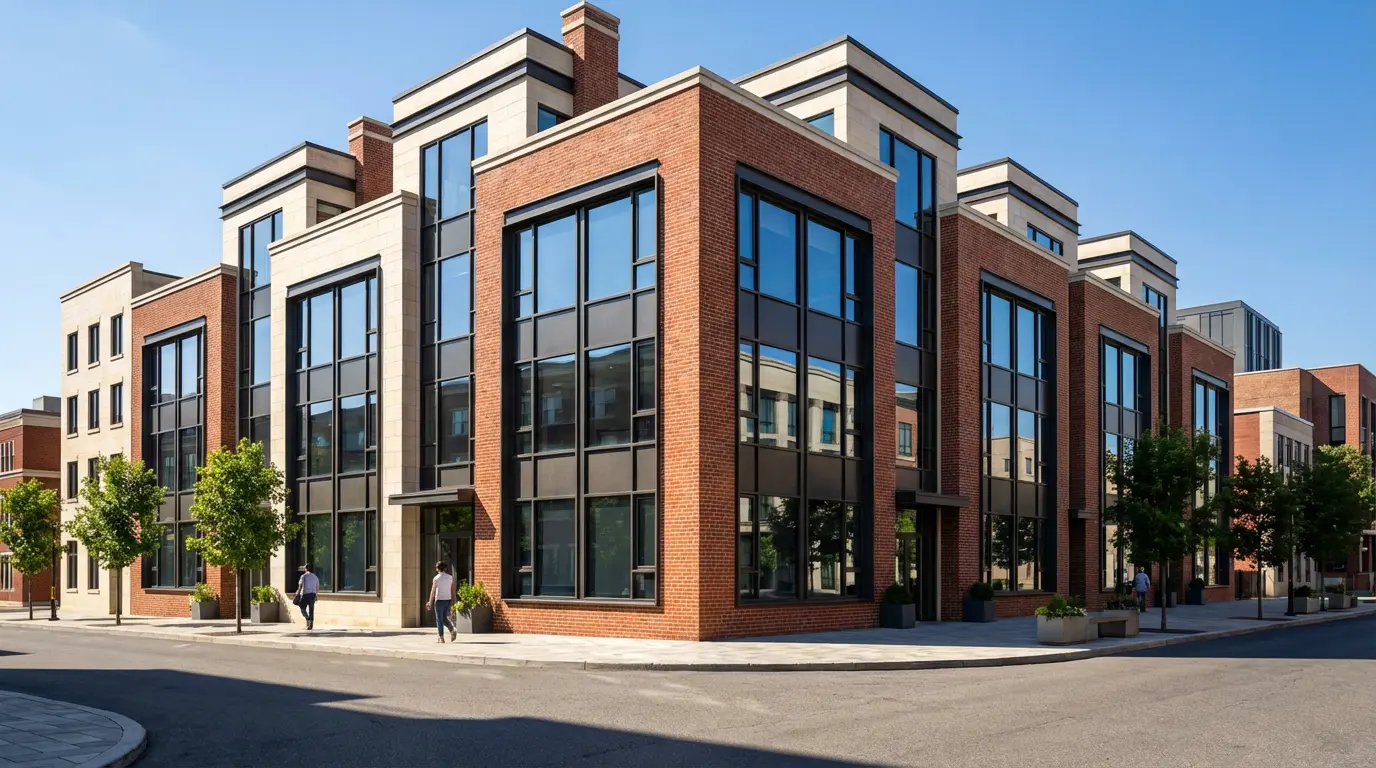
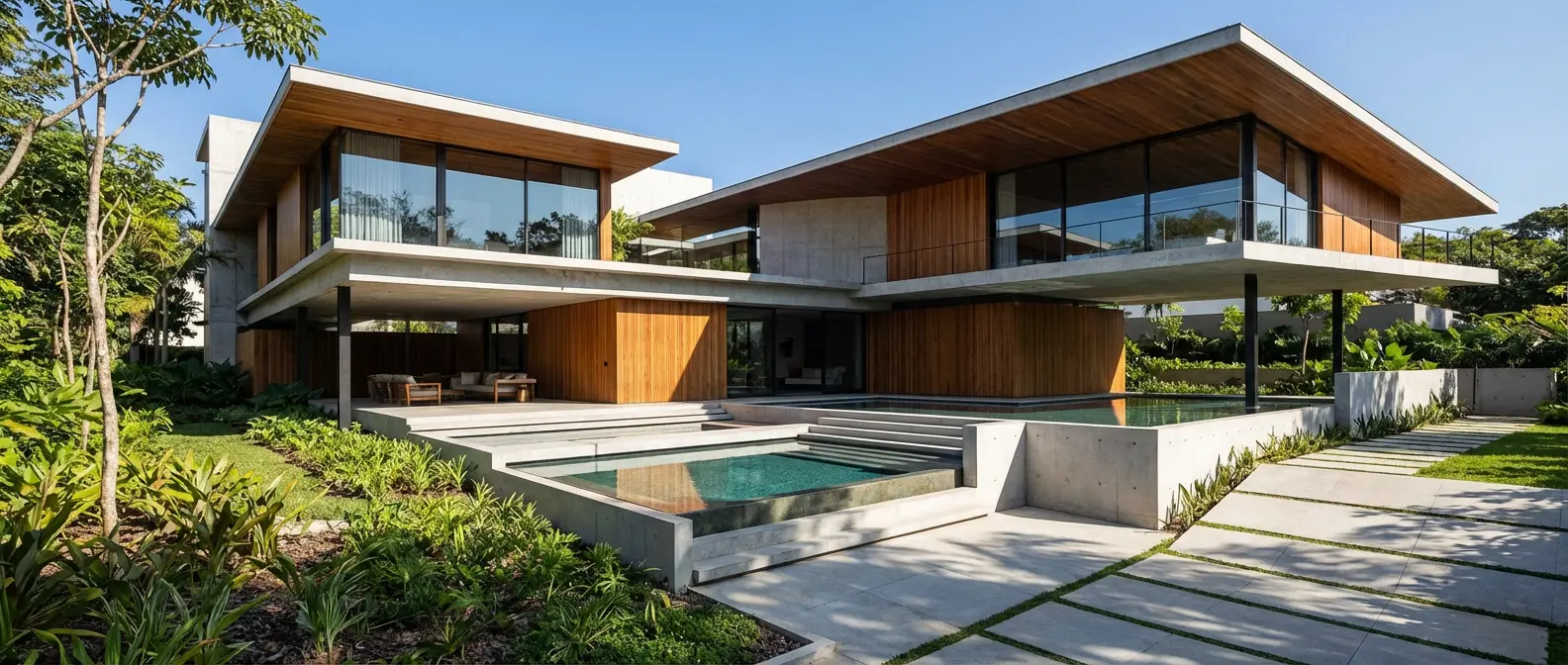
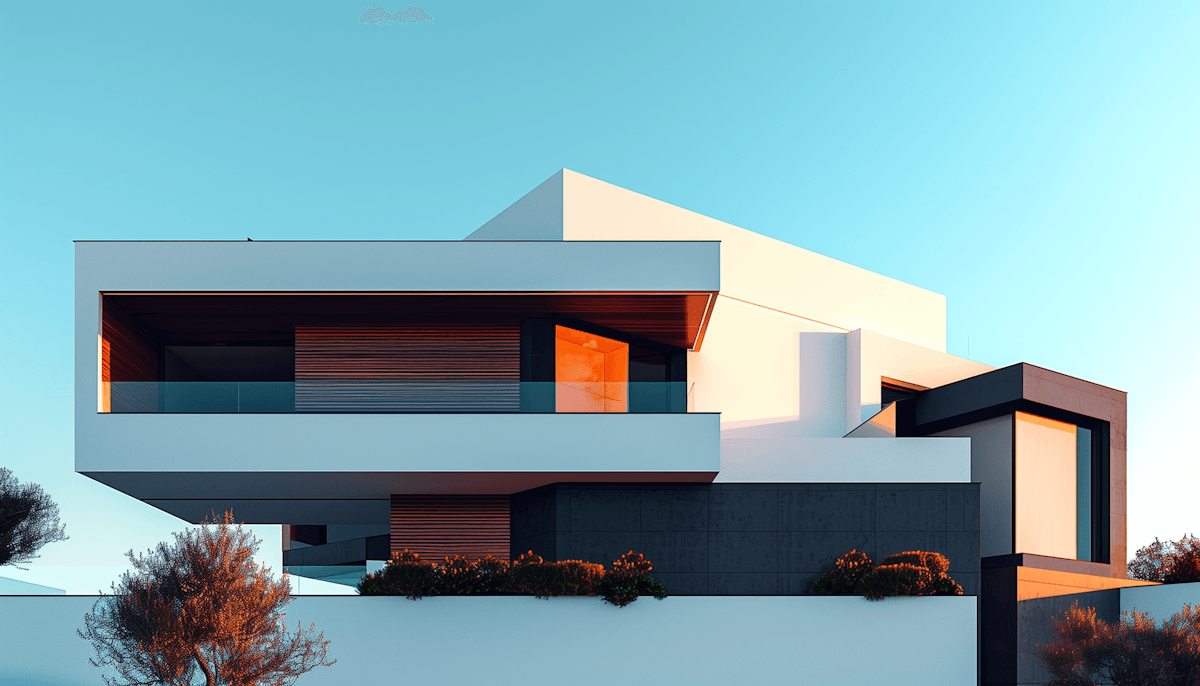
Renders Created with Rendershop
Is Renderahouse Right for You?
Renderahouse might work if you...
Only need basic AI rendering from photos or sketches
Are fine with preset-based style selection
Don't need staging, video, or editing tools
Want the cheapest possible option at $15/month
Choose Rendershop if you...
Need a complete AI design toolkit in one platform
Want full creative control with custom prompts
Require virtual staging for real estate or interiors
Need AI photo editing with precise inpainting
Want AI video walkthroughs for client presentations
Prefer watermark-free output with 50 free credits
Renderahouse Review FAQ
Common questions about Renderahouse and alternatives
Ready to try a better Renderahouse alternative?
50 free credits — No credit card required.