
Rendero AI Review: Features, Pricing & A Better Alternative
We tested Rendero AI for architectural rendering, interior redesign, and real estate visualization. Here's our honest take — and why Rendershop is the stronger choice for design professionals.
Quick Verdict
Rendero AI is a solid entry-level AI rendering tool for quick interior and exterior redesigns. It handles basic style transfers and room transformations decently but lacks professional depth — limited editing tools, no video generation, and inconsistent output on complex scenes. For a complete AI rendering solution, Rendershop delivers higher-quality photorealistic renders plus virtual staging, AI photo editing, inpainting, and video walkthroughs — all starting with 50 free credits.
What is Rendero AI?
Rendero AI is an AI-powered design tool that transforms photos of rooms and buildings into redesigned visualizations. Upload an image, choose a style or describe the changes you want, and the platform generates a new version — showing what the space could look like with different materials, furniture, colors, or architectural elements.
The platform targets interior designers, real estate agents, architects, and homeowners who need quick visual concepts. Rendero AI offers style presets, room-type selection, and some text prompt customization for guiding the AI output.
Where Rendero AI falls short is in advanced professional features. There's no dedicated virtual staging tool, no AI video walkthroughs, and editing capabilities are limited to regenerating entire images rather than selectively modifying regions. For professionals who need precise control and a complete AI design toolkit, platforms like Rendershop offer significantly more.
Rendero AI Features Breakdown
Interior Redesign
Rendero AI's core feature transforms interior photos into redesigned spaces. Upload a room photo, select a design style, and the AI generates a new version. Results are generally acceptable for quick concepts, but the AI can struggle with accurate furniture proportions, realistic material textures, and maintaining the original room's spatial layout.
Exterior Rendering
The platform supports exterior building transformations — changing architectural styles, materials, landscaping, and facade treatments. Exterior results are decent for simple buildings but can produce artifacts on complex structures, multi-level homes, or buildings with unique architectural details.
Style Presets & Prompts
Rendero AI offers a combination of style presets (Modern, Scandinavian, Industrial, etc.) and basic text prompt support. You can guide the output with descriptions, but the prompt control is less precise than dedicated prompt-based tools. The AI sometimes ignores specific material or color requests, defaulting to its interpretation of the selected style.
Room Type Selection
Rendero AI lets you specify the room type (living room, bedroom, kitchen, bathroom, office) to improve output accuracy. This helps the AI make better furniture and layout decisions, though results still vary in quality depending on the complexity of the original photo and the target style.
Fast Processing
Rendero AI generates results quickly — typically within 10-30 seconds. Speed is a genuine strength, making it practical for client meetings and rapid iteration cycles. However, faster processing often correlates with lower output detail compared to platforms that invest more compute time.
Where Rendero AI Falls Short
The biggest limitations of Rendero AI are no dedicated virtual staging (can't stage empty rooms with furniture), no AI video walkthroughs, no inpainting or selective editing (must regenerate entire images), inconsistent quality on complex scenes, and limited creative control over specific details. For professionals who need a comprehensive AI design toolkit, Rendershop is the more capable option.
Rendero AI Pros and Cons
Pros
Fast rendering — results in under 30 seconds
Supports both interior and exterior redesign
Style presets plus basic prompt customization
Room type selection improves accuracy
Simple, beginner-friendly interface
Affordable pricing for basic use
Good for quick before/after concepts
Multiple architectural style options
Cons
No dedicated virtual staging tool
No AI video walkthroughs
No inpainting or selective region editing
Must regenerate entire image for any changes
Inconsistent quality on complex scenes
Limited prompt control vs advanced tools
Struggles with accurate material textures
No sketch-to-render capability
Rendero AI Pricing
Rendero AI uses a credit-based pricing model. Here's how their plans break down:
Rendero AI's free tier includes watermarks on output images, limiting its use for client work. The Basic plan at $16/month gives you 100 renders, but with no staging, no video, and no editing tools, you're paying for a redesign-only tool. Rendershop offers a complete AI design suite — rendering, staging, editing, and video — with 50 free credits and no watermarks.
Rendershop vs Rendero AI: Feature Comparison
Considering Rendero AI? Here's how Rendershop compares across the features architecture and design teams care about most.
Why We Recommend Rendershop Over Rendero AI
Rendero AI handles basic redesigns, but it's a limited tool. Here's why Rendershop is the better choice for professionals who need more:
Complete design toolkit
Rendero AI is a redesign tool. Rendershop gives you rendering, virtual staging, AI photo editing, inpainting, image enhancement, and video walkthroughs — everything you need in one platform for the entire design-to-presentation workflow.
Precise editing with inpainting
Rendero AI forces you to regenerate entire images for any change. Rendershop's inpainting lets you selectively modify specific regions — change a countertop material, swap out furniture, adjust landscaping — without touching the rest of the render.
Virtual staging for real estate
Rendero AI doesn't offer dedicated virtual staging. Rendershop's staging tool lets you furnish empty rooms with photorealistic furniture — essential for real estate listings and property marketing.
AI video walkthroughs
Turn any render into a cinematic walkthrough video. Rendershop is one of the few AI rendering platforms with built-in video generation — something Rendero AI doesn't offer.
No watermarks, more free credits
Rendero AI watermarks free-tier images. Rendershop gives you 50 free credits with no watermarks and full commercial use rights from day one.
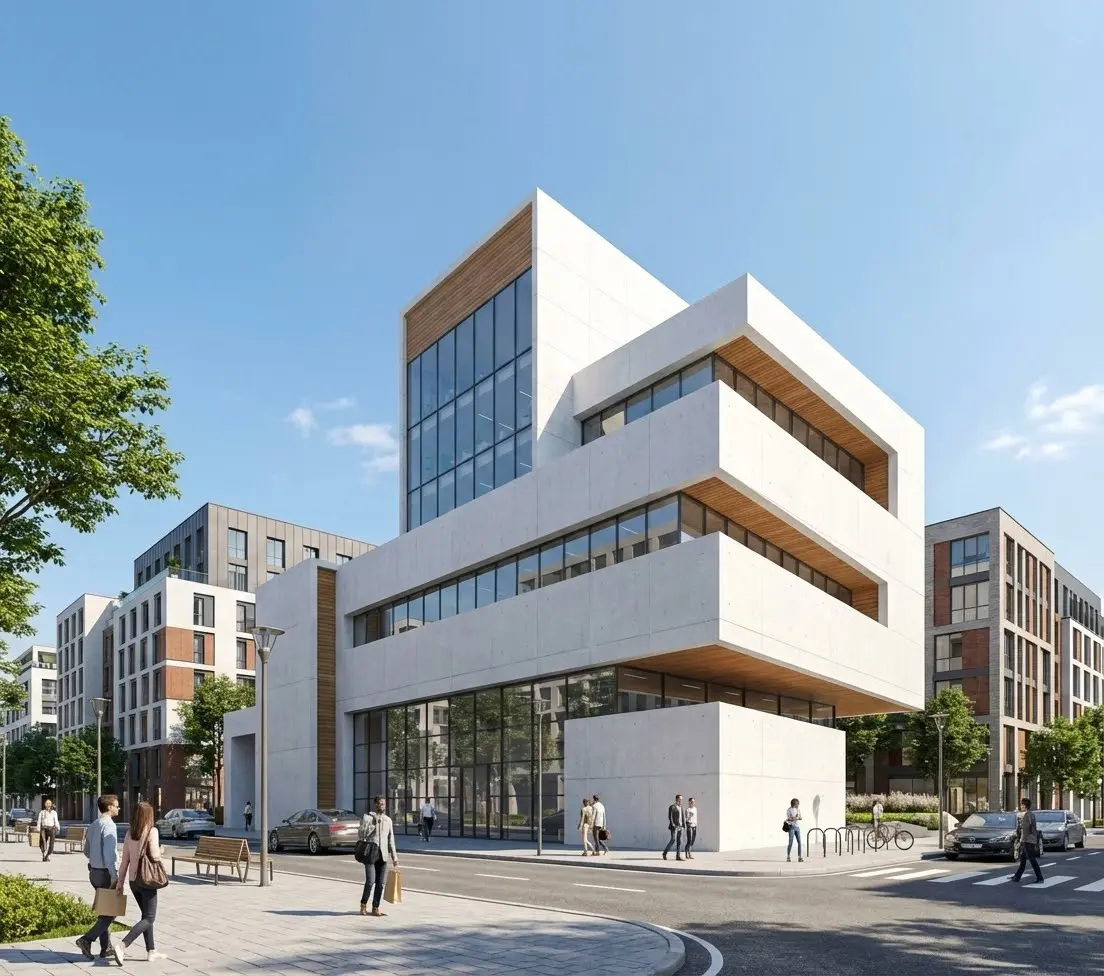
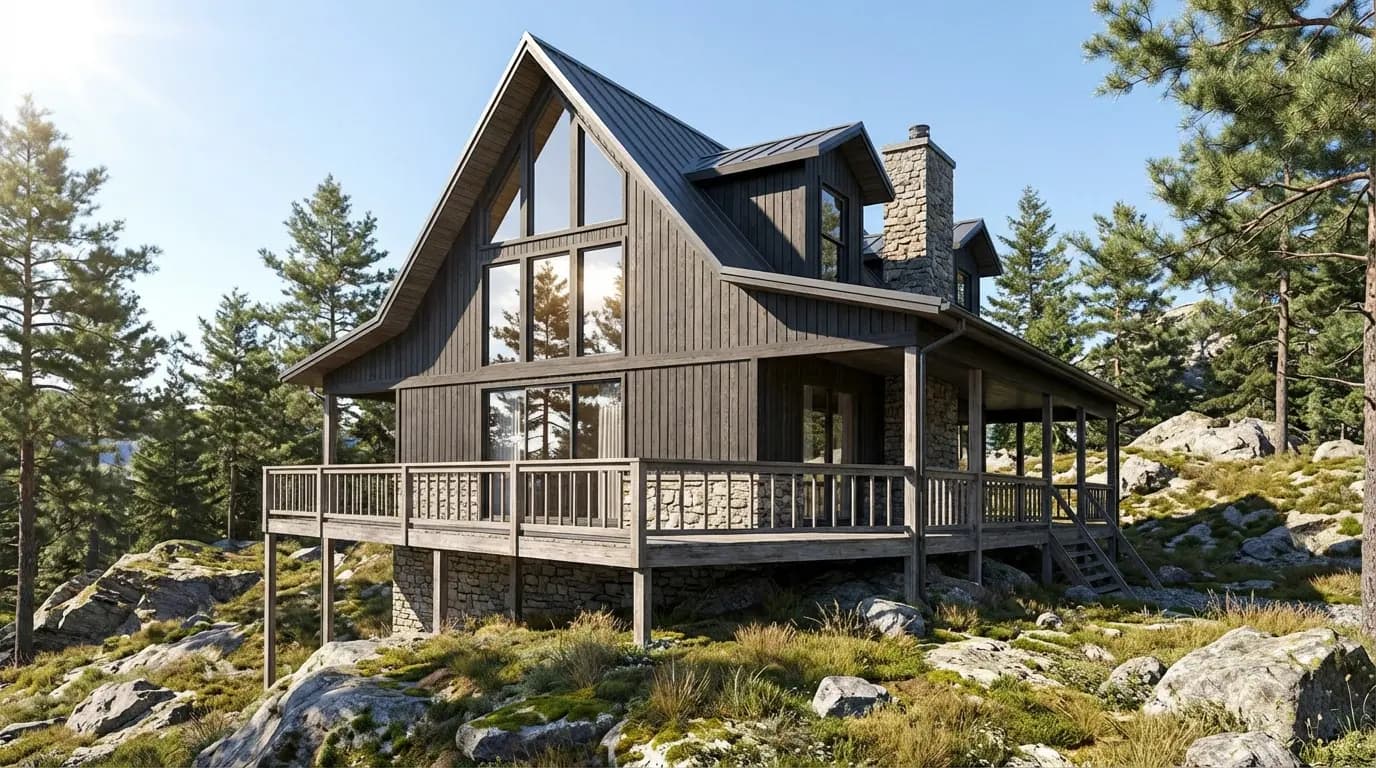
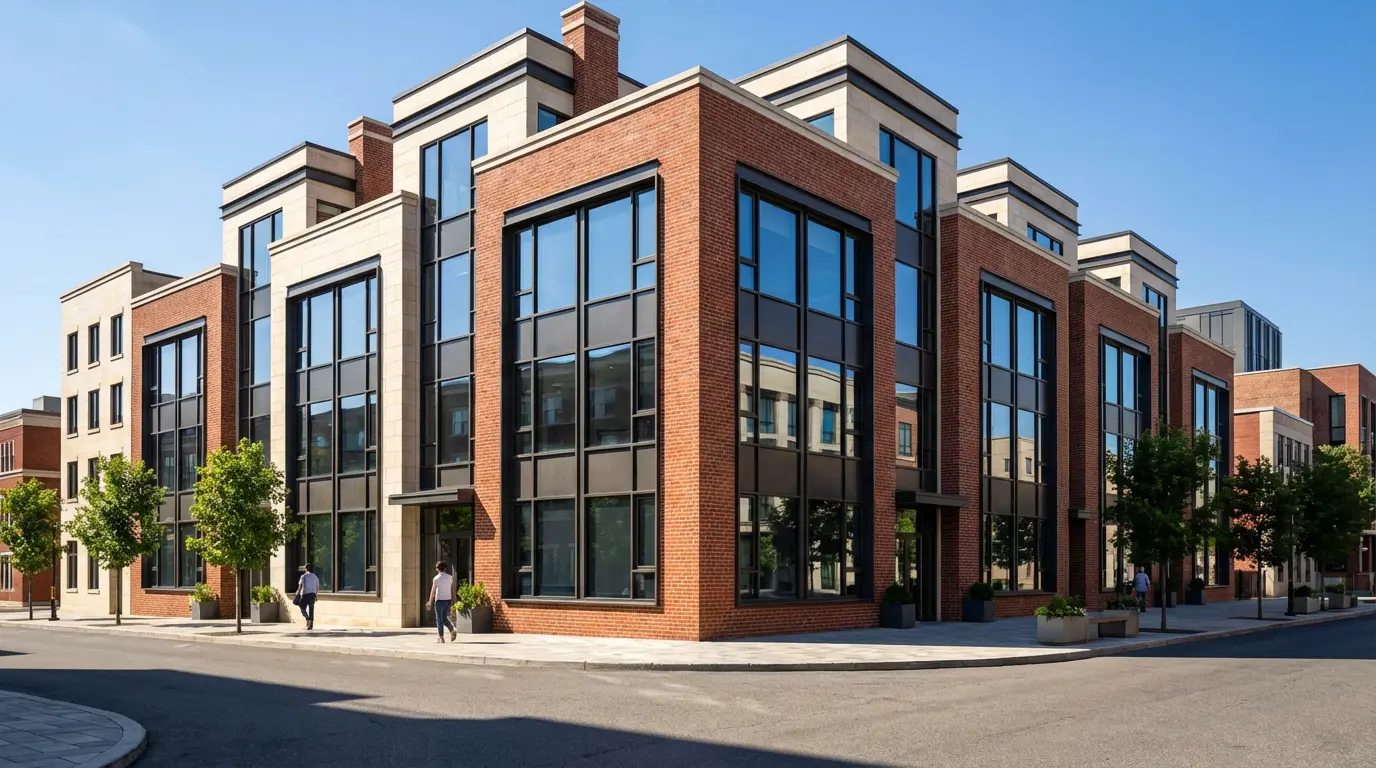
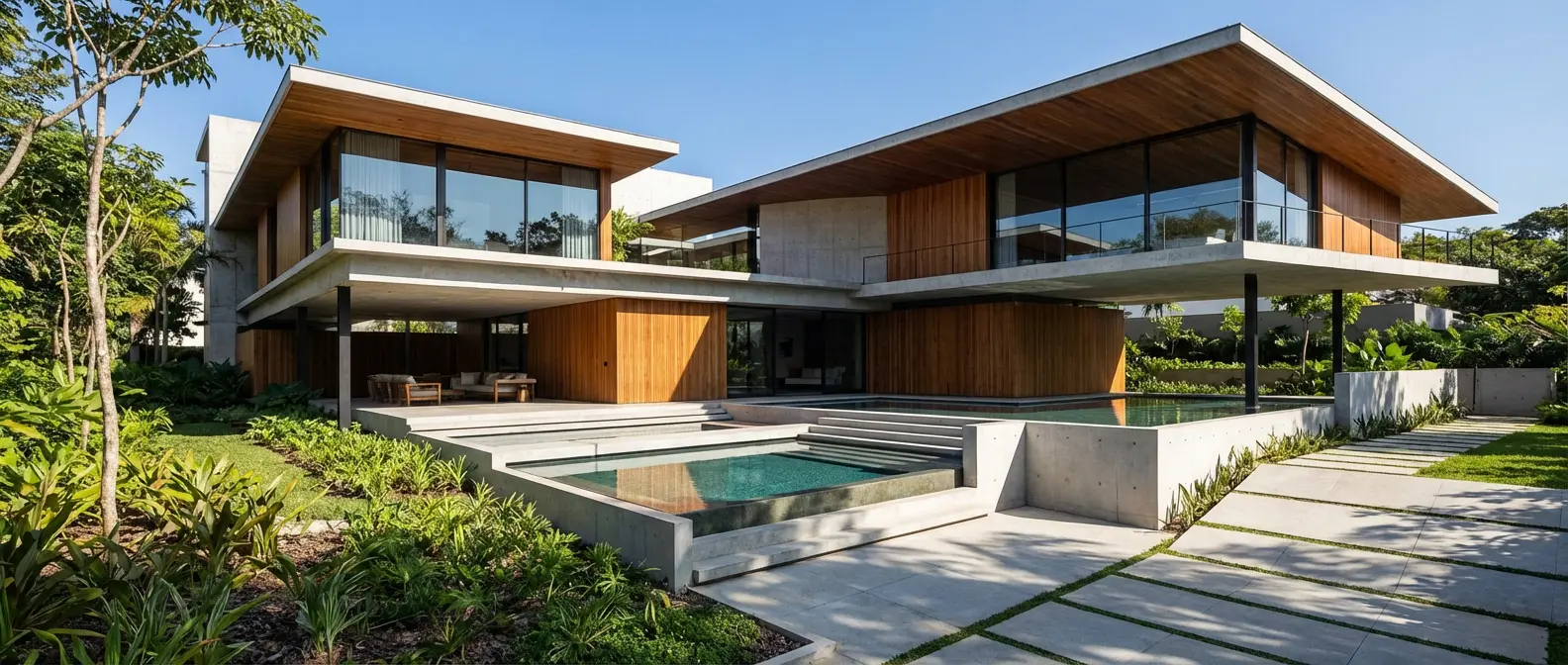
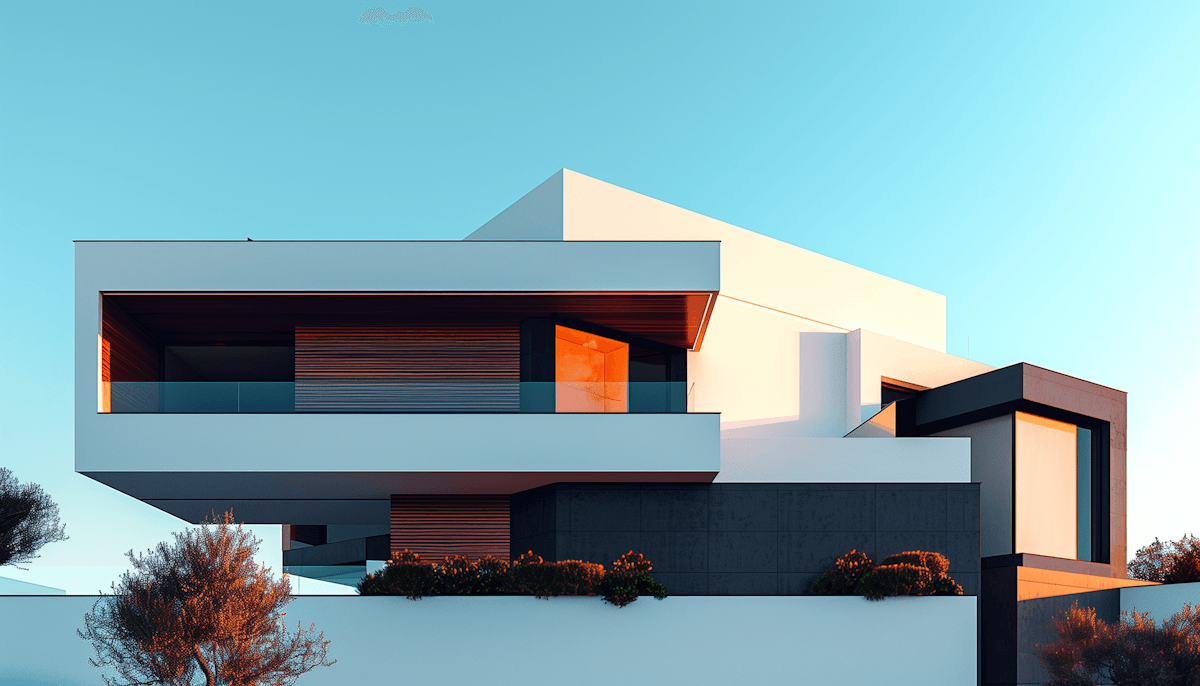
Renders Created with Rendershop
Is Rendero AI Right for You?
Rendero AI might work if you...
Only need basic interior/exterior redesign concepts
Want fast, simple room transformations
Are a homeowner exploring renovation ideas
Need quick before/after mockups on a budget
Choose Rendershop if you...
Need a complete rendering, staging, and editing toolkit
Want full creative control with custom prompts
Require virtual staging for real estate
Need AI photo editing with precise inpainting
Want AI video walkthroughs for client presentations
Prefer watermark-free output with 50 free credits
Rendero AI Review FAQ
Common questions about Rendero AI and alternatives
Ready to try a better Rendero AI alternative?
50 free credits — No credit card required.