
RoomGPT Review: Features, Pricing & A Better Alternative
We tested RoomGPT for AI interior redesign and style transfer. Here's our honest take — and why Rendershop is the stronger choice for design and real estate professionals.
Quick Verdict
RoomGPT is a fast, beginner-friendly tool for reimagining a single room from a photo. With 60+ style presets and a dead-simple browser workflow, it's great for homeowners and quick inspiration — but it's interior-redesign only, with no virtual staging of empty rooms, no editing after generation, no exterior or architectural rendering, and no video. For a complete AI rendering solution, Rendershop delivers higher-quality renders plus virtual staging, AI photo editing, inpainting, and video walkthroughs — all starting with 50 free credits.
What is RoomGPT?
RoomGPT is an AI-powered interior redesign tool. Upload a photo of a room, choose a room type and a design style, and the platform generates reimagined versions of that space — new furniture, updated finishes, and different aesthetics — in seconds, entirely in the browser with no 3D modeling or software to install.
It started life in 2023 as an open-source project by developer Hassan El Mghari (Nutlope) and went viral, reportedly reaching millions of users. That original code is still on GitHub, but roomgpt.io itself is now a paid SaaS product with accounts, credits, and subscription plans. It offers 60+ preset styles — Modern, Minimalist, Industrial, Bohemian, Art Deco, Tropical and more — plus the option to describe your own custom style.
Where RoomGPT falls short is scope. It's a single-purpose consumer redesign tool: there's no virtual staging of empty rooms, no edit mode or inpainting after a generation, no exterior or architectural rendering, no sketch-to-render, and no video. For professionals who need a full-featured AI rendering platform, it falls short compared to comprehensive solutions like Rendershop.
RoomGPT Features Breakdown
Interior Room Redesign
RoomGPT's core feature takes a photo of an existing room and reimagines it in a new style. Results are quick and often attractive for straightforward spaces, though the AI can shift the room's layout, alter proportions, or change structural elements you meant to keep — it prioritizes an inspiring look over strict fidelity to your actual space.
Design Style Presets
The platform offers 60+ interior design style presets — from Modern and Minimalist to Industrial, Bohemian, Art Deco, Tropical and Neoclassic. Picking a preset is the fastest path to a result, and it's where RoomGPT shines for casual users looking for quick inspiration across different aesthetics.
Room Type Selection
You can tell RoomGPT what kind of space it's working with — living room, bedroom, bathroom, kitchen, dining room, office, gaming room and more. This helps the AI apply appropriate furniture and layouts, though results still vary with the complexity and lighting of the original photo.
Custom Style Descriptions
Beyond the presets, RoomGPT lets you describe your own custom style in words. It's a welcome bit of flexibility, but the control is coarse compared to full prompt-and-reference workflows — you can nudge the overall vibe, not precisely direct materials, objects, or specific regions of the image.
Browser-Based & Beginner-Friendly
RoomGPT runs entirely in the browser with no GPU, plugins, or 3D modeling required. Combined with its open-source origins and large user base, that simplicity is its biggest strength — it's one of the easiest AI room tools to pick up. The trade-off is depth: the workflow is essentially upload, pick a style, generate, repeat.
Where RoomGPT Falls Short
The biggest limitations of RoomGPT are no virtual staging of empty rooms, no edit mode or inpainting (if you don't like a result, you regenerate and spend another credit), no exterior or architectural rendering, no sketch-to-render, no AI video walkthroughs, and no image enhancement or upscaling. Commercial usage rights are also gated to its top plan. For professionals who need a comprehensive AI design toolkit, Rendershop is the more capable option.
RoomGPT Pros and Cons
Pros
Extremely simple — redesign a room in seconds
60+ interior design style presets
Custom style descriptions supported
Room type selection for tailored results
Runs entirely in the browser — no software
Open-source origins and a large user base
Affordable credit packs and low monthly plans
Great for homeowners and quick inspiration
Cons
Interior redesign only — no exterior or architecture
No virtual staging of empty rooms
No edit mode or inpainting after generation
No AI video walkthroughs
No sketch-to-render or CAD workflows
No image enhancement or upscaling
Commercial rights require the top plan
Only 1 free credit on signup
RoomGPT Pricing
RoomGPT combines a credit system with optional monthly plans. Exact pricing varies and is frequently discounted with promos, but here's how the plans generally break down:
RoomGPT gives you just one free credit to start, and commercial usage rights are reserved for the Business plan — so client work effectively means paying up. Even then you're paying for a redesign-only tool with no staging, editing, or video. Rendershop offers a complete AI design suite — rendering, staging, editing, and video — with 50 free credits and no watermarks.
Rendershop vs RoomGPT: Feature Comparison
Considering RoomGPT? Here's how Rendershop compares across the features architecture and design teams care about most.
Why We Recommend Rendershop Over RoomGPT
RoomGPT handles quick interior redesigns, but it's a single-purpose consumer tool. Here's why Rendershop is the better choice for professionals who need more:
Complete design toolkit
RoomGPT is essentially an interior redesign tool. Rendershop gives you rendering, virtual staging, AI photo editing, inpainting, image enhancement, and video walkthroughs — everything you need in one platform.
Advanced editing with inpainting
RoomGPT has no edit mode — if you don't like a result, you regenerate and burn another credit. Rendershop's inpainting lets you selectively modify specific regions of a render — change materials, add or remove objects, adjust details — without starting over.
Virtual staging for real estate
RoomGPT redesigns rooms that already have furniture — it doesn't stage empty spaces. Rendershop's dedicated staging tool lets you furnish empty rooms with photorealistic furniture — essential for real estate listings and property marketing.
AI video walkthroughs
Turn any render into a cinematic walkthrough video. Rendershop is one of the few AI rendering platforms with built-in video generation — something RoomGPT doesn't offer.
No watermarks, more free credits
RoomGPT gives you a single free credit and gates commercial rights behind its Business plan. Rendershop gives you 50 free credits with no watermarks and full commercial use rights from day one.
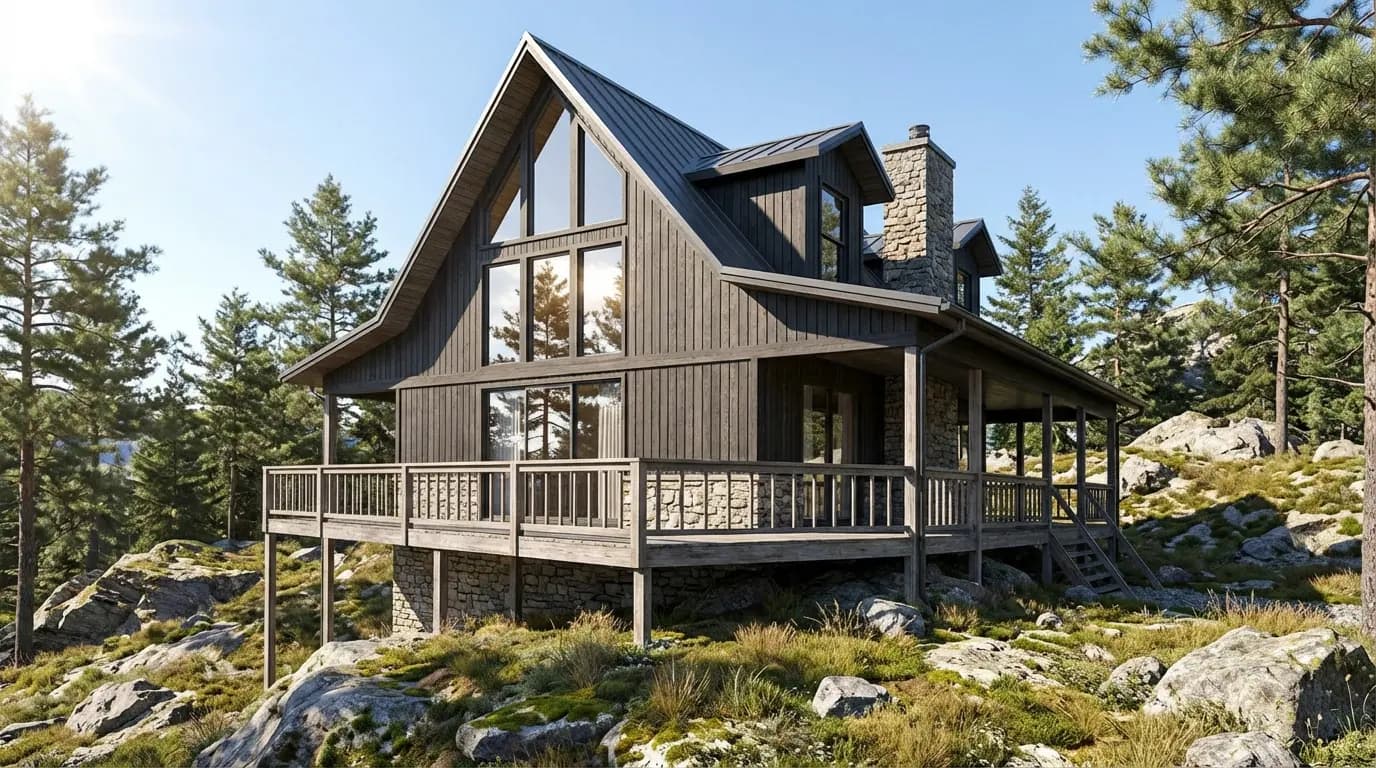
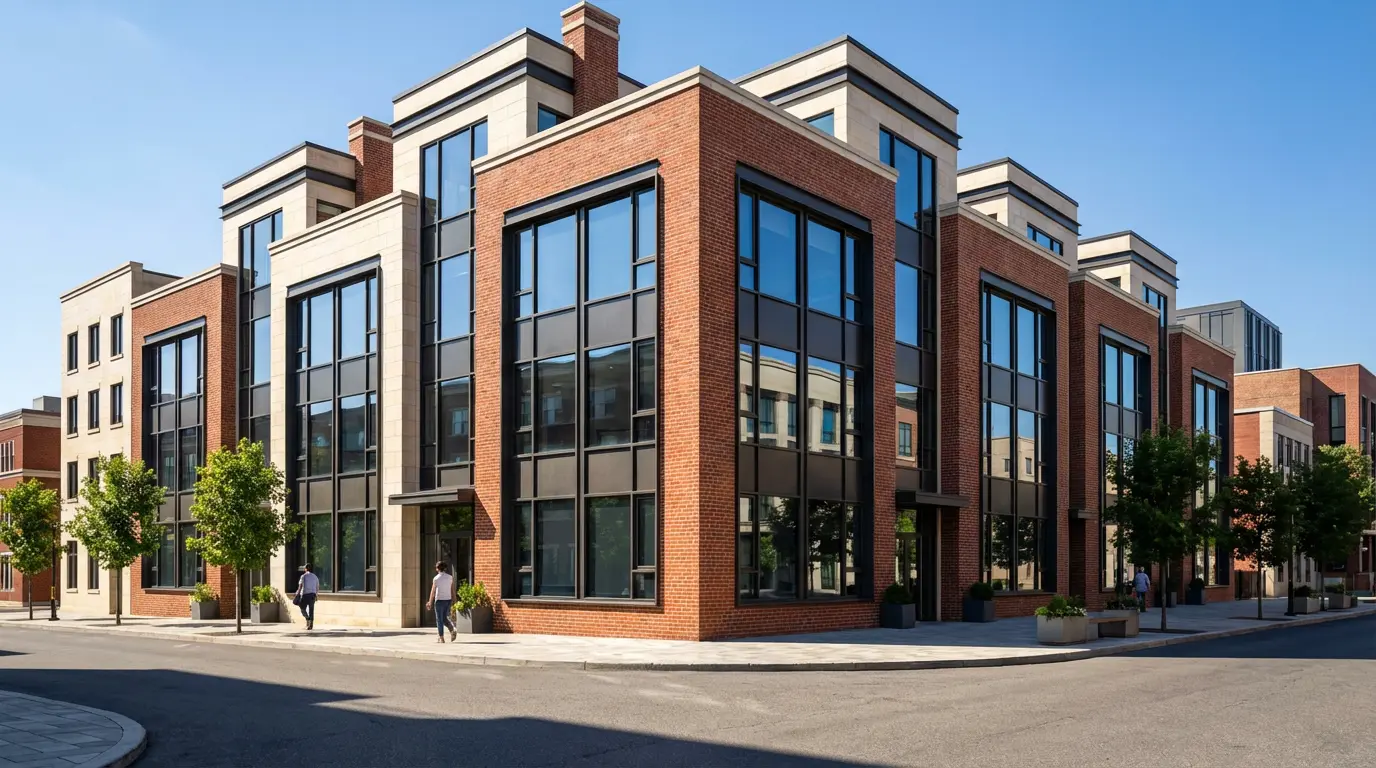
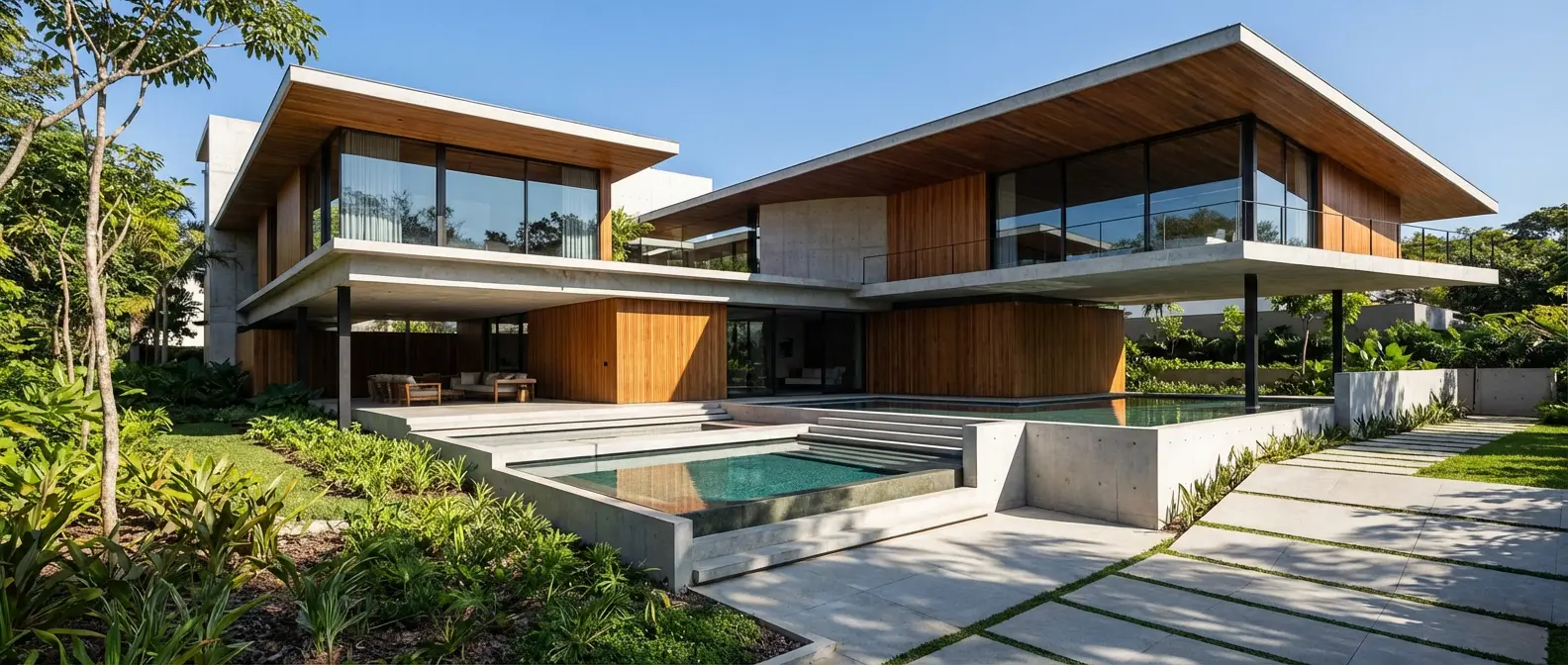
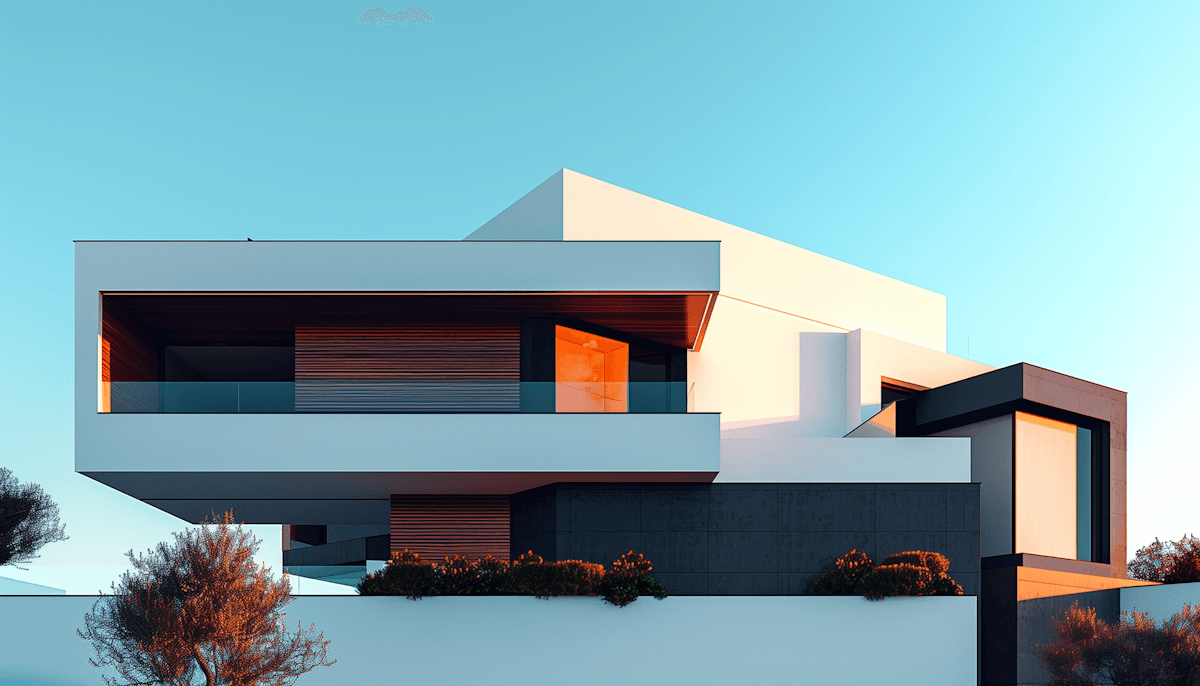
Renders Created with Rendershop

Is RoomGPT Right for You?
RoomGPT might work if you...
Just want to reimagine a single room from a photo
Are a homeowner exploring design ideas
Want fast, affordable style presets
Are trying AI room design for the first time
Choose Rendershop if you...
Need a complete rendering, staging, and editing toolkit
Want full creative control with custom prompts
Require virtual staging for real estate
Need AI photo editing with precise inpainting
Want AI video walkthroughs for client presentations
Prefer watermark-free output with 50 free credits
RoomGPT Review FAQ
Common questions about RoomGPT and alternatives
Ready to try a better RoomGPT alternative?
50 free credits — No credit card required.