
Veras Review: Features, Pricing & A Better Alternative
We tested Veras by EvolveLAB for architectural rendering, interior design, and style transfer directly inside Revit, SketchUp, and Rhino. Here's our honest take — and why Rendershop is the stronger choice if you'd rather skip the plugins.
Quick Verdict
Veras is a genuinely strong AI renderer for architects who live inside BIM/CAD software. Its native plugins for Revit, SketchUp, Rhino, Archicad, Vectorworks, and Forma let it render directly on top of your real model geometry — a real advantage for design iteration. But it's a rendering-focused tool: no virtual staging, no AI video walkthroughs, and no dedicated photo editor. If you want a full AI design suite that works in the browser with no plugin, Rendershop delivers rendering plus virtual staging, AI photo editing, inpainting, and video walkthroughs — all starting with 50 free credits and no watermark.
What is Veras?
Veras is an AI-powered visualization app built by EvolveLAB for architects, interior designers, and BIM professionals. Its defining feature is deep integration with design software — Veras runs natively as a plugin inside Autodesk Revit, SketchUp, Rhinoceros, Archicad, Vectorworks, and Autodesk Forma, and also offers a web app. It captures your current 3D viewport and uses image-to-image generative AI to redraw that scene in the style you describe, while preserving the geometry and camera you already modeled.
The platform supports both exterior and interior rendering, with text-prompt style control, material overrides, and a Geometry Override Slider that balances how closely the AI sticks to your model versus how much creative freedom it takes. Features like Render Selection (regional re-rendering) and Render Same Seed give designers repeatable, controllable iteration — which is why Veras is popular for early-stage design communication.
Where Veras is narrower is scope. It's a renderer first and foremost: there's no virtual staging to furnish empty rooms, no AI video walkthrough generation, and no dedicated photo-editing suite. Its strongest workflows assume you already own and work inside BIM/CAD software, and its free trial is time-limited rather than a standing free tier. For professionals who want a broader, browser-based AI design toolkit, a comprehensive solution like Rendershop covers more ground.
Veras Features Breakdown
Native BIM/CAD Integration
This is Veras's biggest strength. It installs directly into Revit (2021–2026), SketchUp (2021–2025), Rhino (7–8), Archicad 28, Vectorworks, and Forma, rendering straight from your live model view. Because it renders on real geometry and your actual camera, you don't have to rebuild scenes or export images to get a styled visual — a workflow standalone AI tools, including Rendershop, can't match.
Prompt & Style Control
Veras uses text prompts to drive the look of a render — describe materials, mood, time of day, and architectural style, and the AI redraws your scene accordingly. Combined with material overrides, it gives solid creative direction over exterior facades and interior spaces alike.
Interior & Exterior Rendering
Veras handles both interior and exterior visualization well. Because it starts from your modeled geometry, structural accuracy and proportions tend to hold up better than pure photo-to-render tools, making it a reliable choice for communicating design intent to clients early in a project.
Geometry Override & Render Selection
The Geometry Override Slider lets you dial in how faithfully the AI follows your model, while Render Selection lets you re-render only specific regions of an image with a new prompt. Render Same Seed keeps results consistent across iterations. Together these give designers unusually fine control for an AI renderer.
Web App (Image-to-Image)
Beyond the plugins, Veras offers a browser-based image-to-image mode where you can upload a photo or sketch to transform without BIM software. It's handy, but the plugin workflow is where Veras shines — the web app is a companion rather than the main event, and the free trial is limited to 30 renders over 15 days.
Where Veras Falls Short
The main gaps are no virtual staging (can't furnish empty rooms for listings), no AI video walkthroughs, no dedicated photo-editing suite (it's a renderer, not an image editor), and no standing free tier — just a 15-day trial. It also assumes you work inside BIM/CAD software, and, as EvolveLAB notes, its output isn't meant for construction documents or code-verified deliverables. For teams that need staging, video, and editing without a plugin, Rendershop is the broader option.
Veras Pros and Cons
Pros
Native plugins for Revit, SketchUp, Rhino, Archicad, Vectorworks & Forma
Renders directly on your real model geometry
Strong interior and exterior rendering
Prompt-based style control and material overrides
Geometry Override Slider for creativity vs accuracy
Render Selection for regional re-rendering
Fast iteration for early design communication
Web image-to-image mode plus student pricing
Cons
No virtual staging capabilities
No AI video walkthroughs
No dedicated AI photo editor
Best experience requires owning BIM/CAD software
Free access is a 15-day trial, not a standing tier
Subscription cost scales up with team seats
Output can drift from the model if prompts are loose
Not for construction docs or code-verified deliverables
Veras Pricing
Veras uses a subscription license model. Here's how their plans break down (as of mid-2026 — pricing varies by region, bundle, and billing period):
Veras's trial gives you 30 renders across 15 days — useful for evaluation, but it expires, and there's no permanent free tier. Paid plans start around $29/month (billed annually) for a single named user, and costs climb as you add seats. You're also paying for a rendering-focused tool that assumes you work in BIM/CAD software. Rendershop offers a complete AI design suite — rendering, staging, editing, and video — with 50 free credits, no watermarks, and no plugin or BIM software required.
Rendershop vs Veras: Feature Comparison
Considering Veras? Here's an honest look at how Rendershop compares across the features architecture and design teams care about most — including where Veras is genuinely ahead.
Why We Recommend Rendershop Over Veras
Veras is excellent if you render inside BIM software all day. But if you want a broader toolkit that works in the browser — or you don't own Revit or Rhino — here's why Rendershop is the better fit:
No BIM software or plugin required
Veras is at its best as a plugin inside Revit, SketchUp, or Rhino. Rendershop runs entirely in the browser — upload a photo, sketch, or CAD export and render, with no license for expensive modeling software needed.
Complete design toolkit
Veras is a renderer. Rendershop gives you rendering, virtual staging, AI photo editing, inpainting, image enhancement, and video walkthroughs — everything in one platform, so you don't need separate tools for staging and video.
Virtual staging for real estate
Veras doesn't offer virtual staging. Rendershop's dedicated staging tool furnishes empty rooms with photorealistic furniture — essential for real estate listings and property marketing.
AI video walkthroughs
Turn any render into a cinematic walkthrough video. Rendershop is one of the few AI rendering platforms with built-in video generation — something Veras doesn't offer.
No watermarks, 50 free credits
Veras's free access is a 15-day, 30-render trial that expires. Rendershop gives you 50 free credits with no watermarks and full commercial use rights from day one.
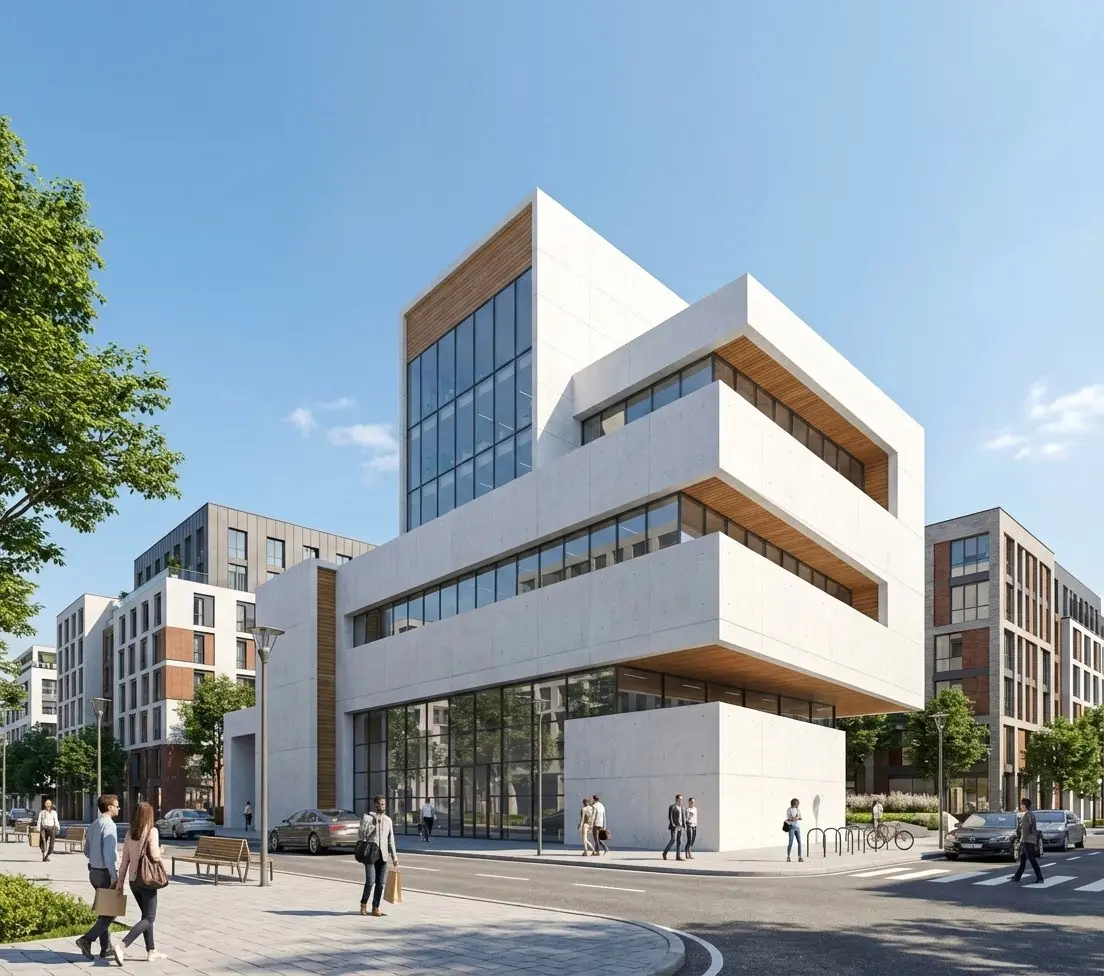
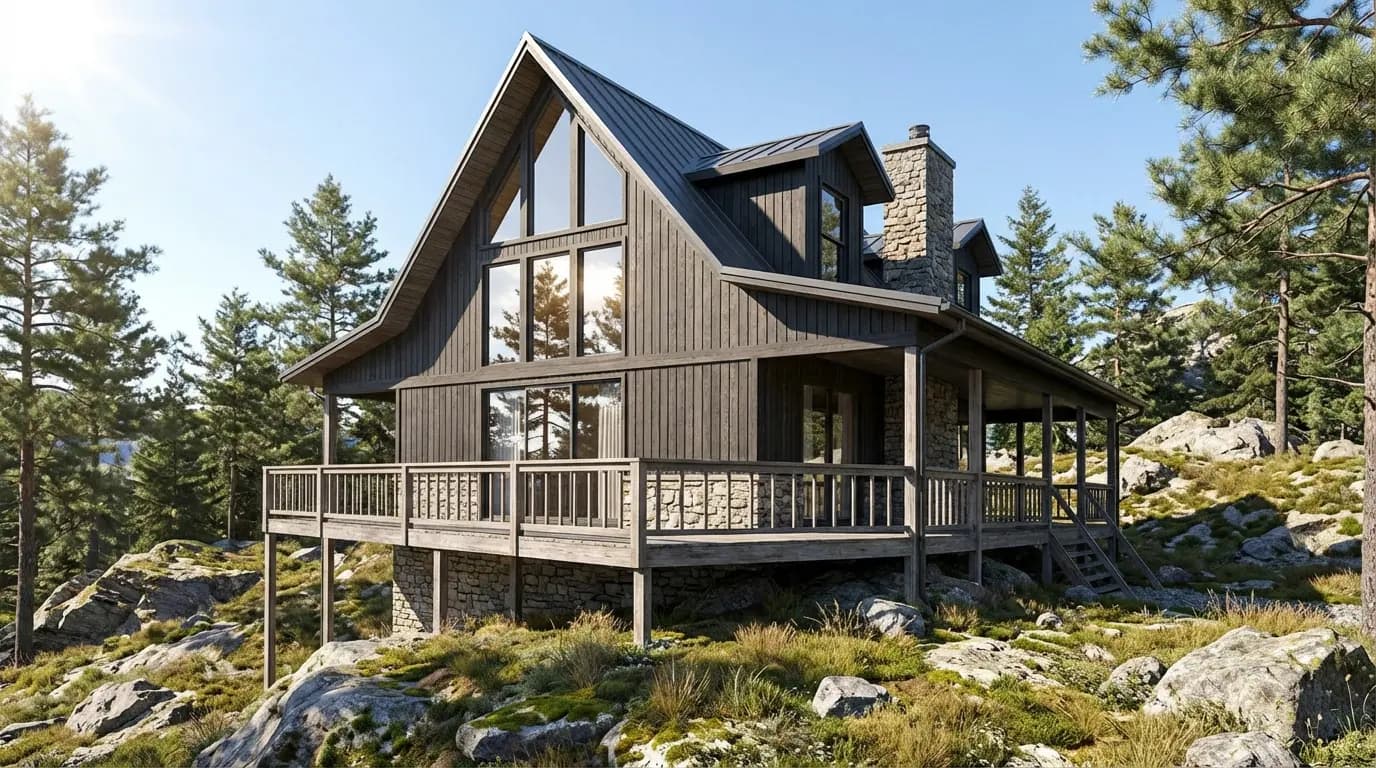
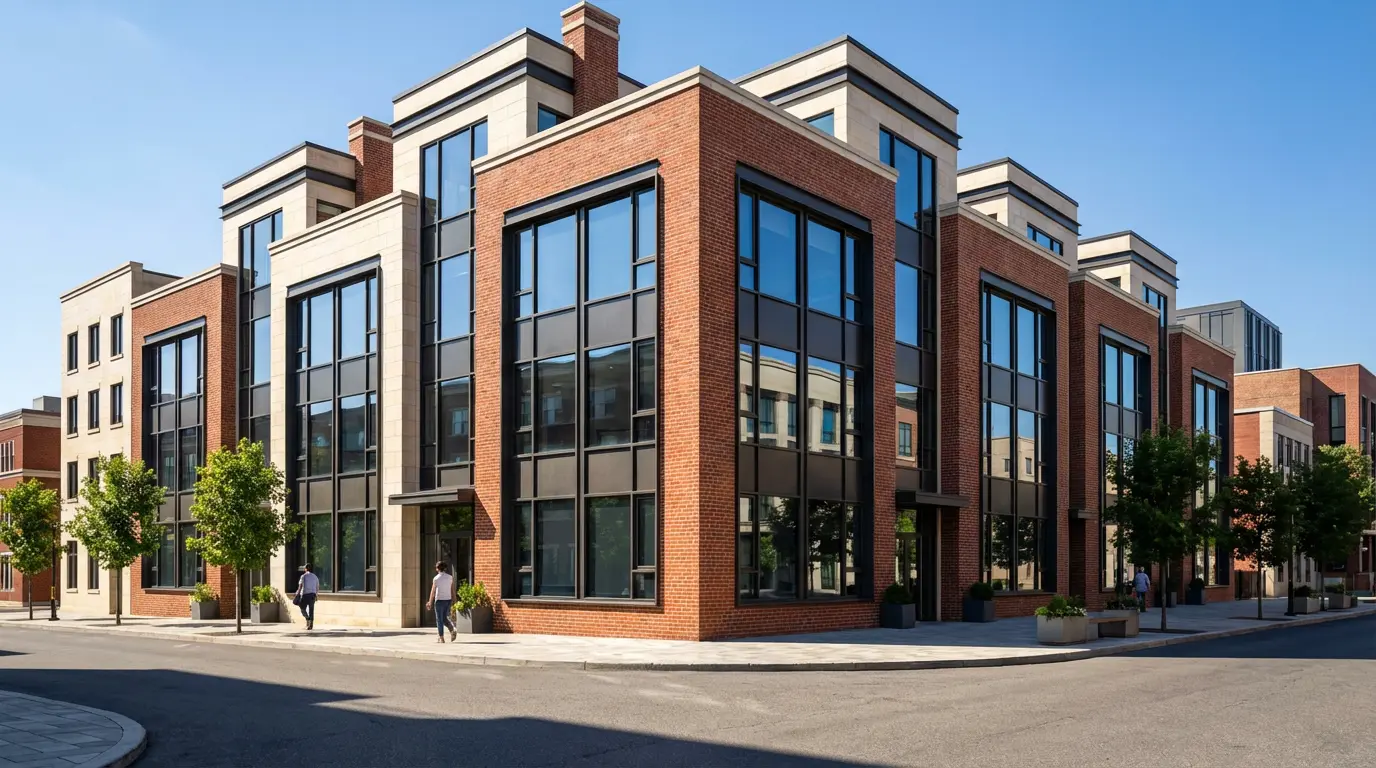
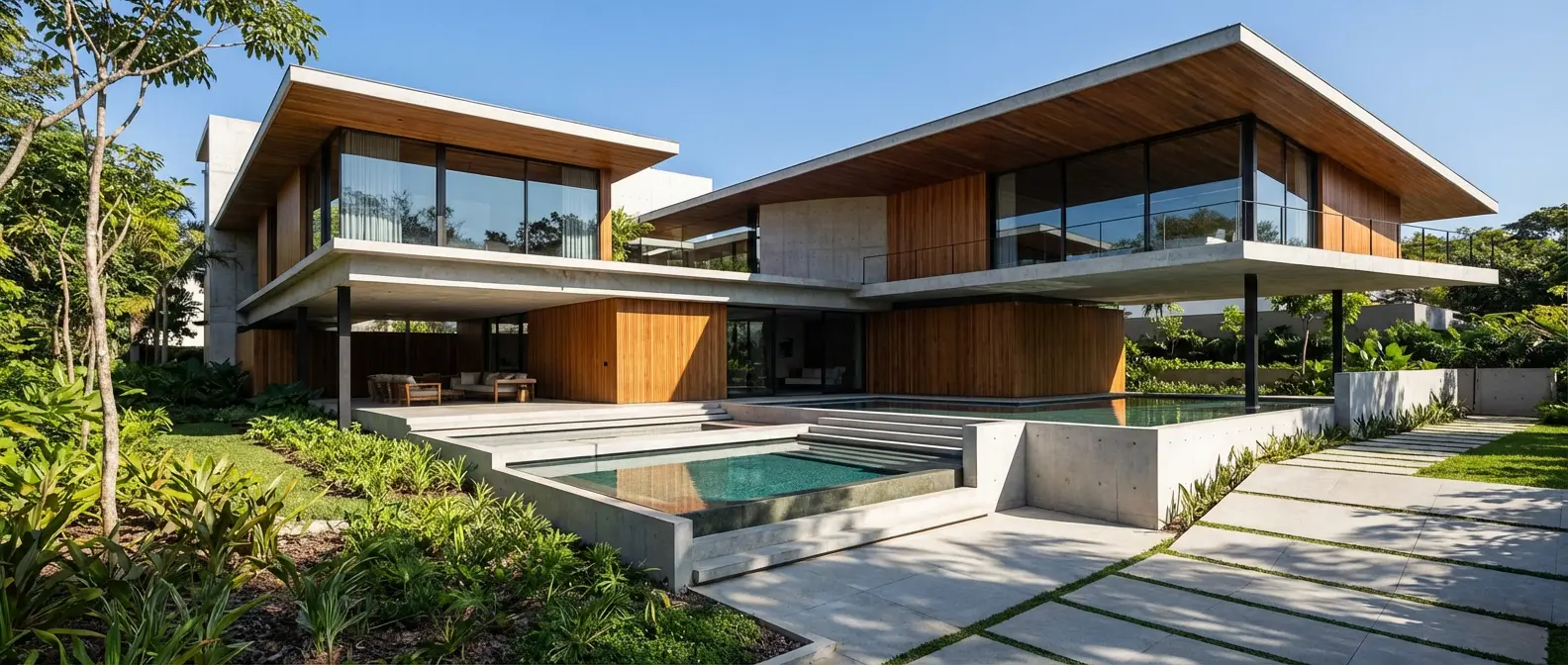
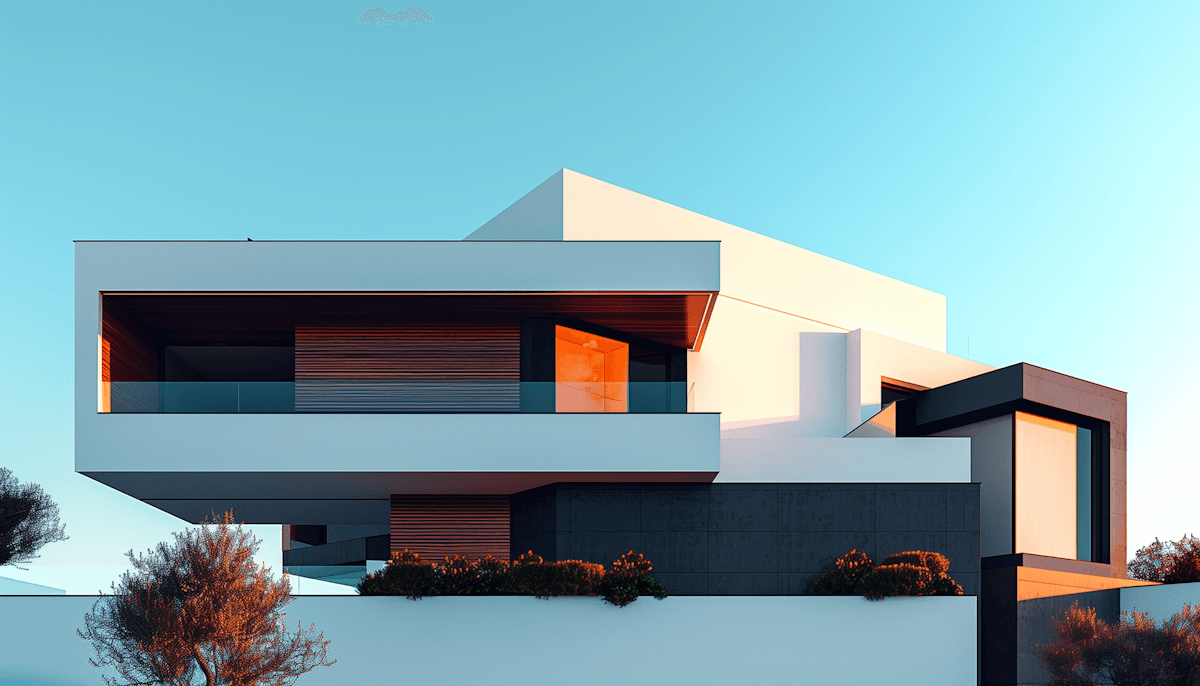
Renders Created with Rendershop
Is Veras Right for You?
Veras might work if you...
Model in Revit, SketchUp, Rhino, Archicad or Vectorworks daily
Want renders driven by real model geometry
Need fast style iteration inside your BIM workflow
Value prompt control and material overrides
Choose Rendershop if you...
Want to render in the browser with no BIM software or plugin
Need a complete rendering, staging, and editing toolkit
Require virtual staging for real estate
Need AI photo editing with precise inpainting
Want AI video walkthroughs for client presentations
Prefer watermark-free output with 50 free credits
Veras Review FAQ
Common questions about Veras and alternatives
Ready to try a better Veras alternative?
50 free credits — No credit card required.