Rendershop

Veras vs Rendershop

Comparing Veras and Rendershop? Veras is a strong AI renderer that plugs into Revit, SketchUp, and Rhino. Rendershop is the browser-based alternative — no BIM software or plugin required — with AI rendering, virtual staging, photo editing, and video walkthroughs all in one platform.

✓ 50 free credits • No credit card required
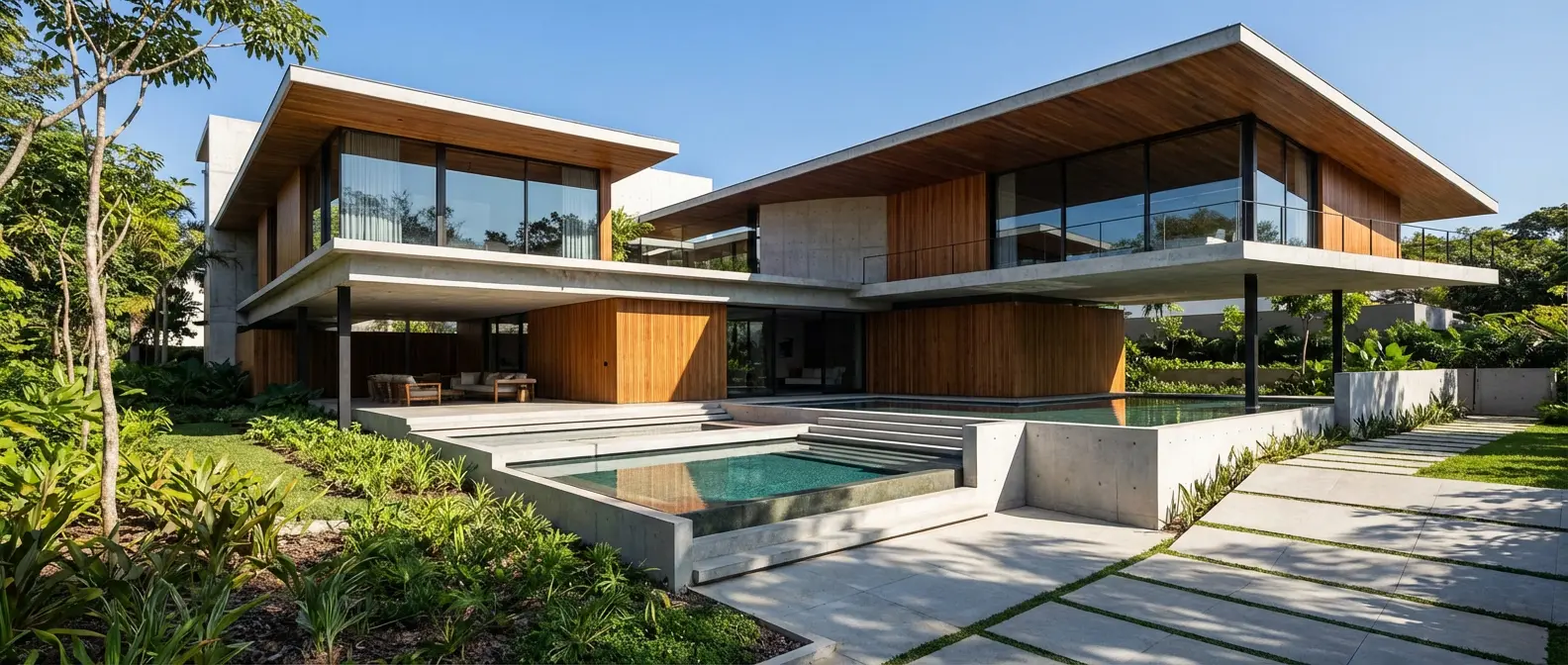
AI architecture rendering by Rendershop

Why Choose Rendershop Over Veras?

Veras is a capable AI renderer built around BIM plugins. Rendershop goes broader — a complete suite of AI-powered tools that runs in your browser, with no Revit, SketchUp, or Rhino license required.

No BIM software or plugin needed

Veras is at its best as a plugin inside Revit, SketchUp, or Rhino. Rendershop runs entirely in the browser — upload a photo, sketch, or CAD export and render, no expensive modeling software required.

More tools in one platform

Unlike Veras, Rendershop combines rendering, editing, staging, enhancement, and video generation in a single workspace — no switching between apps or managing multiple subscriptions.

Virtual staging built in

Rendershop includes a dedicated virtual staging tool that transforms empty spaces into fully furnished, photorealistic interiors — a feature Veras doesn't offer.

50 free credits — no watermarks

Veras's free access is a 15-day, 30-render trial that expires. Rendershop gives you 50 free credits with no watermarks and full commercial use rights from day one. No credit card required.
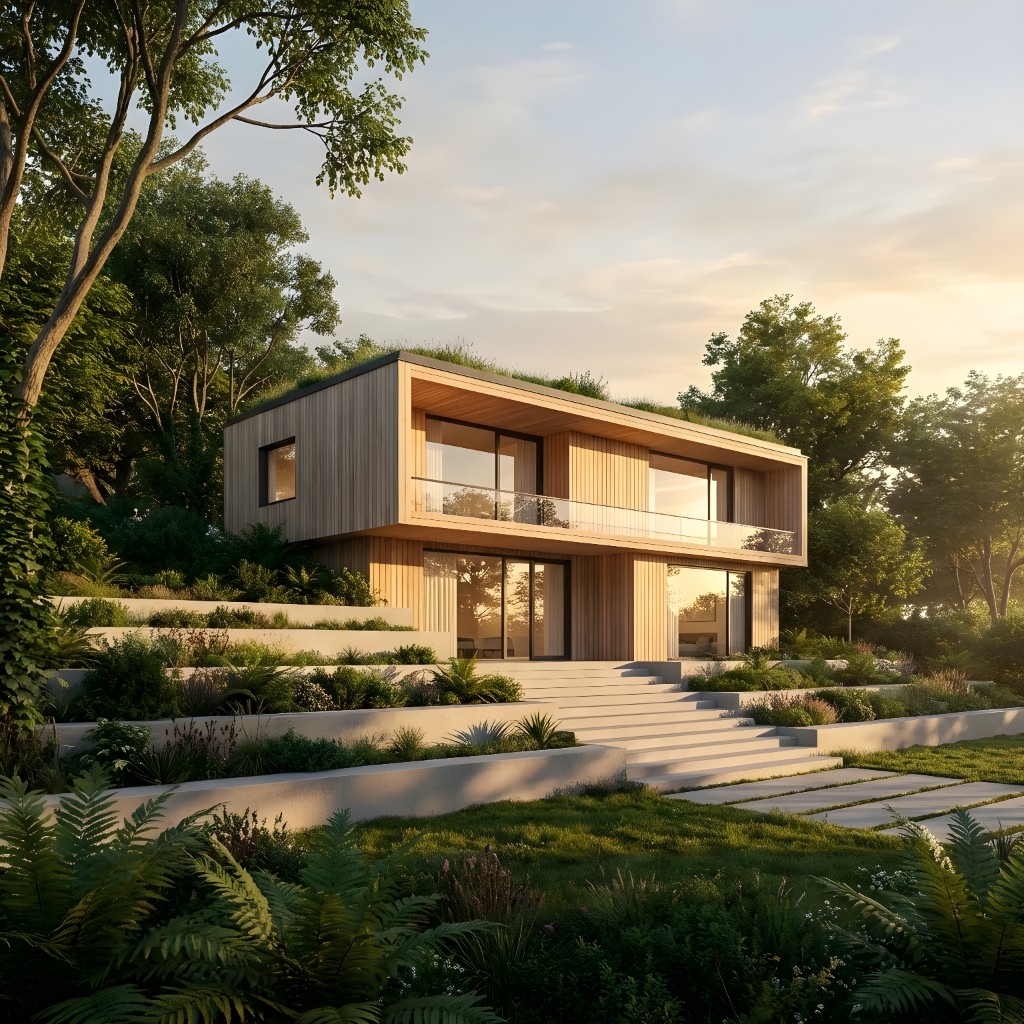
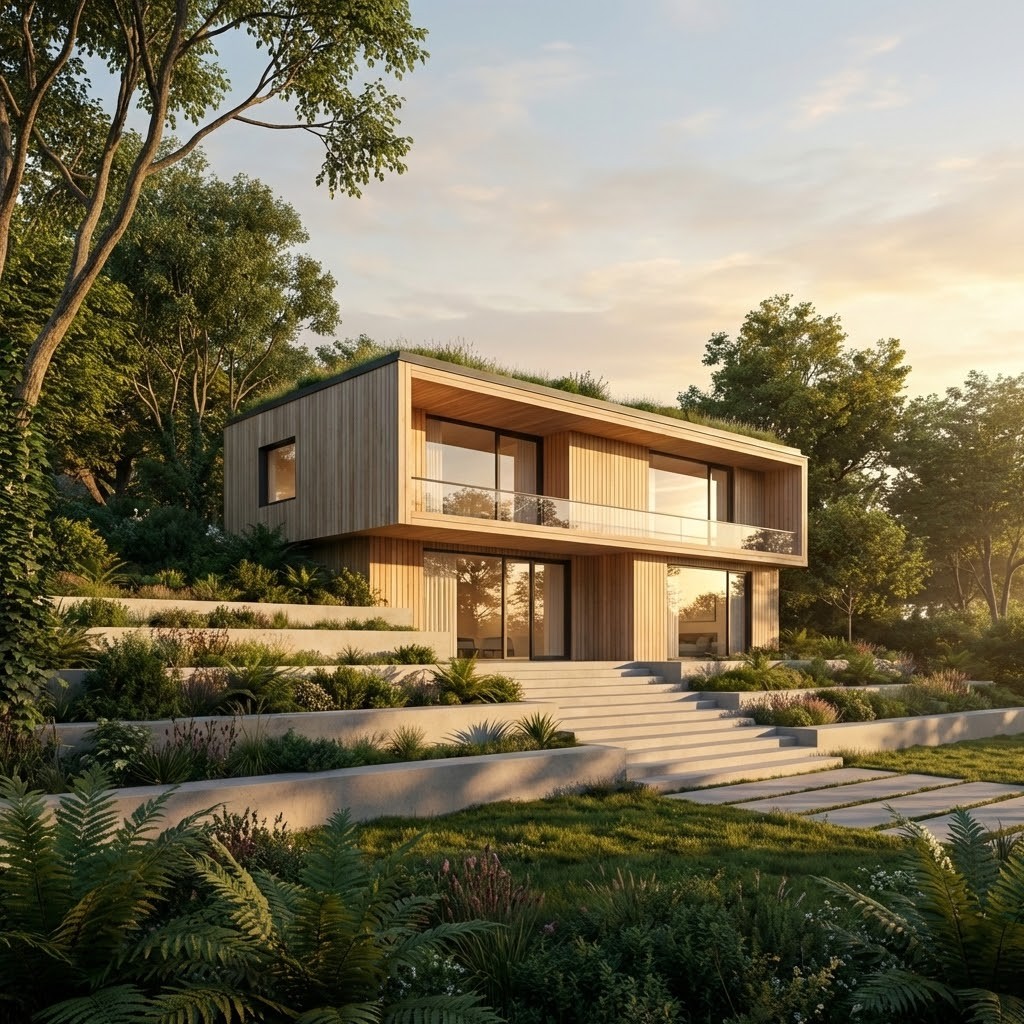
Enhanced
Enhanced
Original
Original

Rendershop vs Veras

An honest look at how Rendershop stacks up against Veras — including where Veras is genuinely ahead.

Feature
Rendershop
Veras
AI Architecture Rendering
Interior & Exterior Rendering
Custom Prompt & Style Control
Sketch / Photo to Render (in browser)
Native BIM/CAD Plugins (Revit, SketchUp, Rhino)
—
Renders on Real Model Geometry
—
Virtual Staging
—
AI Video Walkthroughs
—
Dedicated AI Photo Editing & Inpainting
—
AI Image Enhancement & Upscaling
—
Works with No BIM Software or Plugin
—
50 Free Credits, No Watermark
—

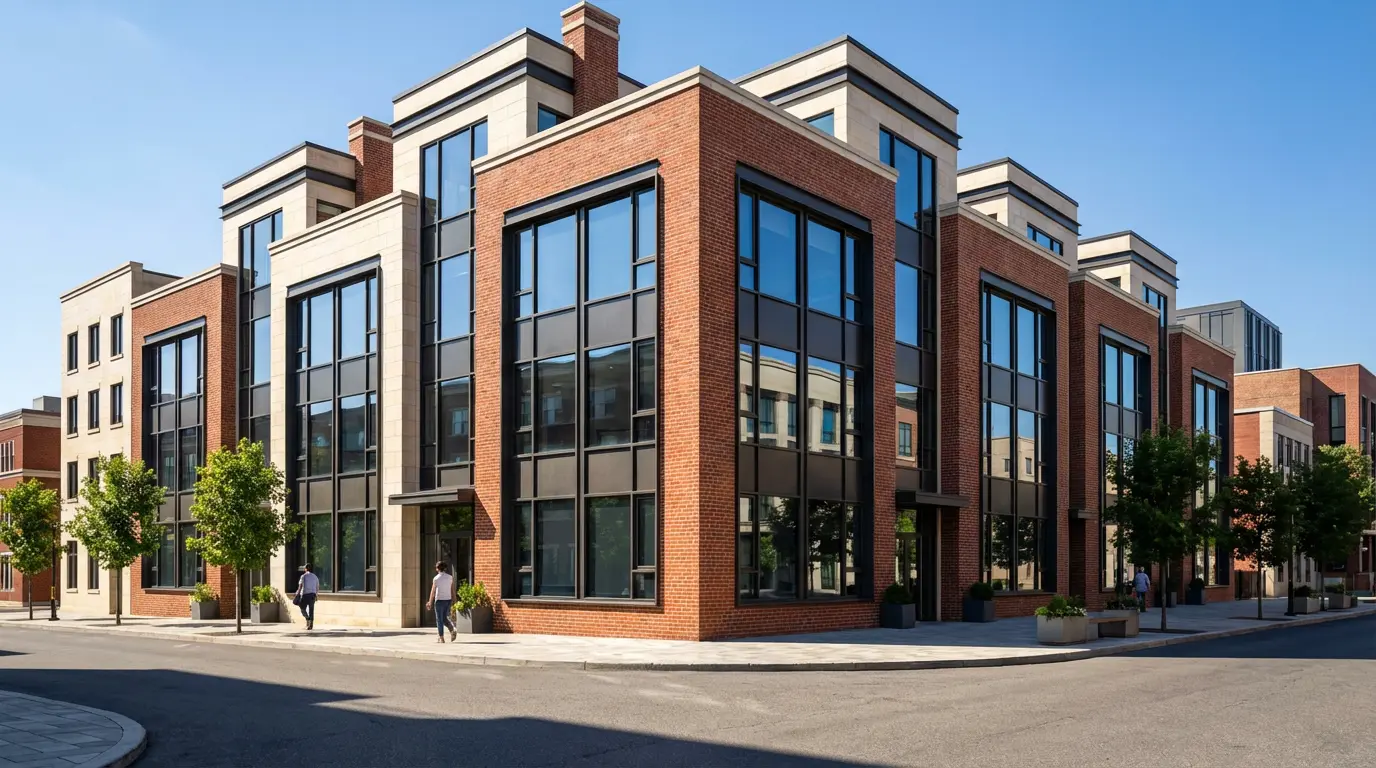
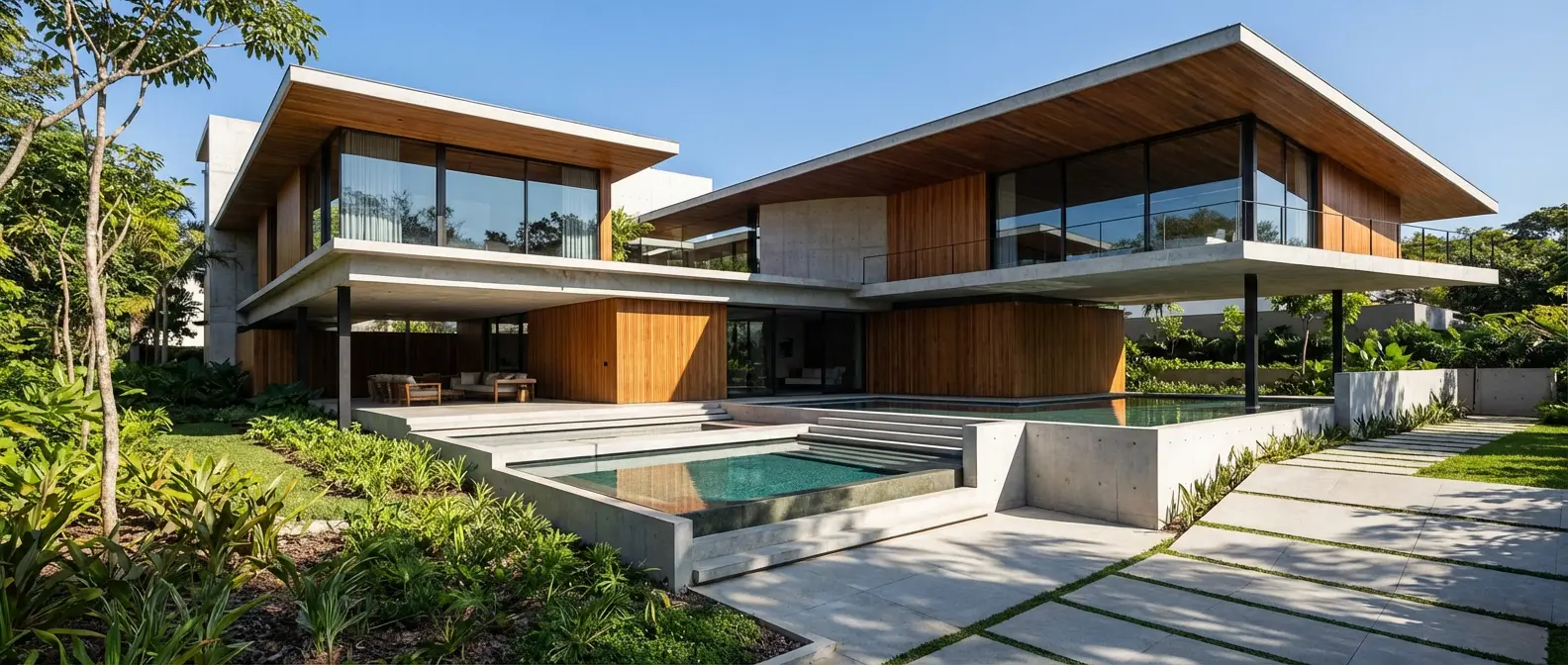
Renders Created with Rendershop

See what's possible when you switch from Veras to Rendershop.
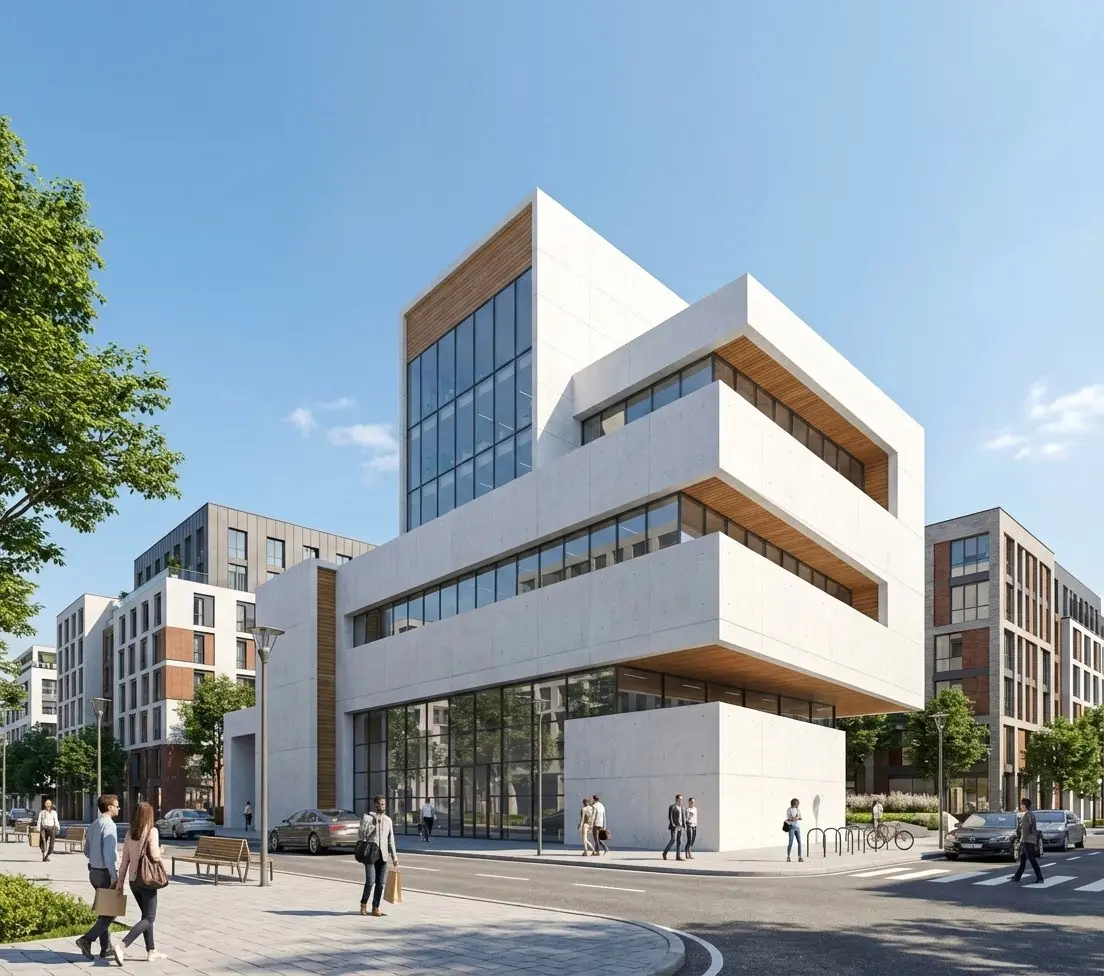
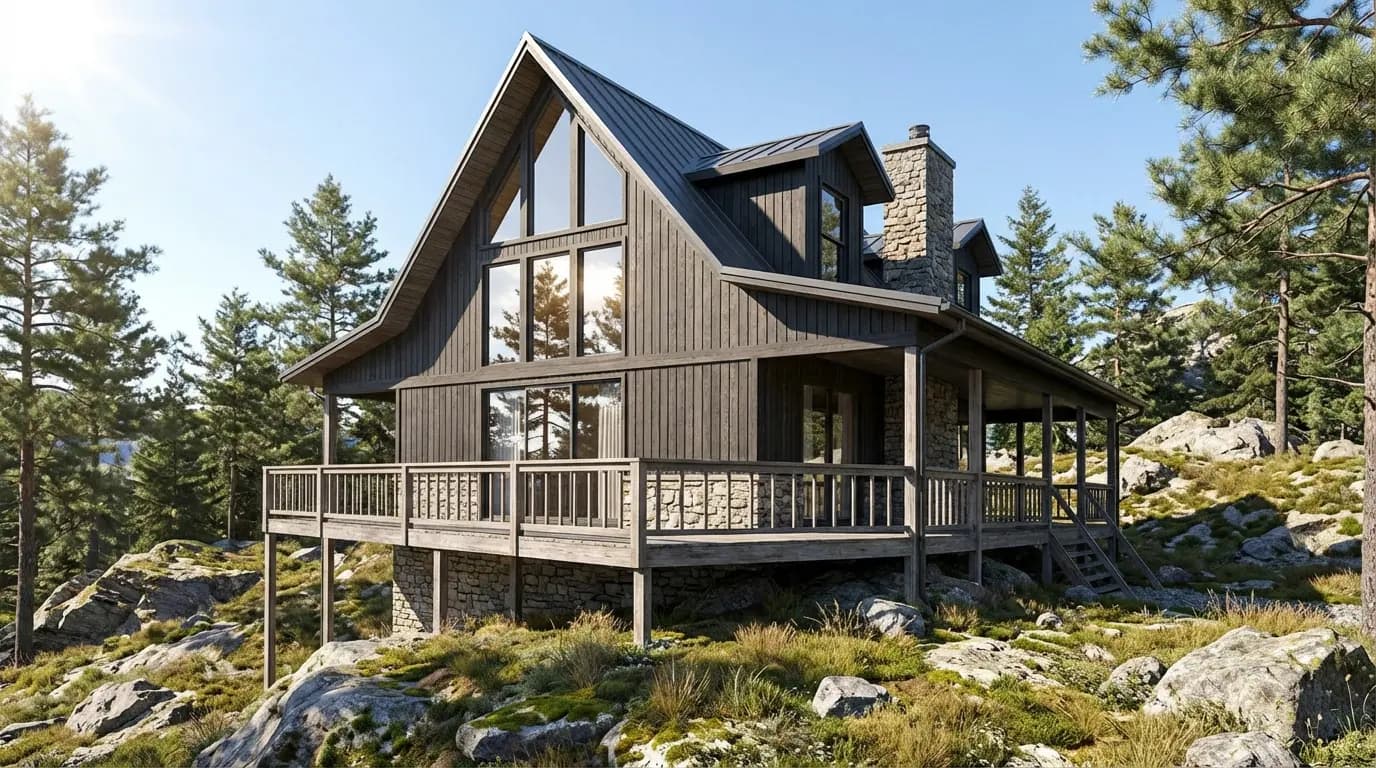
Contemporary architecture render
Contemporary
Nordic architecture render
Nordic
New Urbanism architecture render
New Urbanism
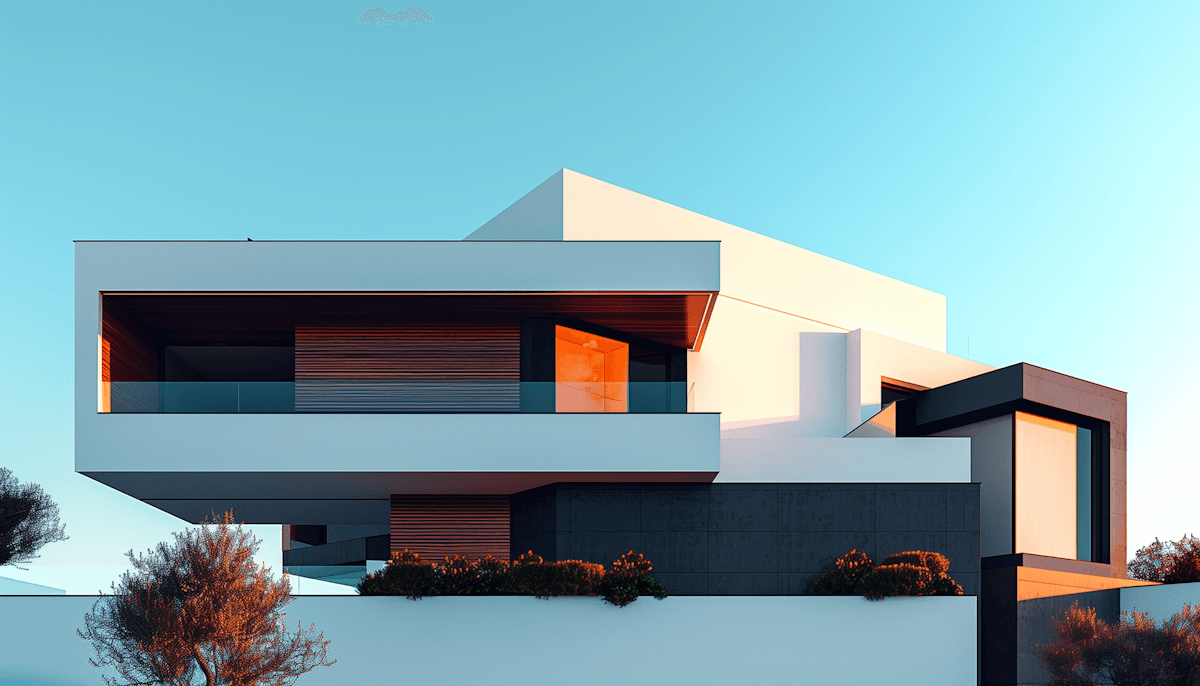
Modern architecture render
Modern

Virtual Staging — Something Veras Can't Do

Rendershop includes a dedicated staging tool that transforms empty rooms into beautifully furnished spaces. No additional software needed.
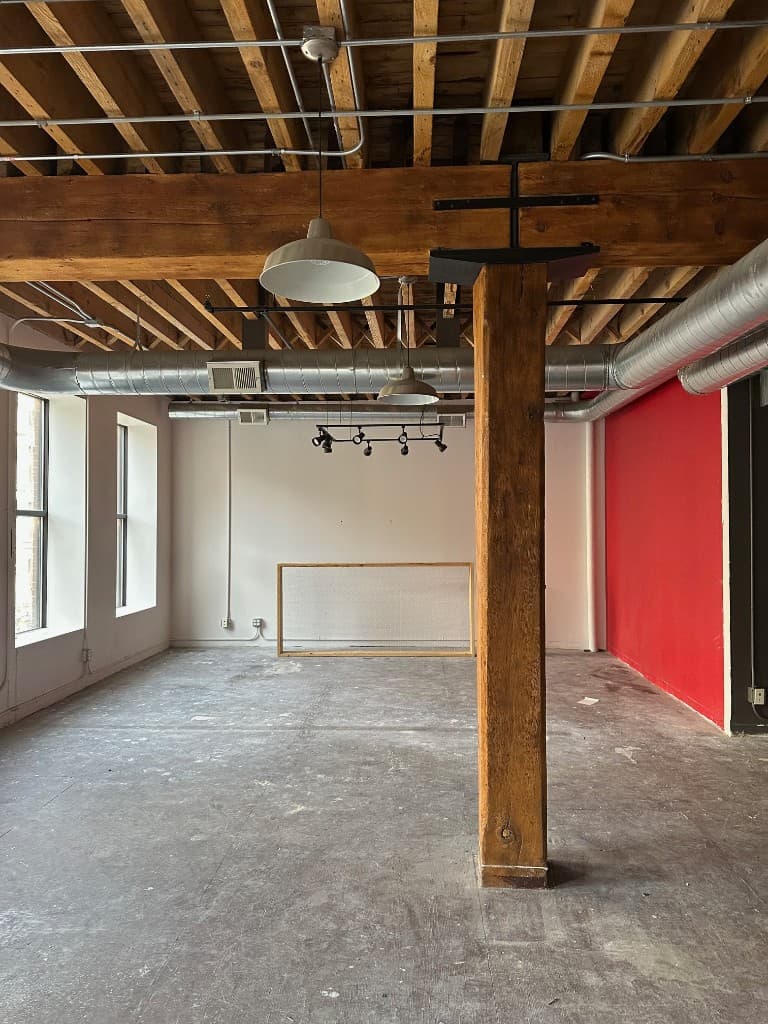
Empty room before staging

Before

Staged room with furniture

After

Upload any photo of an empty space and watch it come to life with photorealistic furniture and decor.

Veras vs Rendershop FAQ

Common questions about switching from Veras to Rendershop
Both Rendershop and Veras offer AI-powered architectural rendering with prompt-based style control. Veras's strength is native integration with BIM/CAD software — it renders on your real model geometry inside Revit, SketchUp, Rhino, Archicad, Vectorworks, and Forma. Rendershop's strength is breadth: it runs in the browser with no plugin and adds virtual staging, AI photo editing with inpainting, enhancement, and AI video walkthroughs.

No. Unlike Veras, which is designed around plugins for BIM/CAD software, Rendershop works entirely in the browser. Upload a photo, sketch, or CAD export and render — no modeling software license required. Veras does have a web mode too, but its core workflow assumes you own and work inside design software.

Yes! Rendershop gives you 50 free credits when you sign up — no credit card required. Each render, edit, or staging generation uses one credit. Unlike Veras, whose free access is a 15-day, 30-render trial that expires, Rendershop's output has no watermarks and includes full commercial use.

Yes. All images and videos generated with Rendershop are yours to use commercially — for client presentations, marketing materials, social media, project proposals, and real estate listings.

Yes — Rendershop includes a dedicated virtual staging tool and AI video walkthrough generation, neither of which Veras offers. Upload a photo of any empty room to furnish it photorealistically, or turn a render into a cinematic walkthrough video for listings and presentations.

It depends on your workflow. If you render inside Revit, SketchUp, or Rhino all day and want AI that follows your exact model geometry, Veras is a great fit. If you want a browser-based, all-in-one toolkit — rendering, staging, editing, enhancement, and video — with no BIM software or plugin required, Rendershop is the more complete platform.
AI-driven rendering

The Veras alternative built for professionals

50 free credits — No credit card required.

© 2026 Rendershop by Two Cases, LLC. All rights reserved.