
Vibe3D AI Review: Features, Pricing & A Better Alternative
We tested Vibe3D for architecture rendering, interior visualization, and real-world project workflows. Here's our honest take — and how it compares to Rendershop for design professionals.
Quick Verdict
Vibe3D is a capable AI rendering tool with fast 30–60 second renders, a HyperReal mode, batch rendering, and a pay-as-you-go model where credits never expire — genuinely useful for occasional or project-based work. However, it renders at 2K resolution, has no dedicated virtual staging tool, and its free option is limited to just 3 renders. For teams that want a monthly free tier, 4K output, and an all-in-one toolkit, Rendershop offers 50 free credits, up to 4K resolution, and dedicated render, edit, staging, photo-edit, enhance, and video tools.
What is Vibe3D AI?
Vibe3D (vibe3d.ai) is an AI-powered rendering tool for architects and interior designers that turns sketches and 3D models into photorealistic renders. It integrates with popular design software including SketchUp, 3ds Max, Revit, Archicad, and Rhino, and processes renders in the cloud — typically delivering results in 30–60 seconds at 2K resolution.
The platform offers smart prompt suggestions based on scene context and one-click editing through natural language — you can simply tell the AI to “make the walls a warmer white” or “add more natural light.” Higher tiers add a HyperReal rendering mode, flythrough videos, render enhancing, and batch rendering.
Vibe3D uses a pay-as-you-go pricing model — you buy one-time credit packs and the credits never expire, with no monthly subscription. That makes it appealing for occasional or project-based work. Rendershop takes a different approach with a subscription model that includes a recurring free tier and dedicated tools for staging, photo editing, and enhancement — a better fit for teams rendering regularly.
Vibe3D Features Breakdown
Sketch & 3D Model to Render
Vibe3D converts sketches and 3D models from SketchUp, 3ds Max, Revit, Archicad, and Rhino into photorealistic renders. The integration with professional design software is well-executed, and cloud processing means rendering doesn't tie up your local machine.
One-Click Natural-Language Editing
Vibe3D lets you refine renders with plain-language commands and offers smart prompt suggestions based on the scene. It's an intuitive way to iterate on materials and lighting without re-rendering from scratch.
HyperReal Mode & Flythrough Videos
On the Pro and Studio tiers, Vibe3D adds a higher-fidelity HyperReal rendering mode (4 credits per render), flythrough video generation (1 credit per second), render enhancing, and batch rendering. These are useful additions, though they're gated to the paid credit packs.
Pay-As-You-Go Credits
Vibe3D's credits are bought in one-time packs and never expire — there's no recurring subscription. This is a genuine advantage for users who render only occasionally and don't want a monthly commitment.
Where Vibe3D Falls Short
Vibe3D renders at 2K resolution, has no dedicated virtual staging tool for furnishing empty rooms, and its free option is limited to just 3 renders. The cheapest credit pack is a $19 one-time purchase. For teams that want 4K output, a recurring free tier, and staging plus photo-editing tools, Rendershop is the more complete option.
Vibe3D Pros and Cons
Pros
Pay-as-you-go — no monthly subscription
Credits never expire
Fast renders, typically 30–60 seconds
HyperReal high-fidelity rendering mode
Batch rendering on Pro and Studio packs
Flythrough video generation
Integrates with SketchUp, Revit, Archicad, Rhino, 3ds Max
50% student discount on the Trial pack
Commercial license included on all plans
Cons
Renders capped at 2K resolution
Free option limited to just 3 renders
No recurring free tier — entry pack is a $19 one-time purchase
No dedicated virtual staging tool
HyperReal mode and batch rendering cost more credits / higher tiers
No dedicated real-photo editing or inpainting tool
Best results still depend on a solid 3D model or sketch
Vibe3D Pricing
Vibe3D uses a pay-as-you-go model — one-time credit packs with no monthly subscription, and credits never expire. A High-Fidelity render costs 1 credit; a HyperReal render costs 4 credits.
Vibe3D's pay-as-you-go pricing is great for occasional use, but the free option only covers 3 renders — not much room to evaluate the platform on real projects. Rendershop offers 50 free credits every month at up to 4K resolution, plus a low-cost Starter plan, so you can test thoroughly and scale predictably.
Rendershop vs Vibe3D: Feature Comparison
Considering Vibe3D? Here's how Rendershop compares across the features architecture and design teams care about most.
Why We Recommend Rendershop Over Vibe3D
Vibe3D is a strong choice for occasional, project-based rendering thanks to its pay-as-you-go credits. But for teams that render regularly and need a full toolkit, Rendershop pulls ahead:
4K resolution output
Rendershop renders at up to 4K resolution for crisp, presentation-ready output. Vibe3D delivers renders at 2K — fine for many uses, but limiting for large-format prints and detailed client work.
Dedicated virtual staging
Rendershop includes a purpose-built virtual staging tool that furnishes empty rooms with photorealistic furniture — ideal for real estate and interior design. Vibe3D doesn't offer a dedicated staging tool.
A recurring free tier
Rendershop gives you 50 free credits every month — enough to keep working without a purchase. Vibe3D's free option is a one-time 3 renders, after which the entry pack is a $19 purchase.
Real-photo editing and inpainting
Rendershop includes a Photo Edit tool plus markup-based editing and inpainting for real photographs — swap materials, recolor surfaces, and remove objects. Vibe3D's editing is focused on its own renders.
An all-in-one toolkit
Render, Edit, Enhance, Staging, Photo Edit, and Video all live in one Rendershop workflow — so you're not stitching together separate tools as a project evolves.
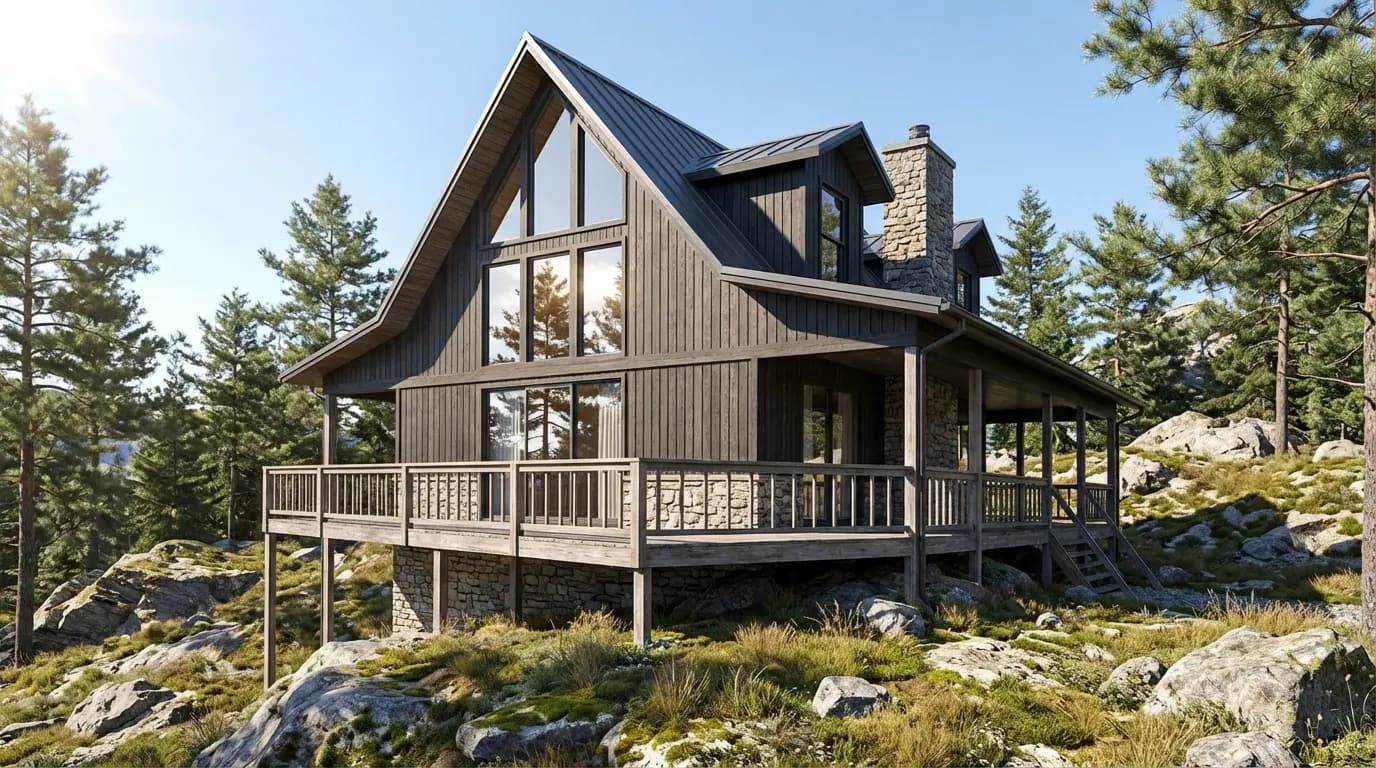
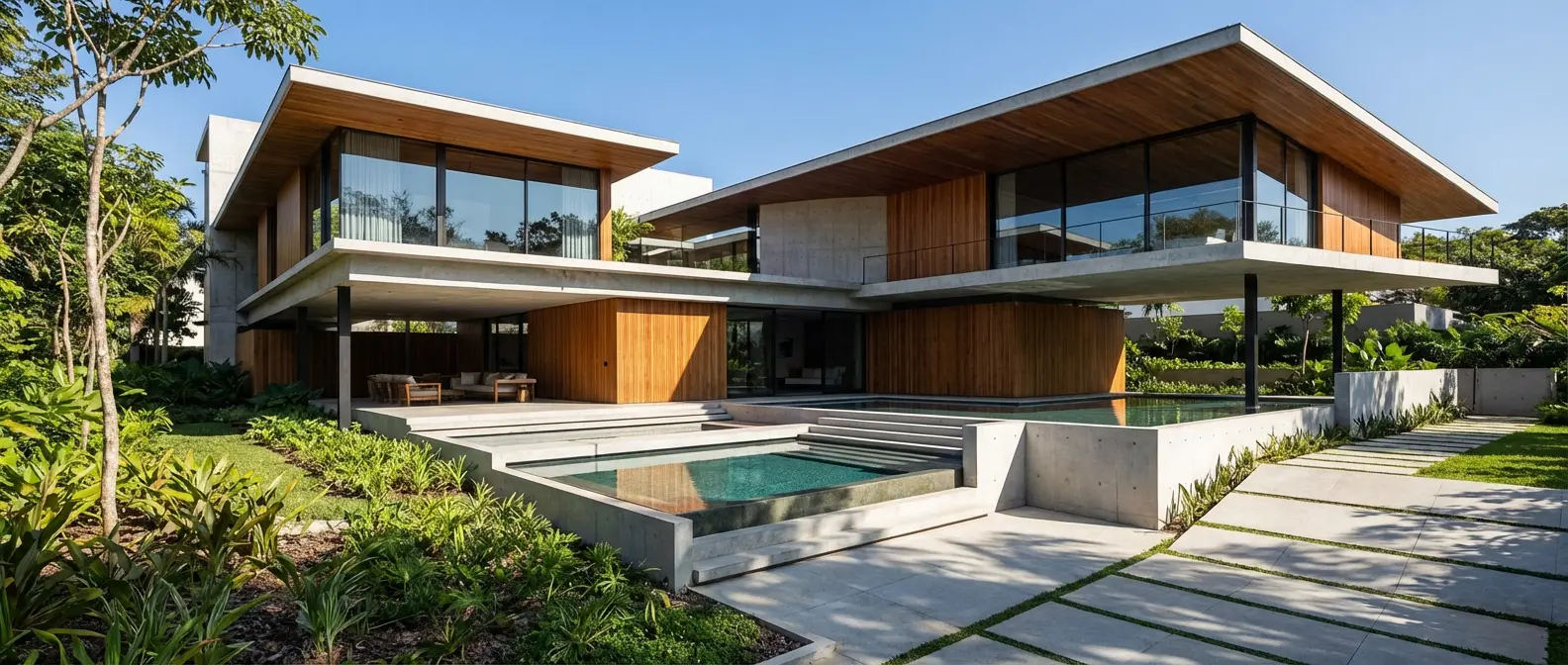
Renders Created with Rendershop


Is Vibe3D Right for You?
Vibe3D might work if you...
Render only occasionally and prefer pay-as-you-go over a subscription
Want credits that never expire
Need batch rendering for many images at once
Work mostly from 3D models in SketchUp, Revit, or Rhino
Are a student eligible for the 50% Trial discount
Choose Rendershop if you...
Render regularly and want a recurring free tier plus predictable plans
Need 4K resolution output for presentations and prints
Want photorealistic virtual staging for empty spaces
Need real-photo editing with inpainting and enhancement
Prefer an all-in-one toolkit: render, edit, stage, enhance, video
Want to start free with 50 credits — no purchase required
Vibe3D Review FAQ
Common questions about Vibe3D and alternatives
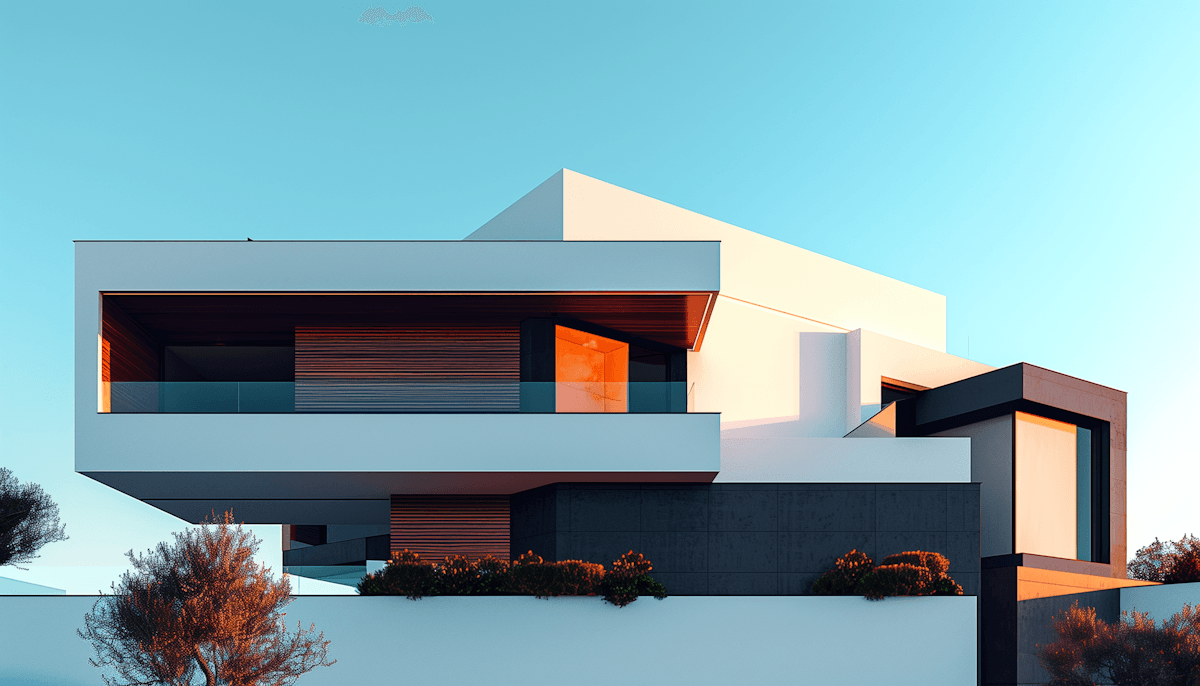
Ready to try a Vibe3D alternative?
50 free credits — No credit card required.