
Visoid Review: Features, Pricing & A Better Alternative
We tested Visoid for architecture rendering, interior visualization, and real-world project workflows. Here's our honest take — and why Rendershop offers more value for design professionals.
Quick Verdict
Visoid is a solid AI rendering platform with strong 3D model integration and decent video capabilities. However, it requires proper 3D model setup for best results, the free tier is limited to 1K resolution with just 25 credits, and the Premium plan at $79/month is needed for 4K and advanced controls. For a more accessible, all-in-one experience, Rendershop delivers higher-quality renders from any input — sketches, photos, or descriptions — plus virtual staging and 50 free credits without requiring 3D modeling software.
What is Visoid?
Visoid (visoid.com) is an AI-powered architectural visualization platform that transforms 3D models into photorealistic or stylized renderings. It accepts inputs from popular design software like Archicad, Revit, SketchUp, and Rhino, as well as reference images and collages.
The platform offers iterative editing — allowing users to adjust materials, lighting, seasons, and scene elements across multiple render variations. Visoid also supports video animations with professional camera movements and can add people, vehicles, and furniture for scale and atmosphere.
Where Visoid falls short is accessibility. The platform relies heavily on properly set up 3D models for optimal results, which means you need modeling expertise and software to get the best output. For users working from sketches, photos, or concept descriptions, Rendershop provides a more flexible starting point with consistently high-quality results.
Visoid Features Breakdown
3D Model to Render
Visoid's core strength is converting 3D models from Archicad, Revit, SketchUp, and Rhino into photorealistic visualizations. The integration with professional design software is well-executed, but it means you need a 3D model as your starting point — limiting the tool for early-stage concept work or sketch-based workflows.
Iterative Editing
Visoid allows you to adjust materials, lighting, seasons, and elements across render variations. This is useful for client presentations where you need to show multiple options. The editing works best when starting from a well-prepared 3D model with clear material assignments.
Video Animations
Visoid offers video generation with professional camera movements from static renders. The quality is decent for client presentations and social media. However, video capabilities are limited on lower-tier plans, and the most advanced controls require the Premium subscription at $79/month.
Scene Population
The platform can add people, vehicles, and furniture to renders for scale and atmosphere. This feature helps bring renders to life, though the quality of generated elements varies and sometimes requires multiple iterations to get natural-looking results.
Where Visoid Falls Short
The biggest limitations with Visoid are the dependency on 3D models (sketches and photos produce weaker results), resolution locked behind pricing tiers (free is 1K only, 4K requires $79/month), no dedicated virtual staging tool, and a limited free tier with only 25 credits at low resolution. For teams that need flexibility in input types and presentation-ready output, Rendershop is the stronger choice.
Visoid Pros and Cons
Pros
Strong 3D model integration (Archicad, Revit, SketchUp, Rhino)
Up to 4K resolution on Premium plan
Video animation with camera movements
Iterative material and lighting editing
Scene population with people and vehicles
Interior rendering capabilities
Team plans available for collaboration
50% savings on annual billing
Cons
Requires proper 3D model setup for best results
Free tier limited to 1K resolution and 25 credits
No dedicated virtual staging tool
4K resolution locked behind $79/month Premium plan
Sketch and photo inputs produce weaker results
3D upload feature only on Premium and above
No AI photo editing or inpainting tools
Steeper learning curve for non-3D users
Visoid Pricing
Visoid uses a credit-based pricing model with resolution and feature gating across tiers:
A key limitation: Visoid locks 4K resolution, 3D model uploads, and material controls behind the $79/month Premium plan. The free tier at 25 credits and 1K resolution is quite restrictive for professional evaluation. Rendershop offers 50 free credits at up to 4K resolution, giving you a much more thorough testing experience before committing to a paid plan.
Rendershop vs Visoid: Feature Comparison
Considering Visoid? Here's how Rendershop compares across the features architecture and design teams care about most.
Why We Recommend Rendershop Over Visoid
Visoid is a capable platform for teams already working in 3D modeling software, but it's limited for anyone who needs flexibility. Here's why Rendershop is the better choice:
Works with any input — not just 3D models
Rendershop produces stunning renders from sketches, photos, CAD screenshots, floor plans, or text descriptions. You don't need Revit or SketchUp to get started — just upload and describe your vision.
Virtual staging included
Rendershop includes a dedicated virtual staging tool for furnishing empty spaces — something Visoid doesn't offer. Essential for real estate professionals and interior designers.
4K resolution from day one
Rendershop offers up to 4K resolution even on the free tier. Visoid locks 4K behind the $79/month Premium plan, and the free tier caps at 1K — too low for professional presentations.
More generous free tier
50 free credits at full resolution vs Visoid's 25 credits at 1K. Rendershop gives you nearly double the credits at vastly better quality to properly evaluate the platform.
AI photo editing and enhancement
Rendershop includes AI-powered photo editing with inpainting, render enhancement and upscaling, and selective editing tools — features Visoid doesn't offer.
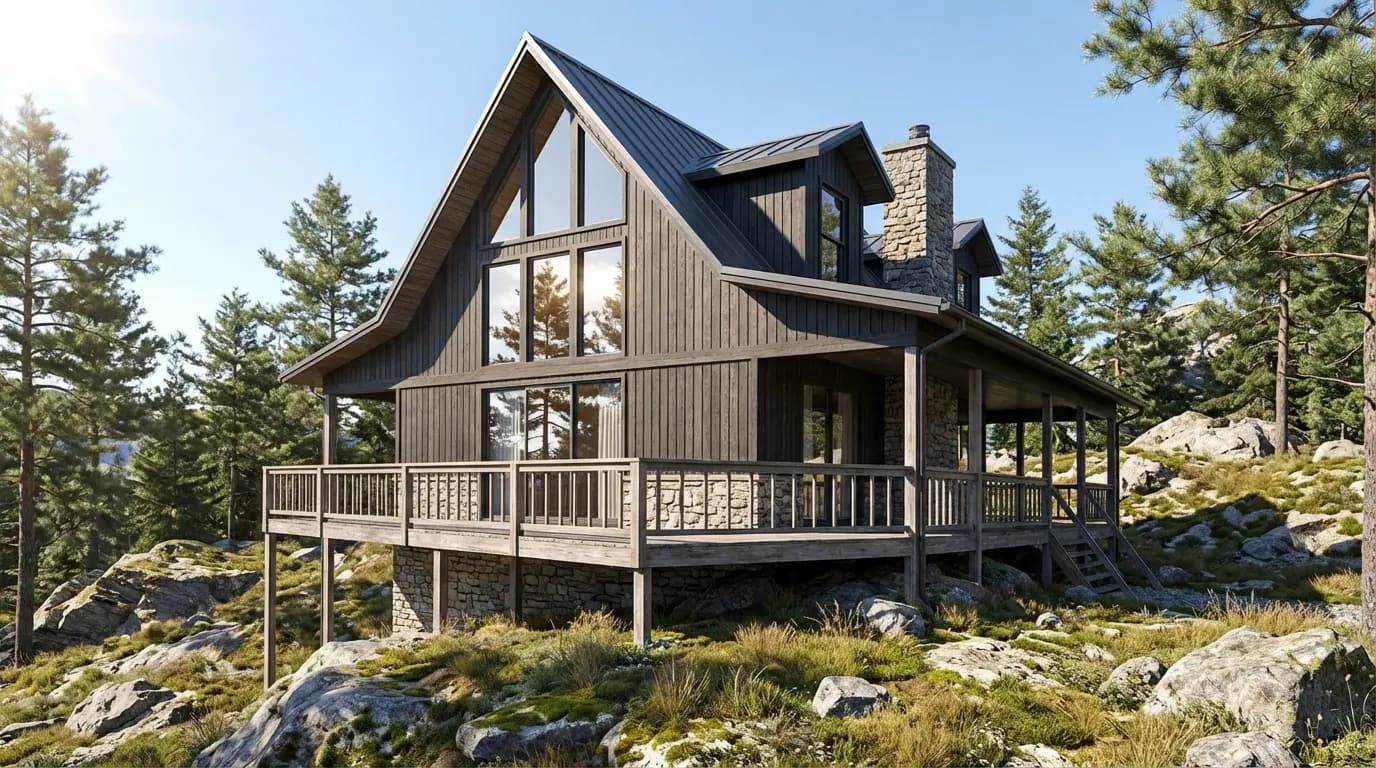
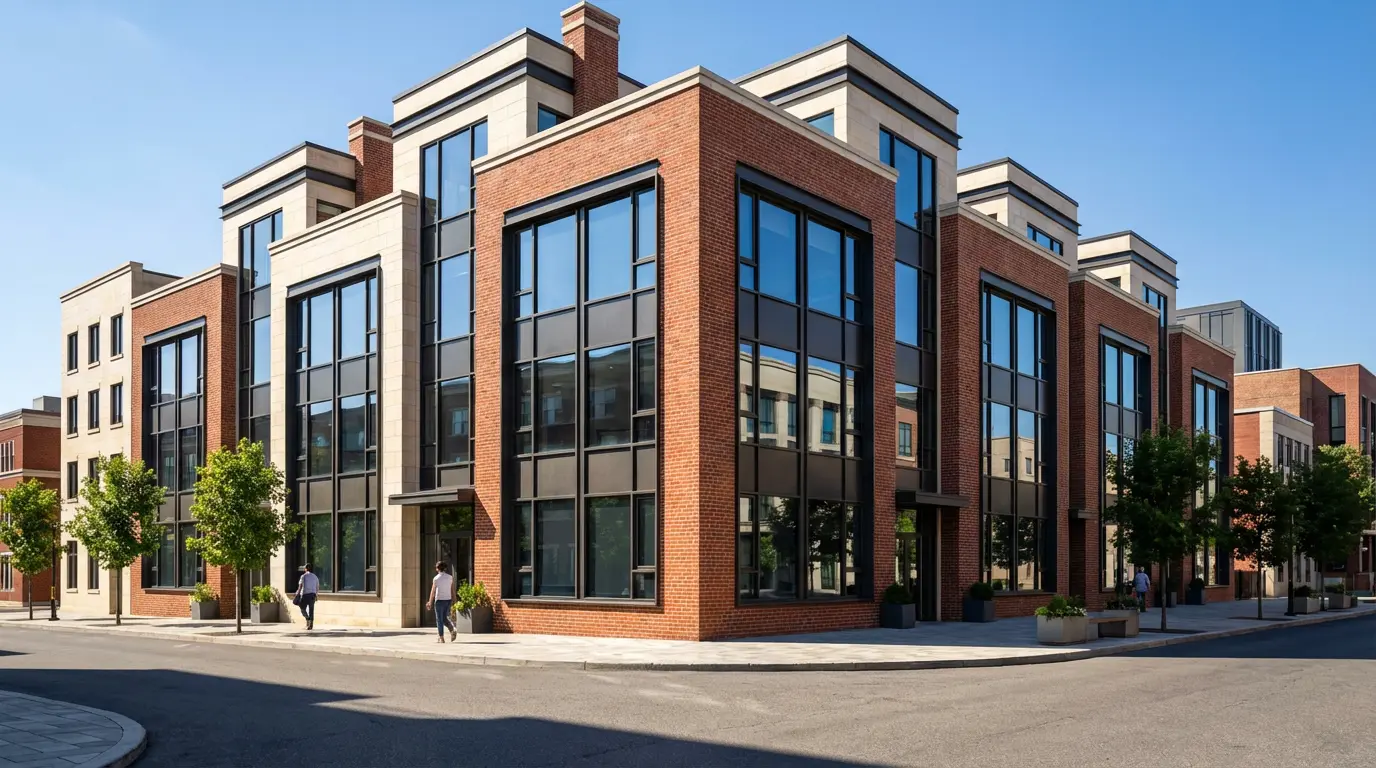
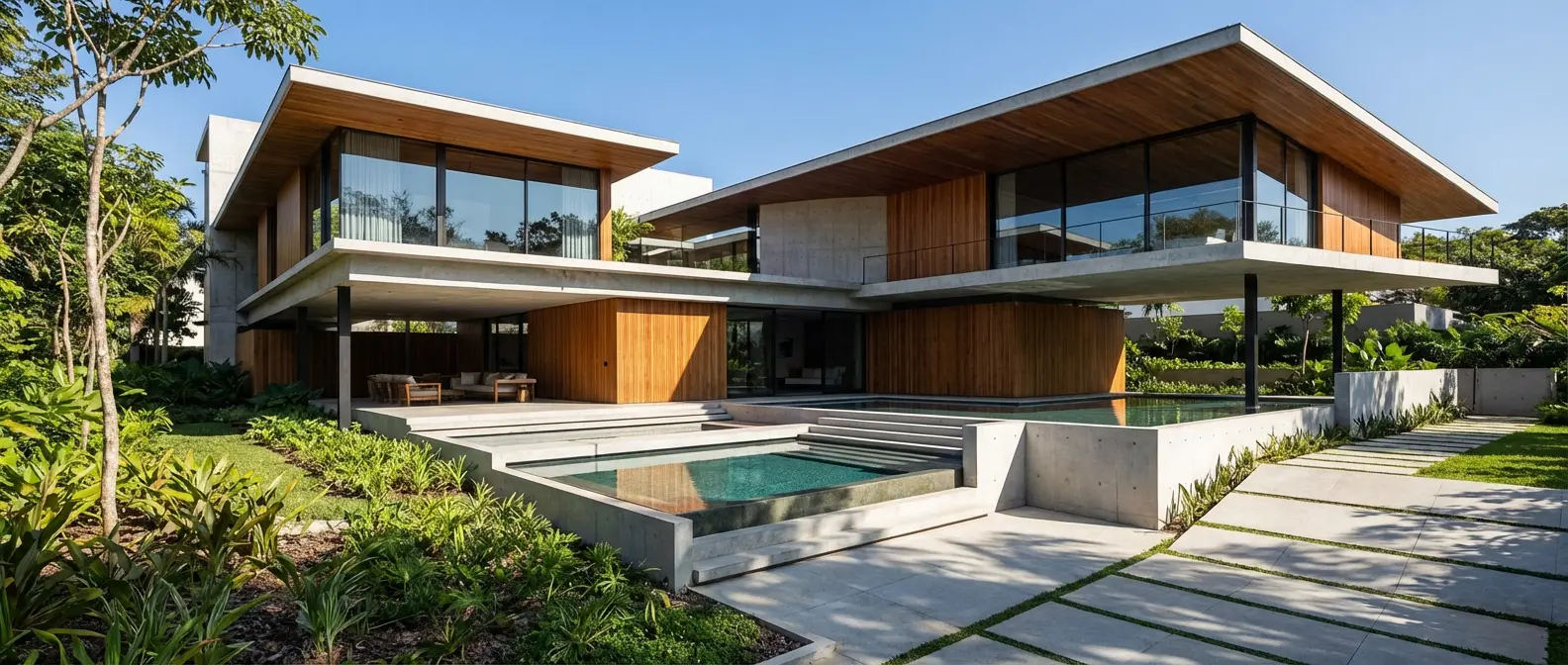
Renders Created with Rendershop

Is Visoid Right for You?
Visoid might work if you...
Already work extensively in Revit, Archicad, or SketchUp
Always have 3D models ready as your starting point
Need team collaboration with shared credit pools
Can budget $79/month for 4K and advanced features
Choose Rendershop if you...
Need to render from sketches, photos, or descriptions — not just 3D models
Want photorealistic virtual staging for empty spaces
Need 4K resolution without paying $79/month
Want AI photo editing with inpainting and enhancement
Prefer a generous free tier with 50 credits
Need AI video walkthroughs for client presentations
Visoid Review FAQ
Common questions about Visoid and alternatives

Ready to try a better Visoid alternative?
50 free credits — No credit card required.