Renderings sell projects. They convert investors, win competitions, and turn nervous clients into confident ones. But producing them used to require expensive workstations, weeks of training, and hours of render time per image.
That changed in 2026. AI-first tools now generate photoreal architecture in seconds, real-time engines have caught up with offline renderers in quality, and free options like Twinmotion and Blender are good enough for paid client work. The question is no longer “can the software do it?” — it's which one fits your firm's workflow, budget, and hardware.
We tested the ten leading architectural visualization platforms across speed, learning curve, output quality, and integration. Below are our results, ranked.
The Top 10 Architectural Visualization Tools:
1Rendershop
Best for: Architects who need photoreal output without the render time, plugin chain, or workstation requirements.
Rendershop is a browser-based AI visualization platform built specifically for architects. Upload a sketch, SketchUp screenshot, Revit elevation, or massing model, describe the style, and Rendershop generates a photoreal architectural render in 10–30 seconds — no lighting setup, no material assignment, no plugin install.
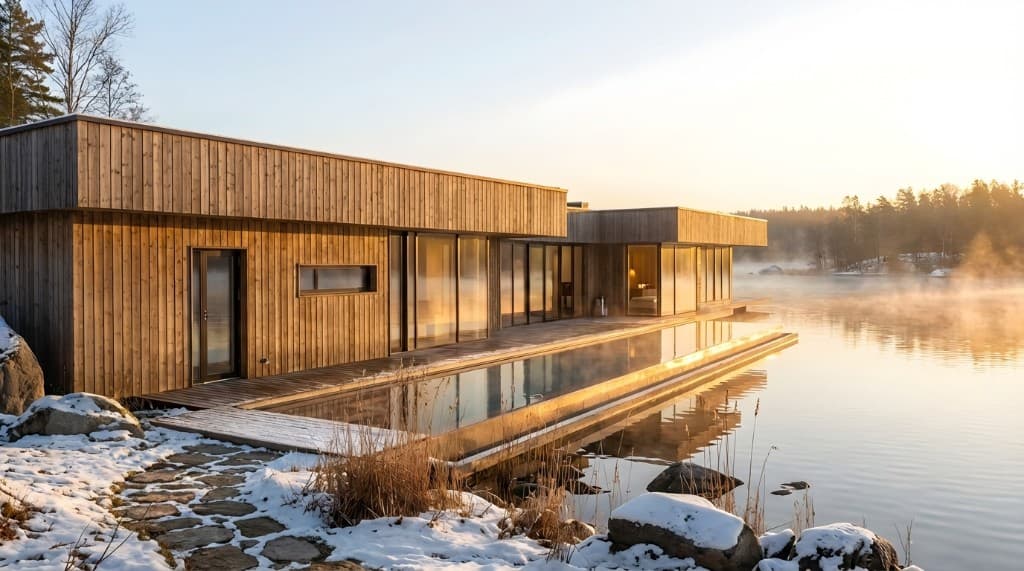
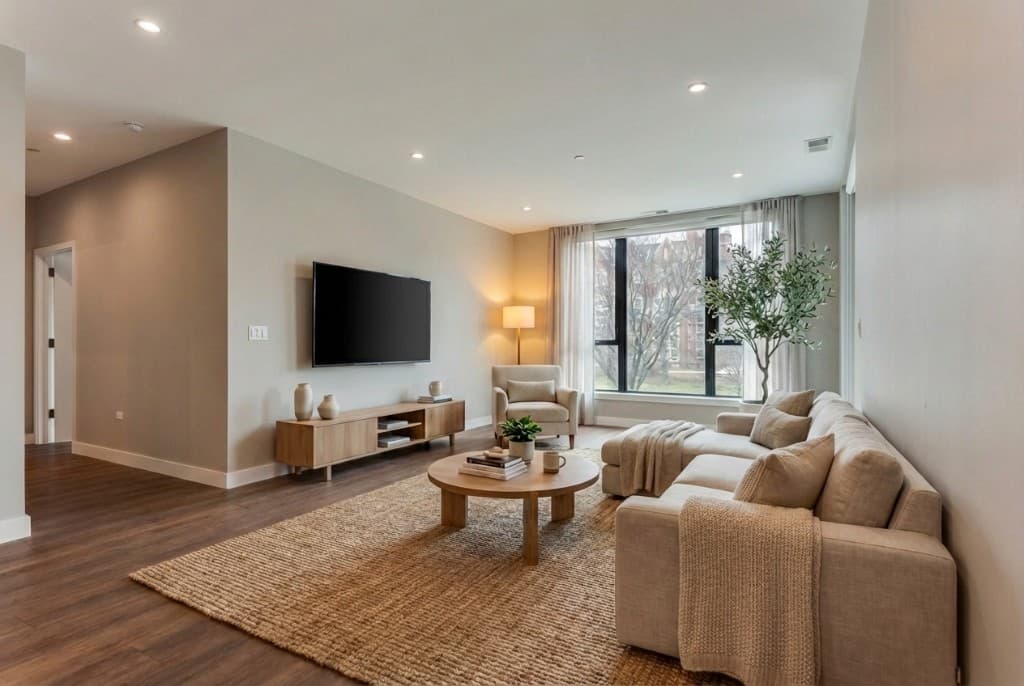
Sketches and CAD geometry become photoreal renders in seconds with Rendershop.
What sets it apart in 2026 is that Rendershop is a complete suite, not just a one-shot generator. The Edit tool lets you mark a specific element — a window, a facade material, a piece of furniture — and describe a change in plain language while preserving the rest of the image. Enhance upscales output up to 10× for print-ready presentations. Staging furnishes empty interiors. And the Video tool turns a single render into a cinematic walkthrough — something that historically required a separate animation pipeline.
Because it runs in the browser, there's no GPU requirement and no Windows-only limitation. It's the fastest path we've seen from concept to client-ready visual.
Pros
- • Zero learning curve — describe what you want, get a render
- • 10–30 second turnaround per image
- • Runs in the browser, works on Mac, Windows, iPad
- • Built-in edit, upscale, staging, and video tools
- • Preserves your design geometry instead of reinventing it
Cons
- • Requires an internet connection
- • Less granular pixel-level control than V-Ray for hero shots
Pricing
Free plan with 50 credits, no card required. Paid plans start affordably with unlimited generations on higher tiers — see pricing.
2V-Ray
Best for: Competition-winning hero shots where every pixel matters.
V-Ray remains the gold standard for offline photorealistic rendering. As a plugin for SketchUp, Revit, Rhino, 3ds Max, and others, it gives you granular control over every aspect of the scene — light bounces, caustics, depth of field, sub-surface scattering, you name it. If you've seen a magazine cover render, it was probably done in V-Ray.
Pros
- • Highest photorealism in the industry
- • Works inside nearly every CAD/BIM platform
- • Massive community, asset libraries, and tutorials
- • CPU and GPU rendering supported
Cons
- • Steep learning curve — months to master lighting and materials
- • Long render times for hero shots
- • Requires powerful hardware
- • Limited Mac support
Pricing
Solo from ~$540/year; Premium with render nodes ~$719/year. 30-day trial.
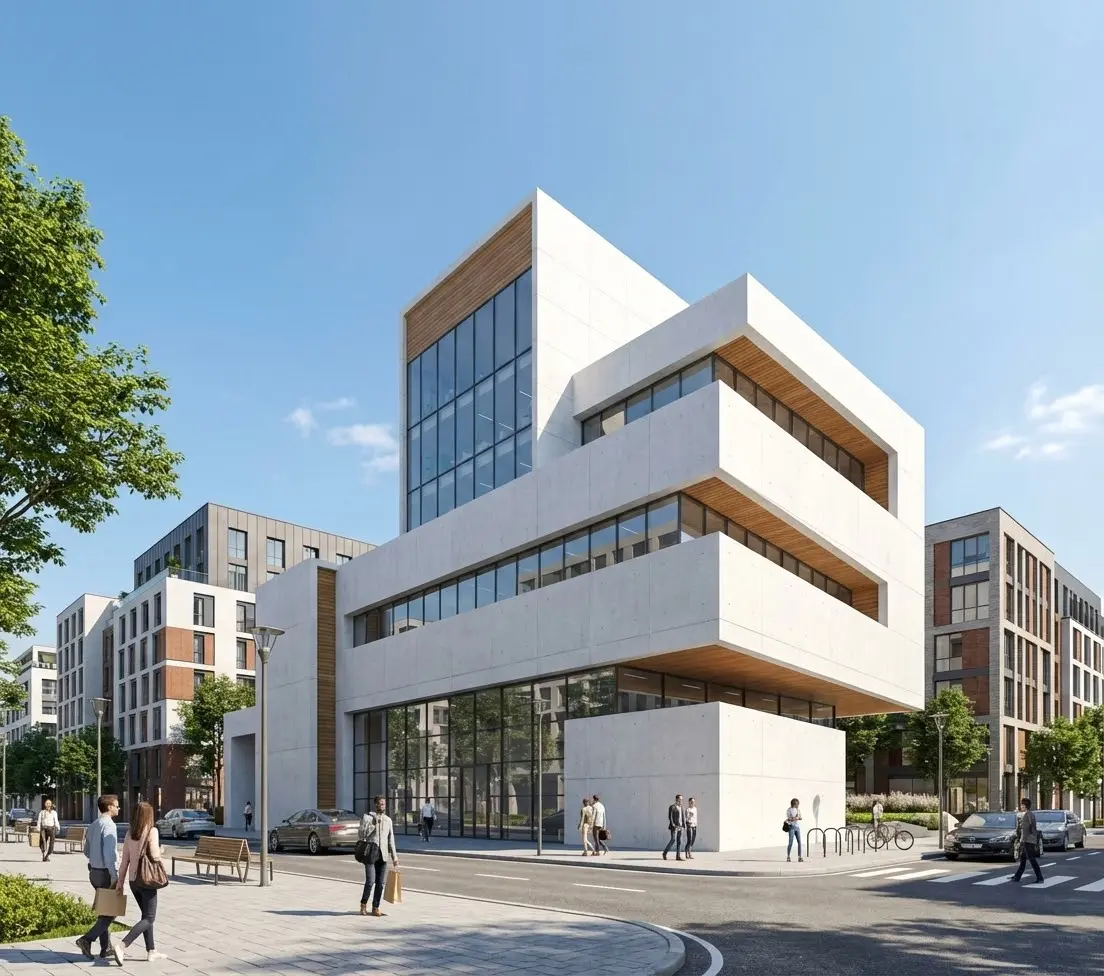
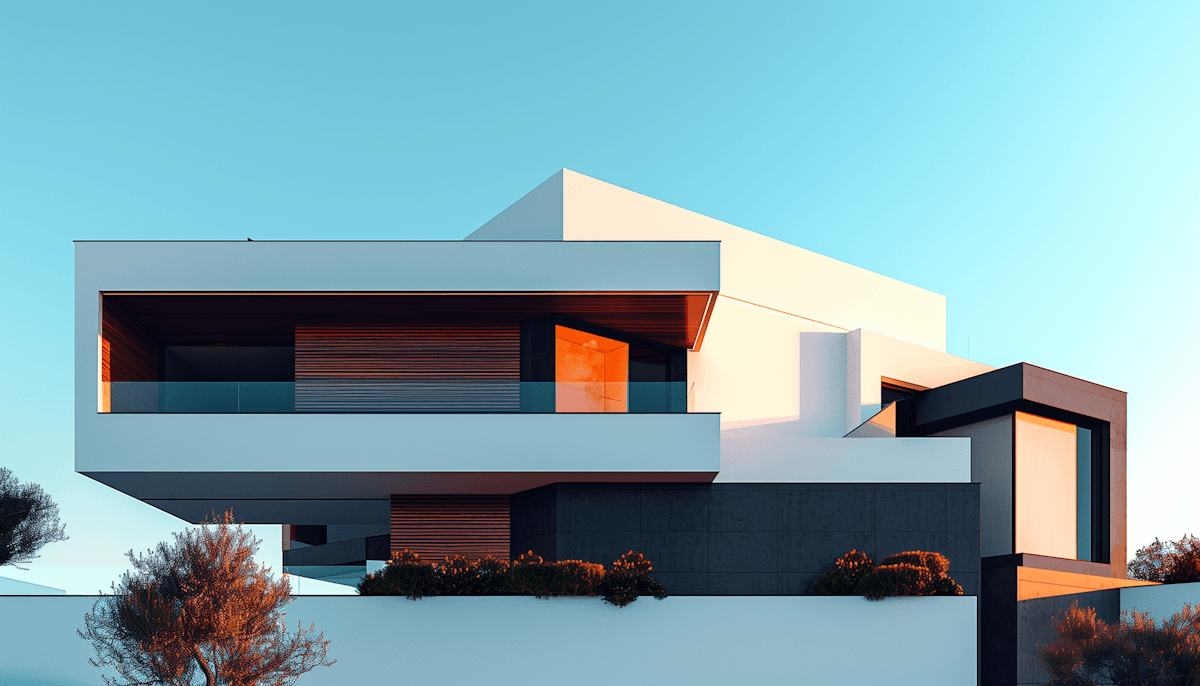
V-Ray is built for hero shots like this — pixel-perfect lighting and material accuracy.
3Enscape
Best for: Real-time design feedback inside your existing CAD tool.
Enscape plugs directly into Revit, SketchUp, Rhino, Archicad, and Vectorworks, giving you a live-rendered view of your model that updates as you draw. It's the closest thing to working with the rendered version of your design from day one. The Premium tier now bundles Veras, Chaos's AI-powered text-to-design feature.
Pros
- • Seamless BIM integration with live updates
- • Minimal learning curve — open the plugin and you're rendering
- • Strong VR support for client walkthroughs
- • Mac compatible
Cons
- • Requires a high-end GPU for smooth real-time output
- • Smaller asset library than Lumion
- • Quality ceiling below offline renderers like V-Ray
Pricing
Solo ~$575/year; Premium with Veras ~$635/year. Free trial.
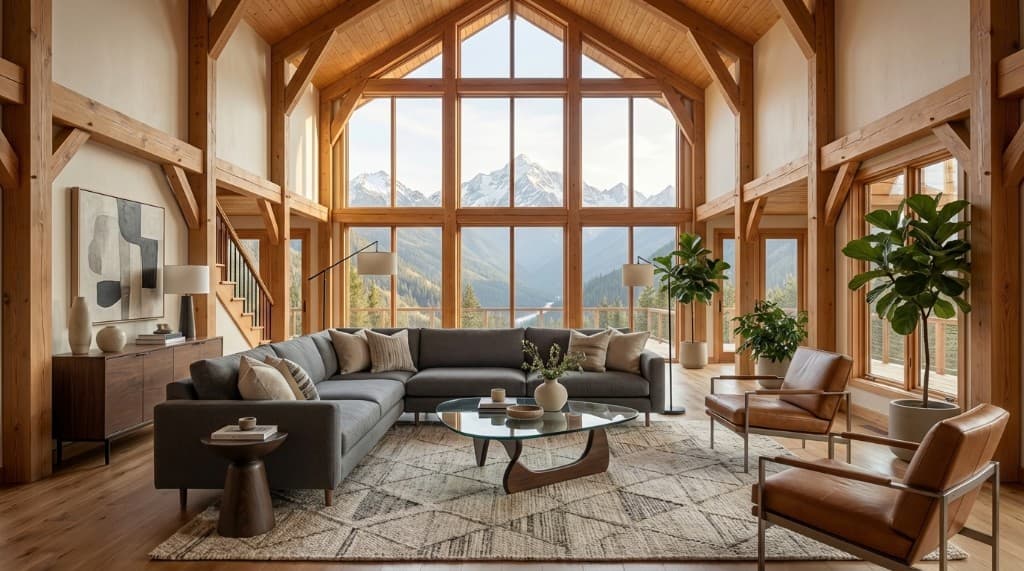
Enscape's sweet spot — fast, decent-quality interiors that update as you design.
4Lumion
Best for: High-quality animations, 360° panoramas, and landscape-heavy scenes.
Lumion specializes in turning architectural geometry into polished animations and exterior scenes. Its asset library — nearly 10,000 objects with particularly strong vegetation — makes it a favorite for landscape architects and resort/hospitality work. The LiveSync plugin keeps your model in sync with Revit, SketchUp, and Rhino, and the AI upscaler cleans up final renders.
Pros
- • Best-in-class landscape and vegetation tools
- • Strong animation pipeline
- • Massive asset library
- • LiveSync integration with major CAD tools
Cons
- • Expensive at the studio tier
- • Windows only
- • Demanding hardware requirements
- • Large installation footprint
Pricing
View ~$229/year, Pro ~$1,149/year, Studio ~$1,499/year. 14-day trial.
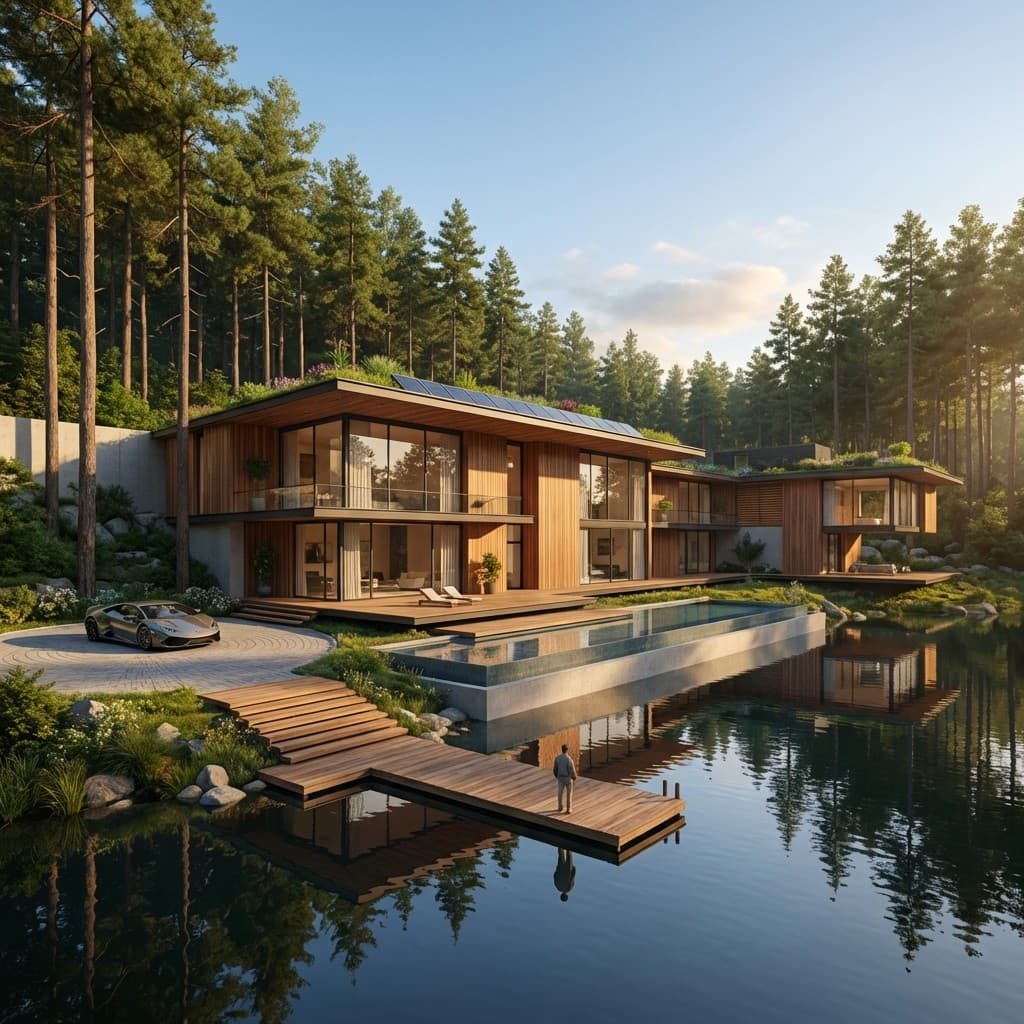
Landscape and vegetation — Lumion's strongest territory.
5D5 Render
Best for: Real-time ray tracing on a budget, with a free tier that's actually usable.
D5 Render combines real-time ray tracing with deep AI integration. The standout feature is AI Atmosphere Match — point it at a reference photo and it replicates the lighting in your scene. The Community version includes 2,000+ assets with no watermarks or limits; Pro unlocks 13,000+.
Pros
- • Real-time ray tracing with photoreal results
- • Genuinely useful free tier
- • Competitive Pro pricing vs. Enscape and Lumion
- • 4K animation at up to 120 FPS
Cons
- • Windows only
- • Requires an RTX-class GPU
- • Smaller community and asset ecosystem than V-Ray/Lumion
Pricing
Community free (non-commercial); Pro ~$360/year; Teams from ~$708/year per seat.
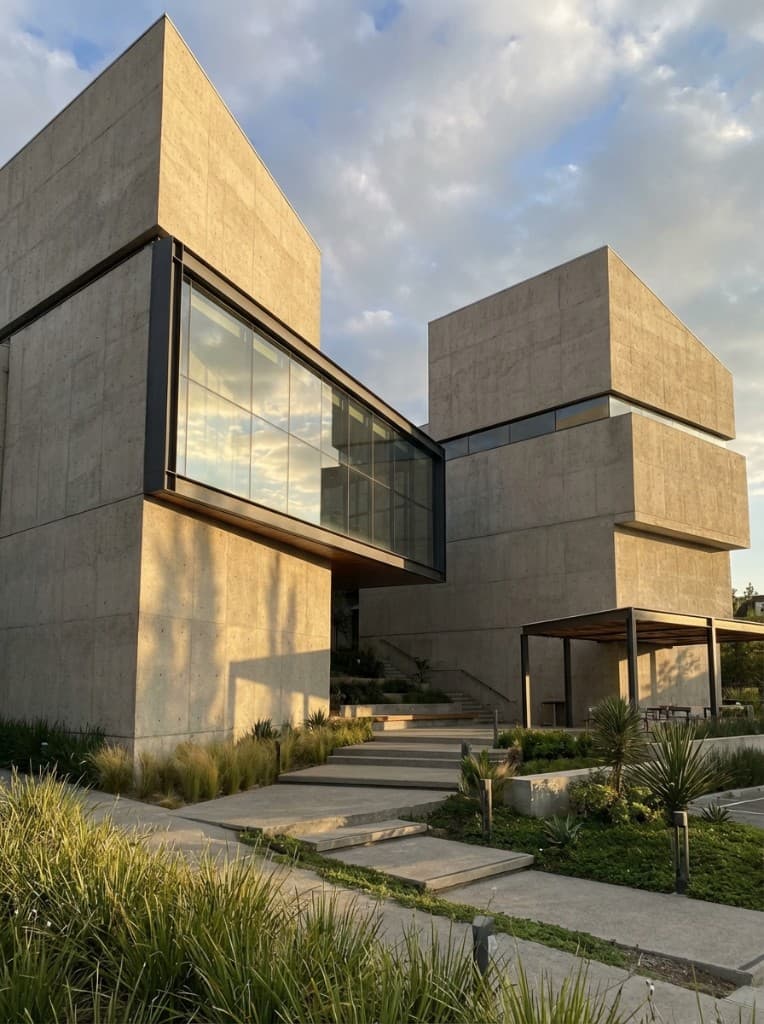
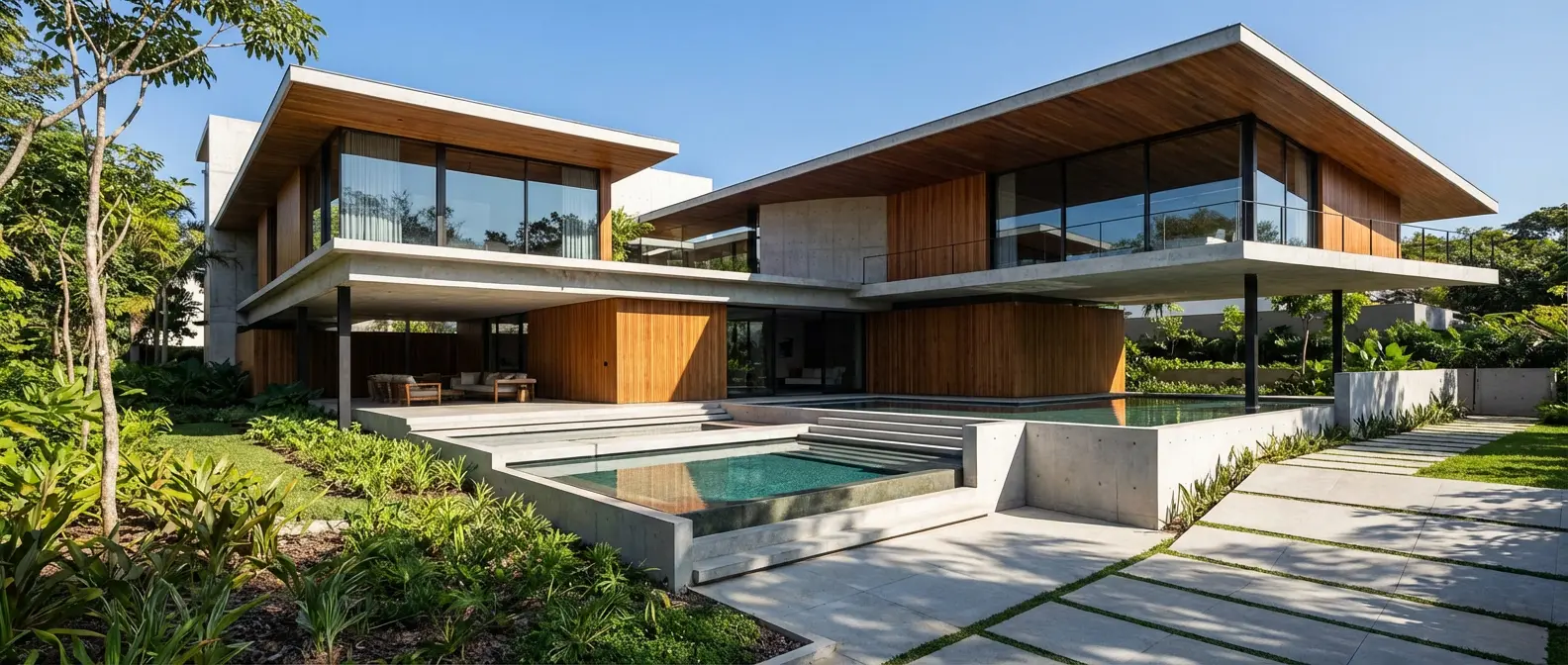
D5 Render shines on contemporary exteriors with crisp materials and ray-traced lighting.
6Twinmotion
Best for: Small firms and solo architects — full version is free under $1M revenue.
Twinmotion runs on Unreal Engine and offers one-click sync with major BIM platforms. Twinmotion Cloud lets you share interactive walkthroughs with clients via a browser link — no software install on their end. The headline pricing benefit: it's free for firms earning under $1M annually, and that's the full version, not a watermark trial.
Pros
- • Free for small firms (the full product)
- • Intuitive interface with a low ramp-up
- • Strong VR and Unreal asset access (Megascans, Sketchfab)
- • Mac compatible
Cons
- • Render quality below Lumion and offline renderers
- • Limited built-in asset library
- • Struggles with very large models
- • High system requirements
Pricing
Free under $1M revenue; ~$445/year above; Unreal Subscription ~$1,850/year.
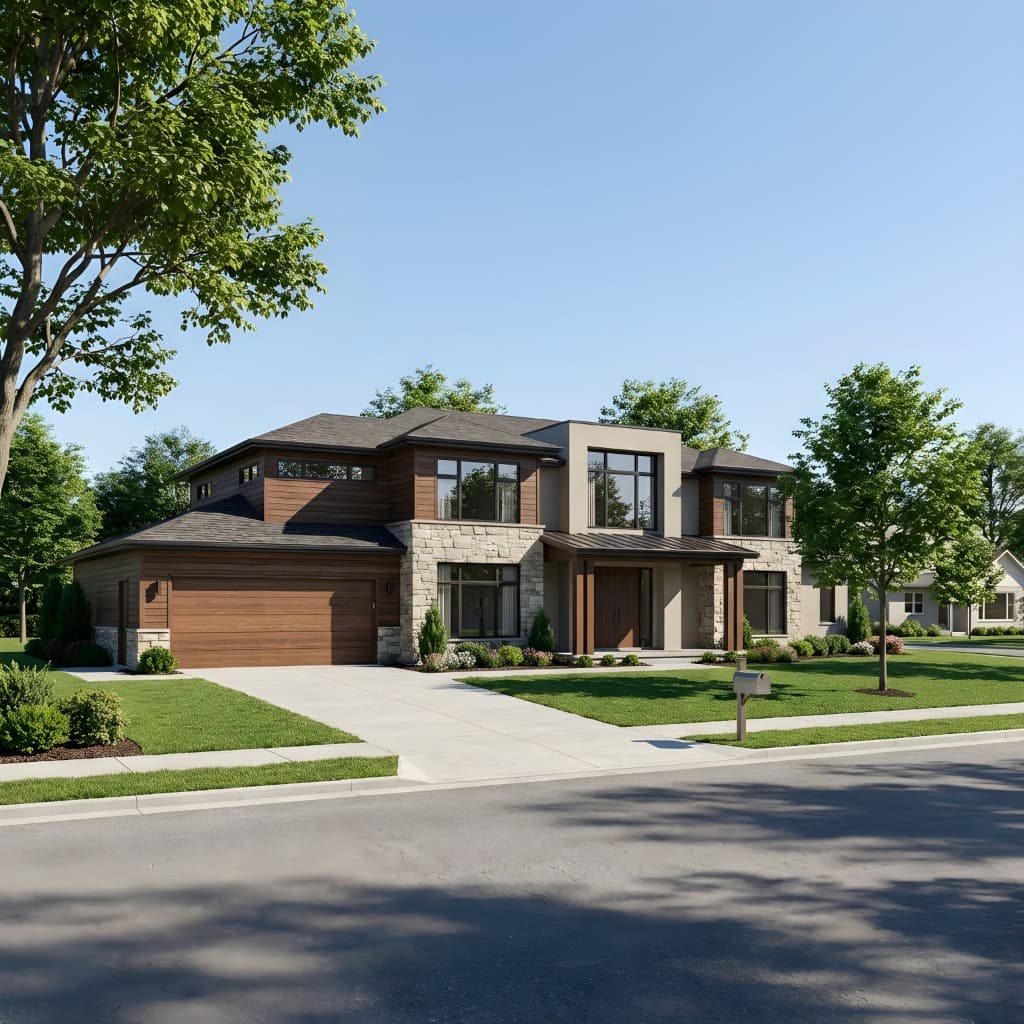
Twinmotion is a popular pick for residential and small-firm presentations.
7Corona Renderer
Best for: Archviz studios that want V-Ray-tier realism with fewer dials.
Corona comes from Chaos, the same team behind V-Ray, but takes a different philosophy: lighting just works, materials behave predictably, and you spend more time designing scenes than tweaking parameters. The interactive preview gives near real-time feedback, and the included asset library covers 13,000+ items. Corona also generates panoramic virtual tours with auto-placed hotspots.
Pros
- • Natural-looking lighting with minimal setup
- • Easier to learn than V-Ray
- • Interactive preview workflow
- • Cross-platform
Cons
- • CPU-only rendering — slower than GPU-based tools
- • Only available in 3ds Max and Cinema 4D
- • 64GB RAM recommended for complex scenes
Pricing
From ~$59/month (Solo). 30-day trial.
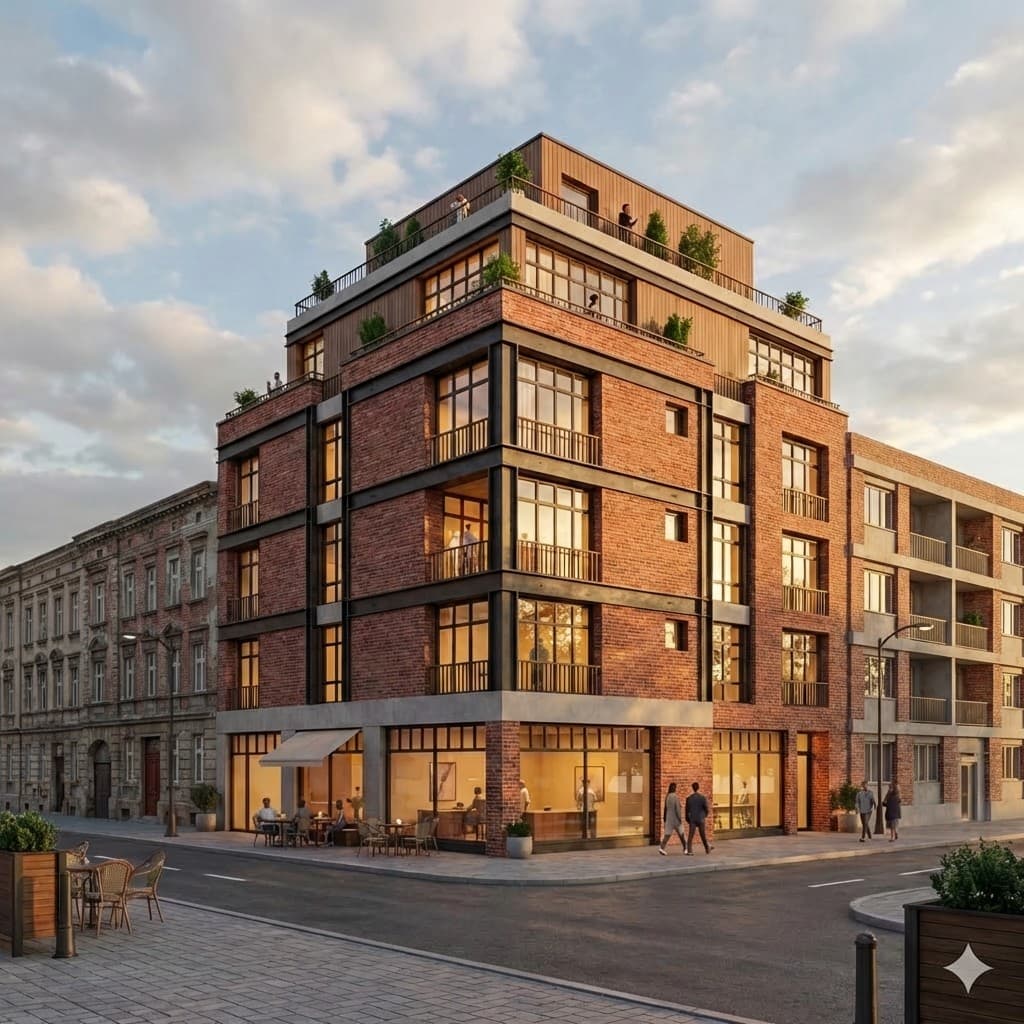
Corona is known for natural-looking lighting that requires very little manual tuning.
83ds Max
Best for: Full-service visualization studios doing animation, modeling, and rendering in one place.
3ds Max is the backbone of dedicated archviz studios. Paired with V-Ray or Corona, it produces the highest-quality architectural visuals you can buy. It's overkill for occasional renders, but for studios delivering complex animations, detailed entourage, and bespoke modeling, nothing else has the depth.
Pros
- • Unmatched modeling and animation flexibility
- • Compatible with every major renderer
- • Industry standard — easy to hire for
Cons
- • Steep learning curve (weeks to months)
- • Expensive when paired with renderer subscriptions
- • Windows only
- • Overkill for firms doing under a few renders a week
Pricing
~$2,575/year standalone, or via the Autodesk AEC Collection. 30-day trial.
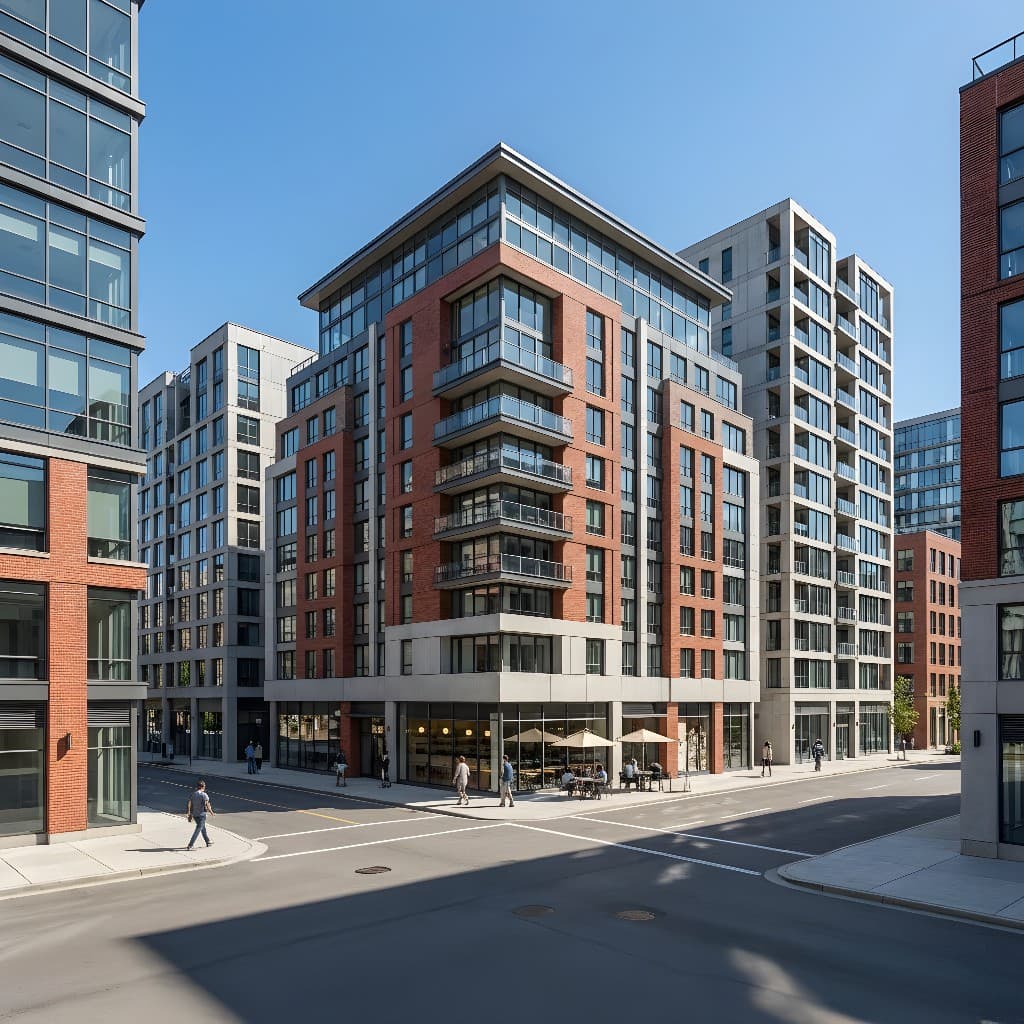
Studio-grade urban work — the kind of deliverable 3ds Max pipelines were built for.
9Blender
Best for: Budget-conscious users who want maximum flexibility and don't mind a steep curve.
Blender is the free, open-source 3D suite that has quietly become a viable archviz tool. The built-in Cycles renderer produces photoreal output, and Geometry Nodes enable parametric design workflows. The catch: Blender isn't architect-optimized like Lumion or Twinmotion, so you'll spend more time wiring up your pipeline.
Pros
- • Completely free with no feature limitations
- • Photoreal output via Cycles
- • Massive community and tutorial library
- • Cross-platform with frequent updates
Cons
- • Significant learning curve
- • No direct BIM/CAD integration
- • Not architect-focused out of the box
- • Slower without a dedicated GPU
Pricing
Free.
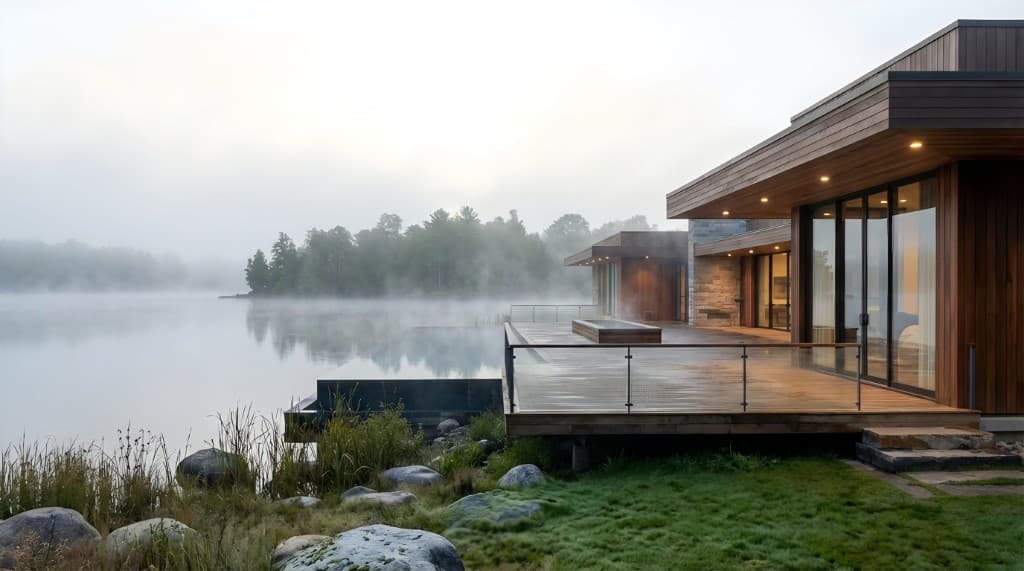
Blender's Cycles renderer can produce results indistinguishable from commercial tools — with patience.
10KeyShot
Best for: Material studies, furniture renders, and architectural detail shots.
KeyShot is famous in product design for material accuracy and drag-and-drop simplicity. Architecture firms use it for furniture, fixtures, and material studies — anywhere you need scientifically accurate Pantone or RAL colors and a real-time preview. GPU rendering is supported on Windows.
Pros
- • Exceptional material quality
- • Intuitive drag-and-drop workflow
- • Huge cloud material library with accurate Pantone/RAL colors
- • Real-time preview
Cons
- • Expensive for occasional use
- • GPU rendering Windows-only
- • Not built for full architectural scenes
- • Limited animation tools
Pricing
~$1,188/year. 14-day trial.
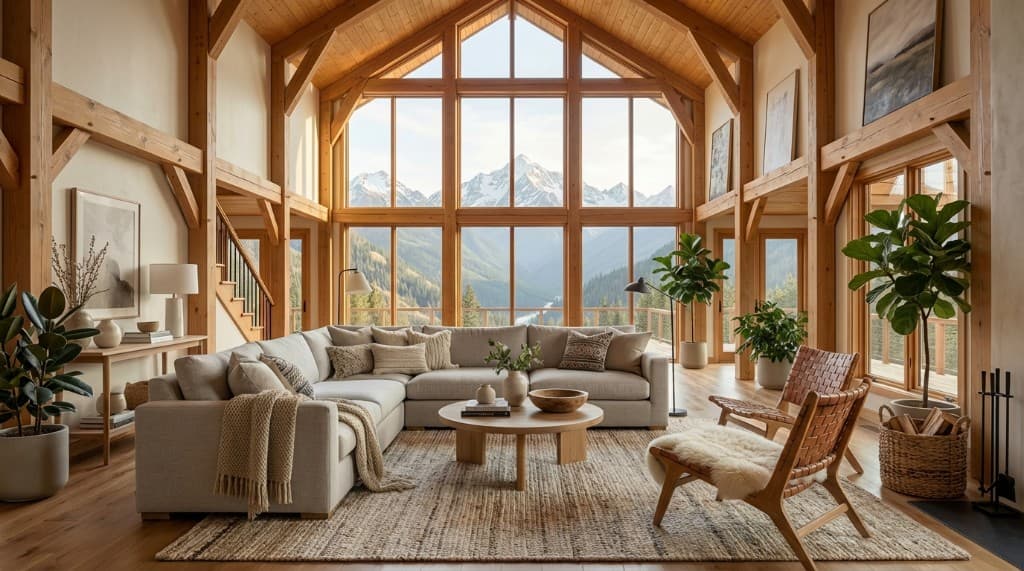
Material studies and detail shots — KeyShot's home turf.
Quick Comparison
| Tool | Type | Best For | Starting Price |
|---|---|---|---|
| Rendershop ⭐ | AI / Cloud | Fast photoreal renders, edits, video | Free (50 credits) |
| V-Ray | Offline / Plugin | Hero shots | ~$540/yr |
| Enscape | Real-time / Plugin | Live BIM feedback | ~$575/yr |
| Lumion | Real-time / Standalone | Animations, landscapes | ~$229/yr |
| D5 Render | Real-time / Standalone | Real-time ray tracing | Free / $360/yr |
| Twinmotion | Real-time / Standalone | Small firms, VR | Free under $1M |
| Corona | Offline / Plugin | Easier photorealism | ~$59/mo |
| 3ds Max | Modeling / Suite | Studio-grade pipelines | ~$2,575/yr |
| Blender | Open-source / Suite | Budget flexibility | Free |
| KeyShot | Real-time / Standalone | Materials, products | ~$1,188/yr |
How to Choose
The right tool depends on what you're actually trying to do, not which one has the highest theoretical quality ceiling.
- If you want a render this afternoon and don't have a render team: Rendershop. The browser-based AI workflow eliminates the entire setup pipeline.
- If you're shooting a competition entry: V-Ray or Corona inside 3ds Max.
- If you want feedback while you design in Revit: Enscape.
- If you need animations and lush landscapes: Lumion.
- If you're a small firm watching budget: Twinmotion (free under $1M), D5 Render Community, or Blender.
Most firms end up with a stack — one fast tool for everyday client back-and-forth, one heavy hitter for the deliverables that have to be perfect. In 2026, that fast tool is increasingly an AI platform like Rendershop, while the heavy hitter is still V-Ray or Corona.
Common Questions
What is the easiest architectural visualization software to learn?
Rendershop has effectively no learning curve — you describe a scene in plain language and get a render. Among traditional tools, Enscape and Twinmotion are the most beginner-friendly because they integrate directly with the CAD tool you already use.
Do I need expensive hardware?
It depends on the tool. Browser-based platforms like Rendershop run on any laptop, including a MacBook Air or an iPad. Real-time renderers (Enscape, Lumion, D5, Twinmotion) need a dedicated GPU — typically RTX-class. Offline renderers like V-Ray and Corona benefit most from a high-end CPU and lots of RAM.
Can I use architectural visualization software on a Mac?
Yes, but options narrow. Mac-friendly tools include Rendershop (browser-based), Twinmotion, Enscape, Corona, and Blender. Lumion, D5 Render, and 3ds Max are Windows-only.
Is AI rendering replacing traditional rendering?
Not replacing — augmenting. AI tools like Rendershop dominate early-stage and client-facing work because of speed. Offline renderers like V-Ray still hold the top end for hero shots and competition entries. Most firms now use both. We covered this in detail in our AI vs traditional rendering comparison.
Try the #1 visualization tool of 2026
Render, edit, enhance, stage, and animate — all in your browser. Start with 50 free credits, no credit card required.
— The Rendershop Team