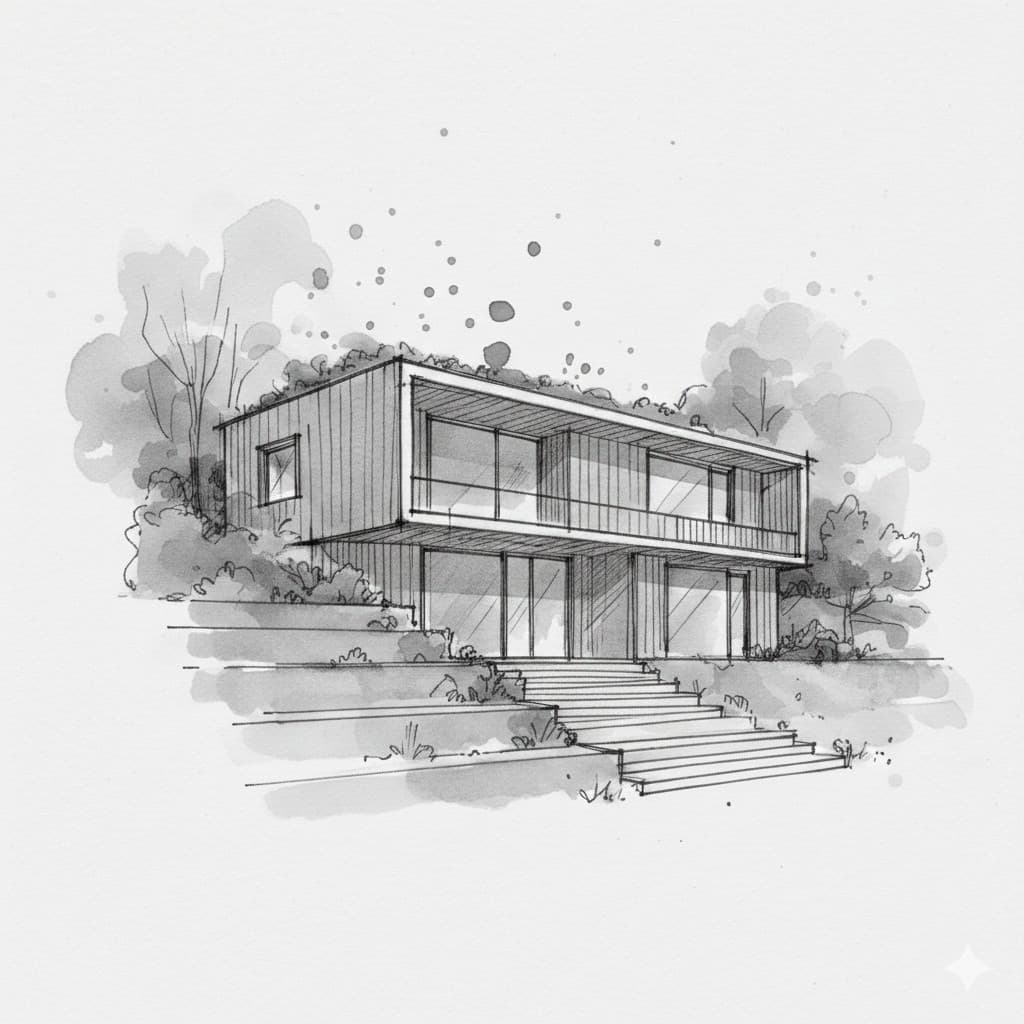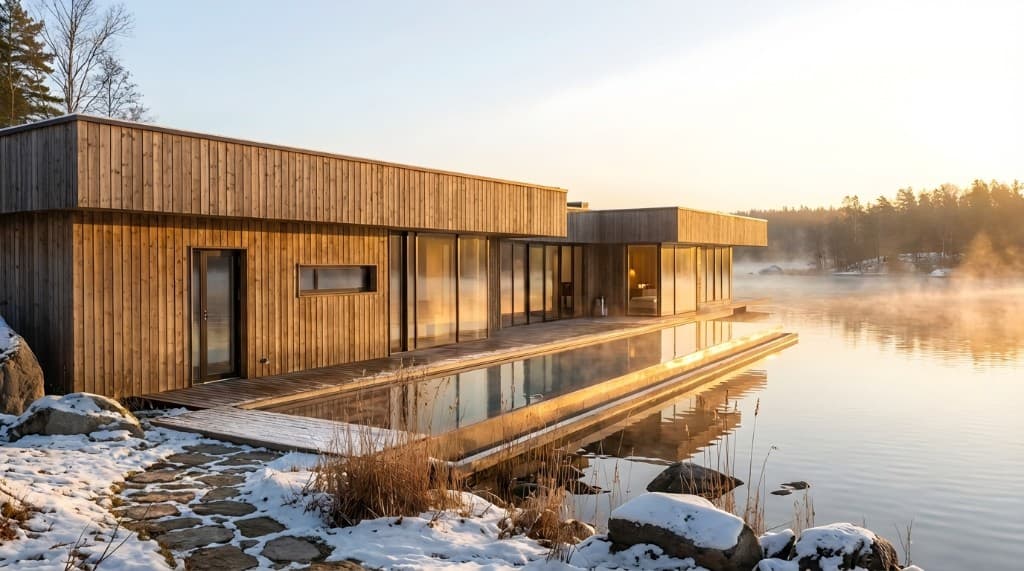
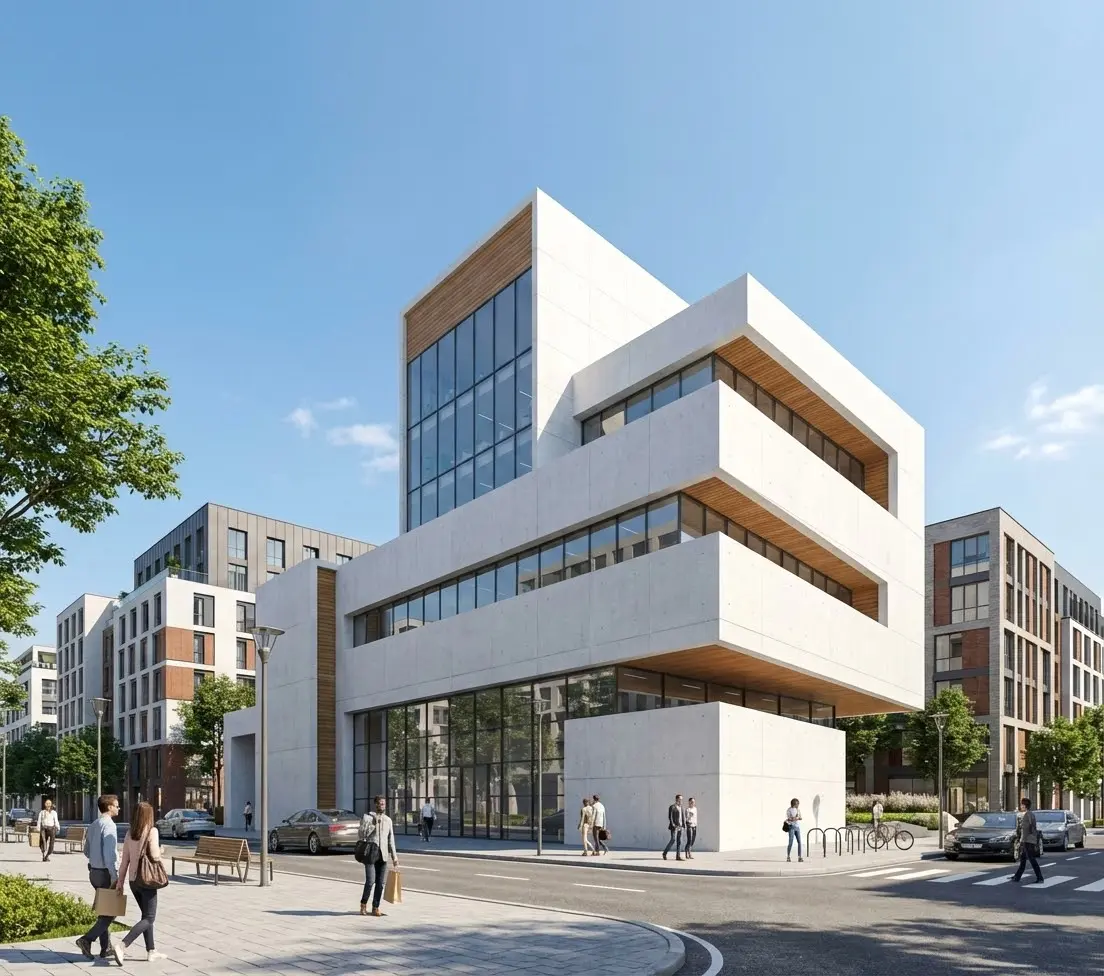
Two years ago, the idea of generating photorealistic architectural renderings with AI felt experimental. Today, it's standard practice. Firms of every size — from solo practitioners to global studios — are using AI rendering tools to accelerate design exploration, win client buy-in, and produce marketing visuals at a fraction of the traditional cost.
But not all AI rendering tools are created equal. Some are built specifically for architecture. Others are general-purpose image generators that happen to produce decent building visuals. The difference matters when you're presenting to a client or marketing a $50 million development.
We tested the leading options and ranked them based on output quality, architecture-specific features, ease of use, and value for money. Here are the 10 best AI tools for architectural renderings in 2026.
Quick Comparison
1. Rendershop — Best All-in-One AI Rendering Platform
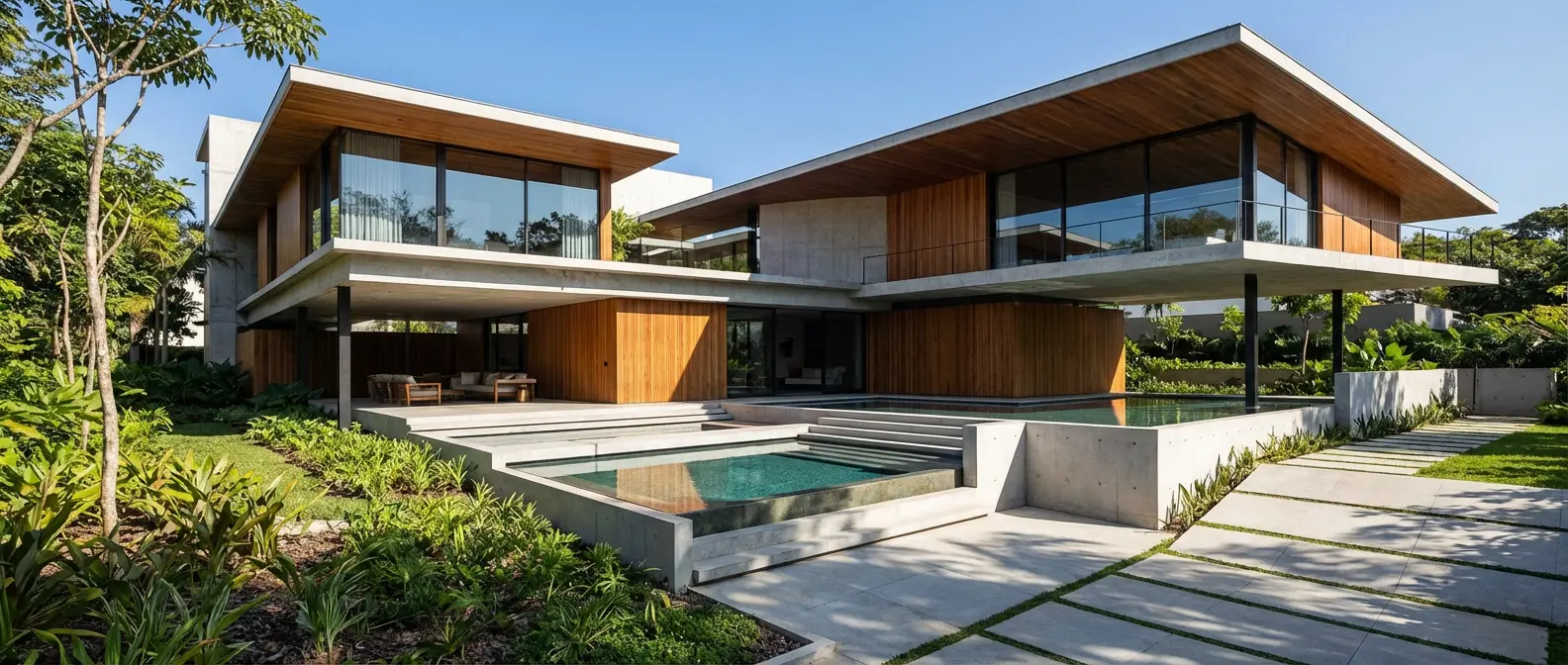
Rendershop is the most complete AI rendering platform built specifically for architects, designers, and real estate professionals. Where other tools specialize in one thing, Rendershop combines rendering, editing, virtual staging, enhancement, and video generation in a single workspace.
Upload a sketch, photo, or CAD screenshot and get a photorealistic render in under 60 seconds. Then use the Edit tool to make targeted changes — swap materials, adjust landscaping, modify lighting — without regenerating the entire image. The Enhance tool upscales resolution and sharpens details for print-ready output. And the Video tool turns any render into a cinematic walkthrough.
Key Features:
- Sketch-to-render, photo-to-render, and text-to-render
- AI photo editing with inpainting and region-based edits
- Virtual staging for real estate
- AI video walkthrough generation
- Render enhancement and upscaling
- 50 free credits on signup — no credit card required
Pricing: Free to start with 50 credits. Paid plans start at affordable per-credit pricing with volume discounts for teams.
Best for: Architects, interior designers, real estate professionals, and anyone who needs a complete rendering workflow without juggling multiple tools.
2. Veras by EvolveLAB — Best for SketchUp & Revit Integration
Veras is an AI rendering plugin that integrates directly into SketchUp, Revit, and Rhino. If your workflow is already centered around one of these tools, Veras lets you generate AI renders without leaving your modeling environment.
It takes your 3D model viewport as input and applies AI-generated materials, lighting, and environmental context. The results are stylistically diverse and the integration is seamless — you can iterate on your model and re-render in seconds.
Key Features:
- Direct plugin for SketchUp, Revit, and Rhino
- Uses 3D model viewport as rendering input
- Geometry-aware AI rendering
Pricing: Subscription-based with limited free trial. Plans start around $30/month.
Best for: Architects and designers who work primarily in SketchUp, Revit, or Rhino and want AI rendering without changing their workflow.
3. Midjourney — Best for Concept Art & Inspiration
Midjourney is a general-purpose AI image generator that produces stunning architectural imagery. It's not built specifically for architecture, but its output quality is exceptional — especially for concept-stage visuals and design inspiration.
The main limitation is that Midjourney is text-only. You can't upload a sketch or photo and ask it to render a specific design (with some limited reference image features). It's best for exploring styles and generating mood boards rather than rendering specific projects.
Key Features:
- Industry-leading image quality and aesthetics
- Excellent at architectural styles and atmospheres
- Strong community with shared prompts and techniques
Pricing: Plans start at $10/month. No free tier.
Best for: Architects looking for design inspiration, concept art, and mood board imagery. Not ideal for rendering specific project designs.
4. Lumion AI — Best for 3D Model Rendering
Lumion has been a staple in architectural visualization for years, and their AI-powered features are making it even more powerful. Lumion uses AI to enhance real-time rendering quality, automate material placement, and generate realistic environments.
Unlike pure AI generators, Lumion still requires a 3D model as input. The AI augments the traditional rendering pipeline rather than replacing it — which means you get more control but also need more setup time.
Key Features:
- Real-time rendering with AI enhancement
- Massive library of 3D assets, materials, and environments
- Video animation and cinematic sequences
Pricing: Starting at $1,990/year. Free trial available.
Best for: Firms with established 3D modeling workflows who want AI-enhanced rendering quality without switching platforms.
5. ReRender AI — Best for Quick Exterior Renders
ReRender AI is a focused AI rendering tool for architecture that emphasizes speed and simplicity. Upload a photo or sketch, choose a style, and get a rendered result quickly. It supports both exterior and interior rendering with a clean, straightforward interface.
ReRender AI does rendering well, but it lacks the broader toolkit that platforms like Rendershop offer — no video generation, limited editing capabilities, and no virtual staging.
Key Features:
- Simple photo-to-render and sketch-to-render workflow
- Multiple architectural style presets
- Render enhancement and upscaling
Pricing: Limited free renders. Paid plans start around $24/month.
Best for: Quick one-off renders when you need a fast result and don't need editing or staging tools. See how Rendershop compares to ReRender AI.
6. Maket — Best for AI Floor Plan Generation
Maket takes a different approach to AI in architecture. Rather than rendering exteriors, Maket focuses on generating floor plans and spatial layouts. Input your constraints — lot size, room count, style preferences — and Maket generates multiple floor plan options.
It's a valuable tool for early-stage design exploration, especially for residential projects where clients want to see layout options quickly. The rendering quality for exteriors is more limited compared to dedicated rendering tools.
Key Features:
- AI-powered floor plan generation
- Constraint-based layout optimization
- Multiple layout variations from a single brief
Pricing: Free tier with limited generations. Paid plans available.
Best for: Architects working on residential projects who need to quickly explore floor plan layouts during schematic design.
7. Prome AI — Best for Sketch Rendering
Prome AI offers a solid sketch-to-render pipeline with support for multiple design disciplines including architecture, interior design, and product design. It handles hand-drawn sketches well and offers style transfer capabilities.
The platform is clean and easy to use, though it lacks some of the advanced features found in more complete platforms — no virtual staging, no video generation, and limited post-render editing capabilities.
Key Features:
- Strong sketch-to-render capabilities
- Style transfer between images
- Multi-discipline design support
Pricing: Limited free tier. Pro plans start around $29/month.
Best for: Designers who work heavily with hand-drawn sketches and want a clean, focused sketch rendering tool. See how Rendershop compares to Prome AI.
8. DALL-E 3 (via ChatGPT) — Best for Text-to-Image Generation
DALL-E 3 is OpenAI's image generation model, accessible through ChatGPT Plus. It's excellent at understanding complex text prompts and generating architectural imagery from descriptions alone.
The conversational interface makes it easy to iterate — you can chat with ChatGPT to refine your prompt and generate variations. However, it's a general-purpose tool with no architecture-specific features, and you can't upload sketches or photos for rendering.
Key Features:
- Strong text comprehension for complex architectural prompts
- Conversational iteration through ChatGPT
- Accessible via existing ChatGPT Plus subscription
Pricing: Available with ChatGPT Plus ($20/month) or via API.
Best for: Quick concept imagery from text descriptions. Useful for brainstorming and exploring ideas before committing to a dedicated rendering tool.
9. Stable Diffusion — Best for Technical Users Who Want Full Control
Stable Diffusion is the open-source powerhouse of AI image generation. It's free, endlessly customizable, and can produce excellent architectural renderings — but it requires significant technical setup and prompt engineering knowledge.
With ControlNet extensions, Stable Diffusion can use architectural sketches and depth maps as inputs for more controlled rendering. Architecture-specific fine-tuned models are available from the community. The tradeoff is complexity — this is not a "sign up and start rendering" experience.
Key Features:
- Free and open source
- ControlNet for sketch-guided rendering
- Community-trained architecture models available
- Full control over every parameter
Pricing: Free (open source). Requires GPU hardware or cloud compute costs.
Best for: Technically proficient users who want maximum control and customization and are comfortable with setup and configuration.
10. Adobe Firefly — Best for Photo Editing & Compositing
Adobe Firefly integrates AI image generation directly into Photoshop and the Adobe ecosystem. For architects who already use Adobe tools for presentation boards and marketing materials, Firefly adds generative fill, background generation, and style transfer directly into their existing workflow.
Firefly is not an architectural rendering tool per se — it's better thought of as an AI-powered photo editing assistant. But for compositing renders into site photos, generating landscape backgrounds, or creating presentation visuals, it's highly capable.
Key Features:
- Seamless Photoshop integration
- Generative fill for compositing renders into photos
- Commercially safe — trained on licensed content
Pricing: 25 free generative credits/month. Included with Adobe Creative Cloud ($59.99/month for all apps).
Best for: Architects and marketers already in the Adobe ecosystem who need AI assistance for presentation materials and photo compositing.
How to Choose the Right AI Rendering Tool
The right tool depends on your workflow, budget, and what you need to produce. Here's a quick decision framework:
If you need a complete rendering workflow:
Choose Rendershop — it covers rendering, editing, staging, enhancement, and video in one platform.
If you work in SketchUp or Revit all day:
Try Veras for in-app AI rendering without leaving your modeler.
If you need inspiration and concept imagery:
Midjourney produces the most visually striking concept art.
If you already have a 3D modeling pipeline:
Lumion AI enhances your existing workflow with AI-powered quality improvements.
If you want full control and don't mind setup:
Stable Diffusion is free and infinitely customizable.
The Bottom Line
AI rendering tools have matured significantly in 2026. The best option for most architecture professionals is a purpose-built platform like Rendershop that combines rendering, editing, and production tools in one place — eliminating the need to cobble together multiple subscriptions.
Regardless of which tool you choose, the important thing is to start using AI in your visualization workflow. The firms that are adopting these tools today are delivering better presentations, winning more projects, and spending less time waiting for renders.
The best time to start was last year. The second-best time is now.
Try the #1 AI Rendering Tool for Free
Create a free Rendershop account and see why it's the top-rated AI rendering platform for architects. 50 free credits — no credit card required.
— The Rendershop Team