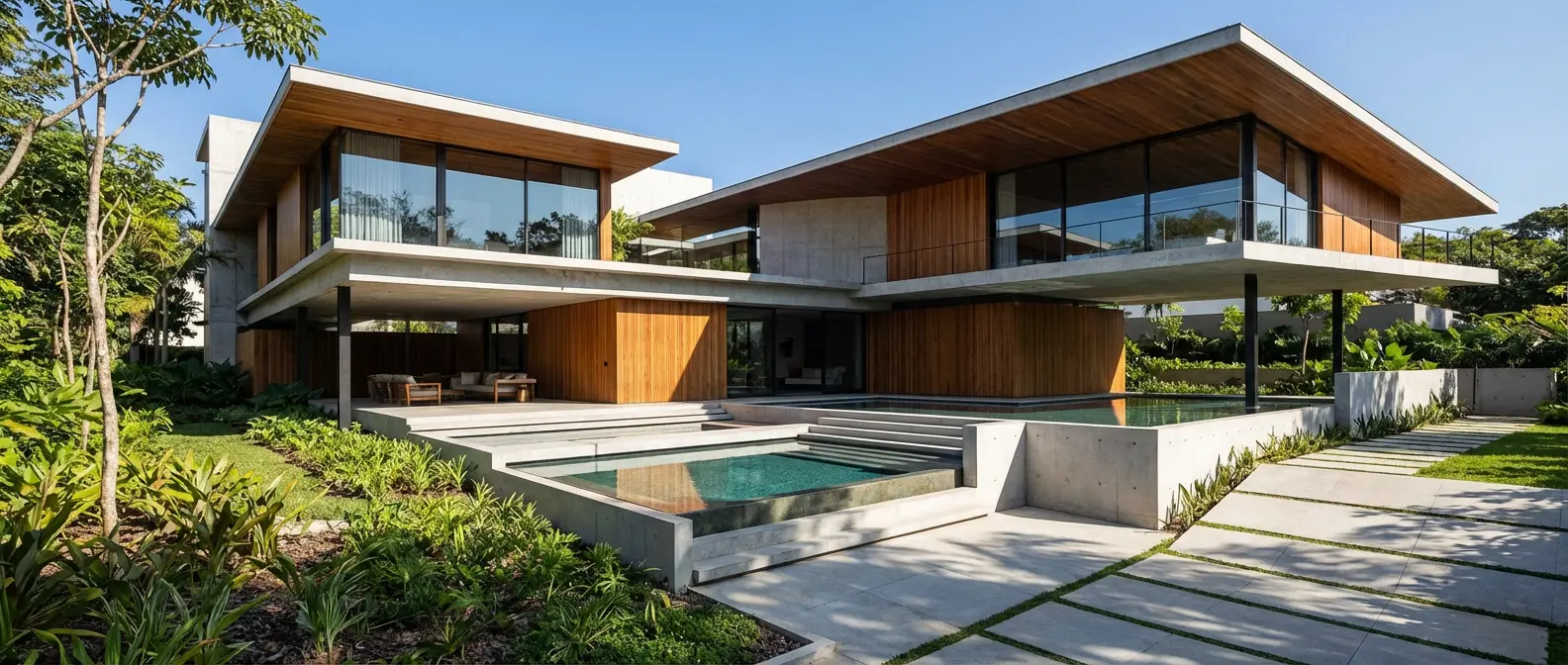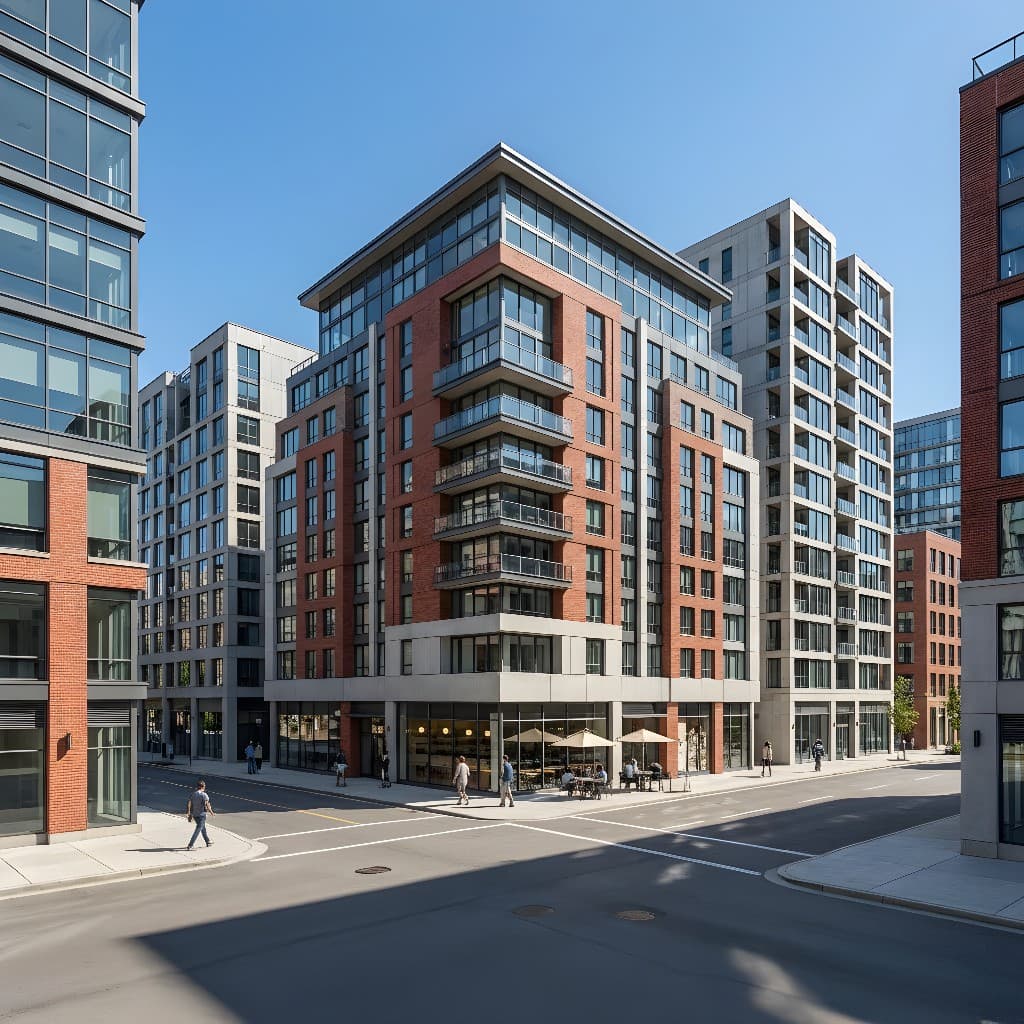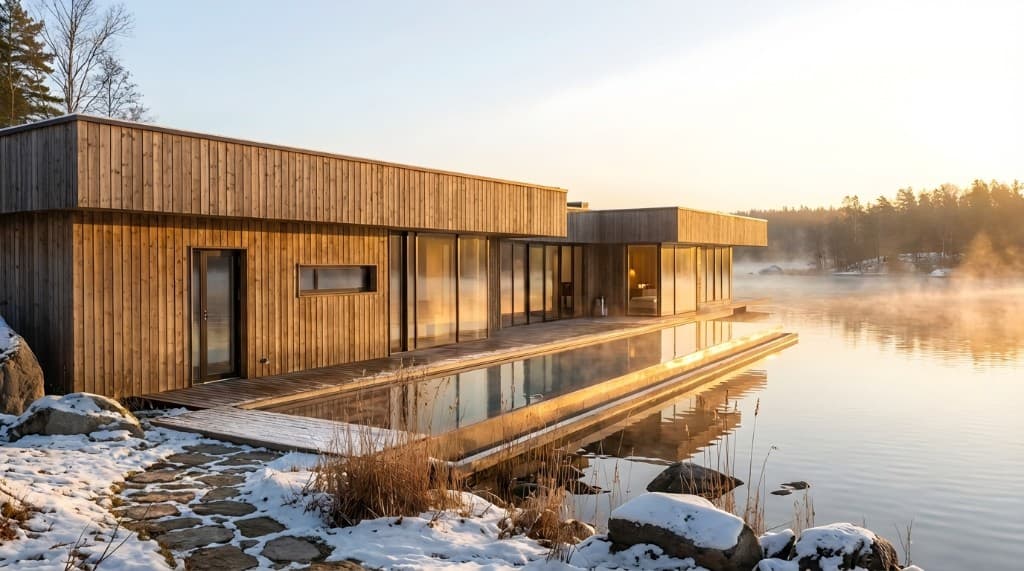
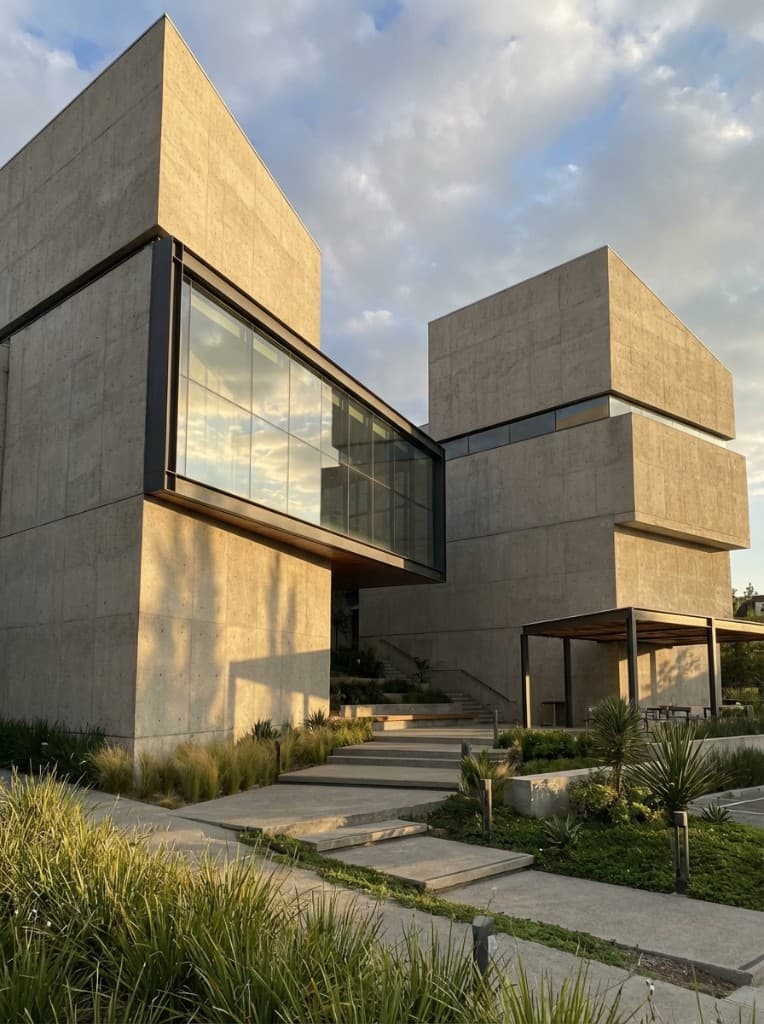
In 2026, architectural visualization is at an inflection point. Traditional rendering — the V-Ray, Corona, Enscape, and Lumion workflows that have dominated for over a decade — is being challenged by AI rendering tools that deliver photorealistic results in a fraction of the time and cost.
For many firms, this isn't a theoretical debate. It's a practical question: should we keep spending hours and thousands of dollars on traditional renders, or should we switch to AI?
The answer depends on your project type, budget, and quality expectations. This guide compares both approaches across every dimension that matters, so you can make an informed decision for your practice.
In This Comparison:
1. The Evolution of Architectural Rendering
Architectural visualization has gone through three major eras. First came hand-drawn renderings — watercolors, pen-and-ink perspectives, and presentation boards that required artistic skill and days of work. Then came computer-aided rendering — 3D modeling software paired with render engines like V-Ray and Lumion, which dramatically improved quality but still required significant technical expertise and processing time.
Now we're entering the third era: AI-powered rendering. Neural networks trained on millions of architectural images can generate photorealistic visuals from simple inputs — sketches, photos, CAD screenshots, or even text descriptions. This is the most significant shift in architectural visualization since the transition from hand-drawing to digital.
The key difference isn't just speed or cost — it's accessibility. Traditional rendering required specialized skills that took months or years to develop. AI rendering can be used effectively by anyone, from first-year architecture students to seasoned principals.
2. Speed Comparison
Traditional Rendering
A typical traditional rendering workflow for a single exterior view involves:
- 3D model preparation: 2-8 hours (geometry cleanup, material assignment)
- Lighting and camera setup: 1-3 hours
- Test renders: 30 min - 2 hours (iterating on settings)
- Final render: 30 min - 4+ hours (depending on resolution and complexity)
- Post-processing: 1-3 hours (Photoshop touch-ups, color correction)
Total: 5-20+ hours per view. For a project requiring 10 views, that's 50-200 hours — or 1-5 weeks of dedicated work.
AI Rendering
The same exterior view with AI rendering:
- Input preparation: 1-5 minutes (upload sketch/photo, write prompt)
- Rendering: 10-60 seconds
- Refinement: 2-5 minutes (generate variations, use edit tool)
- Enhancement: 30 seconds (upscale for final resolution)
Total: 5-10 minutes per view. Ten views? Under two hours.
Speed Impact:
AI rendering is approximately 90% faster than traditional methods. This means you can generate renders during client meetings, explore dozens of design options in a single afternoon, and iterate instantly based on feedback — workflows that are simply impossible with traditional rendering.
3. Cost Analysis
Traditional Rendering Costs
In-house:
- Software licenses: $500-$3,000/year (V-Ray, Lumion, Enscape)
- Hardware: $3,000-$10,000 for a capable workstation (upgraded every 2-3 years)
- Labor: 5-20 hours per view at your team's hourly rate
Outsourced:
- $300-$1,500 per exterior view
- $200-$800 per interior view
- A set of 10-20 renders: $5,000-$20,000+
AI Rendering Costs
- Rendershop: 50 free credits to start (no credit card required)
- Each render: 1 credit
- Affordable subscription plans for ongoing use
- No hardware investment — runs in any browser
| Cost Factor | Traditional | AI (Rendershop) |
|---|---|---|
| Software | $500-$3,000/yr | Free to start |
| Hardware | $3,000-$10,000 | Any device with browser |
| Per exterior view | $300-$1,500 (outsourced) | 1 credit |
| 10-view project | $5,000-$20,000+ | 10 credits |
| Savings | — | 90-99% cost reduction |
4. Quality Comparison
This is where the debate gets interesting. Traditional rendering has long been the gold standard for quality — and for good reason. With tools like V-Ray or Corona, you have pixel-perfect control over every material property, light source, and reflection.
Traditional Rendering Strengths
- Complete control over materials, lighting, and camera settings
- Physically accurate light simulation
- Precise geometry representation
- Pixel-perfect customization of every element
- Ideal for construction documentation-level accuracy
AI Rendering Strengths
- Photorealistic materials and lighting with zero manual setup
- Natural atmospheric context (skies, landscaping, weather)
- Stylistic flexibility across dozens of architectural styles
- Consistent quality without technical expertise
- Results often indistinguishable from traditional renders to clients
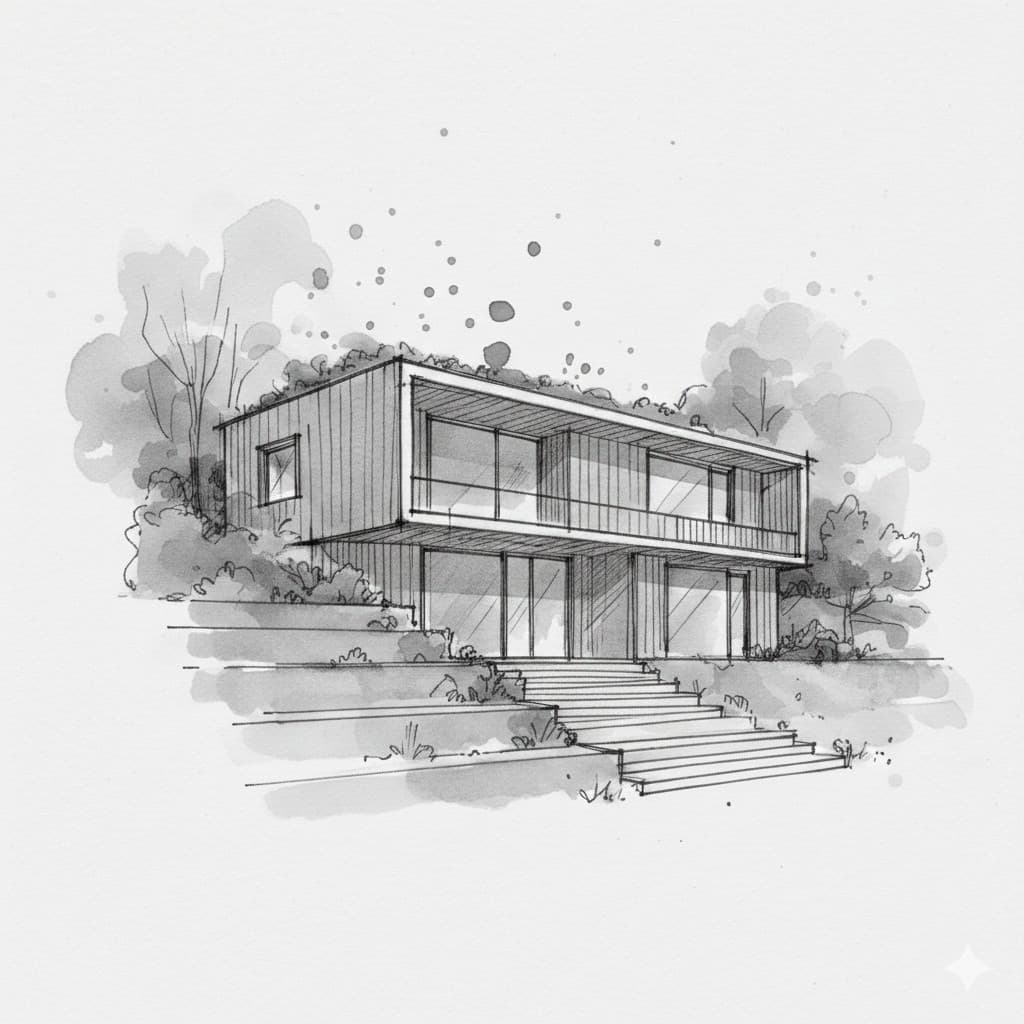
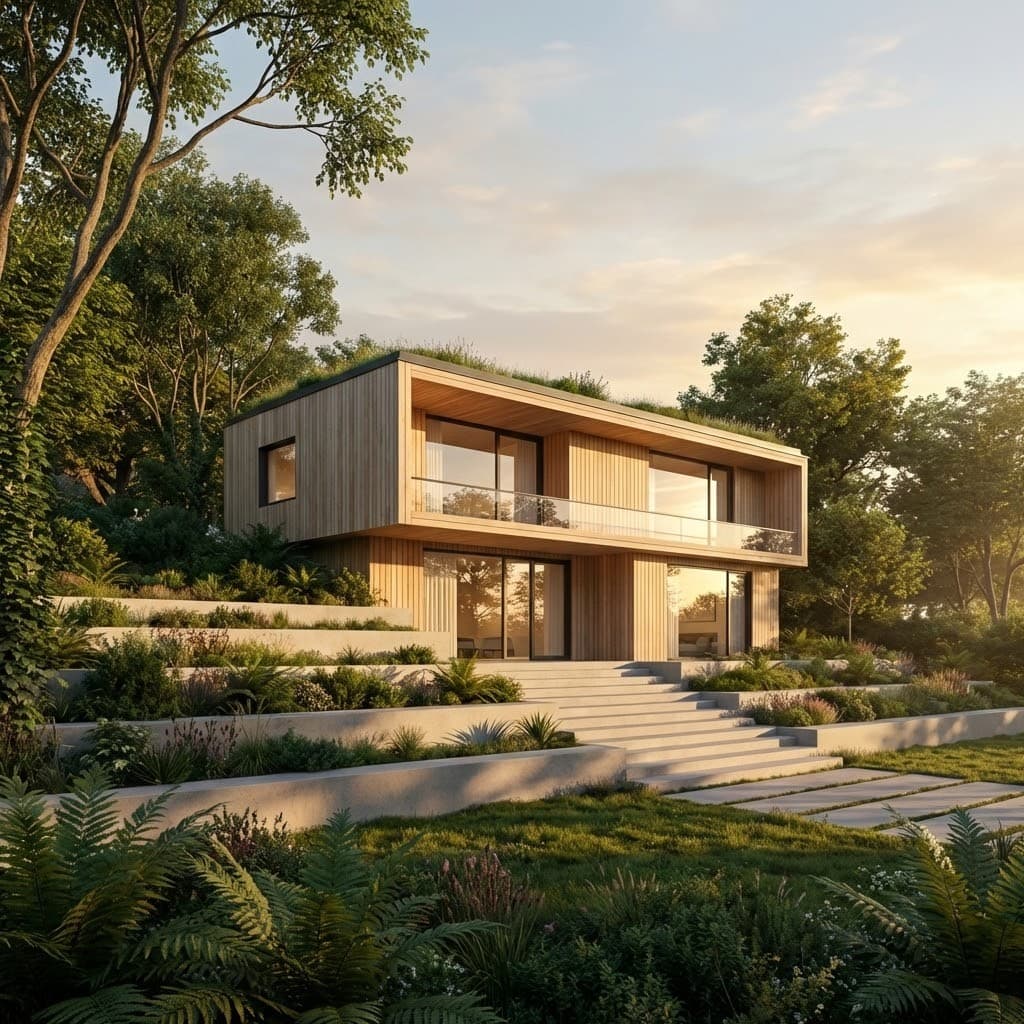
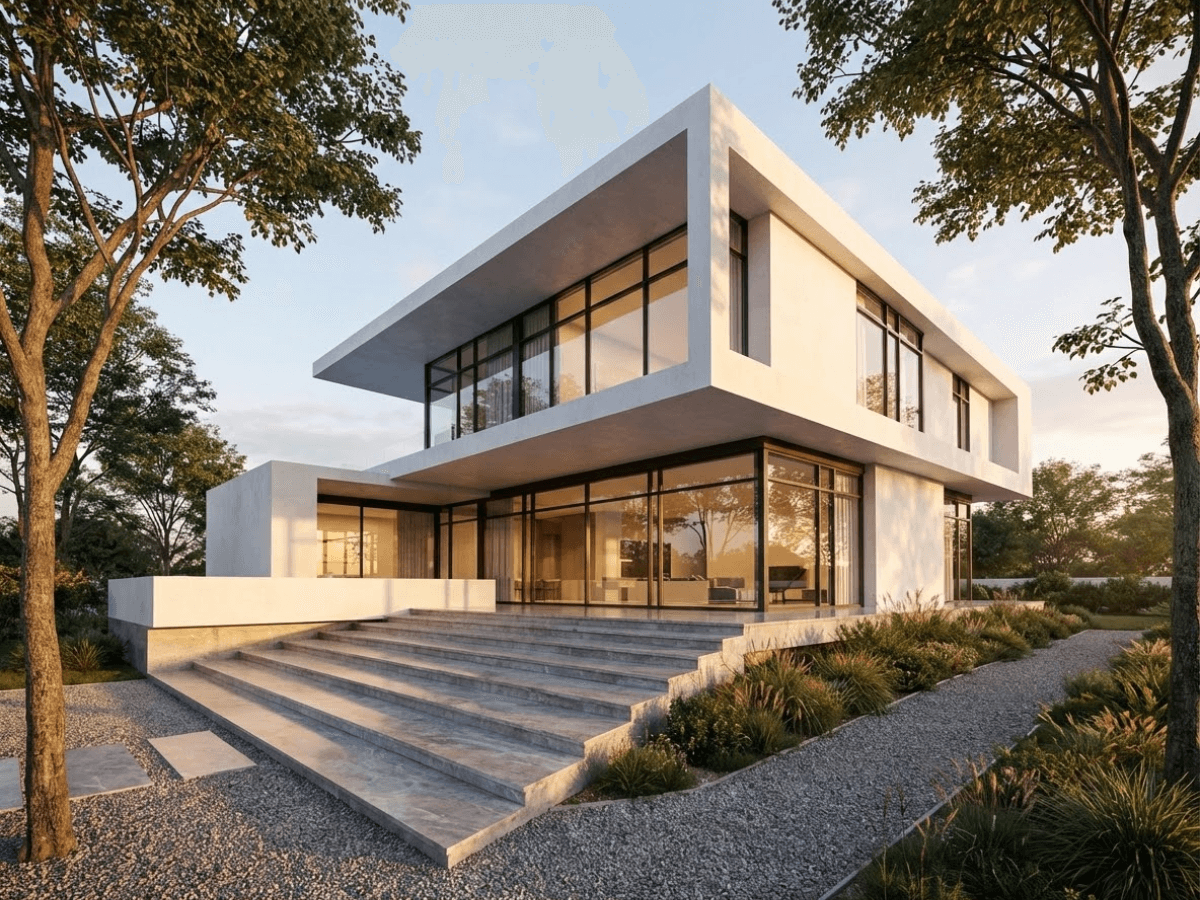
AI rendering produces photorealistic results from simple sketch inputs
The honest assessment: for concept presentations, marketing, and client communication, AI renders are now indistinguishable from traditional renders to most viewers. For construction-level precision where exact material specifications matter, traditional rendering still has the edge. But that's a narrow use case — the vast majority of renders are created for communication, not construction.
5. Technical & Hardware Requirements
| Requirement | Traditional | AI Rendering |
|---|---|---|
| GPU | High-end (RTX 4080+) | Not required |
| RAM | 32GB+ recommended | Standard (any device) |
| Storage | Fast SSD, 1TB+ for projects | Cloud-based |
| Operating system | Windows (most tools) | Any (browser-based) |
| Upgrade cycle | Every 2-3 years ($3K-$10K) | None |
| Mobile access | No | Yes (tablet, phone) |
This has major implications for remote work and site visits. With AI rendering, an architect can generate a render on their laptop at a café, on a tablet during a site visit, or on their phone during a client dinner. Traditional rendering chains you to a workstation.
6. Workflow Comparison
Traditional Rendering Workflow
- 1. Build detailed 3D model (SketchUp, Revit, Rhino)
- 2. Assign materials and textures to every surface
- 3. Configure lighting (sun position, artificial lights, HDRI)
- 4. Set up camera angles and composition
- 5. Run test renders, adjust settings, repeat
- 6. Run final render (often overnight for high resolution)
- 7. Post-process in Photoshop (color correction, people, vegetation)
AI Rendering Workflow
- 1. Upload input (sketch, photo, CAD screenshot, or text prompt)
- 2. Select style and describe what you want
- 3. Click generate — render appears in seconds
- 4. Refine with edit tool if needed (optional)
- 5. Enhance and download
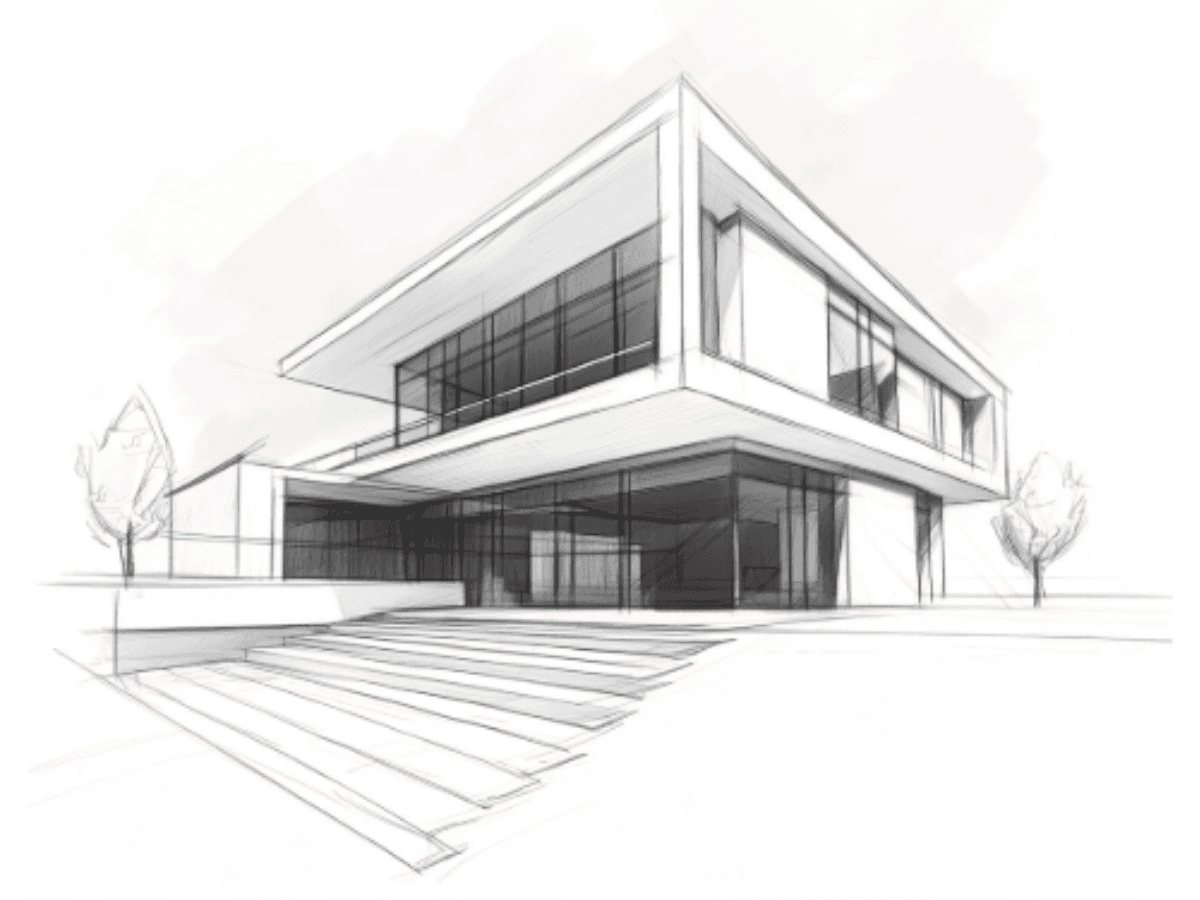
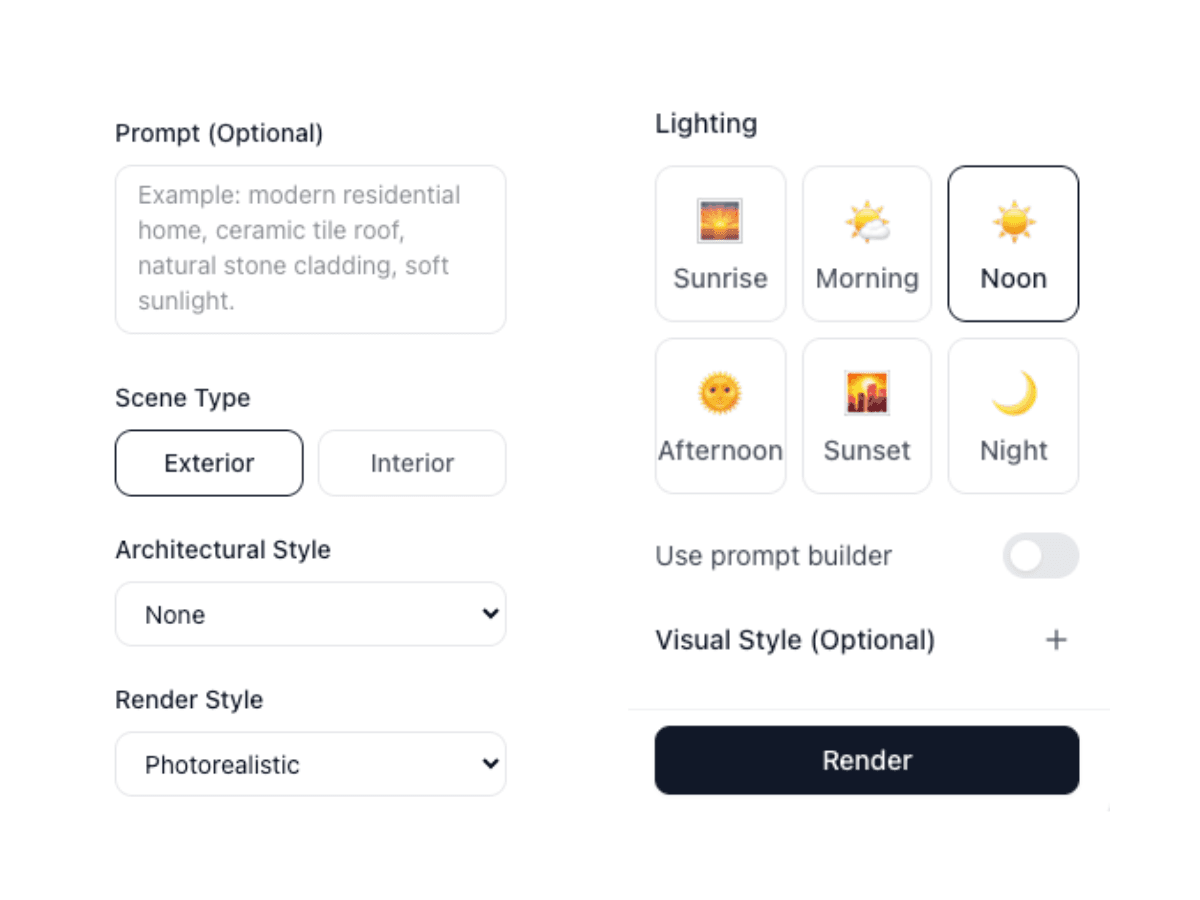
The AI rendering workflow: upload, choose style, download — in minutes
The workflow difference isn't just about fewer steps — it's about iteration speed. With traditional rendering, each change requires re-rendering (minutes to hours). With AI, each variation takes seconds. This transforms rendering from a final-stage deliverable into an active design exploration tool.
7. Skill Requirements
| Traditional | AI Rendering | |
|---|---|---|
| Software proficiency | V-Ray, Corona, Lumion, etc. | Web browser |
| 3D modeling | Required (intermediate+) | Not required |
| Material creation | Required | AI handles it |
| Lighting knowledge | Advanced understanding needed | Describe in words |
| Post-processing | Photoshop skills needed | Built-in edit/enhance tools |
| Learning curve | Months to years | Minutes to hours |
This has enormous implications for architecture firms. Traditional rendering often requires a dedicated visualization specialist — or significant training investment for existing staff. AI rendering can be used productively by any team member after a brief introduction, which means every architect in your firm becomes capable of producing presentation-quality renders.
8. When to Use Which Approach
Use AI Rendering When...
- You need renders fast — during meetings, same-day presentations, or rapid design exploration
- You're in early design stages and want to explore multiple concepts quickly
- You need renders for marketing, social media, and client communication
- You're working with sketches, photos, or text descriptions rather than 3D models
- You want to virtually stage empty rooms or construction sites
- You need video walkthroughs without an animation pipeline
- Budget is a concern and cost per render matters
Consider Traditional Rendering When...
- You need pixel-perfect accuracy for construction documentation
- The project requires exact material specifications that must be precisely represented
- You already have a detailed 3D model and an in-house visualization team
- The client requires specific camera angles matching real-world survey points
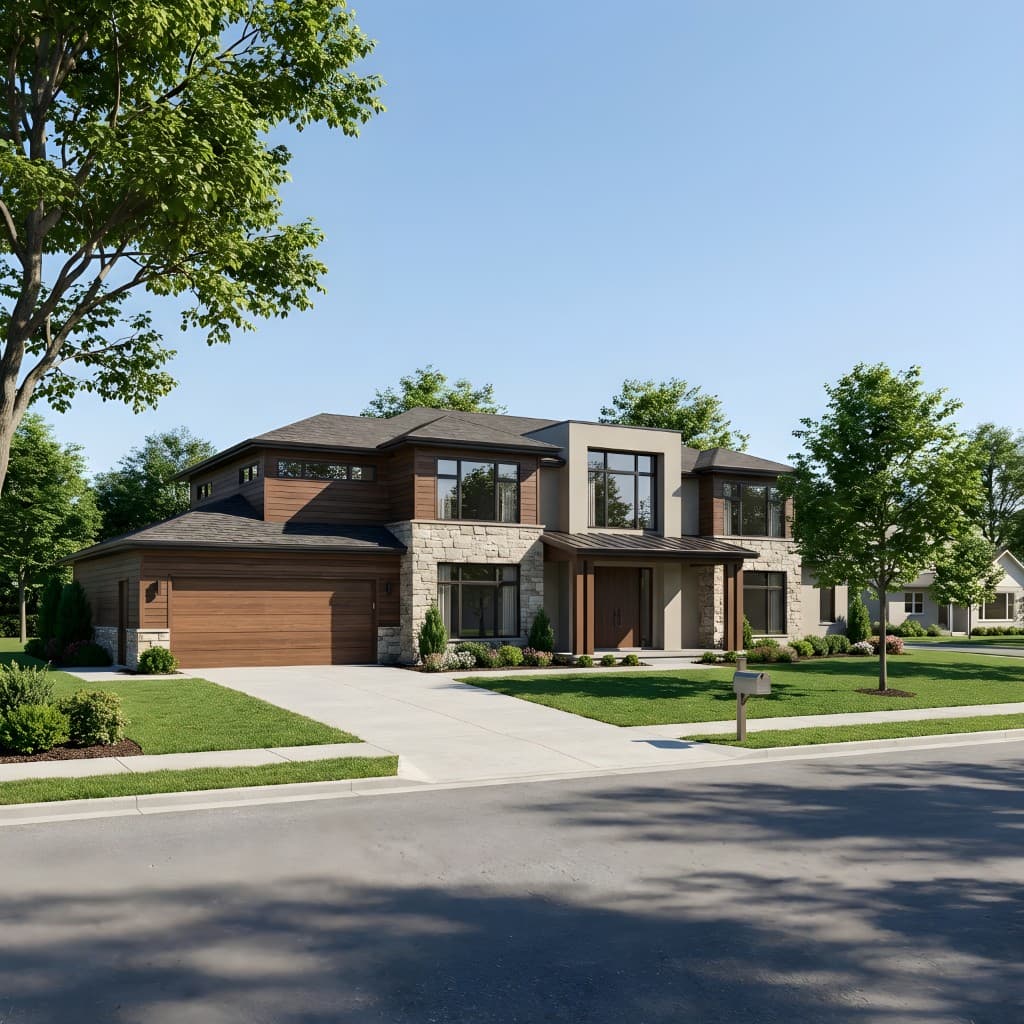
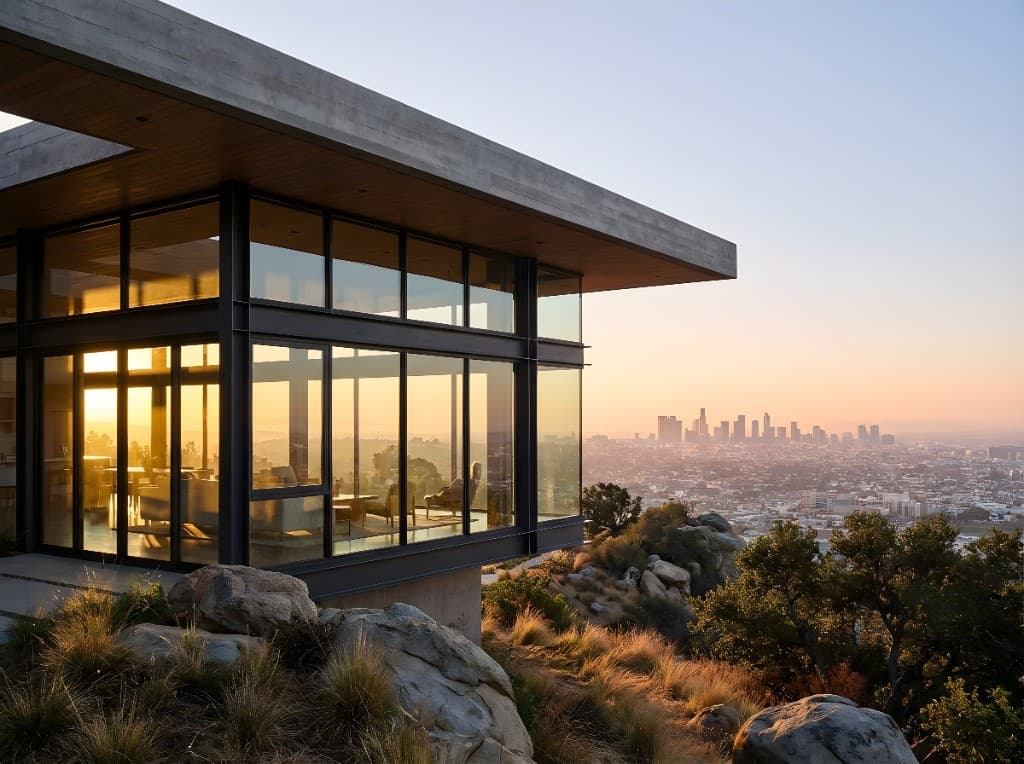
The reality is that most firms in 2026 will use both approaches. AI for speed and exploration, traditional for precision when it's truly needed. The firms that thrive will be the ones that know when to use each tool.
9. The Future: Convergence
The AI vs traditional debate is already becoming less relevant. We're moving toward convergence — hybrid workflows where AI and traditional tools complement each other:
- AI for concept → Traditional for refinement. Use AI to rapidly explore design options, then bring the best concepts into traditional software for precision detailing.
- AI-enhanced traditional tools. Software like D5 Render and Veras already embed AI features into traditional 3D workflows. Expect V-Ray and Lumion to follow.
- AI for iteration, traditional for hero shots. Generate dozens of AI variations to find the right direction, then produce a handful of hero images with traditional tools for the final presentation.
The architects who master both approaches will have the widest range of capabilities. But for firms that need to choose one starting point, AI rendering offers the most impact for the least investment.
Conclusion
AI rendering isn't replacing traditional rendering — it's expanding what's possible. Tasks that were once reserved for specialists with expensive hardware are now accessible to every architect with a laptop and an internet connection.
The numbers tell a clear story: ~90% faster, 90-99% cheaper, and a learning curve measured in minutes instead of months. For the vast majority of rendering needs — concept presentations, client communication, marketing, and design exploration — AI rendering delivers equivalent or better results than traditional methods.
Technology doesn't replace expertise — it amplifies it. The best renders in 2026 will come from architects who understand design, communicate clearly, and use the right tool for each moment. AI rendering is the tool that makes those moments happen faster.
Try AI Rendering for Yourself
See why thousands of architects are switching to AI rendering. Start with 50 free credits — no credit card, no software installation, no learning curve.
— The Rendershop Team