Architecture firms are under more pressure than ever — tighter deadlines, higher client expectations, and increasing competition. AI tools have gone from interesting experiments to essential infrastructure that the most successful firms rely on daily.
The firms that adopt the right AI tools aren't just saving time. They're winning more bids, presenting better visuals, exploring more design options, and delivering projects faster. This guide covers the 10 AI tools that every architecture firm should be using in 2026, starting with the most comprehensive platform available.
The 10 Must-Use AI Tools:
1Rendershop
Rendershop is the most complete AI platform built specifically for architecture firms. While most tools on this list handle one task well, Rendershop combines rendering, editing, enhancement, virtual staging, and video generation into a single workspace — eliminating the need for multiple subscriptions and disjointed workflows.
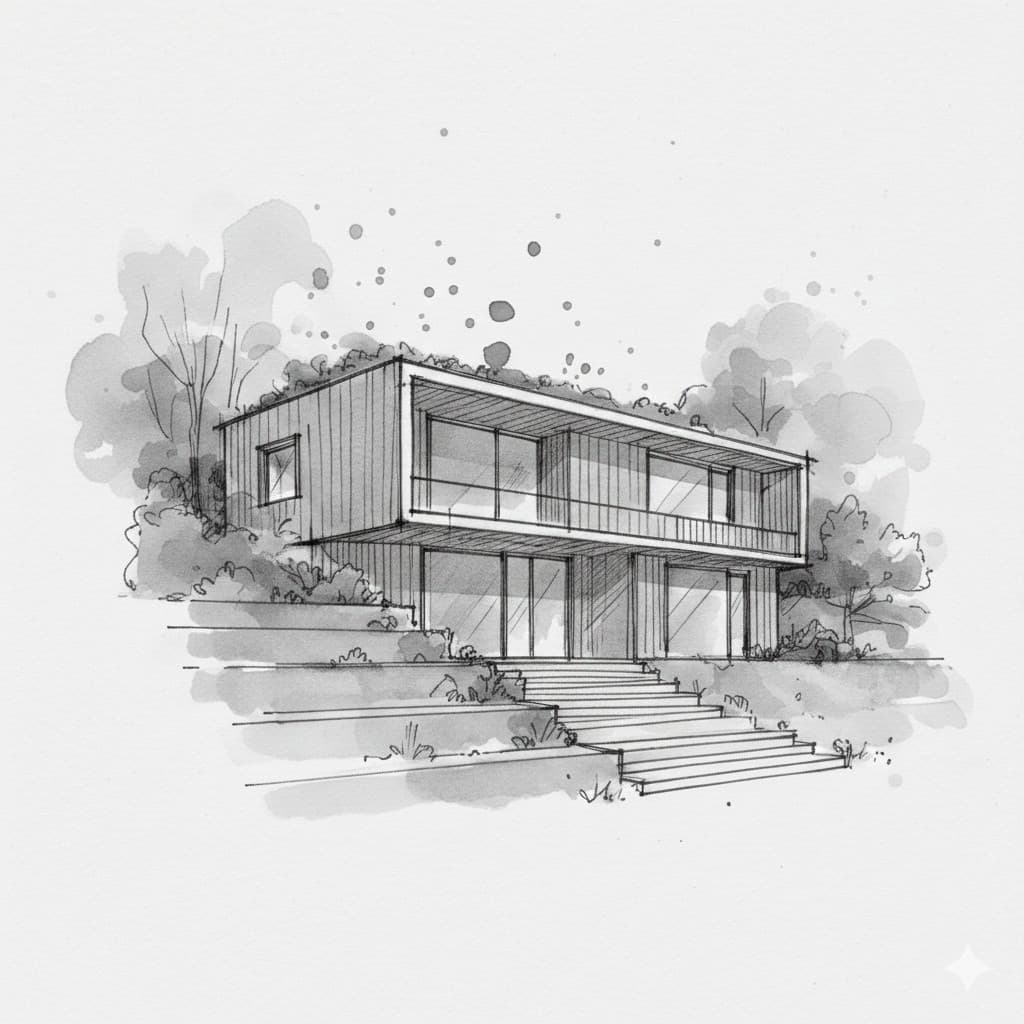
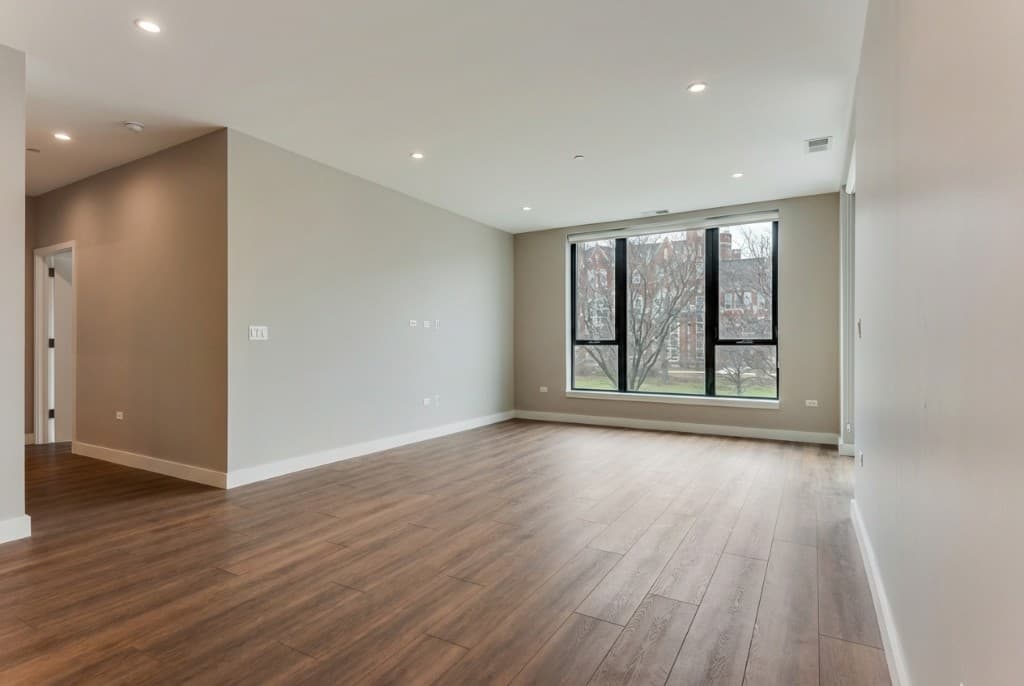
Rendershop transforms sketches and CAD designs into photorealistic renders in seconds
For architecture firms, the value is in the breadth. Upload a sketch and get a photorealistic render. Use the Edit Tool to swap materials or modify specific elements without re-rendering the entire image. Run it through Enhance for up to 10x upscaling. Stage empty interiors with the Staging Tool. Then turn any render into a cinematic walkthrough Video for client presentations.
This end-to-end workflow means your firm can go from concept to client-ready presentation without leaving a single platform. That's a game-changer for firms that currently juggle rendering software, Photoshop, staging tools, and video editors separately.
Why Firms Choose Rendershop:
- • Render: Sketch, CAD, and elevation to photorealistic images in seconds
- • Edit: Swap materials, change colors, and modify elements with AI precision
- • Enhance: Upscale renders up to 10x for print-ready presentations
- • Staging: Virtually furnish empty spaces for real estate and interior projects
- • Video: Generate cinematic walkthroughs from any render
- • Photo Edit: AI-powered inpainting for selective image modifications
- • 50 free credits with commercial use — no credit card required

2Midjourney
Midjourney remains one of the best tools for early-stage conceptual exploration. Architecture firms use it to generate mood boards, explore radical design directions, and push creative boundaries that might not emerge through traditional sketching alone.
With its latest versions offering improved architectural coherence, Midjourney has become more reliable for generating concepts that actually inform real design decisions. It's best used in the ideation phase — not as a replacement for professional rendering tools like Rendershop, but as a creative springboard.
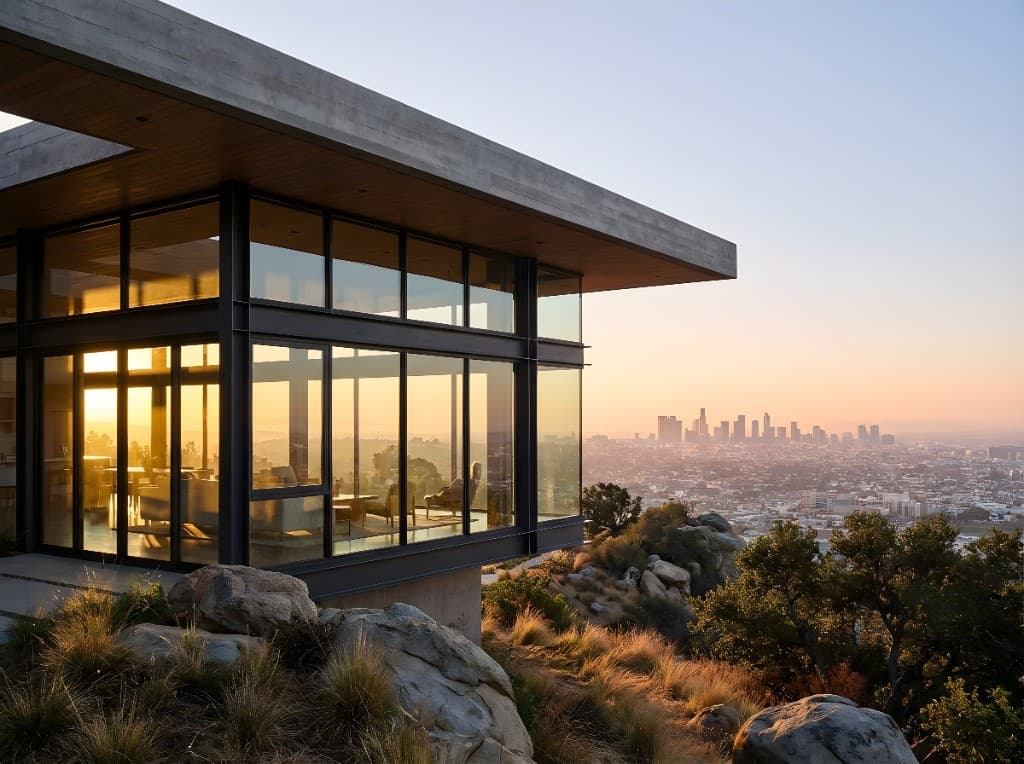
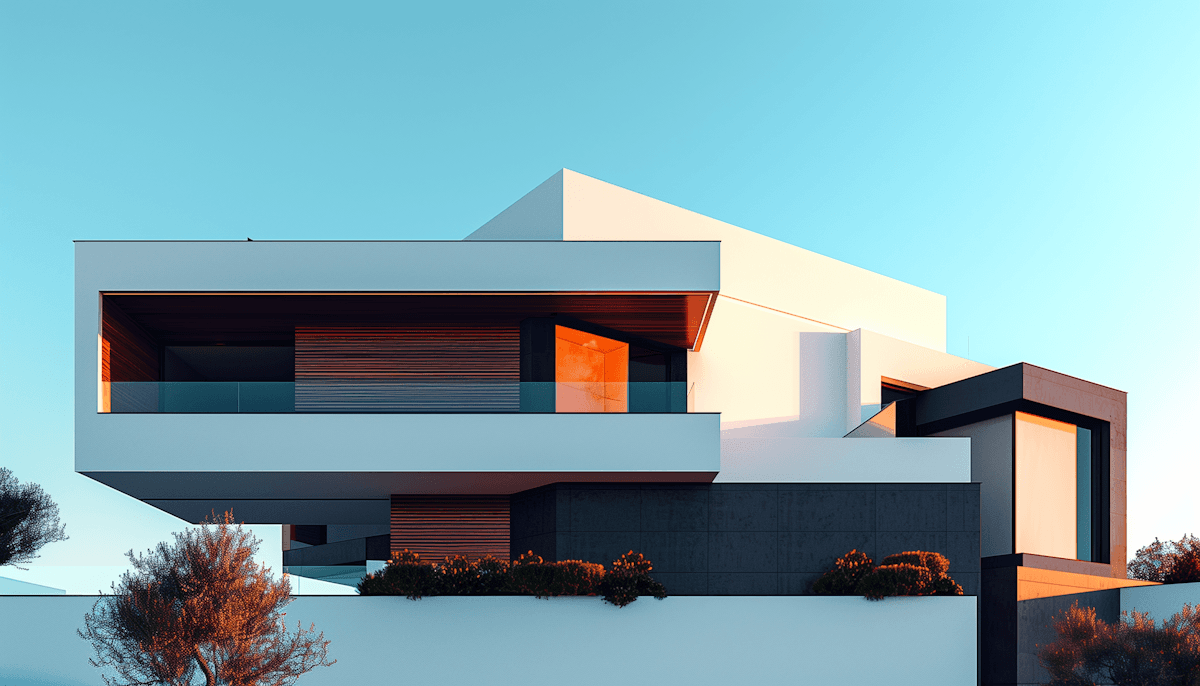
AI-generated concepts help architecture firms explore bold design directions early
Best For:
Conceptual exploration, mood boards, creative ideation, and client inspiration presentations.
3Autodesk Forma
Autodesk Forma (formerly Spacemaker) is purpose-built for early-stage site design and environmental analysis. Architecture firms use it to evaluate site feasibility with AI-driven analysis of wind, noise, sunlight, and daylight conditions — critical data that informs design decisions from day one.
Its seamless integration with Revit and other AEC tools makes it a natural fit for firms already working within the Autodesk ecosystem. Forma is particularly valuable for urban planning projects and multi-building developments where environmental factors significantly impact design.
Best For:
Early-stage site analysis, environmental impact assessment, conceptual massing, and Revit integration.
4D5 Render
D5 Render offers real-time ray-traced rendering with deep AI integration. For architecture firms that work heavily with 3D models, D5's AI Agent assists with smart planting and scene composition, while AI PBR Material Snap creates physically-based materials directly from photos.
The real-time feedback loop is what makes D5 Render valuable for firms — you can iterate on materials, lighting, and camera angles instantly, which speeds up the design review process significantly. It pairs well with Rendershop for firms that want both 3D model rendering and sketch/elevation-based AI rendering.
Best For:
Real-time 3D rendering, AI material creation, scene composition, and high-speed visualization output.
5ChatGPT
ChatGPT has become an indispensable assistant for architecture firms beyond design work. Firms use it for drafting project descriptions, writing specification documents, summarizing building codes, creating RFP responses, and even generating client communication templates.
For design work, ChatGPT can help brainstorm material palettes, research precedent projects, and draft design narratives. It won't replace your designers, but it eliminates hours of administrative writing and research that pull your team away from actual design work.
Best For:
Documentation, RFP responses, code research, design narratives, and client communication drafting.
6Veras (by Chaos)
Veras by Chaos is an AI visualization plugin that integrates directly into Revit, Rhino, and SketchUp. For firms that want AI rendering without leaving their modeling environment, Veras transforms geometric models into styled images using diffusion techniques while preserving the architect's design intent.
The key advantage is workflow integration — your designers don't need to export, upload, or switch tools. They can iterate on materials and lighting directly within their modeling software, which reduces friction and encourages more design exploration.
Best For:
In-model rendering, Revit/Rhino/SketchUp integration, rapid material iteration, and preserving design geometry.
7Adobe Firefly / Photoshop
Adobe Firefly and Photoshop's Generative Fill have become essential post-production tools for architecture firms. Need to extend a sky, remove construction equipment from a site photo, or add landscaping to a render? Generative Fill handles these tasks with a simple text prompt.
For firms that already use Creative Cloud, these AI features are included at no extra cost. They're particularly useful for polishing renders and site photos before they go into client presentations and marketing materials.


Best For:
Post-production editing, background extension, element removal, and polishing renders for presentations.
8Maket.ai
Maket.ai specializes in generative floor plans for residential design. Architecture firms working on housing projects can generate thousands of floor plan variations based on site constraints, client requirements, and zoning regulations — dramatically speeding up the schematic design phase.
The platform also includes early-stage regulatory compliance checks, which helps firms catch zoning issues before they become expensive problems. It's particularly useful for custom home builders and developers working on multi-unit residential projects.
Best For:
Generative floor plans, residential design exploration, zoning compliance, and rapid schematic design.
9Archistar
Archistar is an AI-driven property research and feasibility platform. For firms involved in development projects, Archistar provides automated site identification, concept design generation for challenging sites, and integrated financial feasibility assessments.
The ability to quickly assess whether a site is viable — considering planning rules, development potential, and financial returns — saves firms weeks of preliminary research. It's the kind of tool that helps firms say "yes" or "no" to opportunities faster.

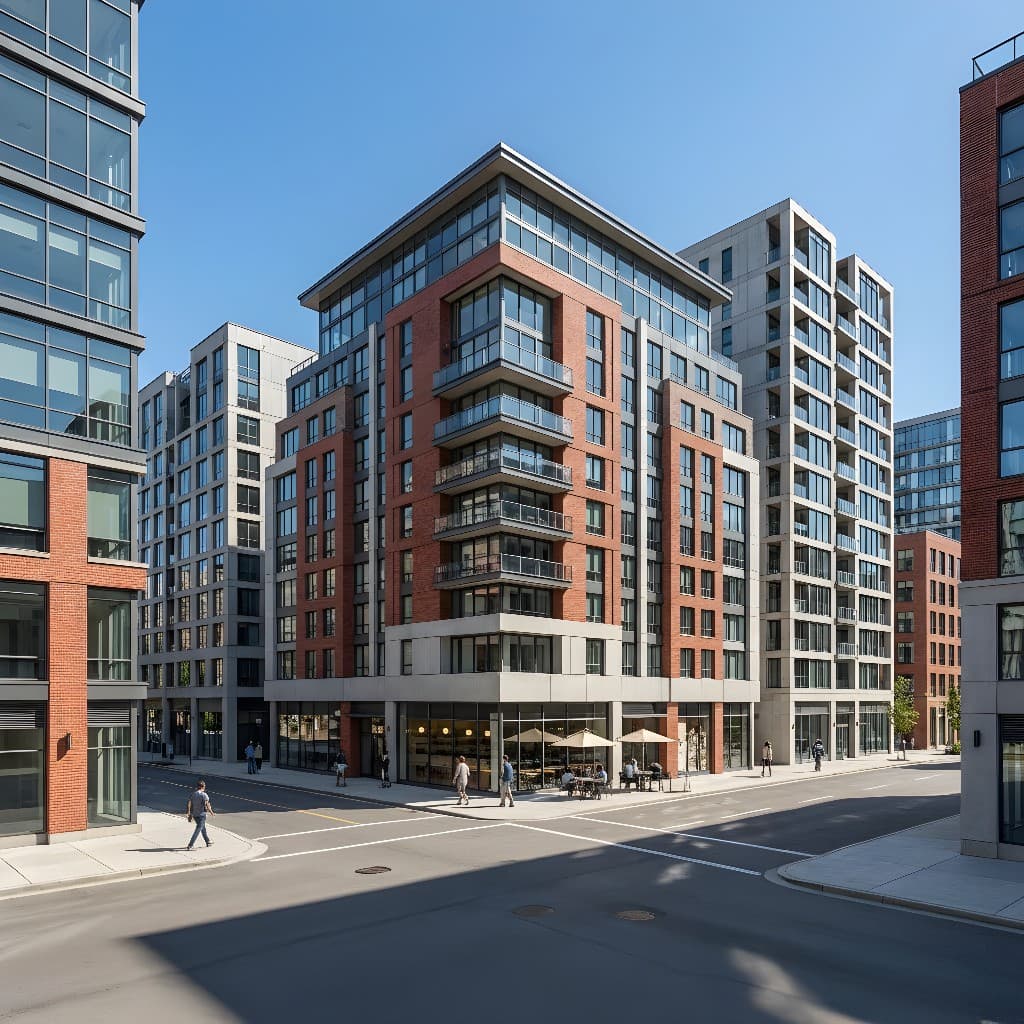
AI-powered feasibility analysis helps firms evaluate development potential quickly
Best For:
Site feasibility, property research, financial analysis, planning compliance, and development potential assessment.
10Luma AI (Dream Machine)
Luma AI's Dream Machine generates high-quality video content from images and text prompts. Architecture firms use it to create walkthrough animations and cinematic presentations from static renders — a capability that used to require expensive animation studios.
For client-facing presentations and social media marketing, video walkthroughs are increasingly expected. Luma AI provides a cost-effective way to deliver this content, though for firms already using Rendershop, the built-in Video tool offers a more integrated workflow.
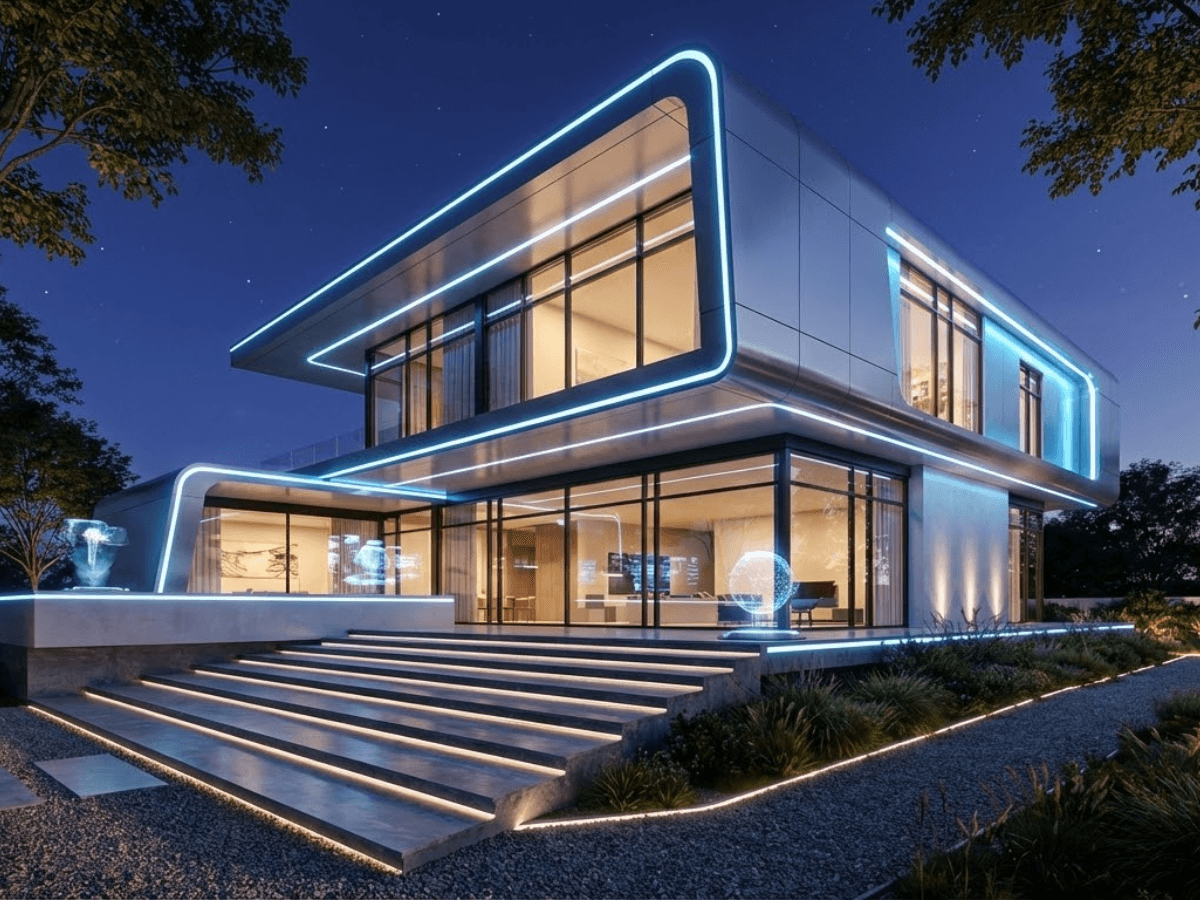
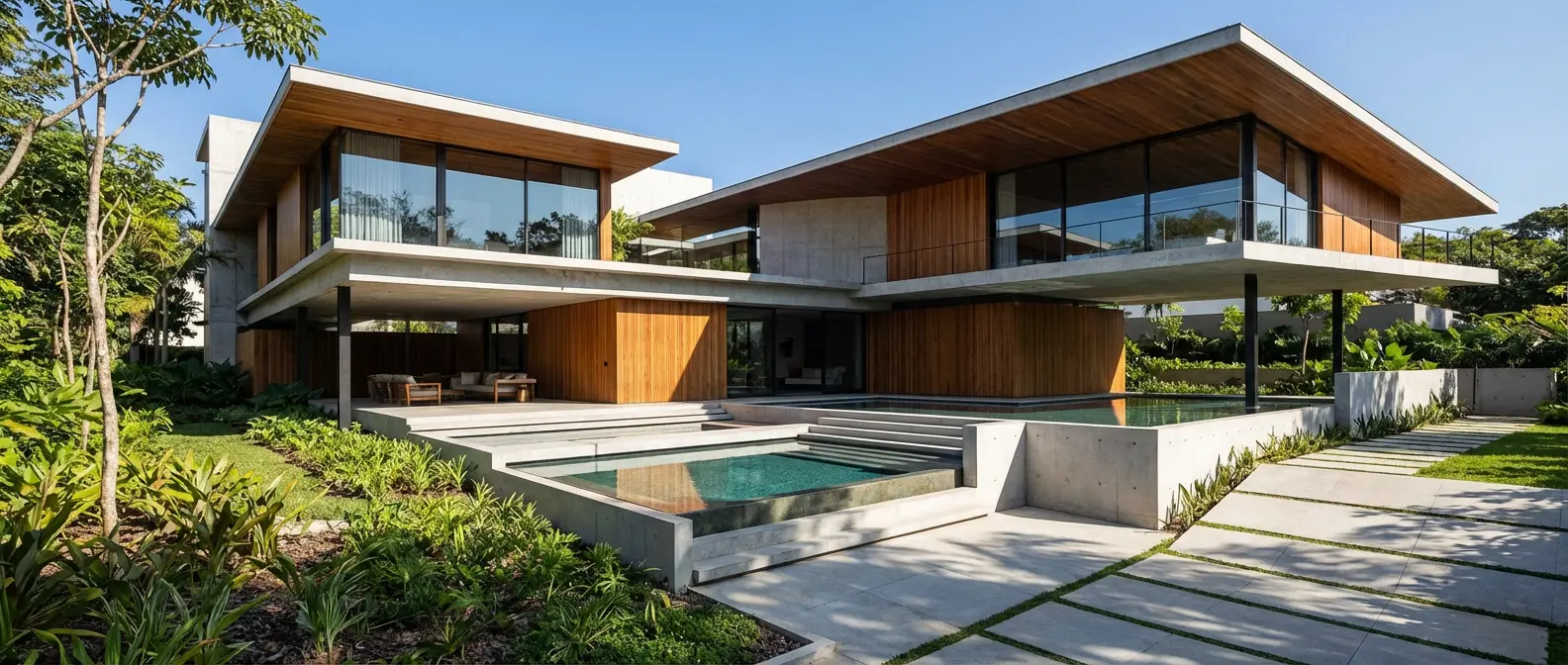
AI video generation turns static renders into cinematic walkthroughs
Best For:
Video walkthroughs, cinematic presentations, social media content, and client pitch videos.
Quick Comparison: AI Tools for Architecture Firms
| Tool | Primary Use | Best For Firms That... |
|---|---|---|
| Rendershop ⭐ | All-in-one rendering suite | Need rendering, staging, editing & video in one tool |
| Midjourney | Conceptual imagery | Want creative exploration and mood boards |
| Autodesk Forma | Site analysis | Need environmental data for early design |
| D5 Render | Real-time 3D rendering | Work heavily with 3D models |
| ChatGPT | Writing & research | Need help with docs, RFPs, and research |
| Veras | CAD/BIM plugin | Want AI rendering inside Revit/Rhino |
| Adobe Firefly | Post-production | Already use Creative Cloud for editing |
| Maket.ai | Floor plan generation | Focus on residential and housing projects |
| Archistar | Feasibility analysis | Need fast site evaluation and financial data |
| Luma AI | Video generation | Need standalone video walkthroughs |
The Bottom Line for Architecture Firms
You don't need all 10 tools on day one. Start with the tools that address your firm's biggest bottlenecks. For most firms, that means starting with Rendershop — because rendering, editing, staging, and video generation cover the widest range of daily needs in a single platform.
Add specialized tools like Autodesk Forma for site analysis, Midjourney for creative exploration, or Maket.ai for generative floor plans as your firm's AI maturity grows. The firms that invest in these tools now will have a significant competitive advantage over those that wait.
AI isn't replacing architects — it's giving firms the leverage to do more ambitious work, serve more clients, and deliver higher-quality presentations. The question isn't whether to adopt AI tools, but which ones to start with.
Start with the #1 AI Tool for Architecture Firms
Rendershop gives your firm rendering, editing, staging, enhancement, and video — all in one platform. Start with 50 free credits today.
— The Rendershop Team