If you've been in architecture, real estate, or design for any amount of time, you know the pain of traditional rendering workflows. Model the scene in 3D software. Set up materials and lighting. Wait hours — sometimes overnight — for a single image to process. Then make adjustments and do it all again.
AI has fundamentally changed this. Today, AI can generate photorealistic architectural renderings from sketches, photos, text descriptions, or CAD screenshots — in seconds, not hours. And the quality is good enough for client presentations, marketing materials, and design exploration.
But how does it actually work? What can AI rendering do well, and where does it fall short? This guide breaks it all down.
How AI Rendering Actually Works
Traditional rendering engines like V-Ray, Lumion, or Enscape simulate light physics. They trace rays of light through a 3D scene, calculating how light bounces off surfaces, passes through glass, and creates shadows. This is computationally intensive, which is why it takes so long.
AI rendering takes a completely different approach. Instead of simulating physics, AI models have been trained on millions of images of real buildings, interiors, and architectural visualizations. They've learned what buildings look like — how light falls on concrete, how glass reflects the sky, how wood grain catches sunlight.
When you give an AI rendering tool an input (a sketch, photo, or text prompt), it generates a new image that matches your description while applying all of that learned visual knowledge. The result is a photorealistic image created in seconds rather than hours.
What Can AI Render?
The range of what AI can render today is broader than most people expect. Here's what's possible:
Exterior Visualizations
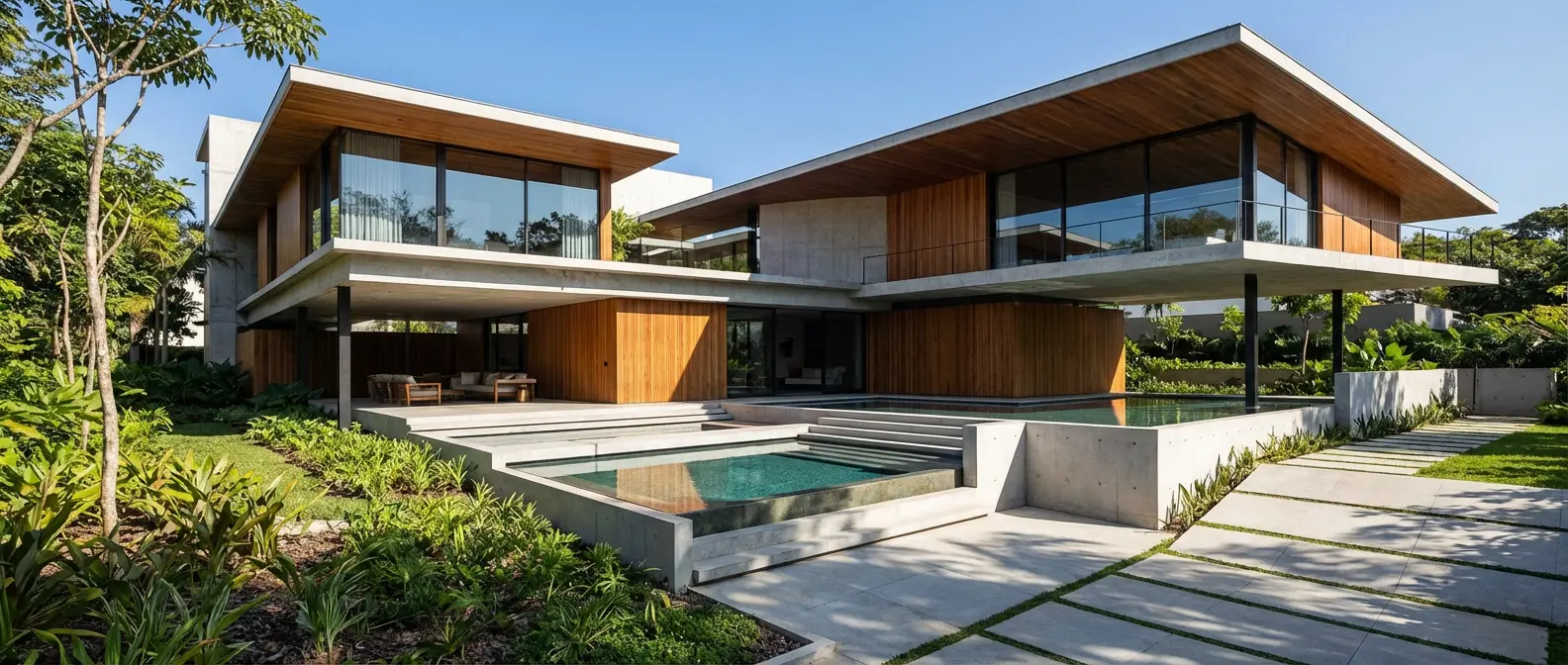
AI excels at generating exterior home and building renderings. Feed it a sketch of a facade, a photo of an existing building, or just a text description like "modern two-story home with flat roof and floor-to-ceiling windows on a wooded lot" — and you'll get a photorealistic result with accurate materials, lighting, and environmental context.
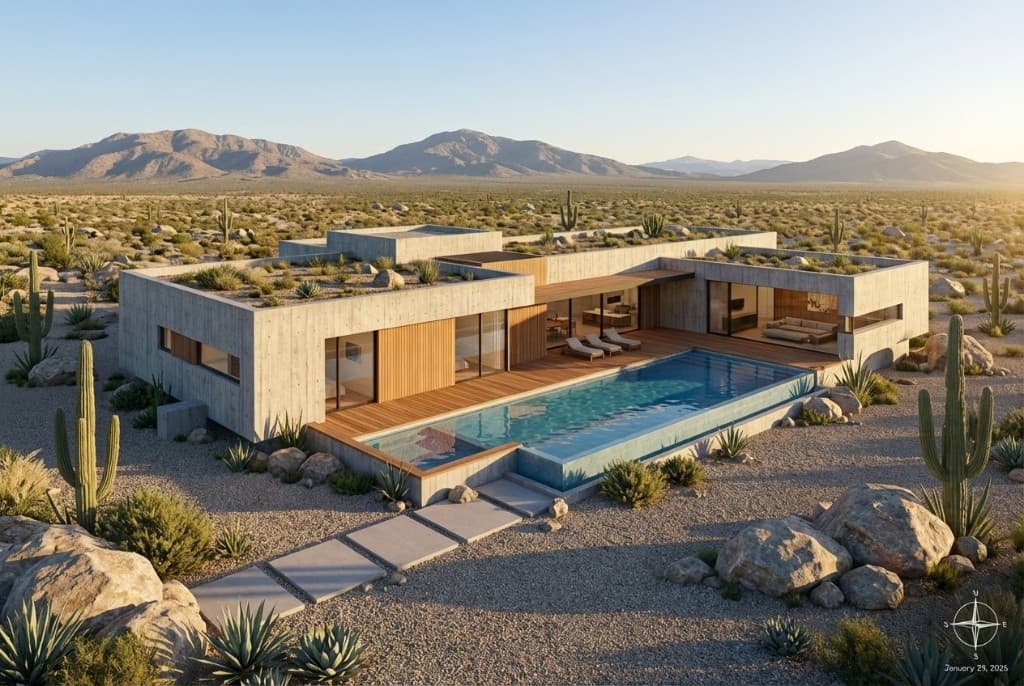
AI-generated exterior rendering of a modern desert home
Interior Design Concepts
Interior renderings are another strong suit. AI can generate living rooms, kitchens, bedrooms, offices, and commercial interiors with realistic furniture, textures, and lighting. You can specify styles — Scandinavian, industrial, mid-century modern — and the AI will produce on-brand results.
Sketch-to-Render Transformations
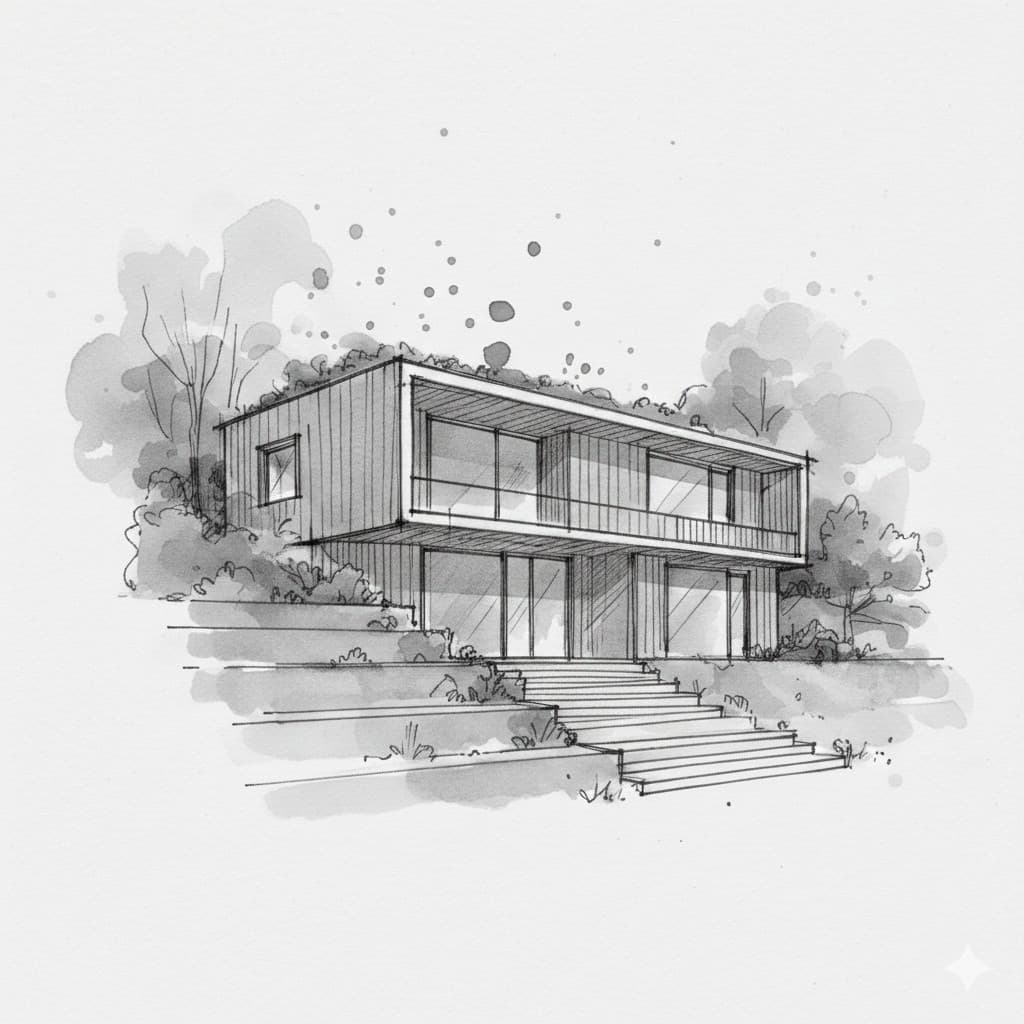
One of the most powerful use cases is transforming hand-drawn sketches into photorealistic images. Upload a pencil sketch of an elevation or perspective, describe the materials and style you want, and the AI generates a rendered version that preserves your design intent.
Photo-to-Render Redesigns
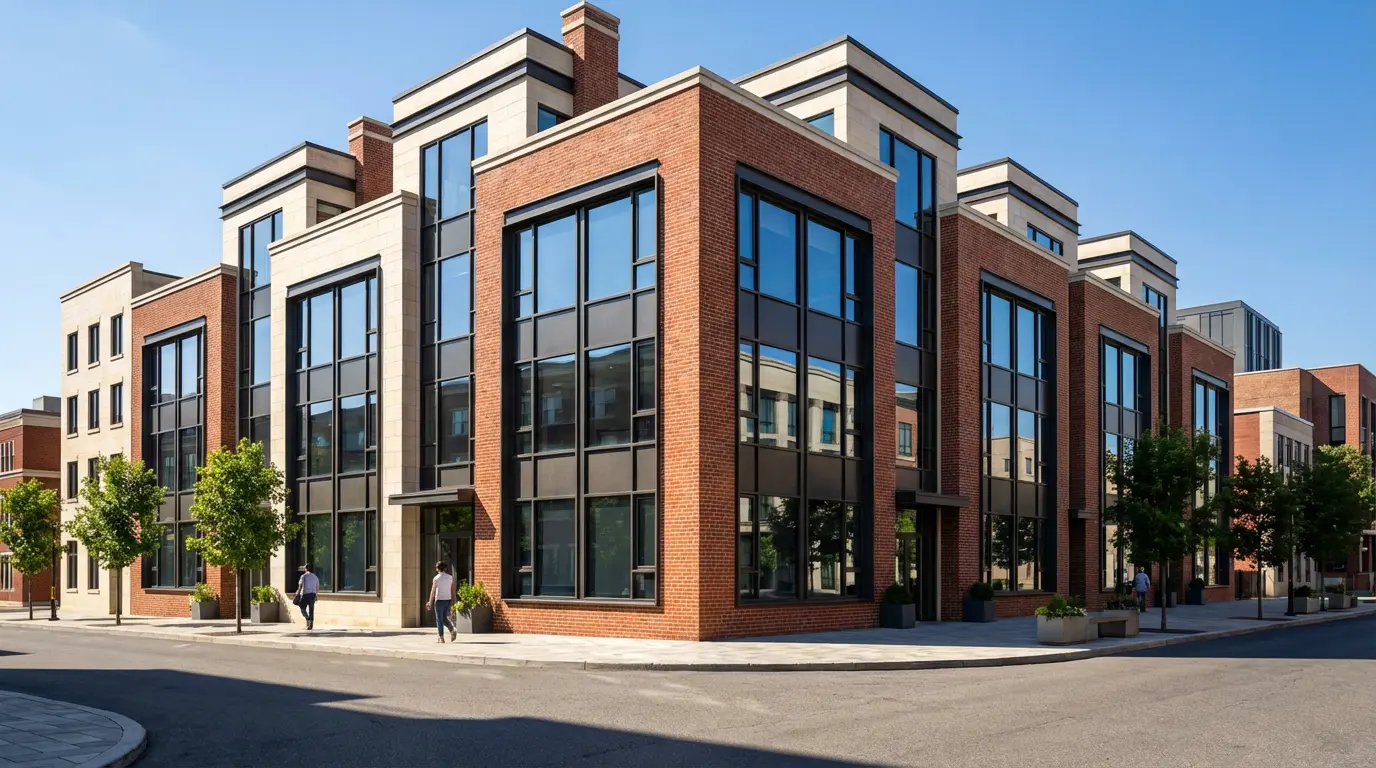
AI can also take a photo of an existing building and reimagine it in a different style. Upload a photo of a dated ranch home and ask for a "modern farmhouse renovation with board-and-batten siding and black windows" — and you'll see exactly what that transformation could look like.
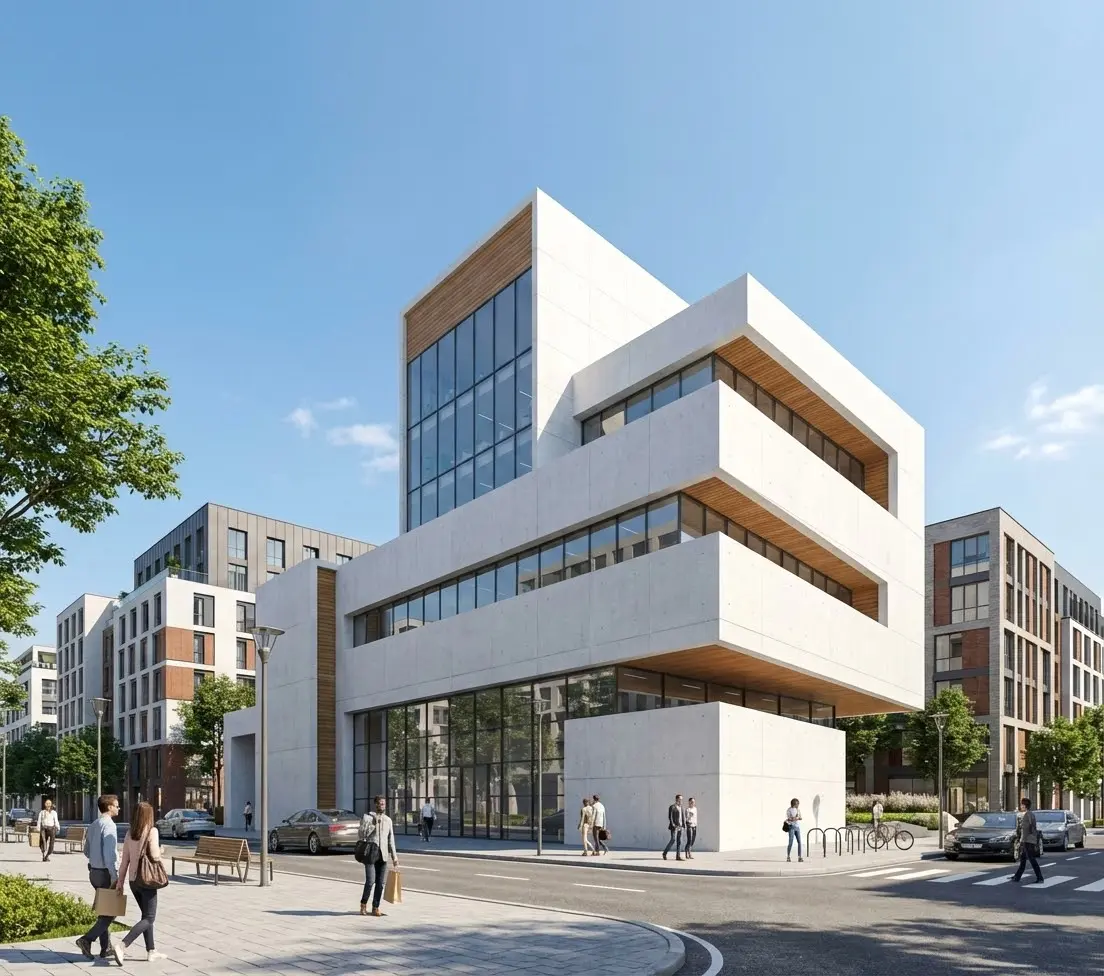
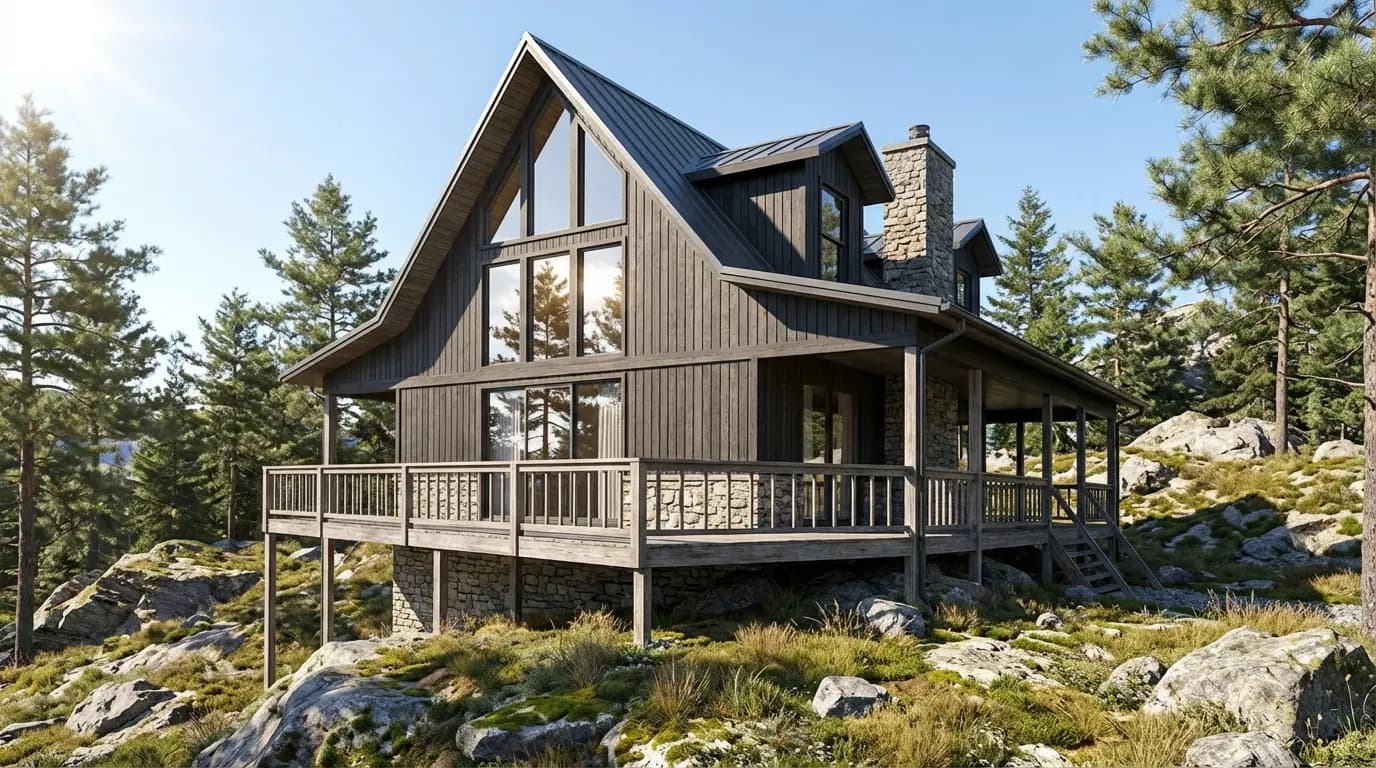
The same input rendered in different architectural styles
What AI Rendering Can't Do (Yet)
AI rendering is powerful, but it's not a complete replacement for traditional workflows in every scenario. Here are the current limitations:
- Precise dimensions and measurements: AI doesn't work from measured 3D models, so it can't guarantee exact proportions or construction-ready accuracy.
- Consistent multi-view sequences: Generating multiple views of the exact same building with perfect consistency is still challenging — each generation is somewhat unique.
- Technical construction documents: AI renderings are visualizations, not blueprints. They're meant for communication and exploration, not for building permits.
- Highly specific custom details: Very unusual or custom architectural details (like a specific proprietary curtain wall system) may not render with perfect accuracy.
The key takeaway:
AI rendering is best for design exploration, client communication, and marketing — the stages where speed and visual impact matter most. For construction documentation, traditional workflows still have their place.
Who's Using AI Rendering Today?
AI rendering has been adopted across the architecture and real estate industries. Here's how different professionals are using it:
- Architects: Generating early-stage concepts to present to clients during initial consultations, before investing in full 3D modeling.
- Interior designers: Showing clients room concepts with different furniture, color palettes, and material finishes in minutes.
- Real estate agents: Creating virtual staging images for empty listings and renovation concepts for fixer-uppers.
- Developers: Visualizing new construction projects for investor presentations and pre-sales marketing.
- Students: Building portfolios with professional-quality renderings without expensive software licenses.
AI Rendering vs Traditional Rendering: A Quick Comparison
How to Get Started with AI Rendering
Getting started with AI rendering is straightforward. Here's a simple workflow using Rendershop:
- Sign up for free: Create a Rendershop account and get 50 free credits — no credit card required.
- Choose your input: Upload a sketch, photo, or CAD screenshot. Or start with just a text description.
- Write your prompt: Describe the style, materials, and atmosphere. Be specific: "modern home with white stucco, black window frames, flat roof, golden hour lighting."
- Generate: Click render and get your result in 30–60 seconds.
- Refine: Use the Edit tool to make targeted changes — swap materials, adjust landscaping, or change lighting without regenerating the whole image.
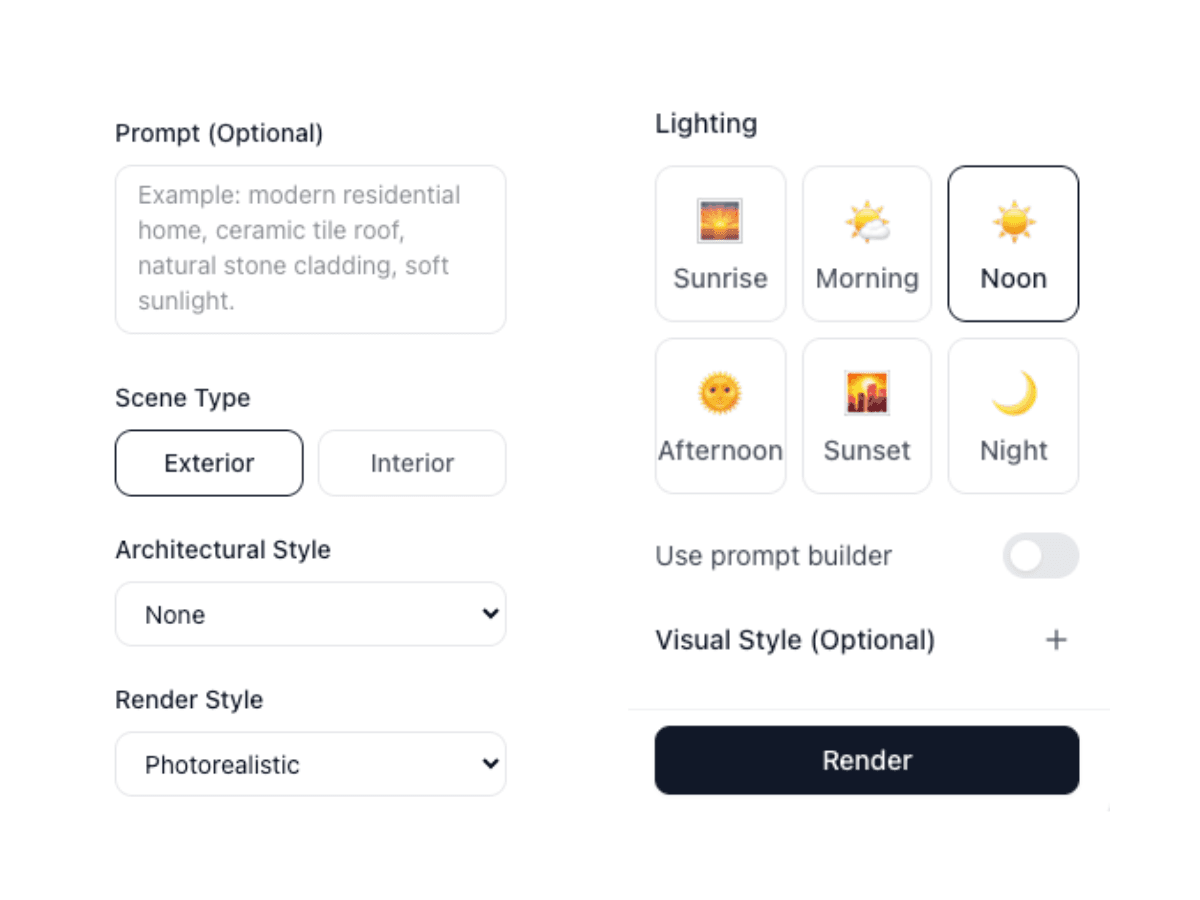
The Rendershop interface: upload, describe, and render in seconds
Tips for Getting the Best AI Renderings
The quality of your AI rendering depends heavily on the quality of your input. Here are the prompting strategies that produce the best results:
- Be specific about materials: "White oak flooring" gives better results than just "wood floors."
- Mention lighting conditions: "Warm afternoon light" or "overcast sky" dramatically changes the mood.
- Reference architectural styles: "Scandinavian minimalism" or "Mediterranean revival" gives the AI clear direction.
- Include context: Describe the surroundings — "tree-lined suburban street," "coastal hillside," or "dense urban block."
- Iterate quickly: Generate 3–4 variations and pick the best elements from each. Speed is the advantage — use it.
The Bottom Line: AI Rendering Is Here to Stay
Can AI make renderings? Absolutely. And it's getting better every month. The architects and designers who are adopting AI rendering today aren't replacing their traditional workflows — they're augmenting them. They use AI for the stages where speed matters (concept design, client communication, marketing) and traditional tools where precision matters (construction documentation, detailed design development).
The result is a faster, more iterative design process where ideas get visualized in minutes rather than days. Clients see realistic options earlier. Designers explore more concepts. And better buildings get built because better communication happened from the start.
If you haven't tried AI rendering yet, there's never been a better time to start.
Try AI Rendering for Free
Create a free Rendershop account and generate your first AI rendering in under 60 seconds. No credit card required — get 50 free credits to explore all features.
— The Rendershop Team