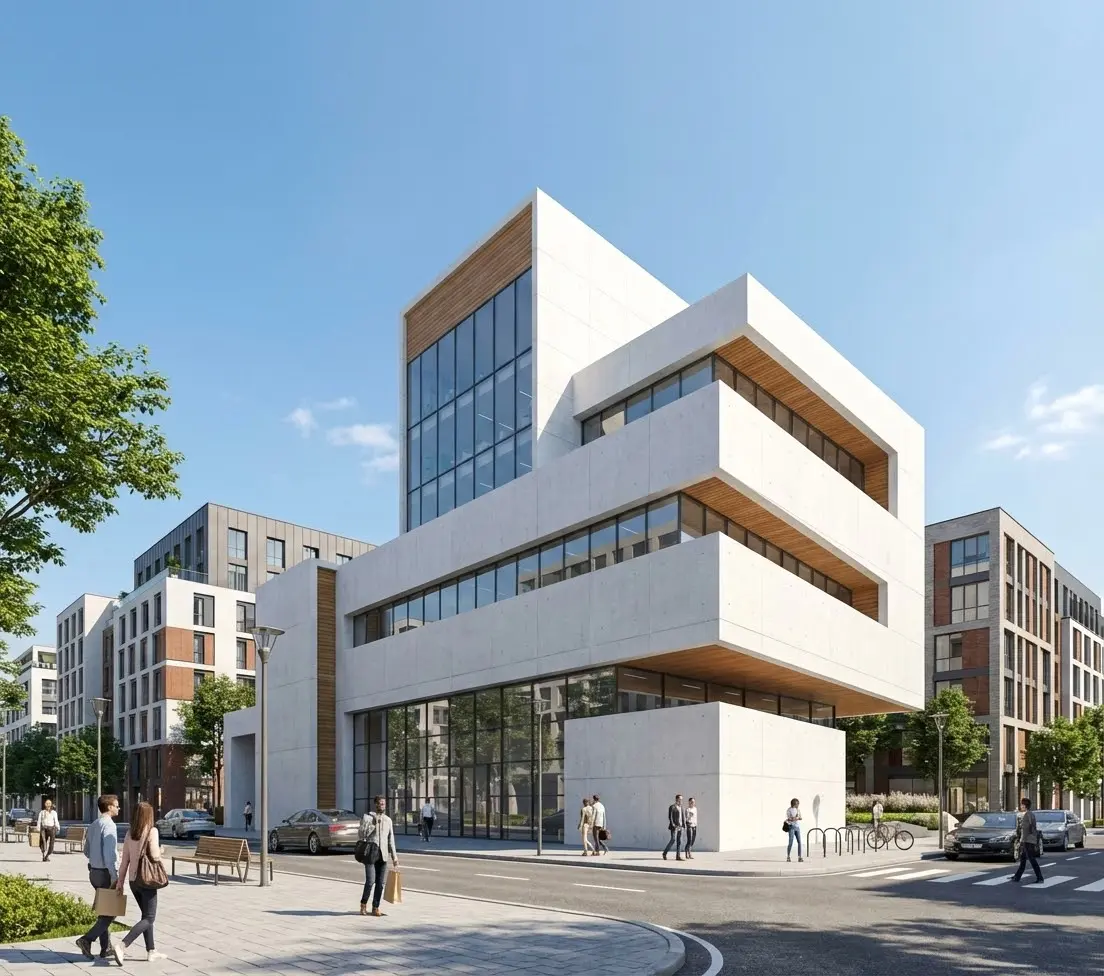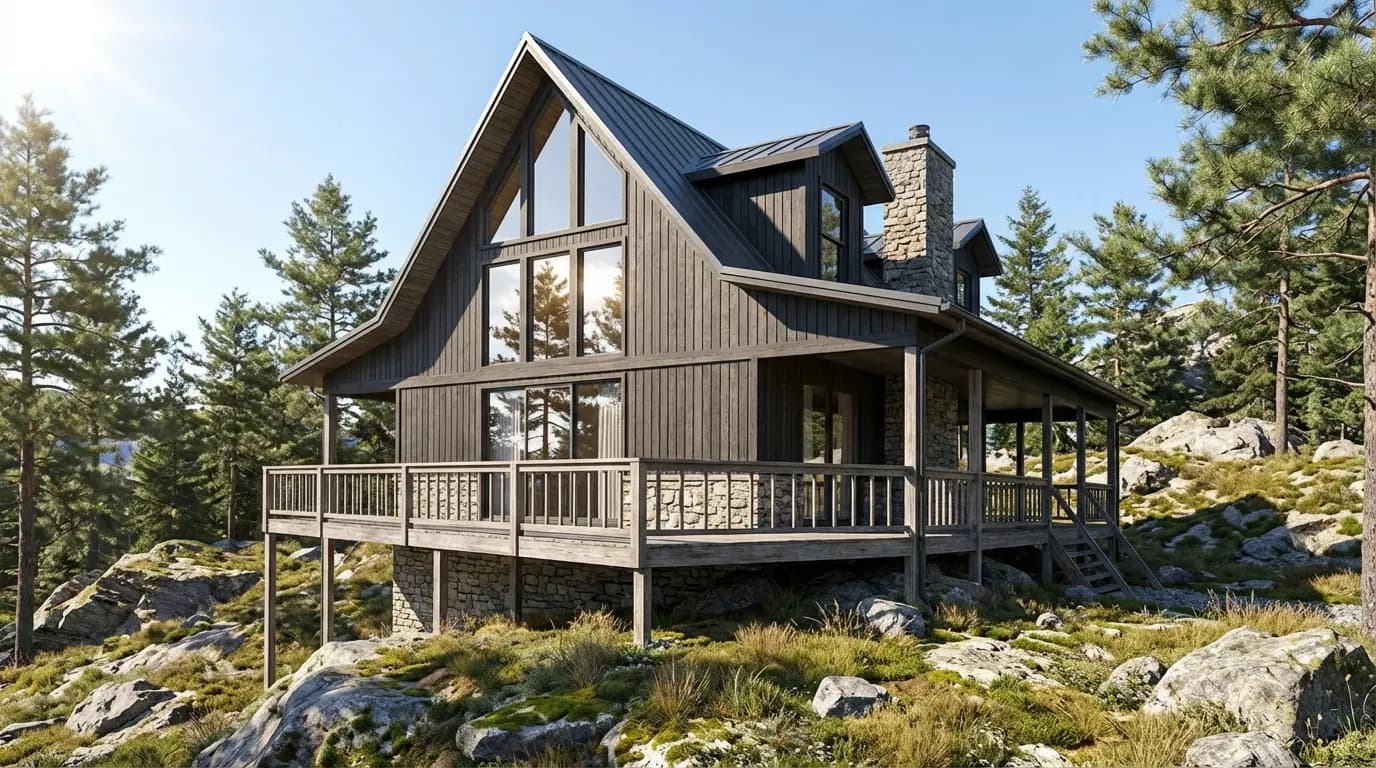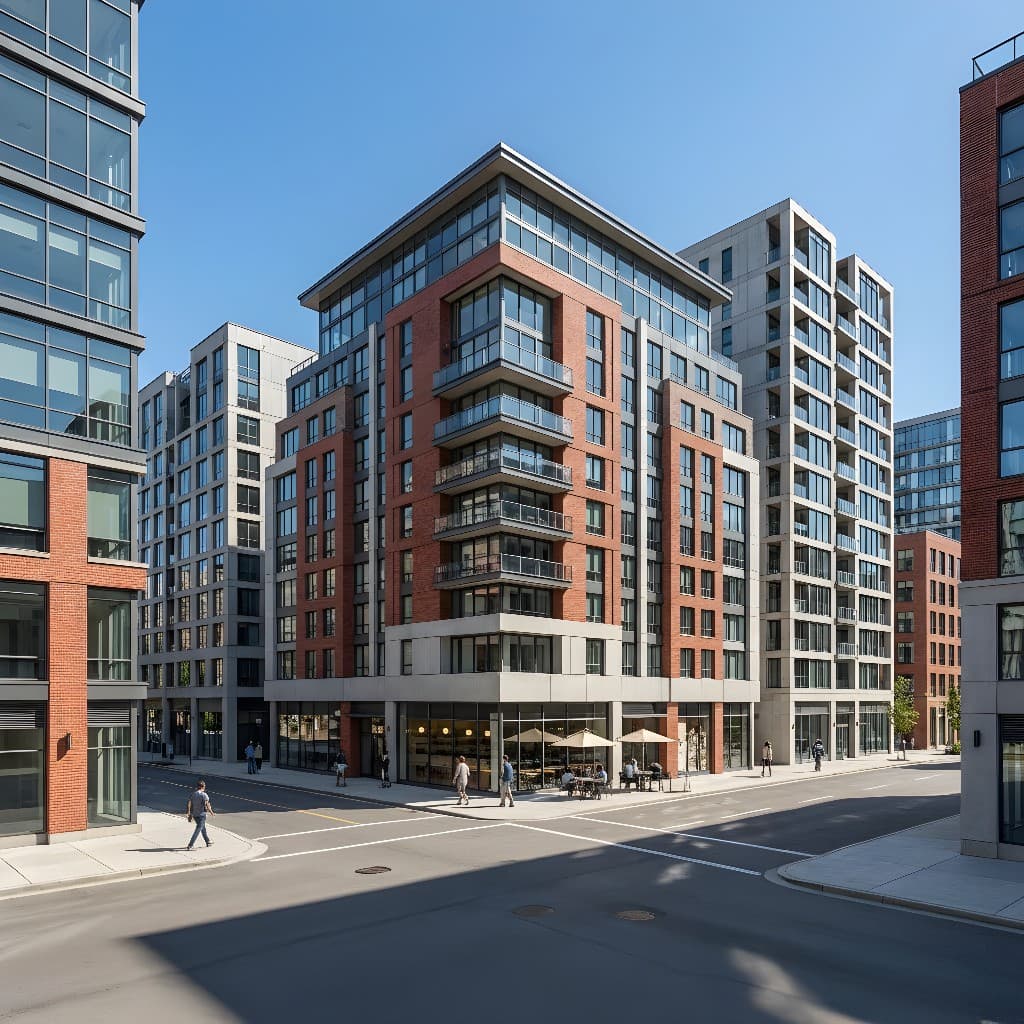
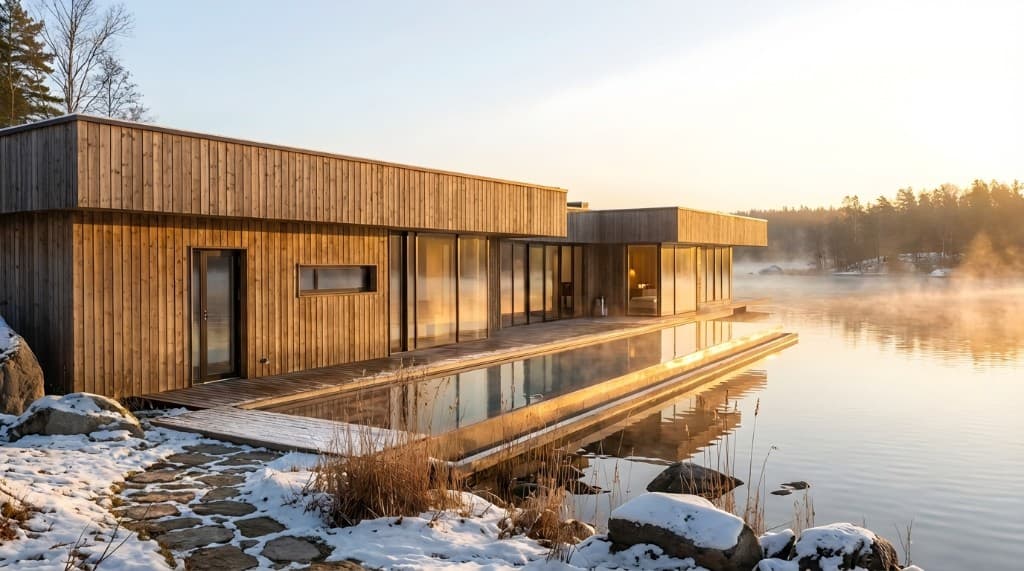
Twilight photography in real estate traditionally meant paying a photographer to arrive at a property during a precise 20-minute window when the sky is deep blue and the interior lights are visible — and hoping the weather cooperated. With AI rendering, that window no longer matters. You can produce a polished, photorealistic twilight render from a daytime photo or architectural sketch, in minutes, any time.
But not all twilight renders are created equal. The AI systems that produce them are sensitive to prompt language, input quality, and a handful of technique choices that dramatically separate a flat, unconvincing "evening" image from the kind of dusk render that drives listing inquiries and wins client approvals. This guide covers all of it.
Why Twilight Renders Outperform Daytime Images
The research on this is consistent: twilight images in real estate listings generate significantly more engagement than comparable daytime photos of the same property. The psychological reasons are straightforward — twilight signals inhabitation (the lights are on, someone lives there), luxury (exterior lighting, landscape lighting, and architectural details only visible at dusk communicate investment in the property), and exclusivity (it's a moment most buyers never see during a standard daytime showing).
For architects presenting design concepts, twilight renders serve a different but equally powerful purpose: they isolate the building's form against a simplified, dramatic sky, show how interior spaces relate to the exterior at night, and demonstrate the emotional impact of the design in a way that bright midday renders rarely achieve. A competition board with one well-executed twilight render reads as more sophisticated than the same board with only daytime images.
The practical case for AI-generated twilight renders is that traditional alternatives are either expensive (commissioned dusk photography: $300–$800 per session, weather-dependent), time-consuming (traditional 3D renders: days per image), or technically inaccessible (manual compositing in Photoshop). AI rendering collapses all of that into a few minutes per image.
The Three Types of Twilight Render — and When to Use Each
"Twilight" covers a range of lighting conditions, and being specific about which one you want produces dramatically better results than a generic "evening" instruction.
Blue Hour / Civil Dusk
This is the classic real estate twilight: the sun has set, the sky is a saturated deep blue or indigo, and the interior and exterior lights are fully visible against the darkening background. The ambient light is soft and diffuse — no harsh shadows, no blown-out sky. Interior lights glow warmly through windows. Landscape uplighting and architectural accent lights are visible.
Best for: Residential listings, luxury property marketing, pre-construction renders, design firm portfolio pieces.
Golden Hour / Sunset
The sun is still above the horizon (or just touching it), casting warm amber and orange light across the scene. The sky is a gradient of peach, gold, and pale blue. This lighting is more dramatic and cinematic than true blue hour — it shows the building bathed in warm light with long shadows emphasizing architectural texture and depth.
Best for: Exterior architectural presentations, landscape and site renders, residential developments with strong western exposures, hospitality projects.
Night Interior with Exterior Ambient
Fully dark exterior sky, with the building legible primarily through glowing windows, architectural lighting, and landscape illumination. This is the most dramatic of the three — it works particularly well for buildings with compelling lighting design or for highlighting interior spaces through glass facades.
Best for: Commercial and hospitality projects, glass-heavy modern architecture, interior design presentations where the space is the subject.
Preparing Your Input Image for AI Twilight Rendering
The quality of a twilight render depends more heavily on input preparation than almost any other render type, because the AI is performing a more substantial transformation — shifting the light, adding glowing windows, darkening the sky — while keeping the building's structure coherent. Weak inputs produce obviously artificial results.
- Shoot or export in daylight, not at dusk. Counterintuitively, a crisp, well-exposed daytime photo is a better starting point for AI twilight rendering than an actual low-light photo. A daytime image gives the AI a clear read on the building's structure, materials, and spatial depth. The AI adds the twilight lighting on top of that structural understanding. An actual low-light photo, shot with a phone, often has noise and motion blur that degrades the output.
- Use a camera height that shows the building and the sky. Twilight renders need sky — that's where the deep blue gradient lives. An input image with no visible sky (a close-up, an extreme foreground composition) limits the AI's ability to produce the full atmospheric effect. A shot from slightly below building height, showing the roof line against the sky, tends to work best.
- Minimum 1,200px on the short side. The same rule as all AI rendering. Low-resolution inputs produce soft, detail-poor twilight renders. If you're exporting from CAD, export at full resolution. If you're shooting for this, use the highest resolution setting on your camera or phone.
- For sketches and elevations: use the sketch-to-render mode. If you're working from a line drawing or elevation, the sketch-to-render pipeline produces much more coherent twilight results than running the sketch through the general render mode. See our guide to sketch-to-render rendering for that workflow.
Writing AI Prompts That Produce Genuine Twilight Results
Prompt language for twilight rendering is more specific than for standard daytime renders. Generic terms like "evening" or "night" produce inconsistent results — sometimes the AI interprets them as overcast afternoon, sometimes as pitch dark. Here's how to be precise.
The Core Twilight Prompt Structure
A strong twilight prompt has four components: sky condition, interior light state, exterior lighting, and atmosphere. Covering all four prevents the AI from making arbitrary choices about any of them.
Prompt template:
"[Building style and material description], twilight / blue hour, deep indigo-blue sky, interior lights glowing warmly through windows, [exterior lighting details: landscape uplighting / architectural accent lights / pool lights], soft diffuse ambient light, no harsh shadows, photorealistic architectural exterior, [mood: serene / dramatic / inviting]"
Specific Prompt Examples by Render Type
Blue Hour — Luxury Residential
"Contemporary single-family home, board-and-batten cedar siding, large black-framed windows, twilight blue hour, deep indigo sky with warm horizon glow, interior lights glowing amber through floor-to-ceiling windows, landscape uplighting on mature oaks, stone pathway lit with low bollards, serene and inviting, photorealistic architectural render"
Golden Hour — Exterior Architecture
"Modern concrete and glass office building, horizontal brise-soleil facade, golden hour sunset, warm amber light raking across the facade from the west, long shadows emphasizing horizontal lines, sky gradient from deep orange at the horizon to pale blue above, photorealistic architectural exterior, dramatic and refined"
Night — Glass Facade
"Contemporary multifamily residential building, glass curtain wall facade, full night exterior, deep navy sky, interior lit spaces visible through the full-height glazing, cool LED corridor lighting, warm living spaces glowing from within, exterior ground lighting illuminating the canopy entrance, crisp and architectural"
For a complete framework covering prompt writing for all render types — not just twilight — see our complete guide to AI rendering prompts.
Twilight vs. Daytime Rendering: When to Use Each
| Scenario | Twilight Render | Daytime Render |
|---|---|---|
| Real estate listing hero image | Preferred — higher engagement | Good secondary image |
| Pre-construction presale | Excellent — communicates luxury | Good for site context |
| Architecture competition board | Strong emotional impact | Better for material legibility |
| Interior design presentation | Night interior only | Preferred — shows materials clearly |
| HOA / zoning board submission | Optional supplement | Preferred — clear context reading |
| Hospitality / hotel exterior | Excellent — highlights ambience | Good for site orientation |
| Landscape / site design | Shows lighting design well | Shows planting and materials better |
Common Twilight Rendering Mistakes — and How to Avoid Them
Twilight renders fail in a specific set of ways. Here are the five most common problems and how to fix each.
The sky looks gray, not blue
This happens when the prompt uses "evening" or "dusk" without specifying sky color. Fix: add "deep indigo-blue sky," "saturated blue hour sky," or "gradient from cobalt to pale blue at the horizon" to your prompt.
Interior lights don't show through windows
The AI defaults to dark or opaque windows unless told otherwise. Fix: explicitly include "interior lights glowing warmly through windows," "visible interior illumination," or "warm amber light visible through glazing."
The image looks too dark overall
Full-night renders often come back underexposed — dramatic but illegible. Fix: specify "well-lit exterior," "balanced ambient light," or "architectural lighting illuminating the facade." Alternatively, shift to blue hour rather than full night — the balance of sky and building light is more forgiving.
The landscape lighting looks artificial
Over-specified landscape lighting prompts (too many types of fixtures) produce results that look like a stage set. Fix: pick one or two exterior lighting elements — uplighting on trees, or low bollards on a path — rather than listing every possible fixture. Less specificity, more coherence.
The building structure loses definition
A low-quality input image plus a full-night prompt gives the AI nowhere to anchor the building detail — the output blurs and simplifies the architecture. Fix: use a high-resolution, well-composed daytime input, and choose blue hour rather than full night. Blue hour retains more ambient light, giving the AI more structural information to work with.
Building a Twilight Render Set for a Listing or Portfolio
A single twilight render is good. A coherent set — showing the same property from different angles and lighting moments — is significantly more powerful. Here's how to build one efficiently.
- Start with the blue hour hero. This is the image that leads the listing or the board — the straight-on or 45° corner exterior shot at civil dusk. Get this one right first before moving to other views.
- Define your core prompt language. Once you have a prompt that produces strong results for the hero image, write down the core lighting and atmosphere descriptors. You'll carry these forward to every subsequent image in the set so the lighting reads as consistent across views.
- Vary the viewpoint, not the lighting. For a four-image set, you might have a front facade view, a rear terrace view, a garden/landscape view, and an interior-with-exterior-visible shot — all using the same core twilight prompt language. The consistency is what makes it read as a professional commissioned set.
- Add one golden hour image for variety. A single sunset / golden hour image in a set of blue hour images adds warmth and contrast without breaking coherence. It also gives the client or listing a daytime-feel option within the twilight set.
- Review for color temperature consistency. If some renders come back with cooler blue exterior light and others with warmer, the set will look inconsistent. Standardize by including a specific color temperature note in every prompt: "exterior: cool blue ambient, 5500K; interior: warm 2700K."
Frequently Asked Questions
Can I produce a twilight render from a nighttime input photo?
You can, but results are usually weaker than starting from a daylight image. Nighttime input photos taken with a phone typically have noise, color fringing, and soft detail that the AI has to work around. A clean, well-exposed daylight image gives the AI a more accurate structural reading of the building to transform. If you only have a night photo, try it — but don't be surprised if a daylight alternative produces a more convincing result.
How do I get the interior lights to glow through the windows?
This is a prompt specification issue — the AI won't add interior lighting unless you ask for it explicitly. Include "interior lights glowing through windows," "warm amber illumination visible through glazing," or similar language. If it still doesn't appear, try "photorealistic twilight exterior with lit interior spaces clearly visible through full-height windows" as a more emphatic instruction. Also check that your input image has visible windows — if the windows are small or obscured, the AI has less to work with.
Is twilight rendering suitable for interior spaces, or only exteriors?
Twilight rendering applies primarily to exteriors. For interior spaces, the relevant lighting scenarios are "evening interior" (warm lamps and pendant lights, no daylight) or "golden hour interior" (low amber sunlight streaming through windows at a low angle). Both work well with AI rendering but use different prompt language. Pure twilight — that deep blue sky effect — only reads in images where the exterior sky is visible.
How many credits does a twilight render use compared to a standard render?
Credit usage in Rendershop is determined by the rendering mode and output resolution — not by lighting complexity. A twilight render costs the same as a daytime render at the same resolution and mode. The additional effort goes into your prompt, not into your credit balance. See Rendershop pricing for current credit rates.
Can I use an AI twilight render in a real estate listing?
Yes — AI-generated renders, including twilight renders, are used in real estate listings across the industry. Disclosure requirements vary by MLS, brokerage, and jurisdiction. The standard practice is to label AI-generated or virtually staged images as such ("AI render," "virtually staged," or "digitally enhanced"). Check your local MLS rules and brokerage policies before publishing without disclosure. Most markets allow AI renders with appropriate labeling.
The Bottom Line
Twilight renders are one of the highest-impact images you can produce for a real estate listing, a design presentation, or a pre-construction marketing package. The gap between a flat daytime exterior and a well-executed blue hour render is significant — and it's now achievable from a standard daytime photo in a few minutes.
The technique is specific: use a clean daylight input, name your sky color and time-of-day precisely, always specify interior light state, and add at least one exterior lighting element. Generate a small batch, pick the strongest result, and iterate on the single thing that needs improvement. Done consistently, the results are indistinguishable from twilight photography — at a fraction of the cost and in a fraction of the time.
Create Your First Twilight Render
Upload a daytime photo of any property or building and transform it into a photorealistic dusk render. Try Rendershop free — no credit card required.
— The Rendershop Team