
Add Anything to a Render Where You Click
Click a spot and describe what goes there: a sofa, an olive tree, people on the terrace, a car in the drive. Rendershop places it with the right scale and light.
✓ 50 free credits • No credit card required
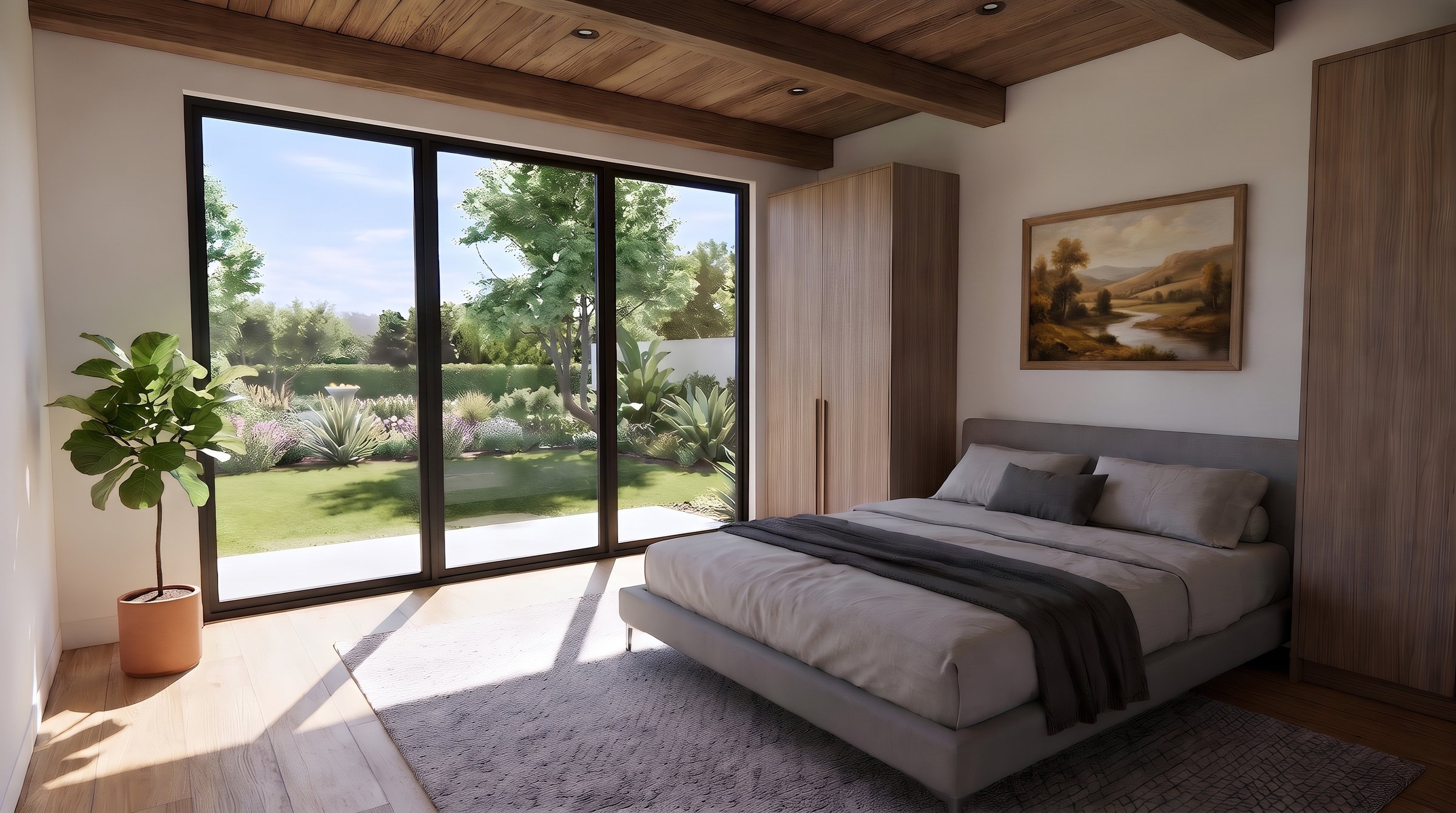
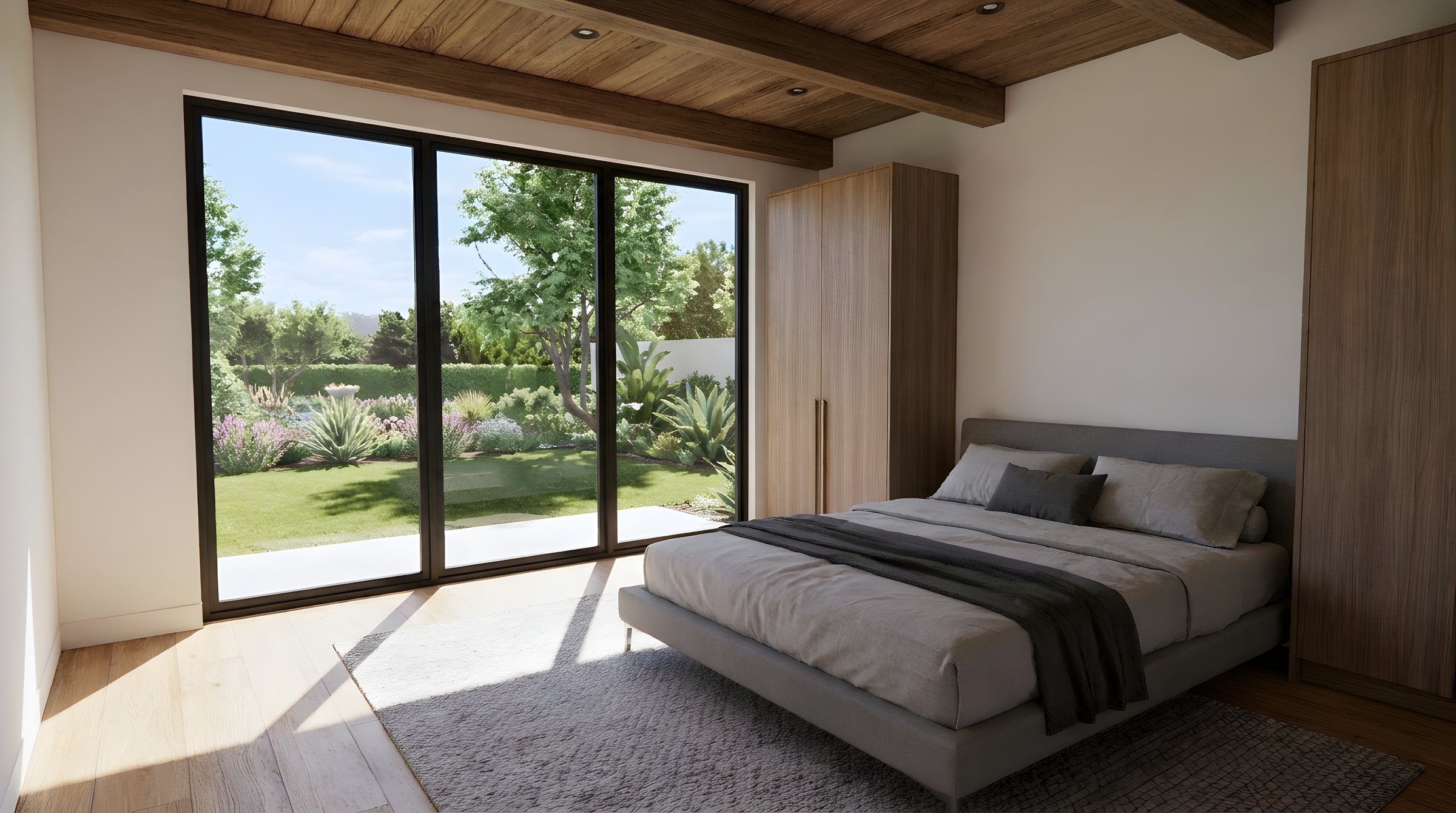
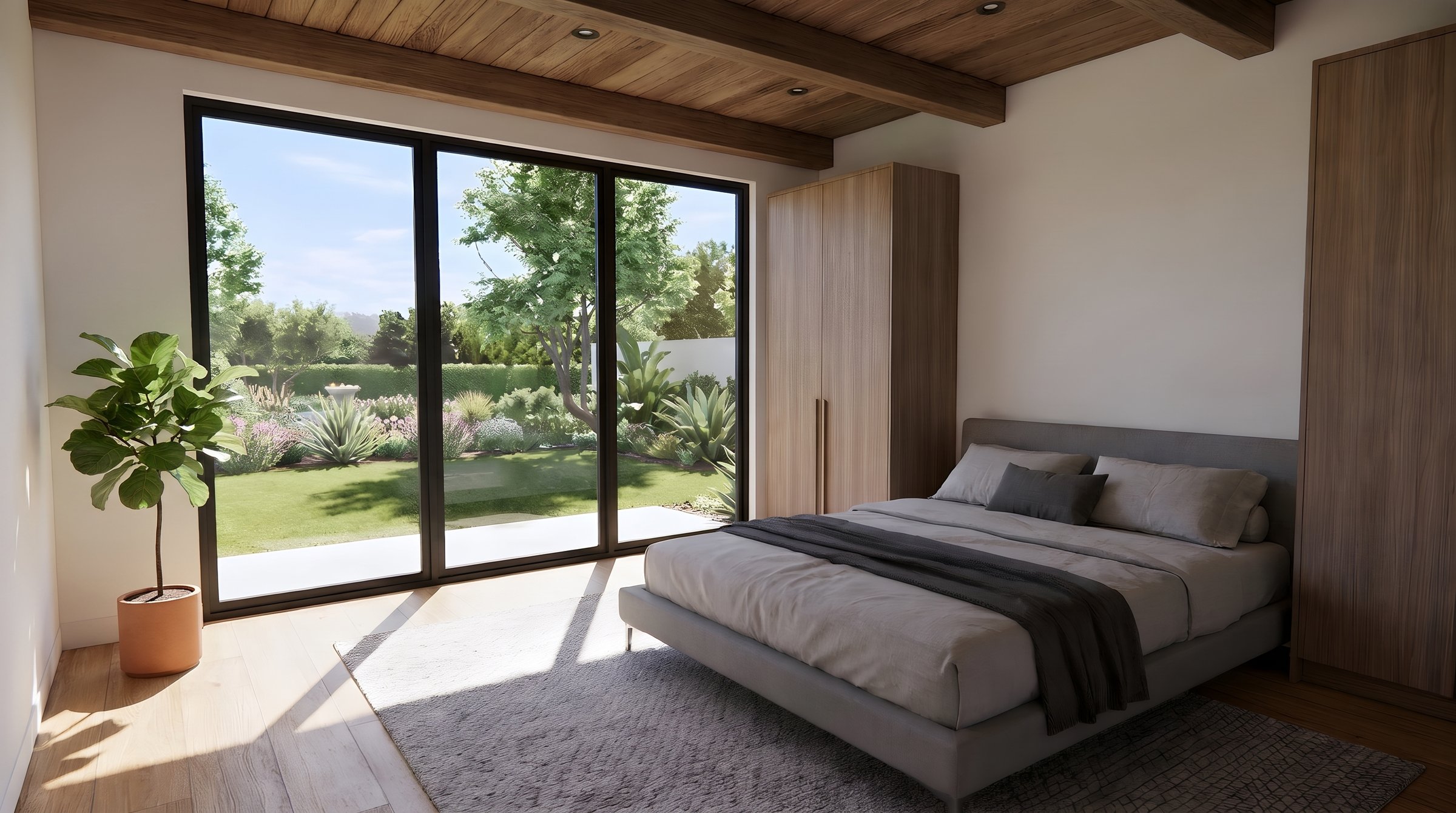
One Thing at a Time
Start with the render, add a plant, then hang a painting. Each edit keeps everything else exactly where it was.
Furnish an Empty Office
Bare workstations in, a working office out: monitors, plants and desk accessories added in one edit.
- Furniture, decor and equipment
- Upload a product photo to place the exact piece
- Matches perspective and light


Add People to Show Scale
The same lobby, empty and then busy. People make a space feel real and show how it gets used.

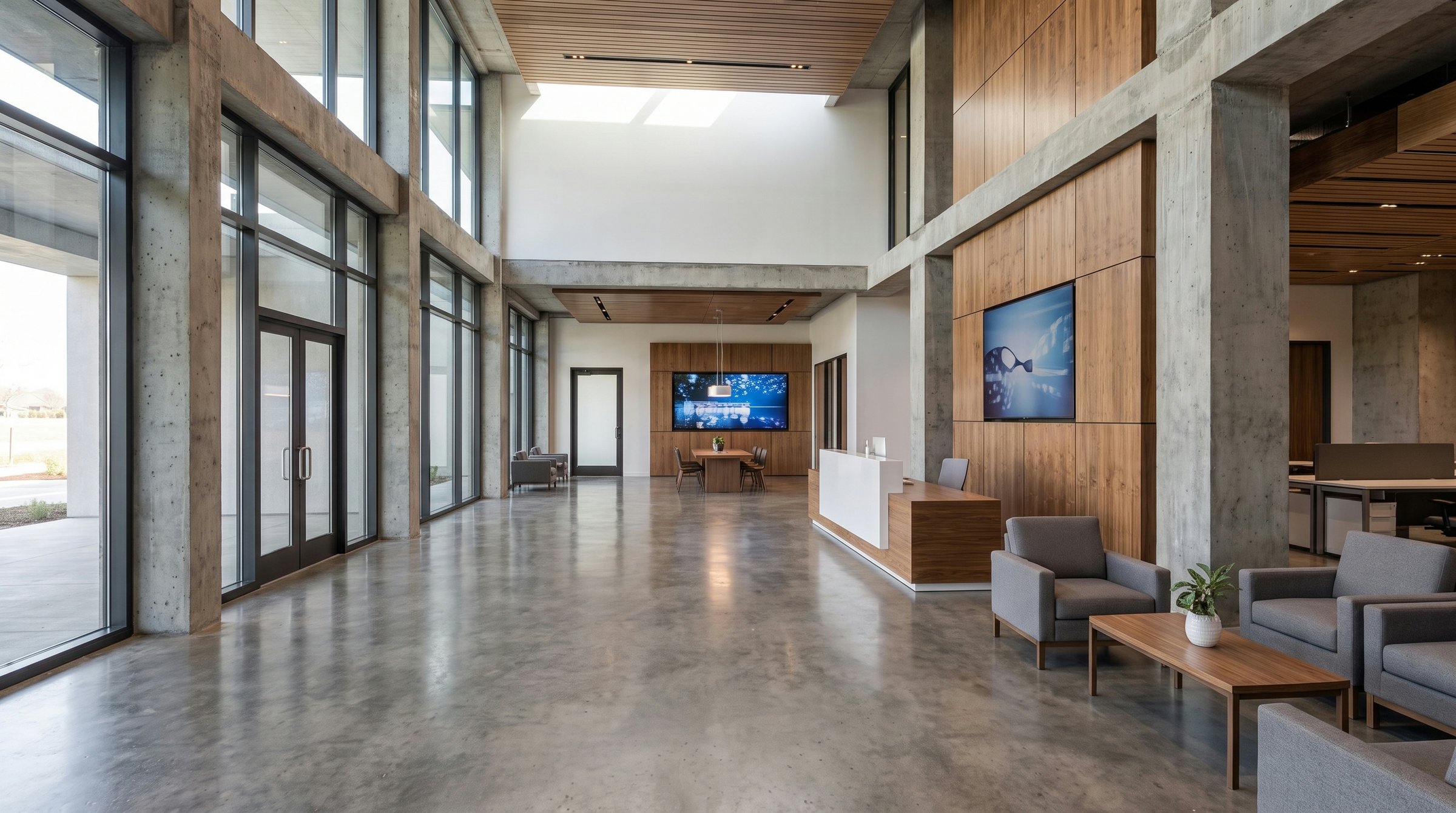
Keep scrolling to reveal
✓ 50 free credits • No credit card required


Use editing inside Claude or ChatGPT
Connect Rendershop to your AI assistant and ask for it in plain words, like “Add a few people having coffee on the terrace in this render.” The result comes back in the conversation and is saved to your project, using the same credits as the app.
Add Objects FAQ
Common questions about add objects

Bring your renders to life
Create a free account—No credit card required.