
Swap Materials in Any Render With One Prompt
Click the surface, name the material, and Rendershop retextures it while everything else stays exactly the same. Show clients every facade option without re-modeling.
✓ 50 free credits • No credit card required
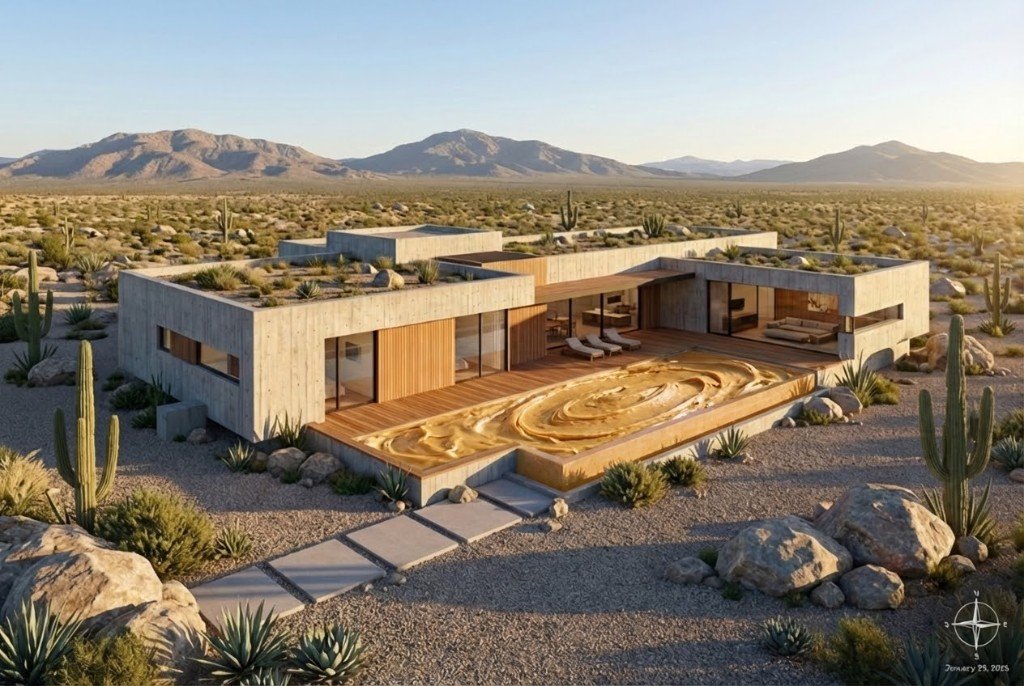
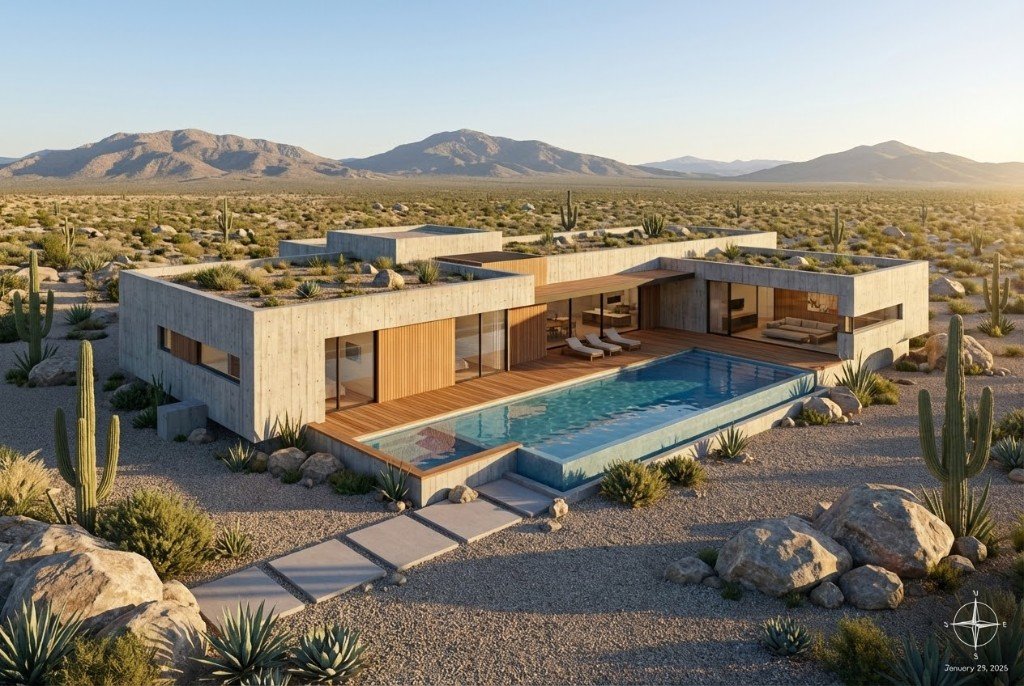
One Render, Endless Materials
Pick a material to see it on the same building.
All seven generated from the same base render
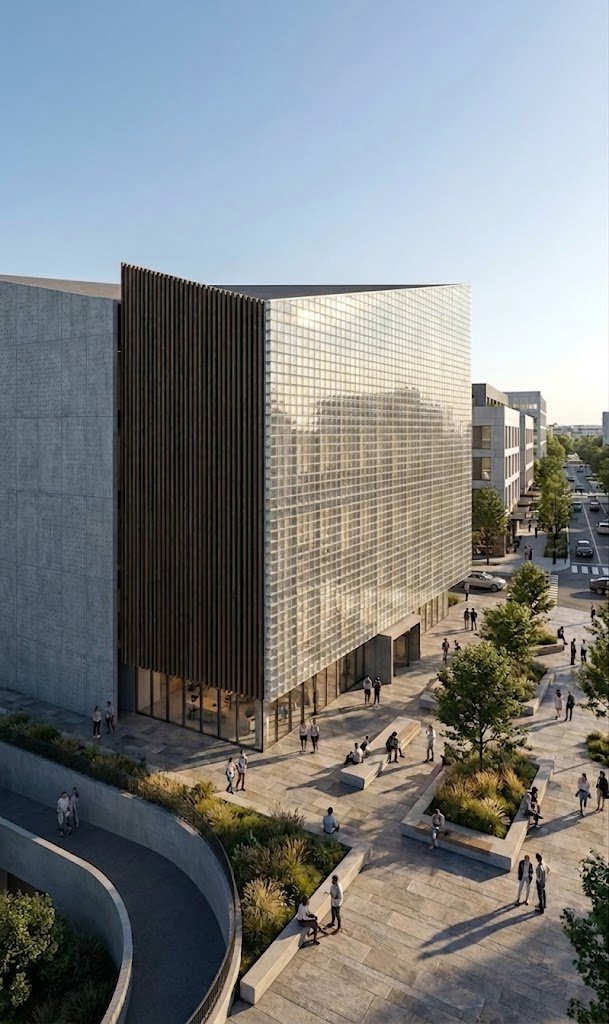
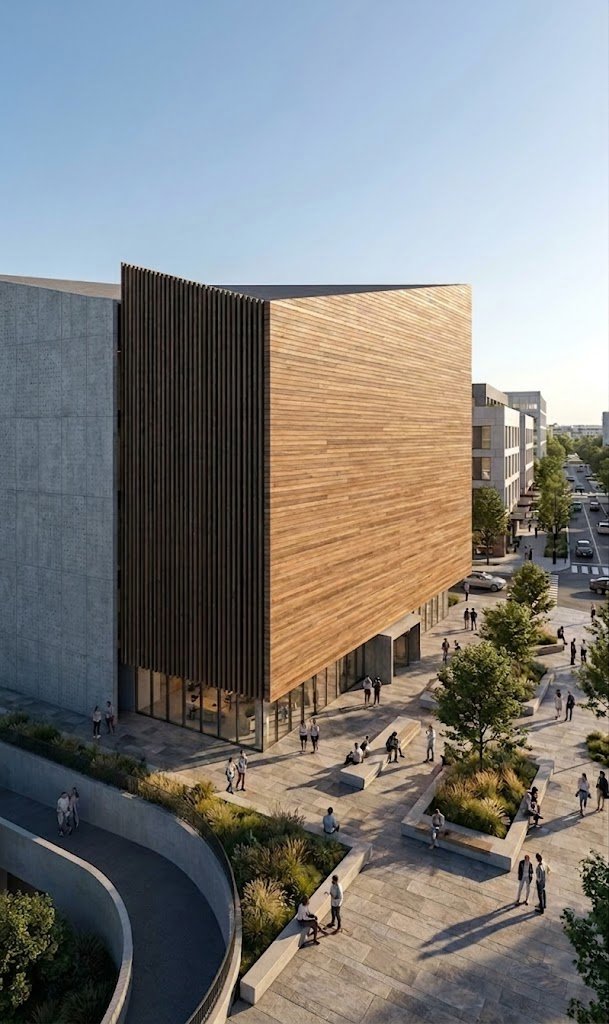
Same Tower, Four Facades
A living wall, stone, metal or timber. Pick one to see it on the building.
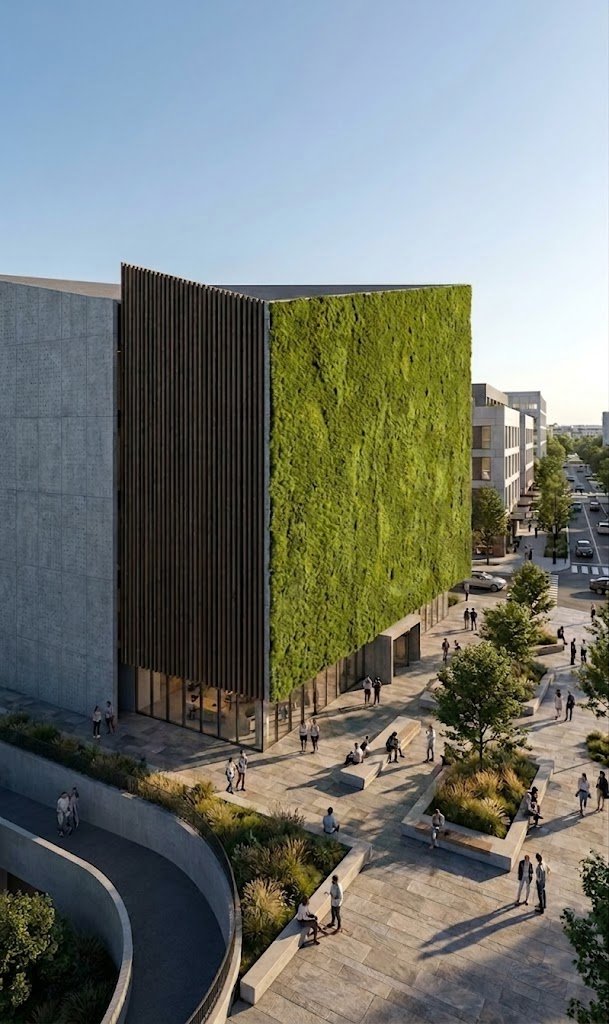
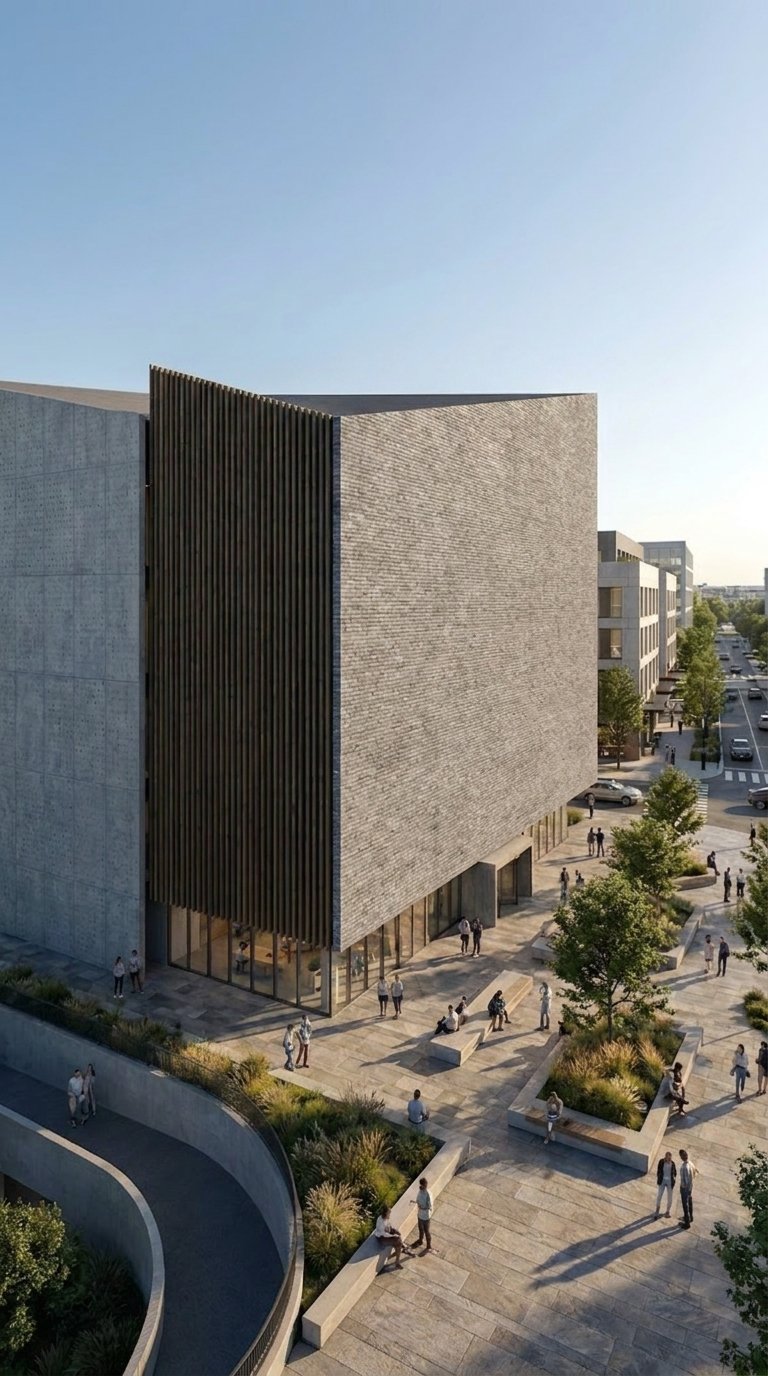
Living wall
Only the facade material changed
Click, Name It, Done
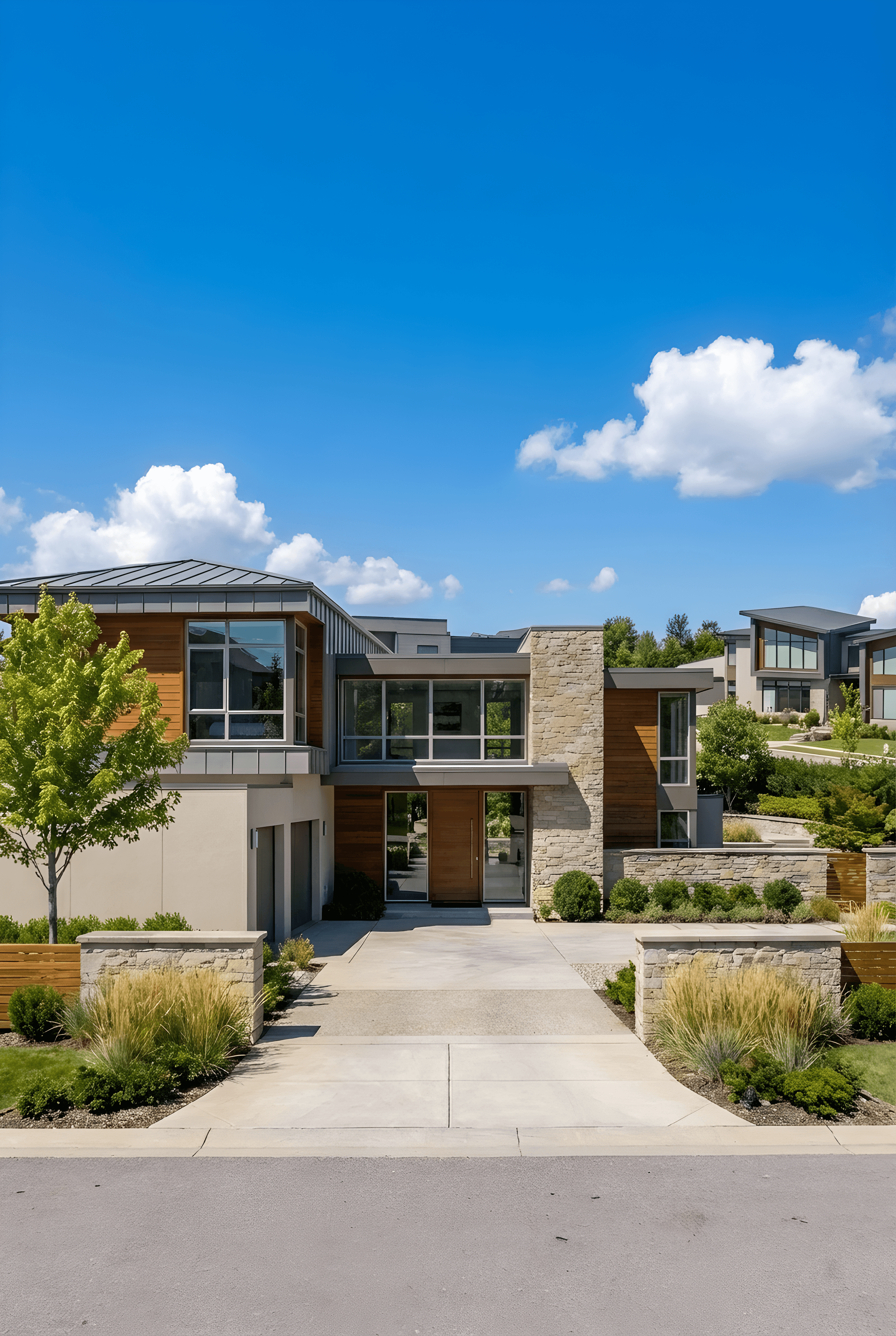
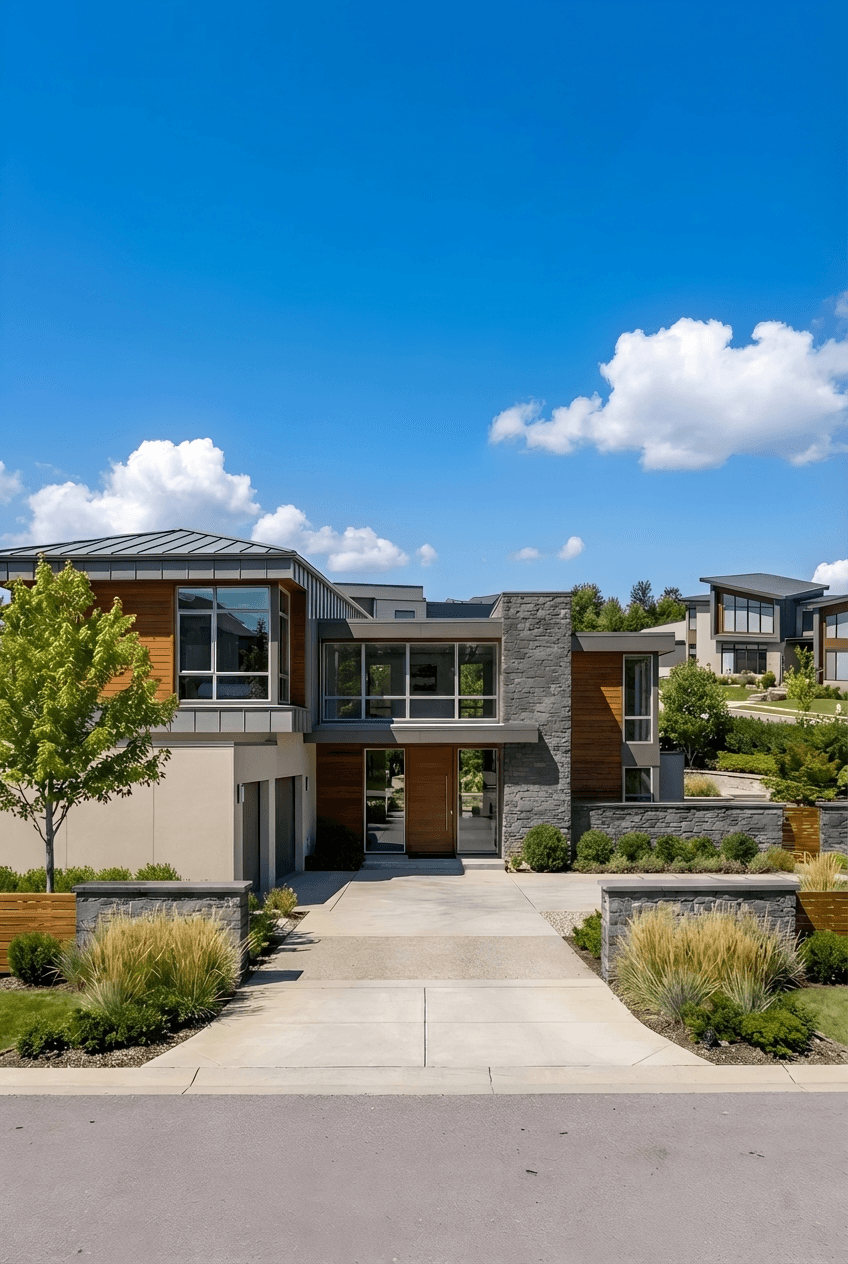
Place a markup point on the surface and type the material. Add a reference photo for an exact finish.
Uploaded image
Prompt
✓ 50 free credits • No credit card required


Use editing inside Claude or ChatGPT
Connect Rendershop to your AI assistant and ask for it in plain words, like “Change the facade on this render to vertical charred timber.” The result comes back in the conversation and is saved to your project, using the same credits as the app.
Material Change FAQ
Common questions about material change
Try every material on your design
Create a free account—No credit card required.