
Show It Instead of Describing It
Upload a photo of the tile, fabric or finish you want and point to where it goes. Rendershop applies it to that exact spot in your render.
✓ 50 free credits • No credit card required
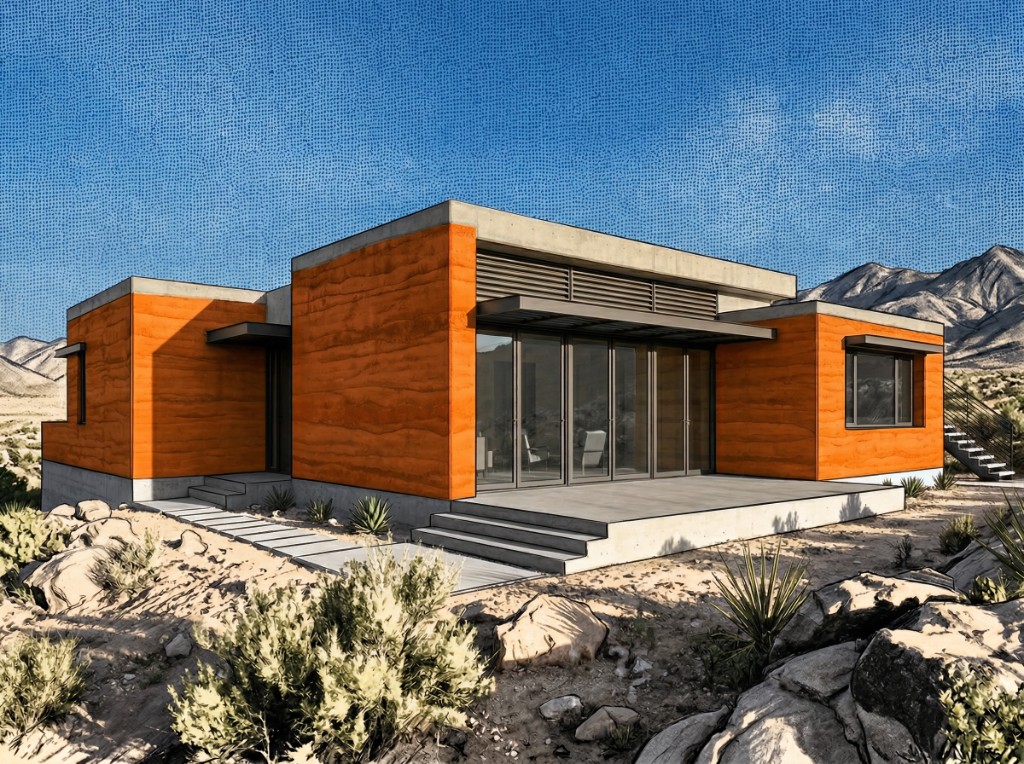
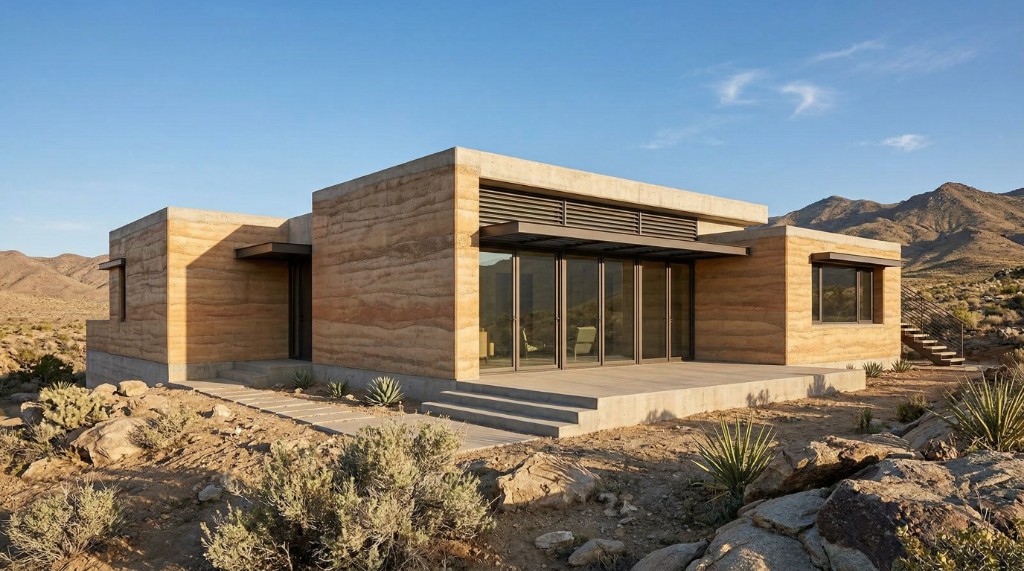
Your Render Plus Three Photos
Each reference image changes one specific element of the final render.

Your render

Color reference

Texture reference
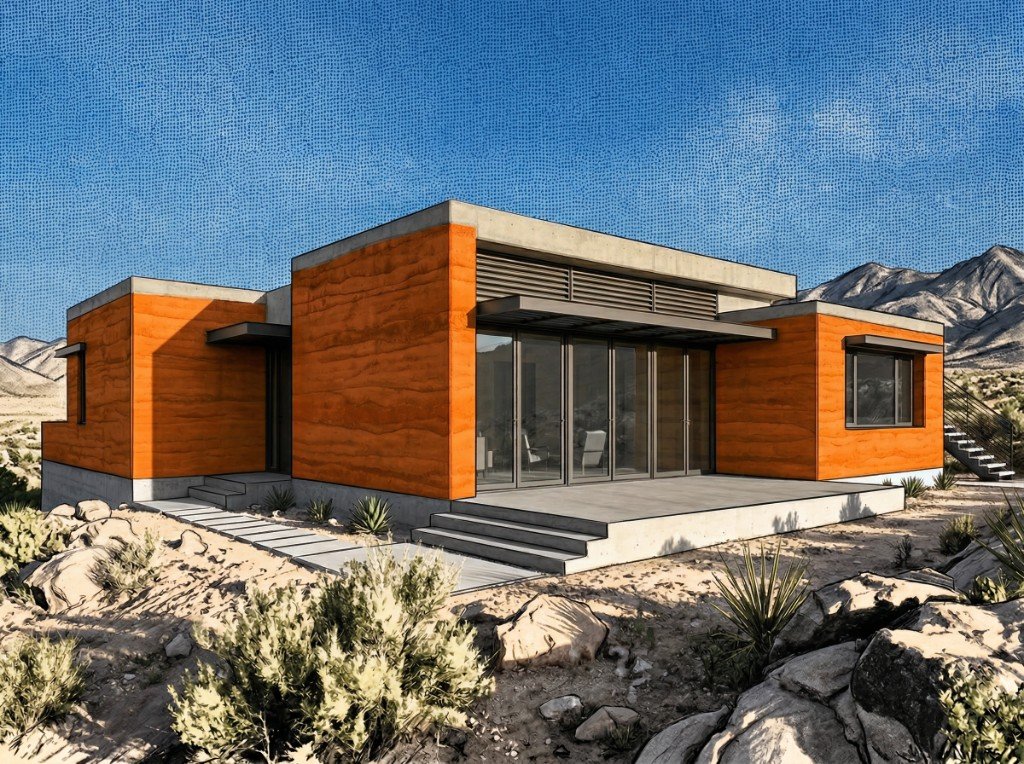
Result
Match a Material From a Photo
Upload a photo of the brick you want and the whole facade switches over, mortar joints and all.
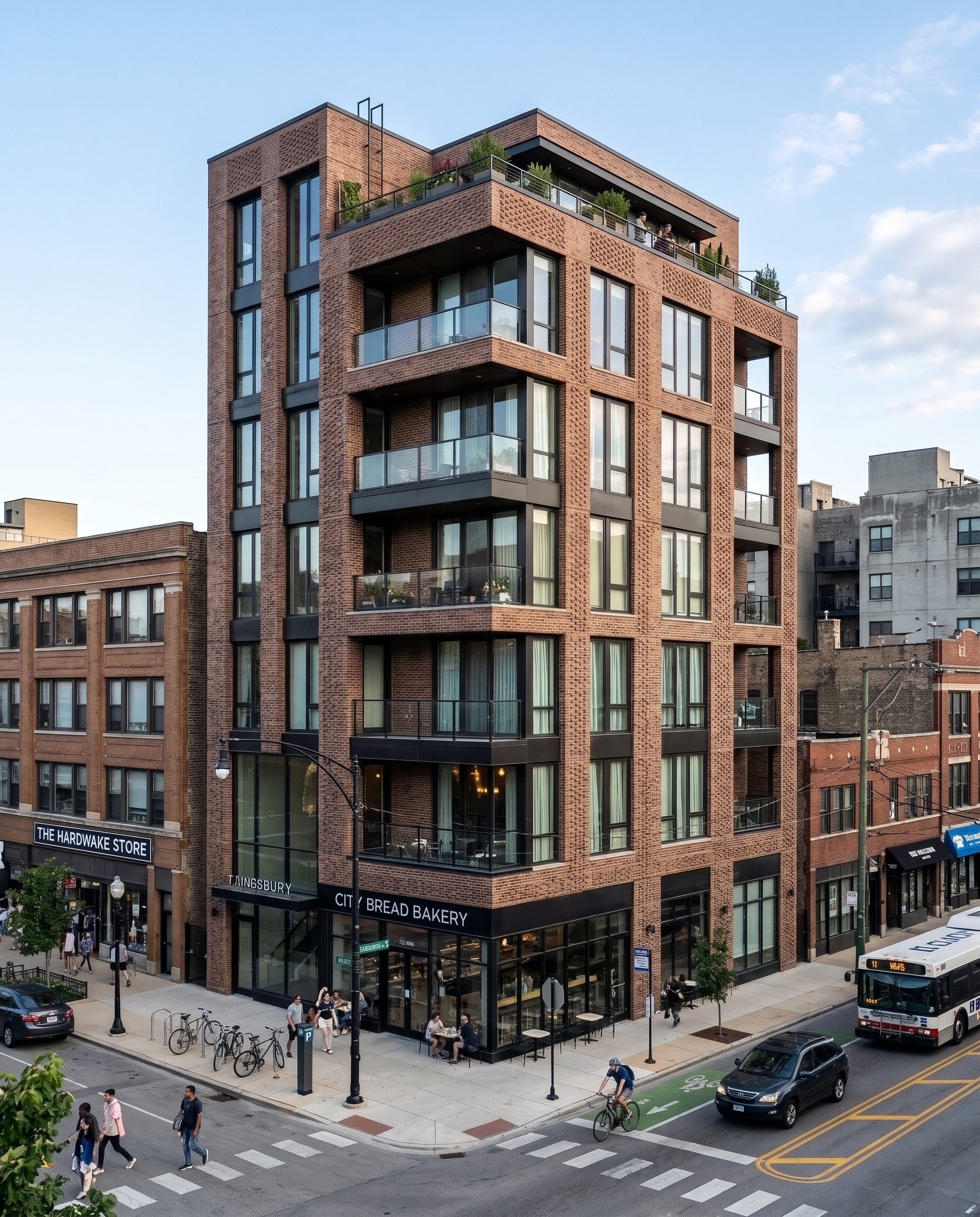
Your render
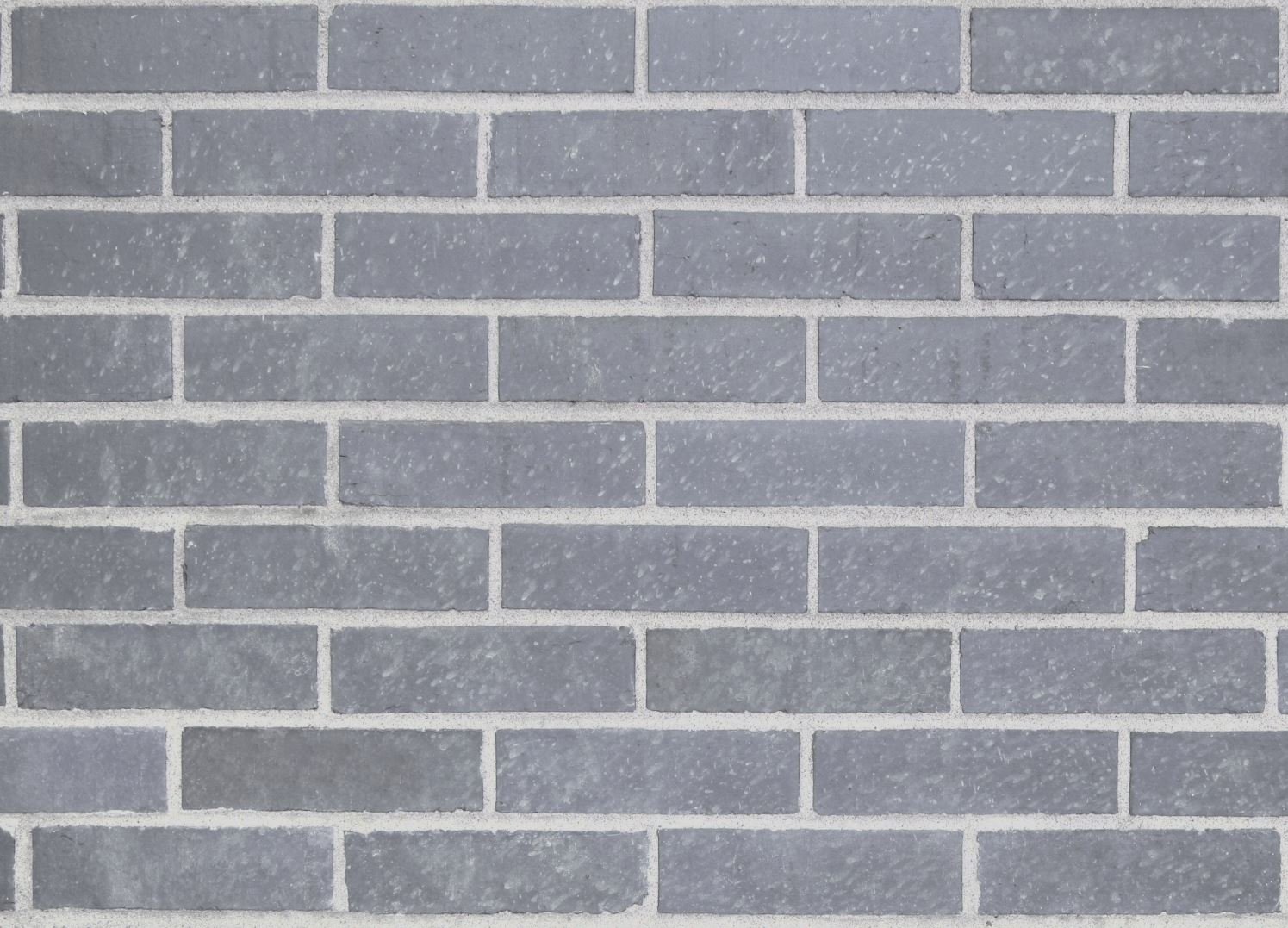
Brick photo
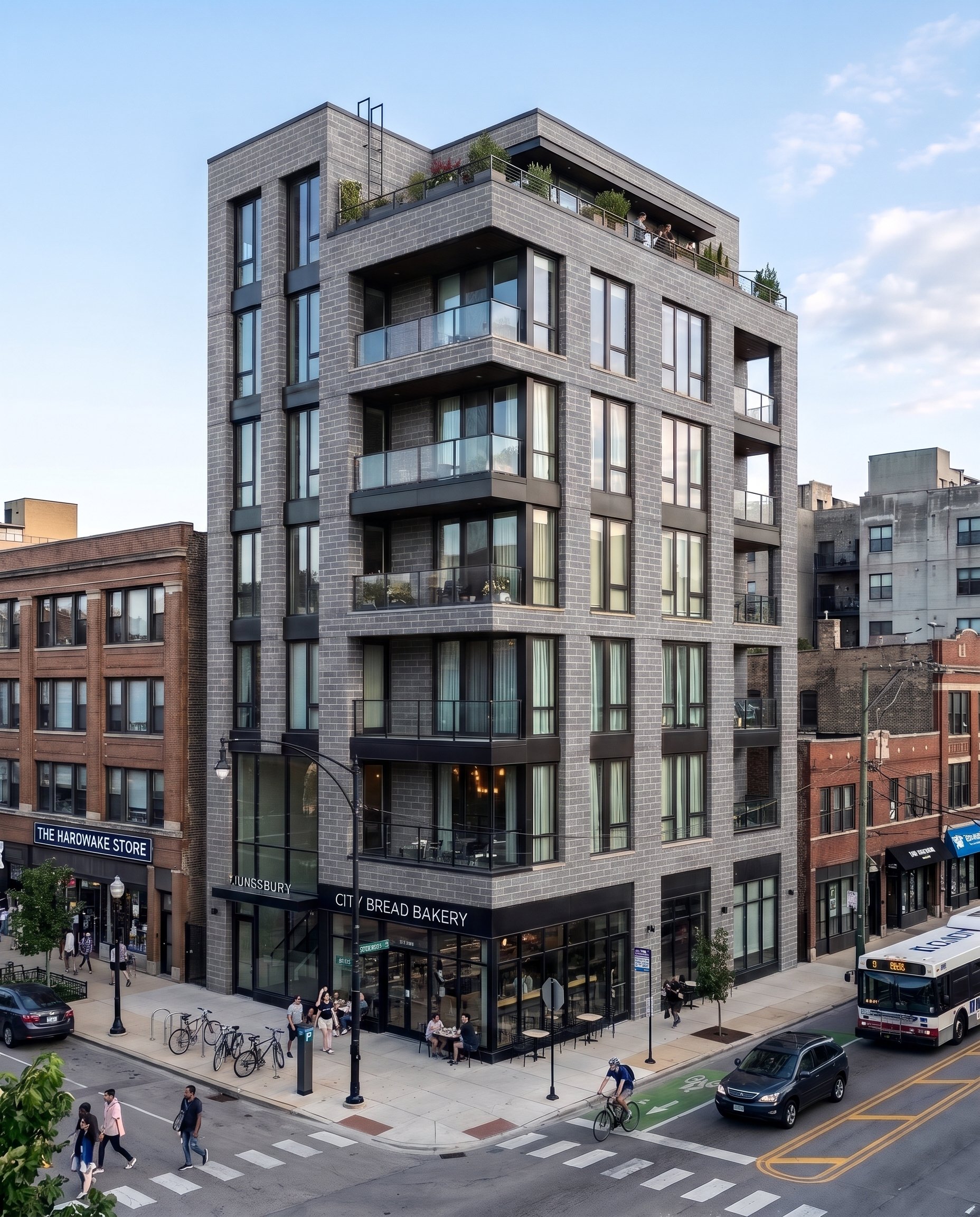
Your render
Brick photo
Then Keep Going
Take the new version and add a wood photo for the corner bay. Each reference changes only the part you point to.
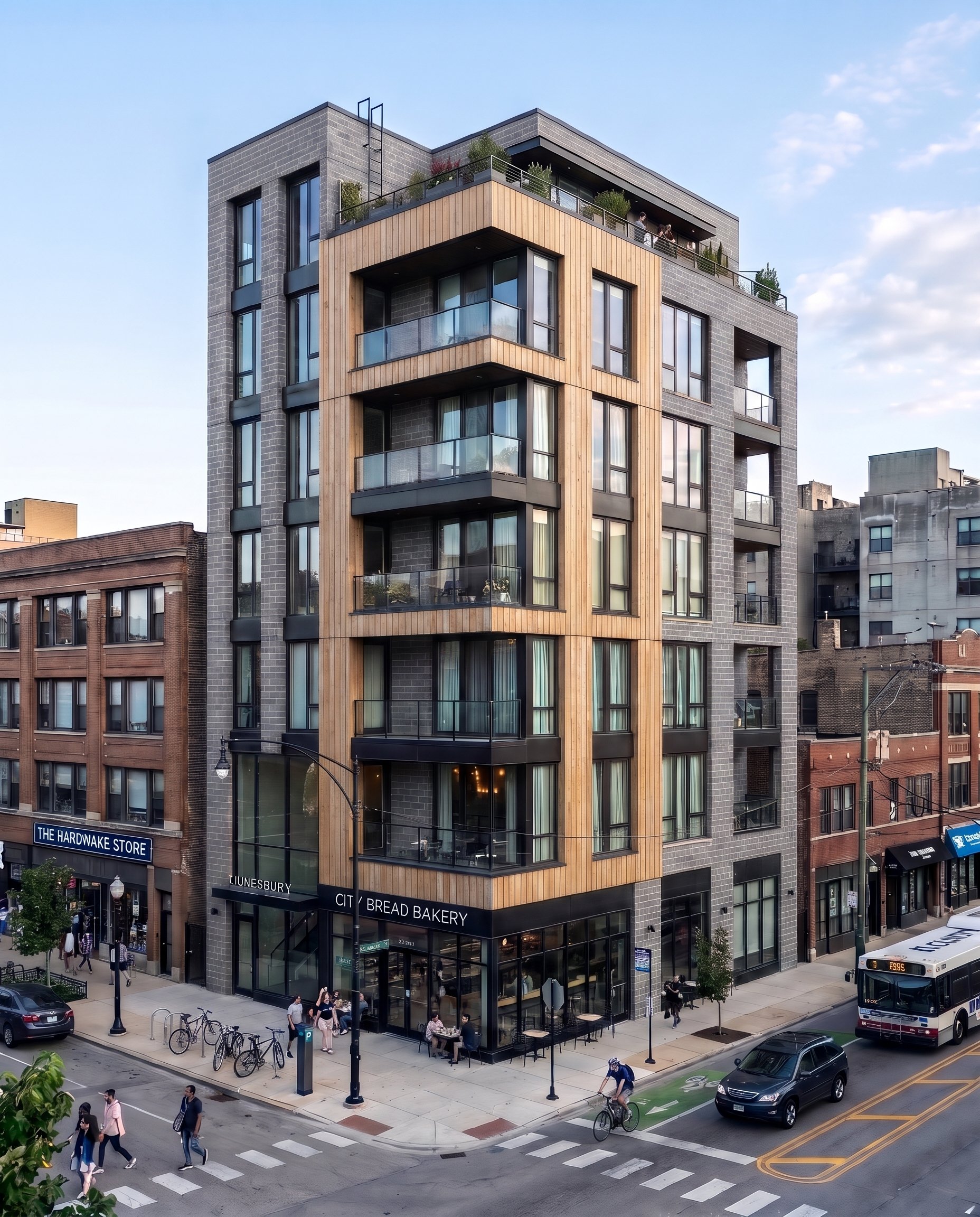
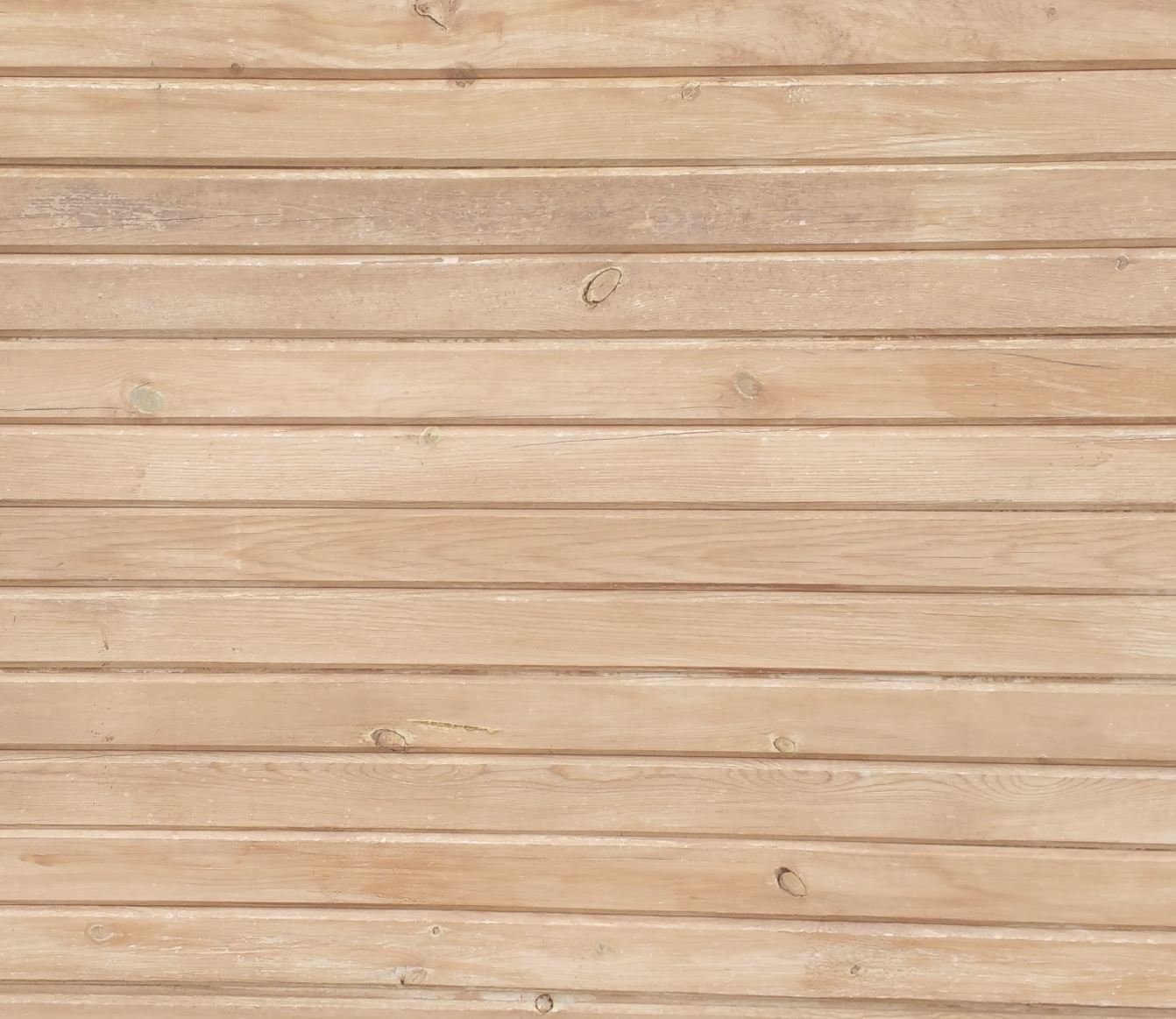
Wood photo
Keep scrolling to reveal
Start With Your Render
One living room render with leather club chairs, and a photo of the chair the client wants instead.
- Your render
- Add a chair photo
- Chairs swapped
Tap a label, or press and hold to see the original


Try Every Chair
The render started with leather club chairs. Upload a photo of the chair a client likes and it takes their place, same spot and same light.


Barcelona chairs
When Words Aren't Enough
Some finishes are hard to describe. A reference image tells Rendershop exactly what you mean.
One per markup
Give each markup point its own reference, up to three per edit.
Exact products
Match the tile, fabric or fixture a client already picked.
Any source
Product sites, Pinterest, your own photos.
Stays in place
Everything you didn't mark is left alone.
✓ 50 free credits • No credit card required


Use editing inside Claude or ChatGPT
Connect Rendershop to your AI assistant and ask for it in plain words, like “Use this tile photo as the kitchen floor in my render.” The result comes back in the conversation and is saved to your project, using the same credits as the app.
Reference Image Editing FAQ
Common questions about reference image editing

Match any finish exactly
Create a free account—No credit card required.