Render Any 3D Model From a Screenshot
Skip the render engine. Take a screenshot of your model in Rhino, Blender, ArchiCAD or 3ds Max and get a photoreal image with real materials, light and life.
✓ 50 free credits • No credit card required
One Screenshot, One Sentence
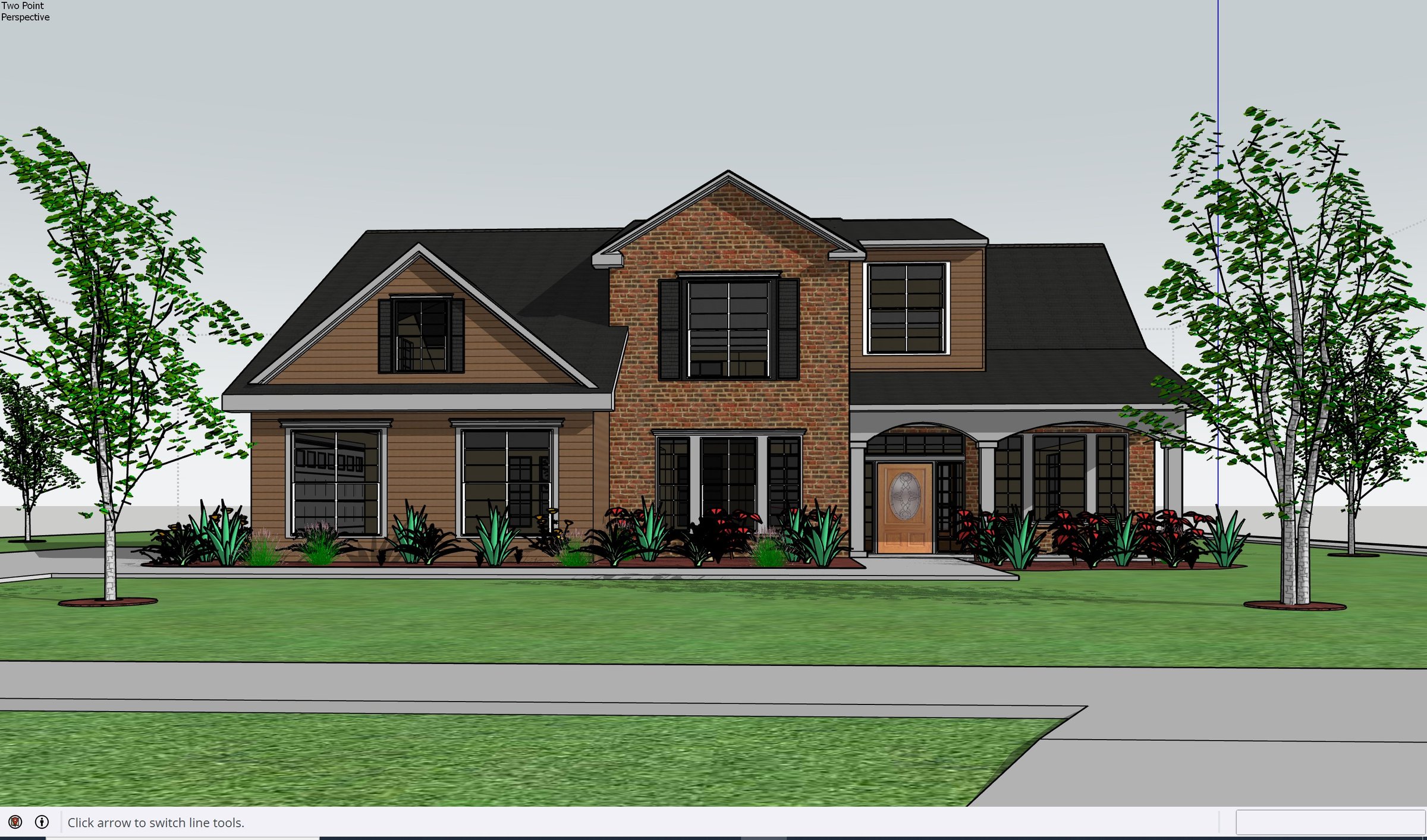
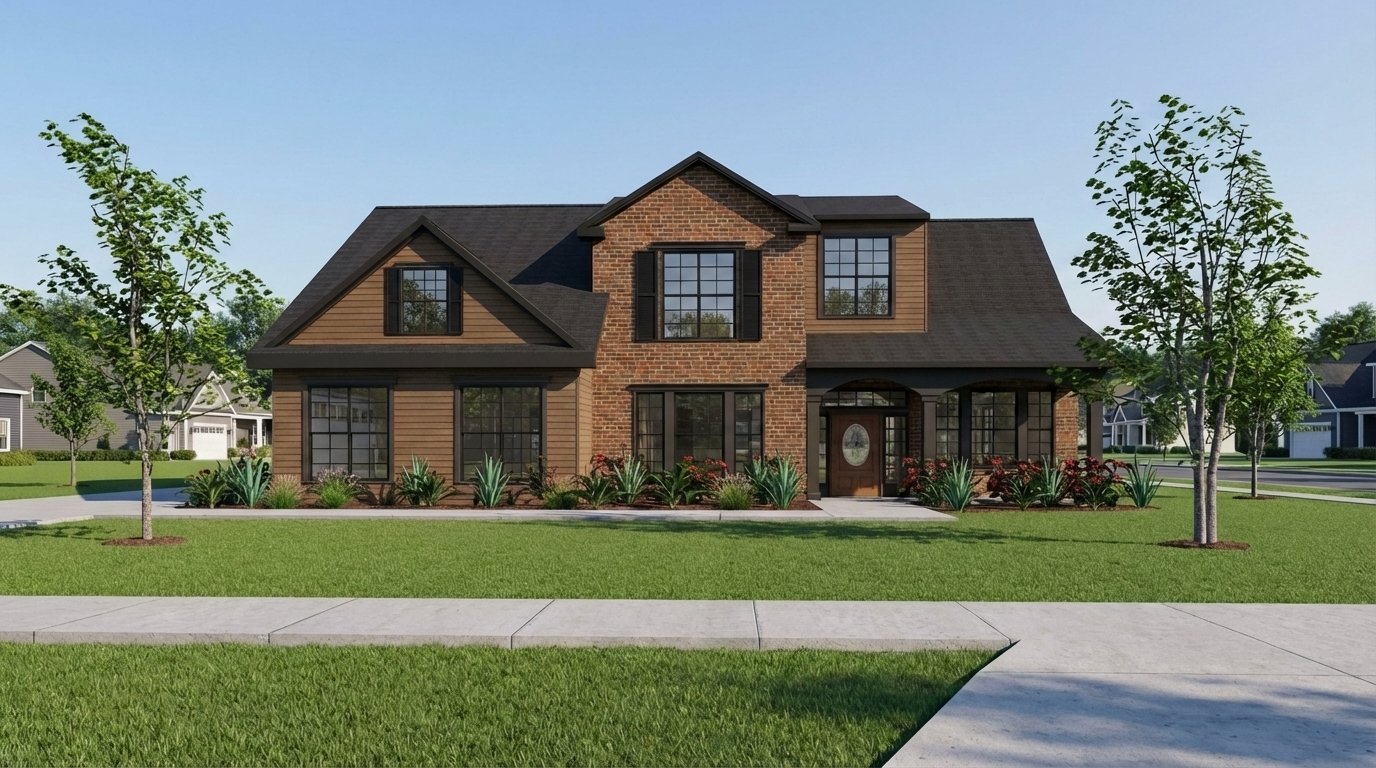
This is the whole workflow: drop in the view, say what you want, press generate.
Uploaded image
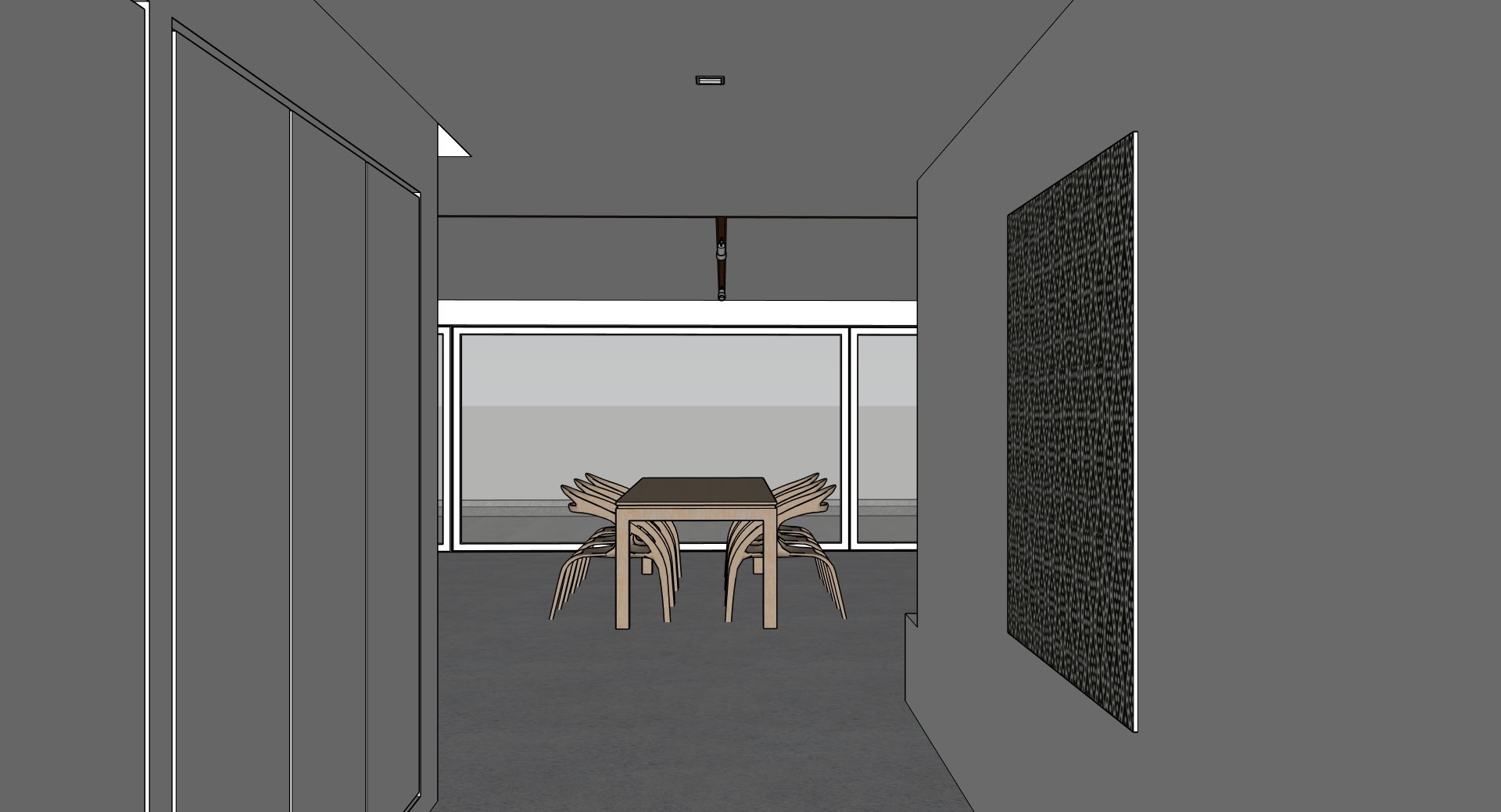
Prompt
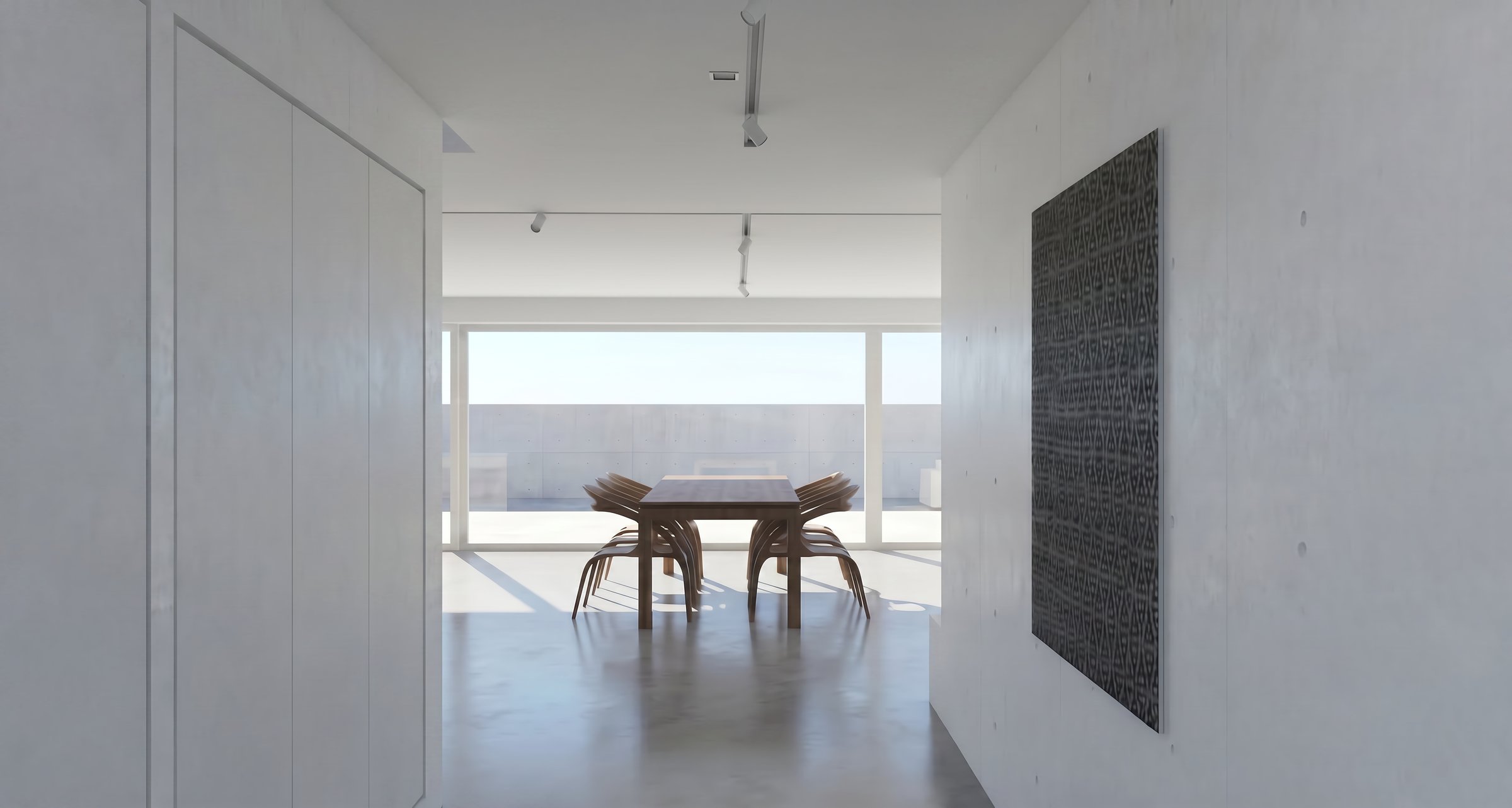
Model In, Render Out
Three real projects, straight from the viewport.
Hover over (or tap) a card to see the result
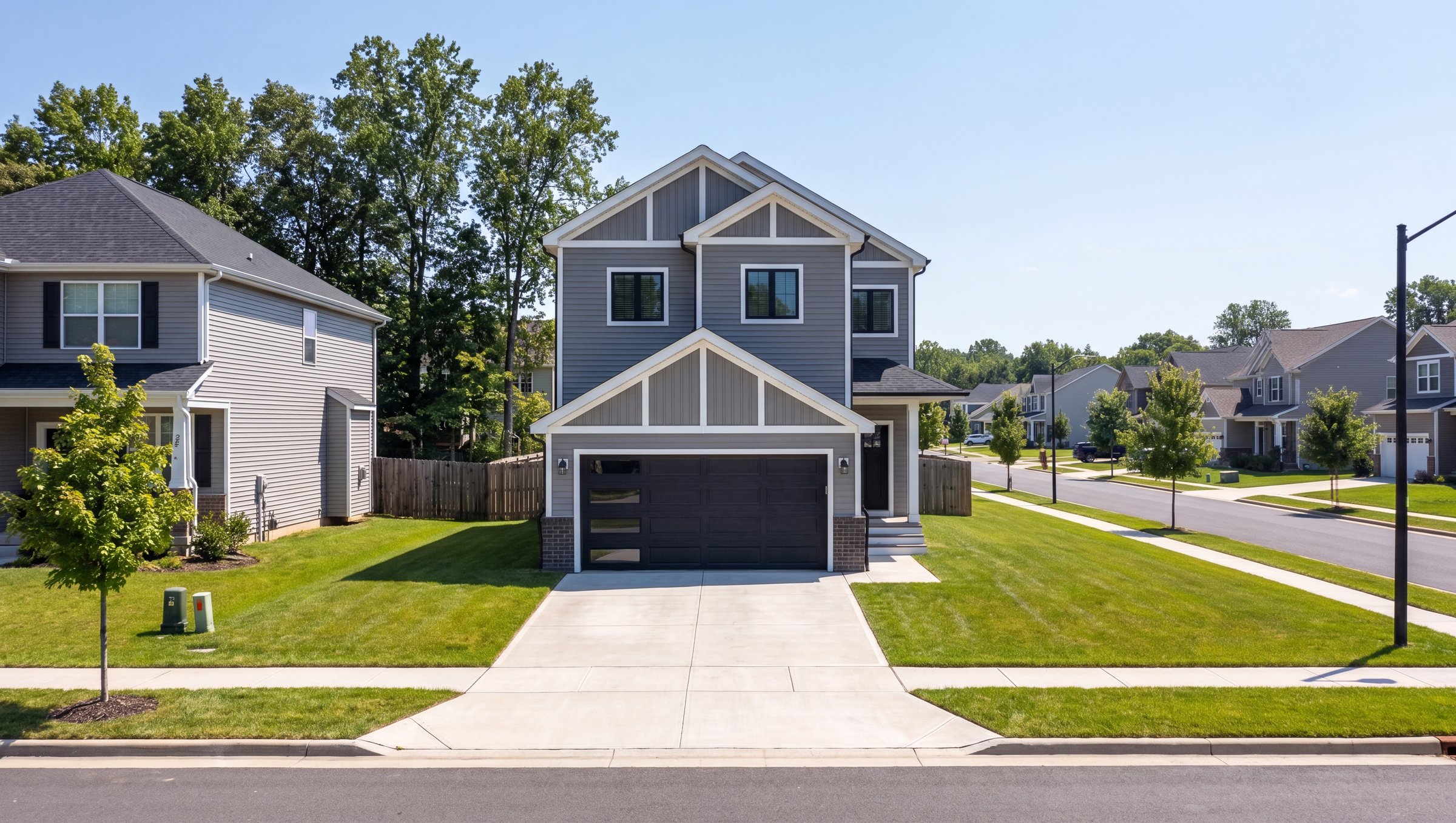
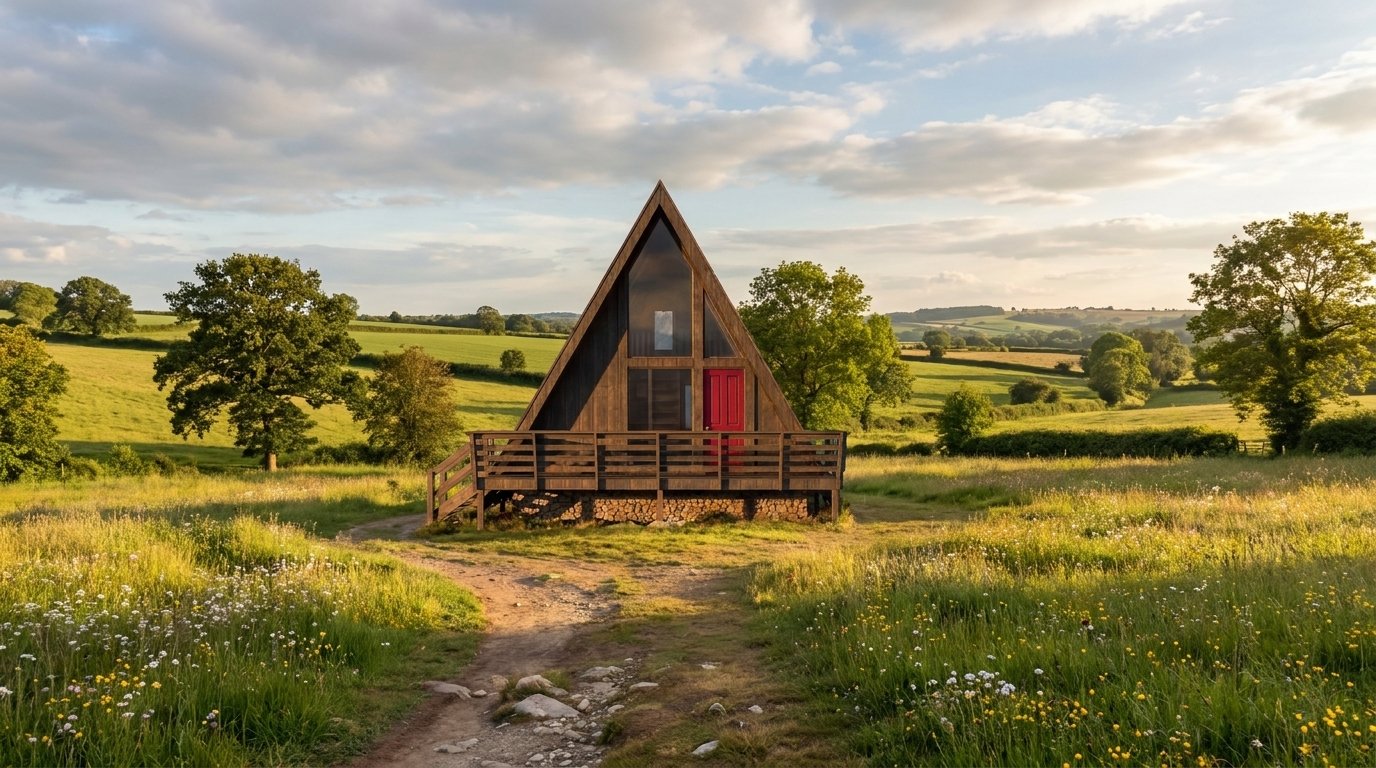
Rendered From 3D Models
Homes, cabins, towers and interiors. If you can model it, you can render it.
✓ 50 free credits • No credit card required


Use rendering inside Claude or ChatGPT
Connect Rendershop to your AI assistant and ask for it in plain words, like “Render this Rhino screenshot as a timber-clad house in a pine forest.” The result comes back in the conversation and is saved to your project, using the same credits as the app.
3D Model to Render FAQ
Common questions about 3d model to render
Render your model without the render engine
Create a free account—No credit card required.