
Sketch to Render in Under Two Minutes
Photograph a hand sketch, upload it, and get a photoreal render that keeps your massing, openings and proportions. No model, no materials library, no waiting on a visualizer.
✓ 50 free credits • No credit card required
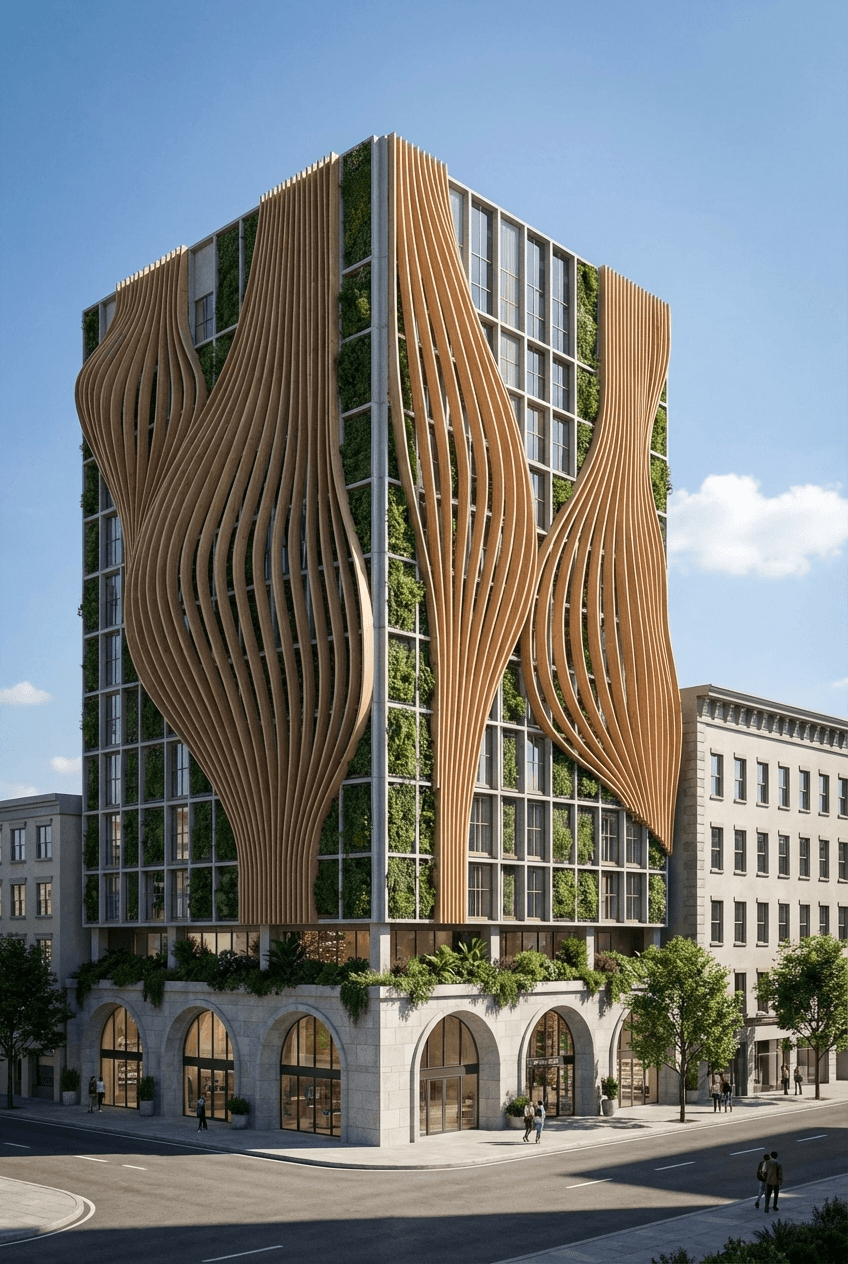
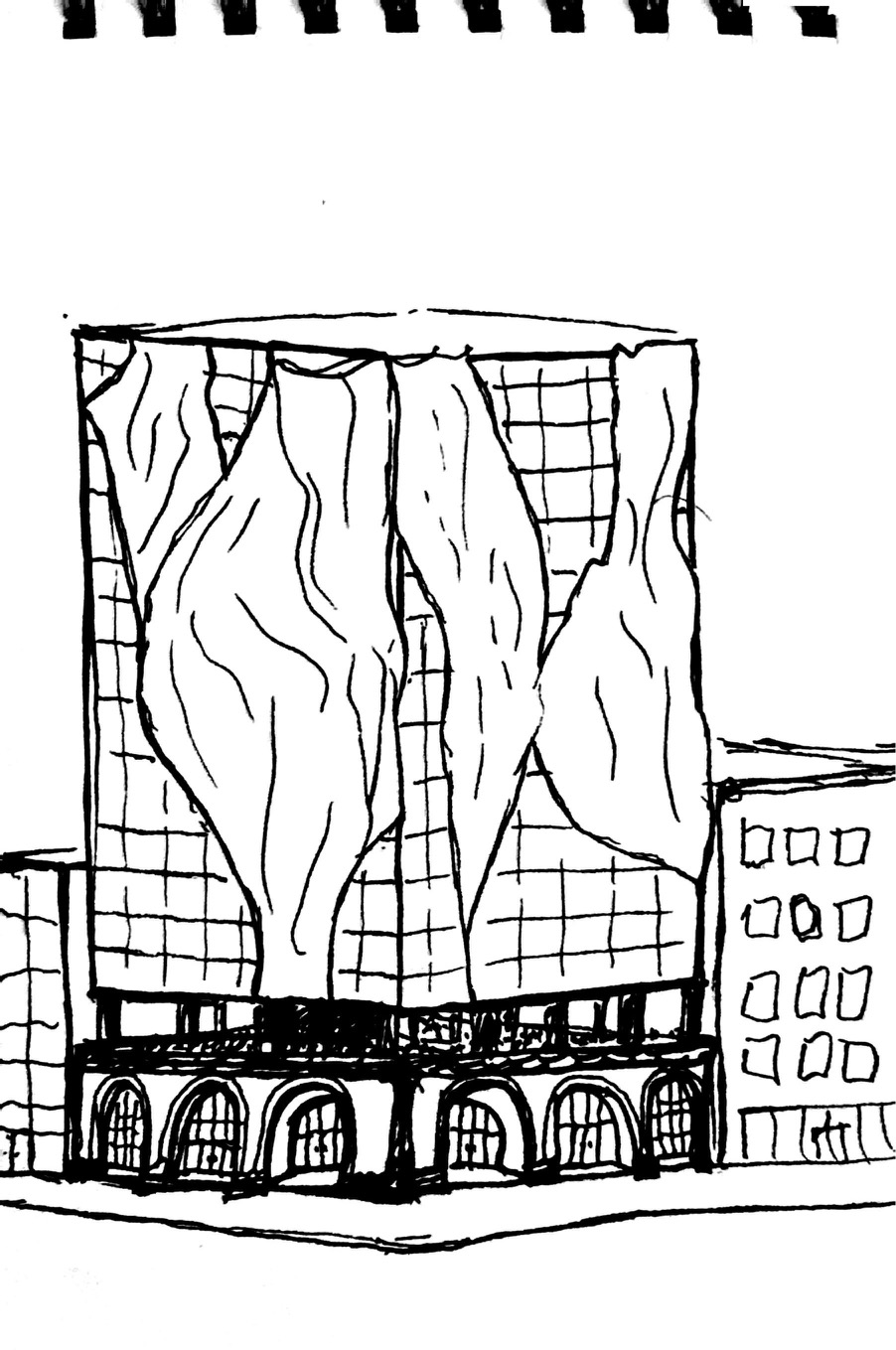
Your Sketch Stays Yours
Sketch to Render reads the lines you drew and builds a render on top of them, so the result still looks like your design rather than something the AI invented. Rooflines, window rhythm and site placement carry through.
Pick an architectural style, time of day, weather and surroundings, or just describe the mood you want. It works on pencil, pen, marker and tablet sketches.
From Napkin to Photoreal
The same sketch, rendered for a client presentation. Upload, describe, generate.
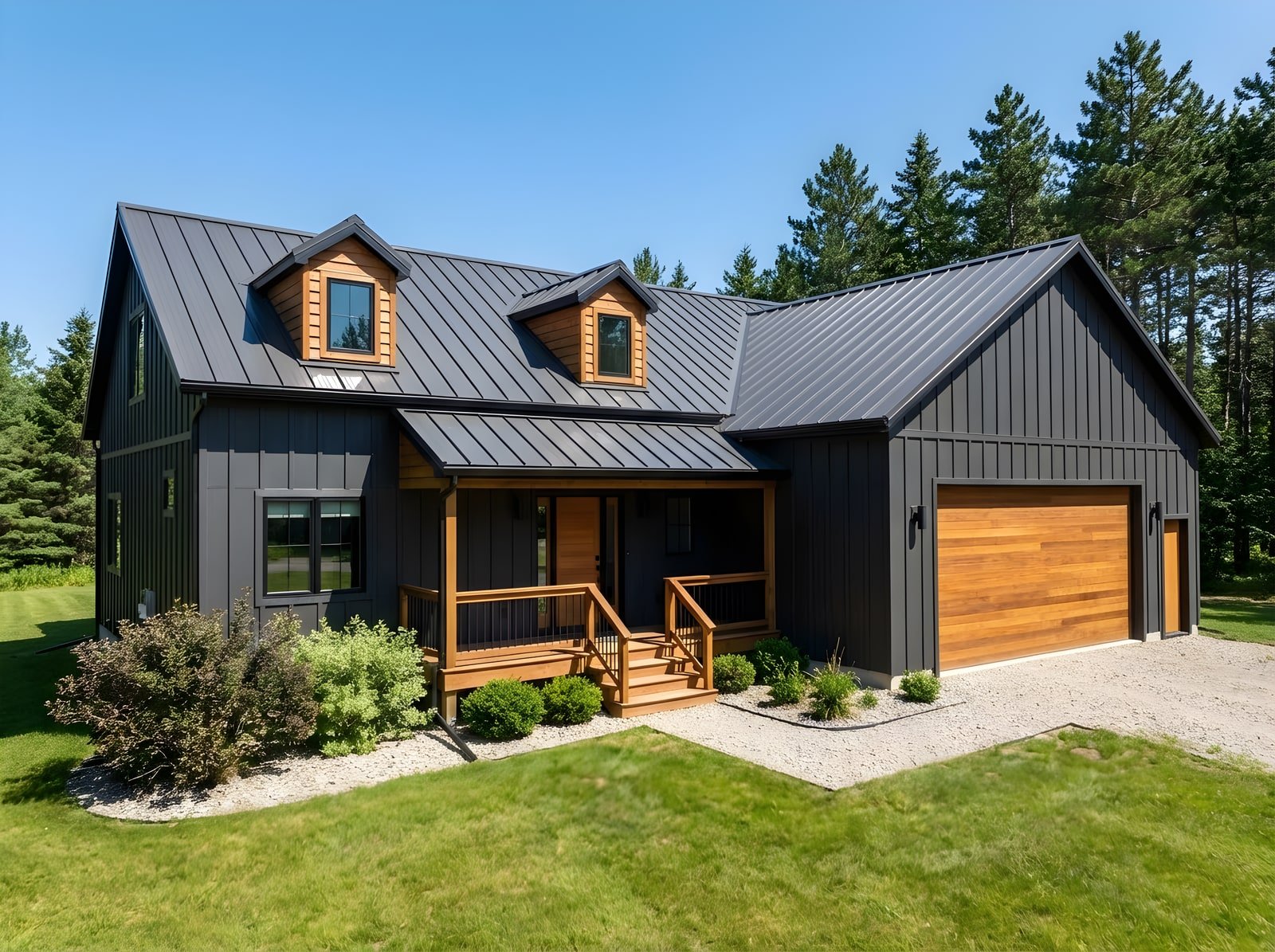
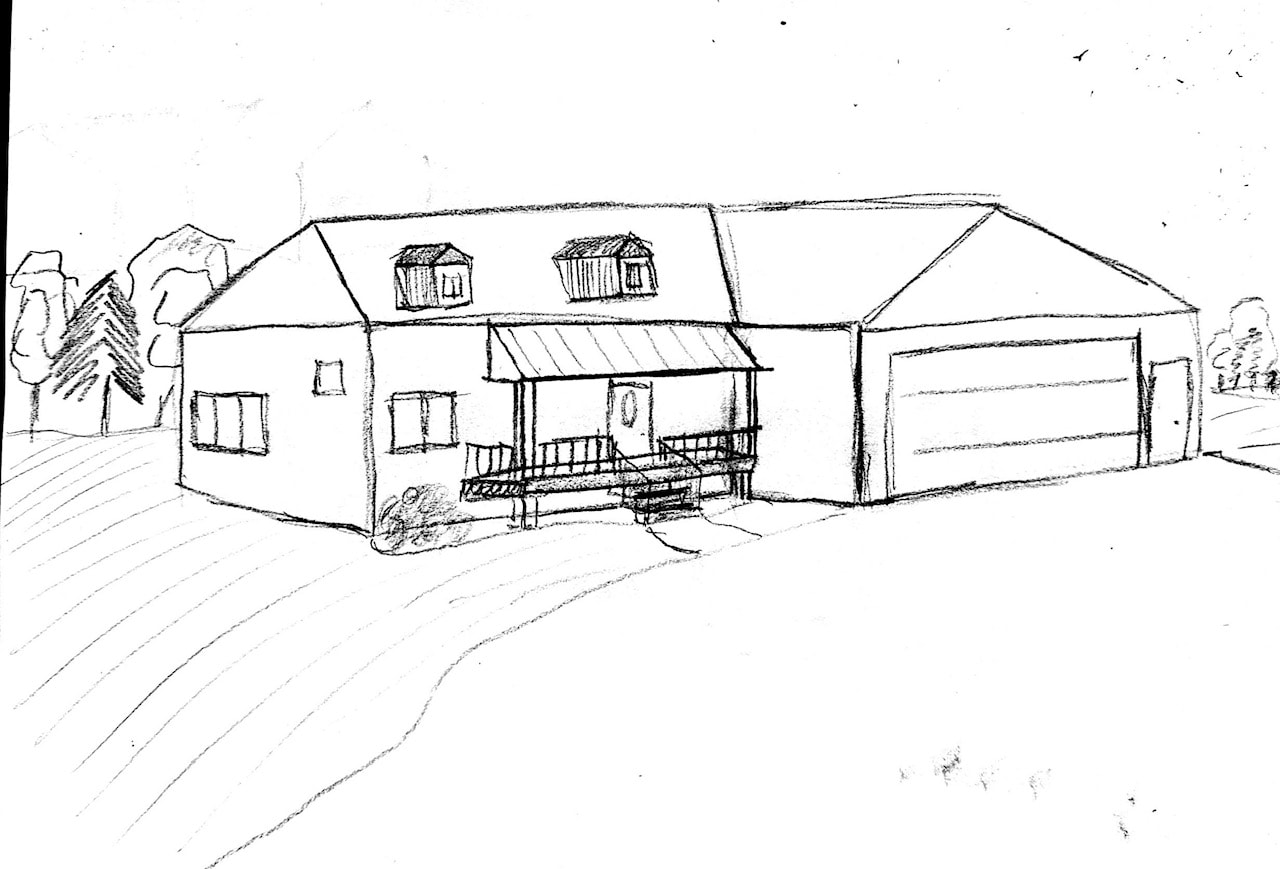
Keep scrolling to reveal
It Doesn't Have to Be a Building
Furniture, fixtures and products work too. Sketch the piece, render it, then place it in a room.
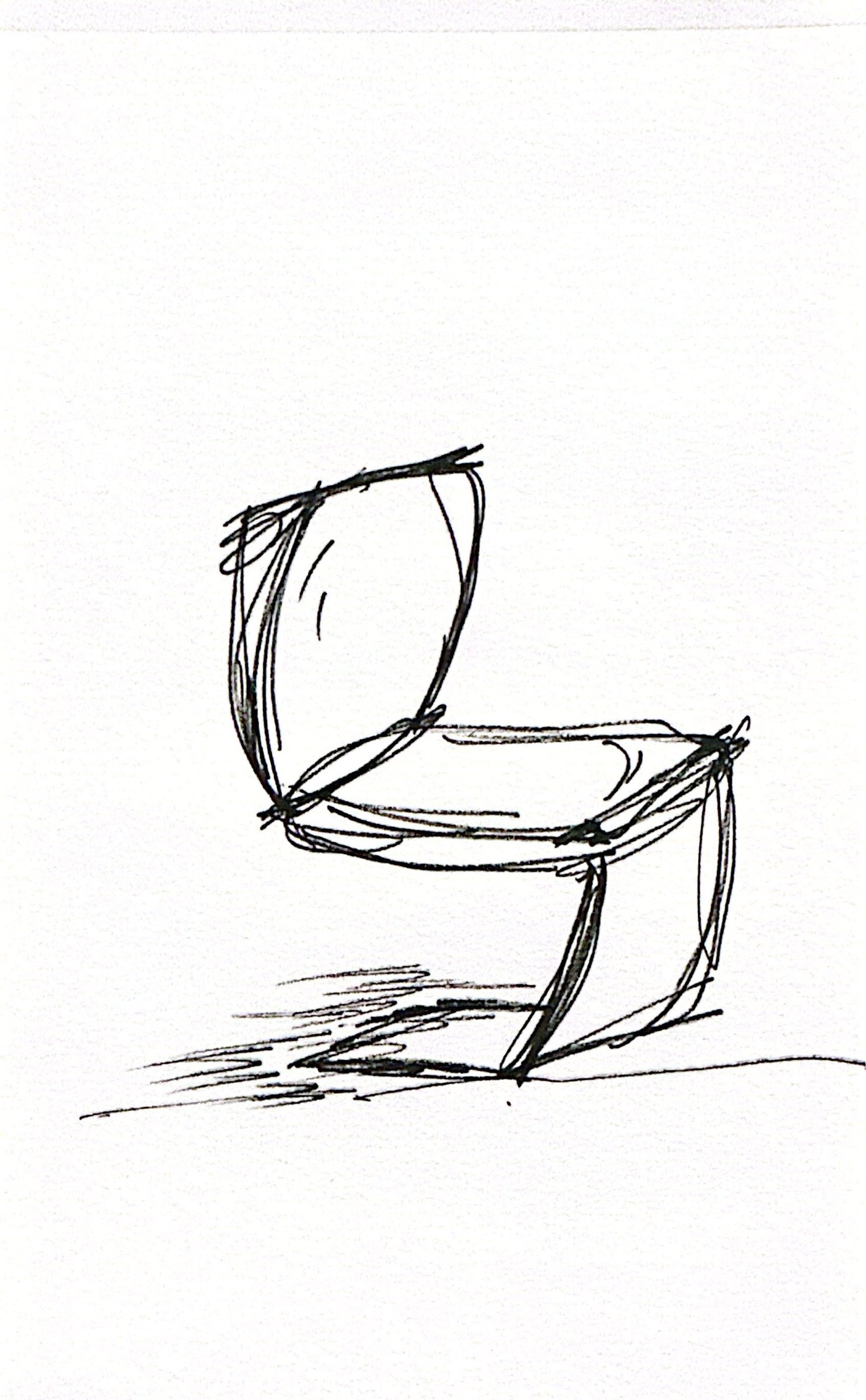
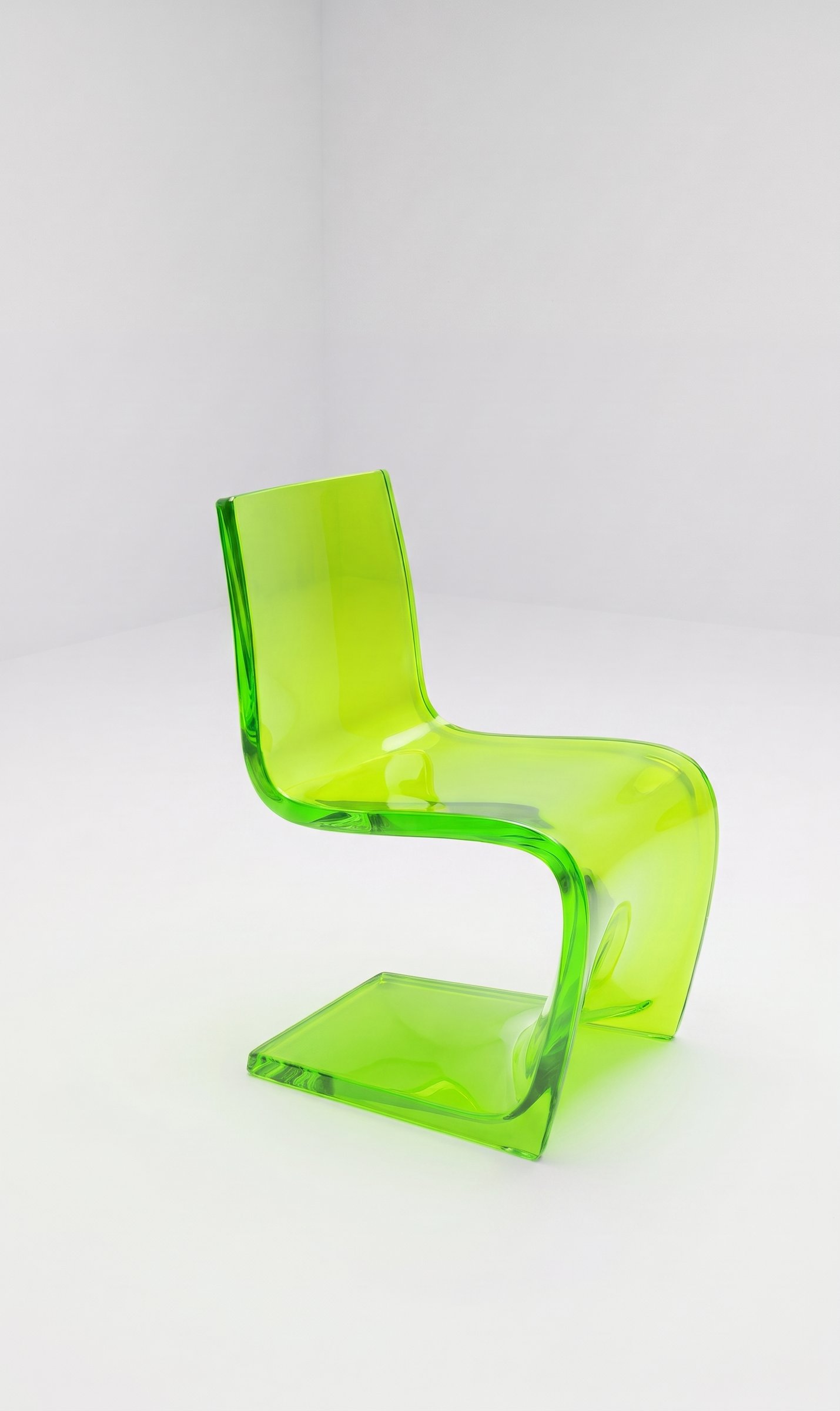
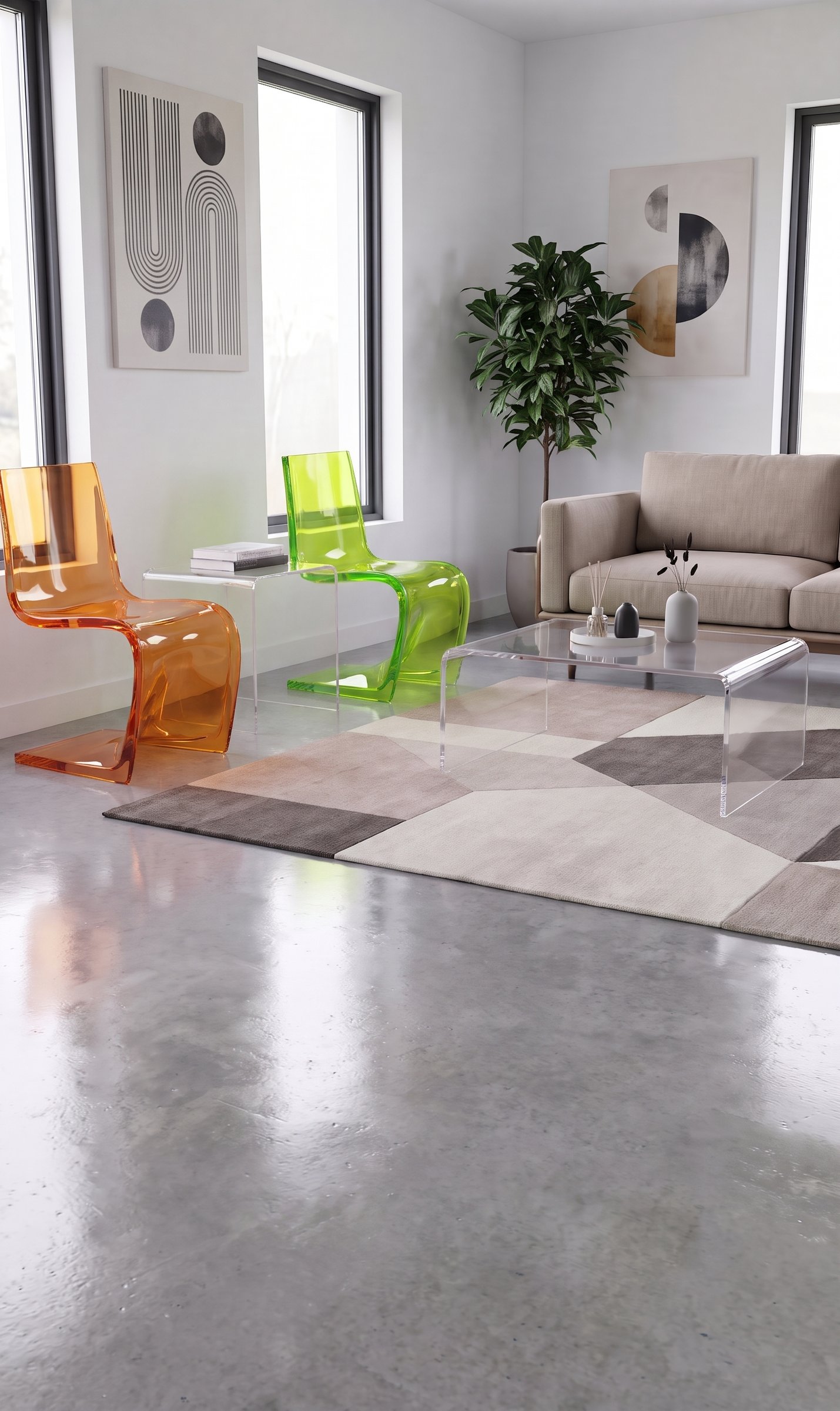
Straight From the Sketchbook
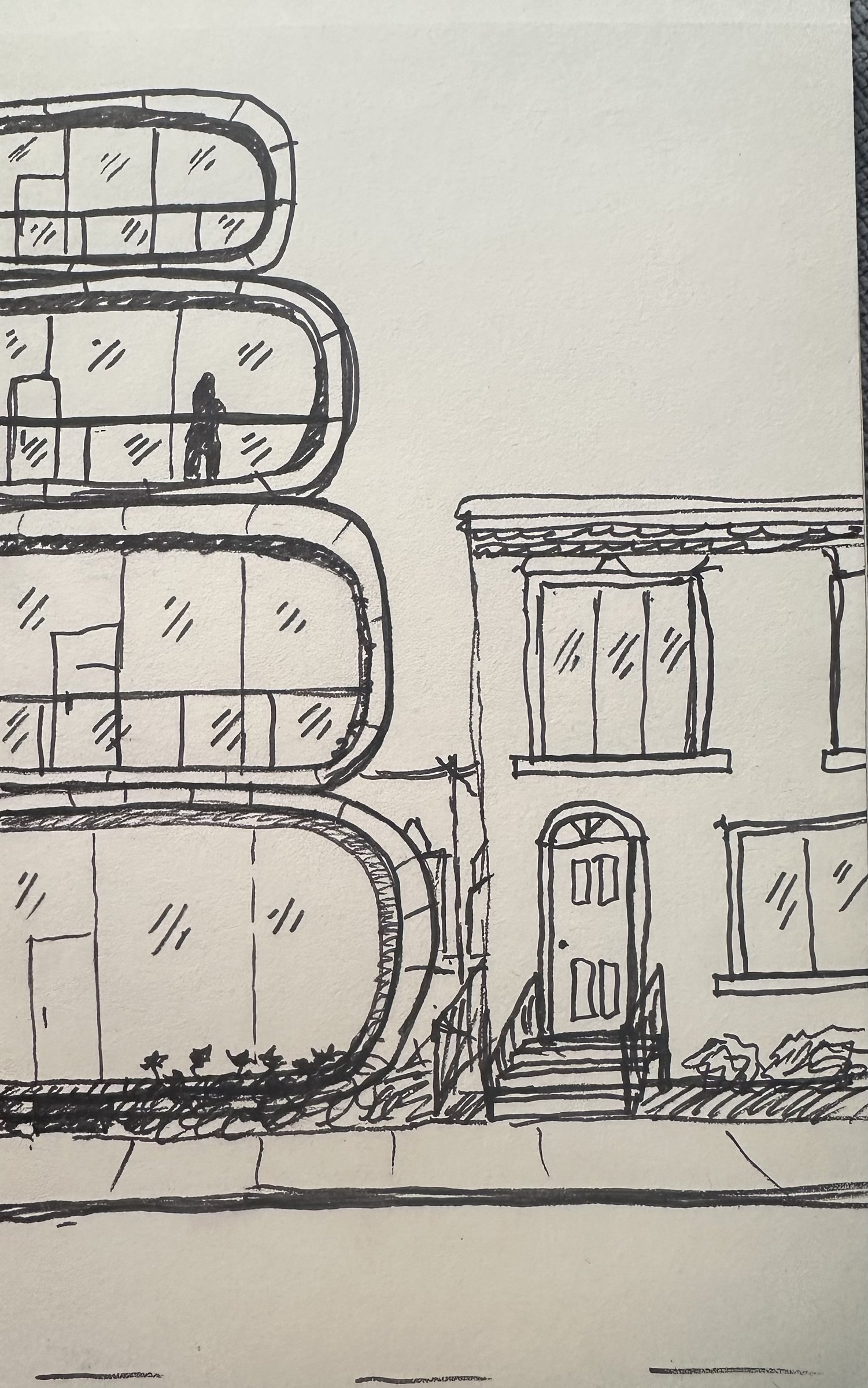
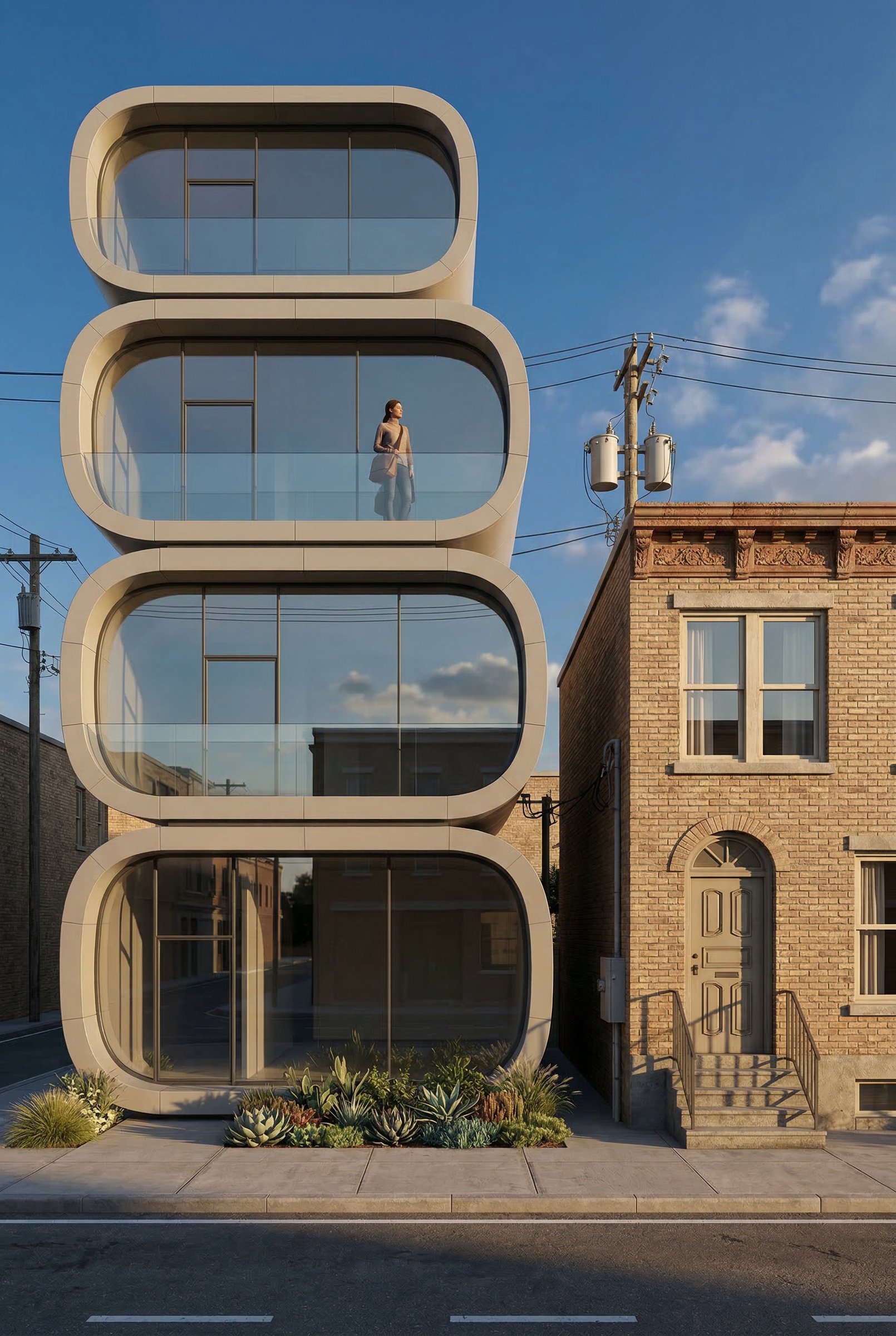
A quick street-front study turned into a finished render, with the curved bays, balconies and the neighbor's brownstone all where they were drawn.
- Keeps proportions and openings
- Adds materials, sky and context
- Ready in under two minutes
✓ 50 free credits • No credit card required


Use rendering inside Claude or ChatGPT
Connect Rendershop to your AI assistant and ask for it in plain words, like “Render this sketch as a modern farmhouse at golden hour.” The result comes back in the conversation and is saved to your project, using the same credits as the app.
Sketch to Render FAQ
Common questions about sketch to render
Turn your next sketch into a render
Create a free account—No credit card required.