
SketchUp to Photoreal Render, No Plugin Needed
Export a scene from SketchUp, upload it, and get a render that looks like a photograph. Works with any SketchUp style, from sketchy edges to fully textured scenes.
✓ 50 free credits • No credit card required
A Whole Site Plan, Rendered
An aerial SketchUp view of a subdivision, turned into a sunlit render with lawns, roads and landscaping.
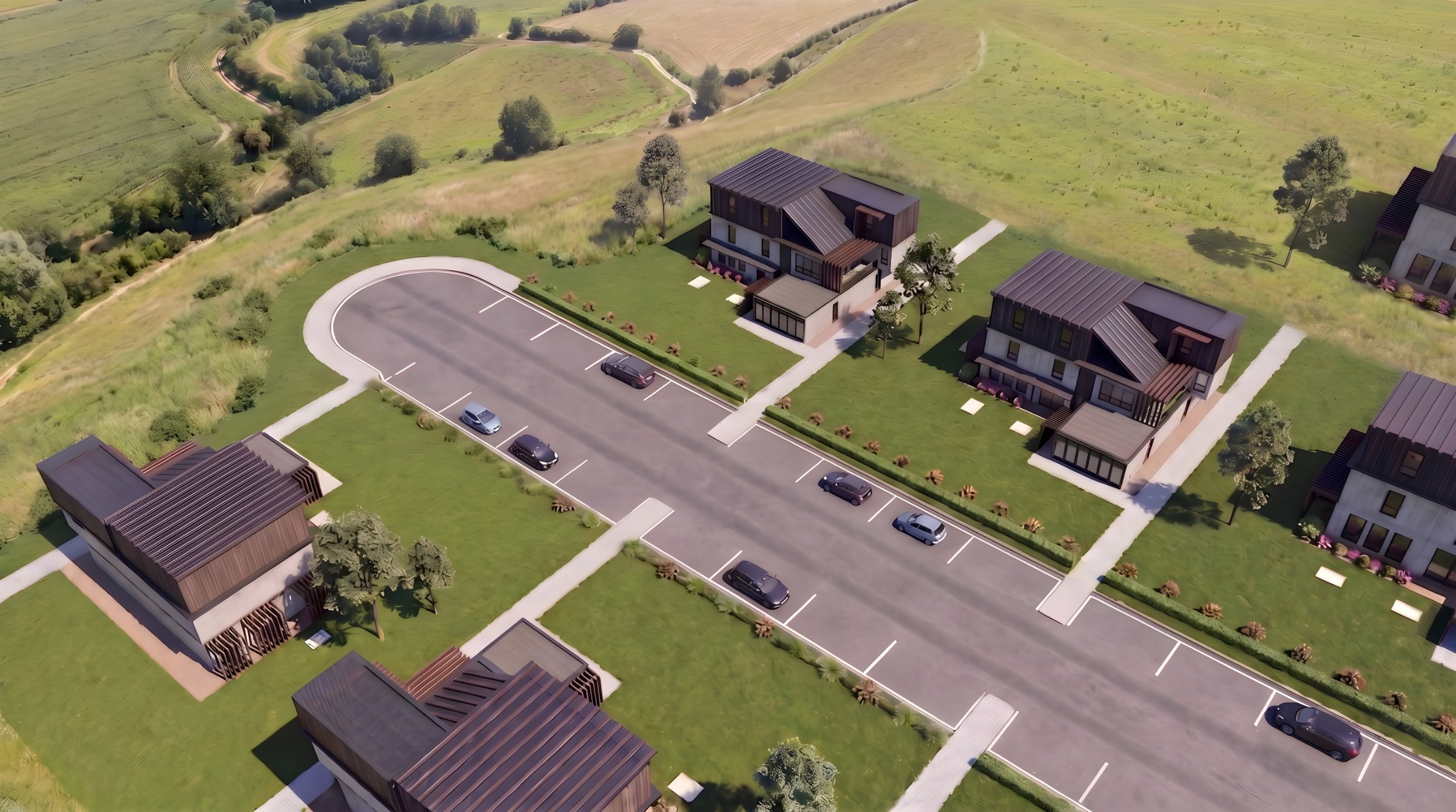
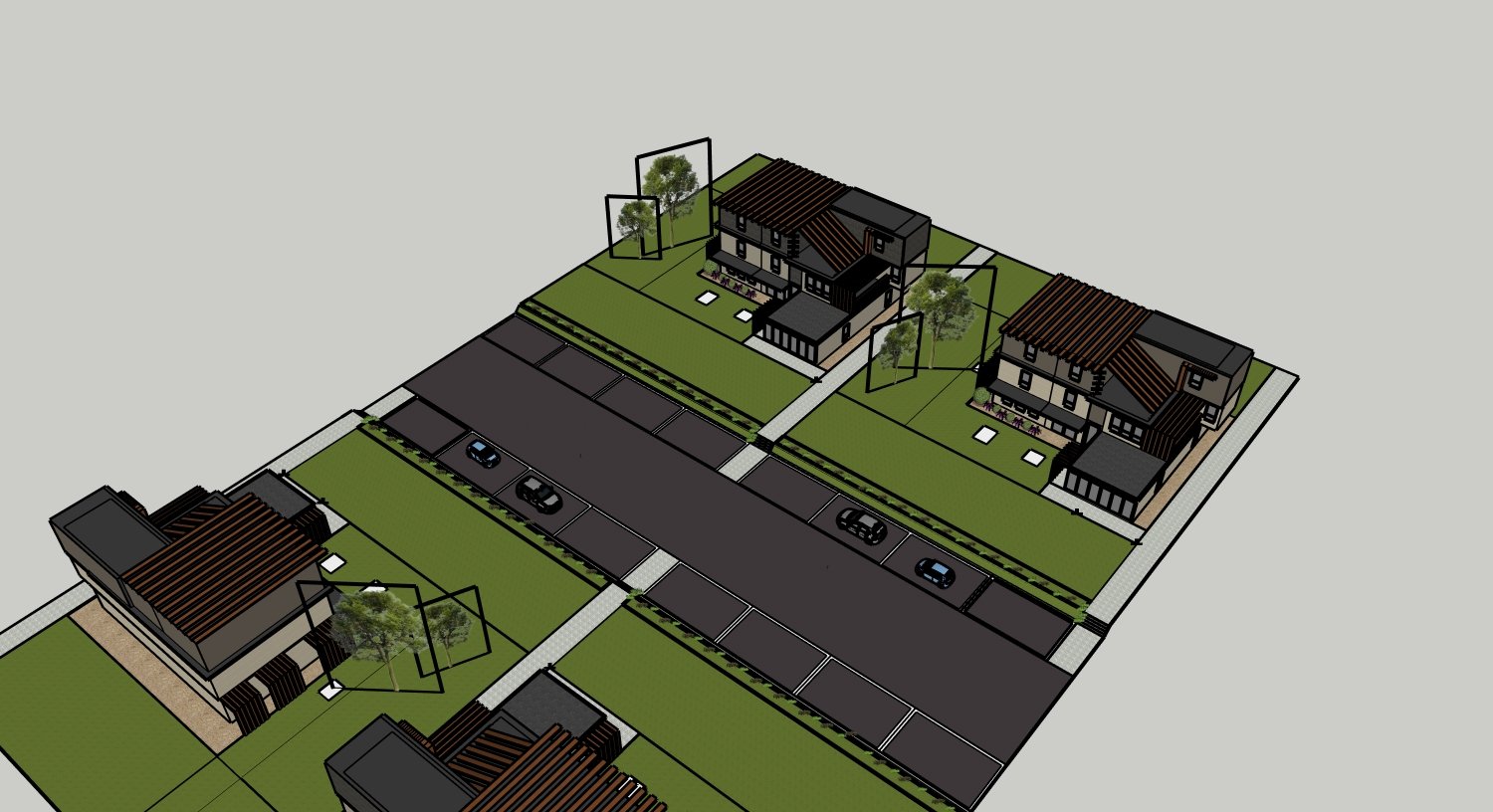
Hover to take control of the wipe
Built for How SketchUp Users Work
SketchUp is fast for designing. Rendering usually means a plugin and a second program to learn. Not here.
Any style
Sketchy edges, shaded, textured or x-ray views all work.
Keeps your materials
Textured scenes keep their finishes unless you ask for changes.
Right in your chat
Connect Rendershop to Claude or ChatGPT and ask for renders there.
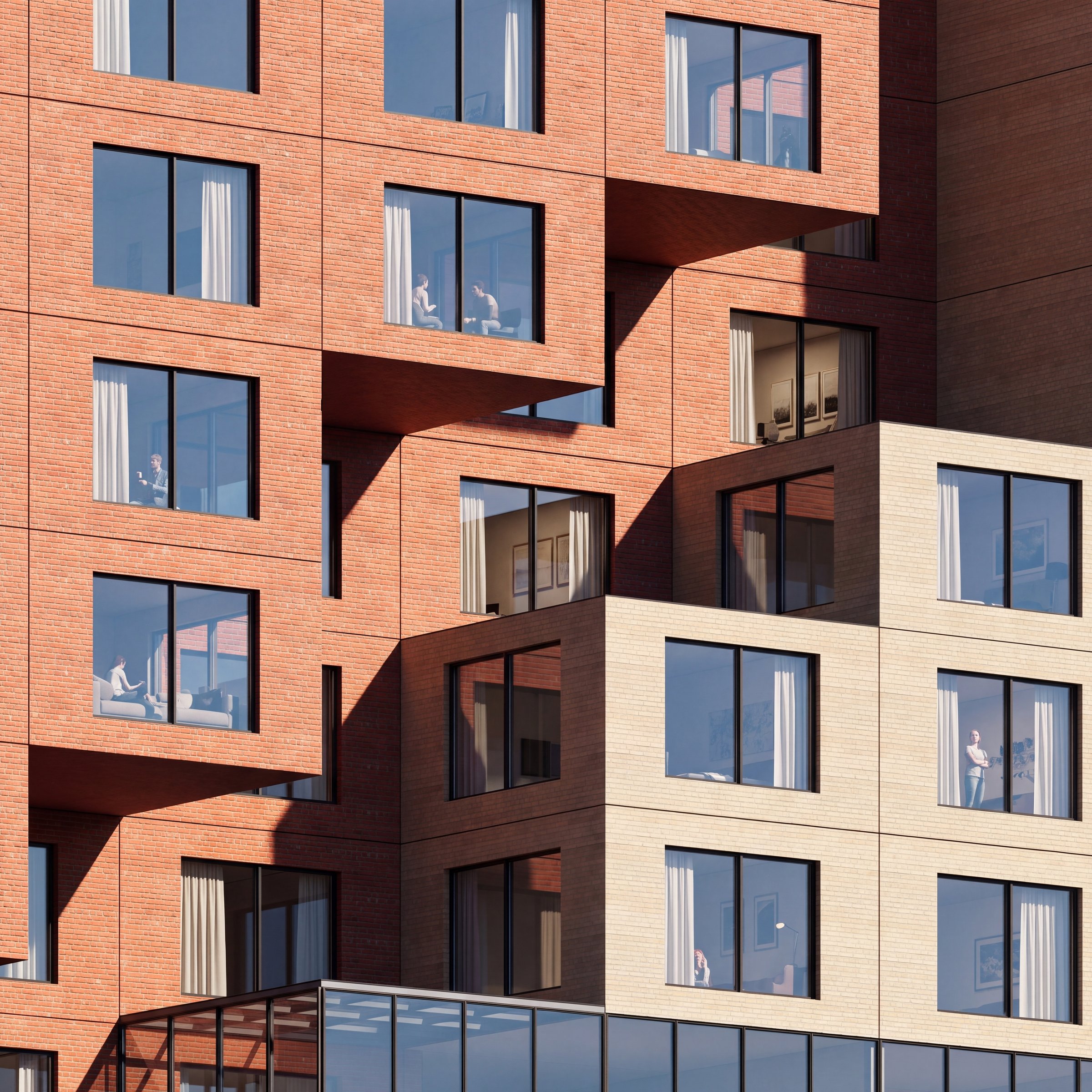
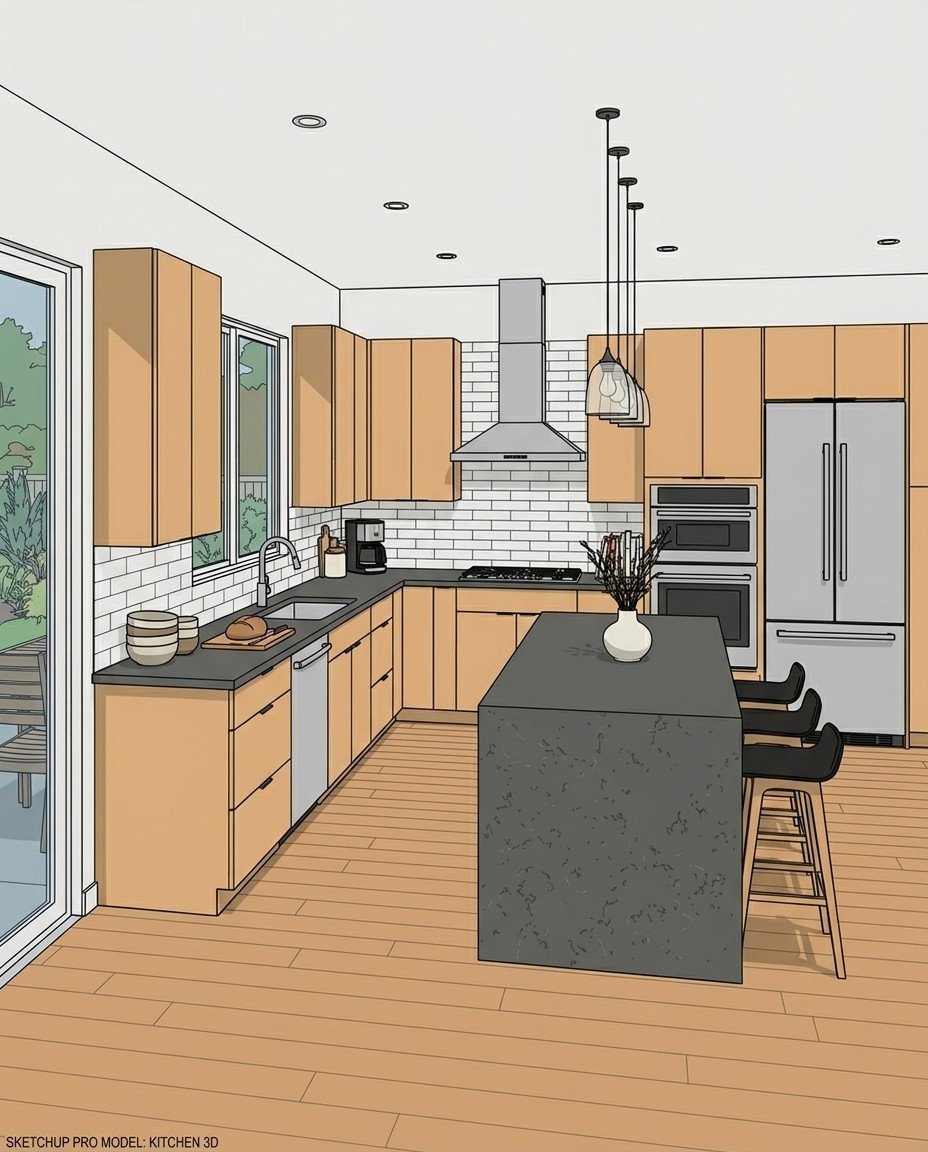
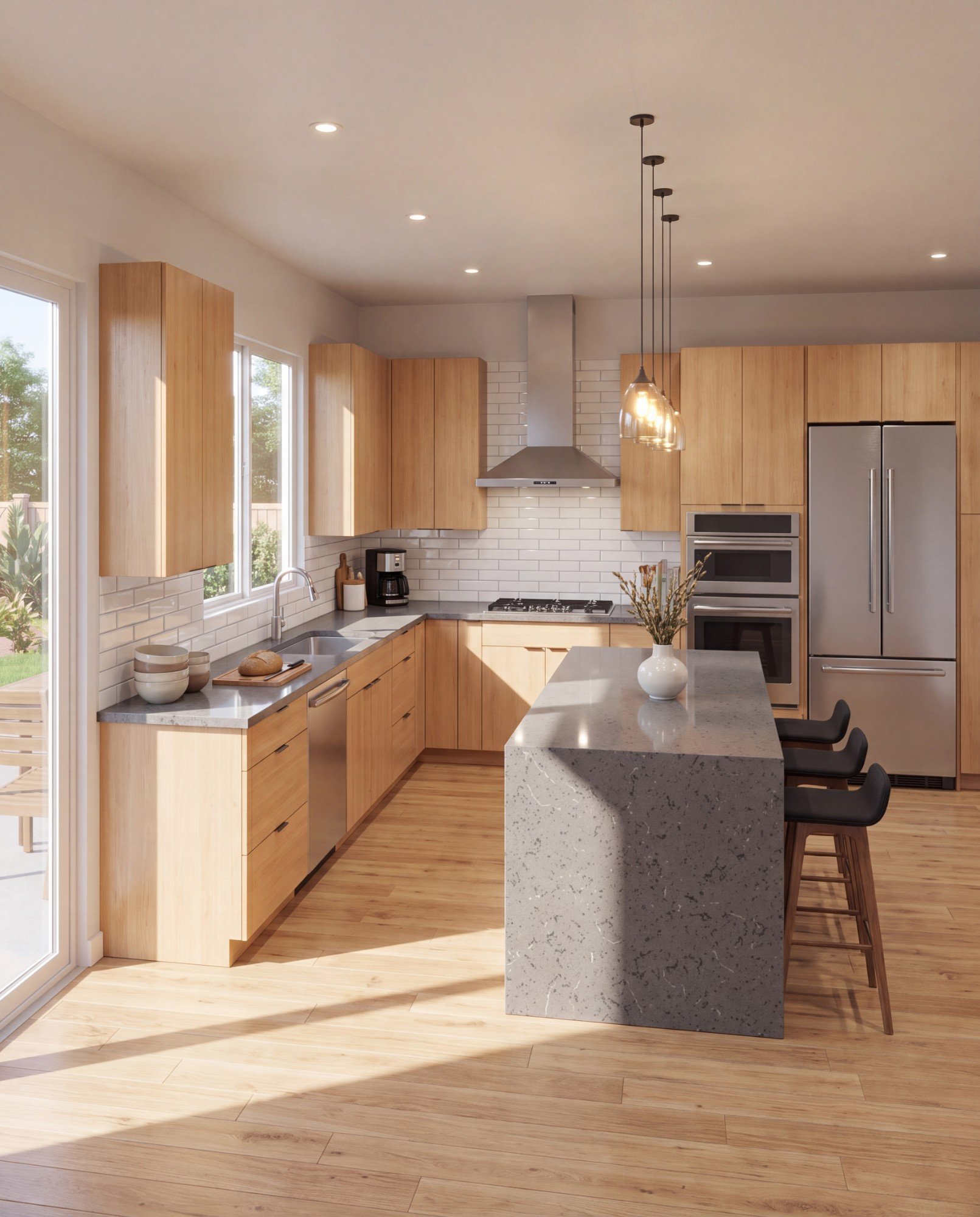
Model to Render, Side by Side
Hover over each one to see the render come in over the SketchUp view.
Hover over (or tap) a card to see the result
✓ 50 free credits • No credit card required


Use rendering inside Claude or ChatGPT
Connect Rendershop to your AI assistant and ask for it in plain words, like “Render this SketchUp kitchen with white oak cabinets and morning light.” The result comes back in the conversation and is saved to your project, using the same credits as the app.
SketchUp to Render FAQ
Common questions about sketchup to render
Render your SketchUp scene in minutes
Create a free account—No credit card required.